

Update your personal information
Go to the Settings tab to update your personal information. After making your changes, click Save changes.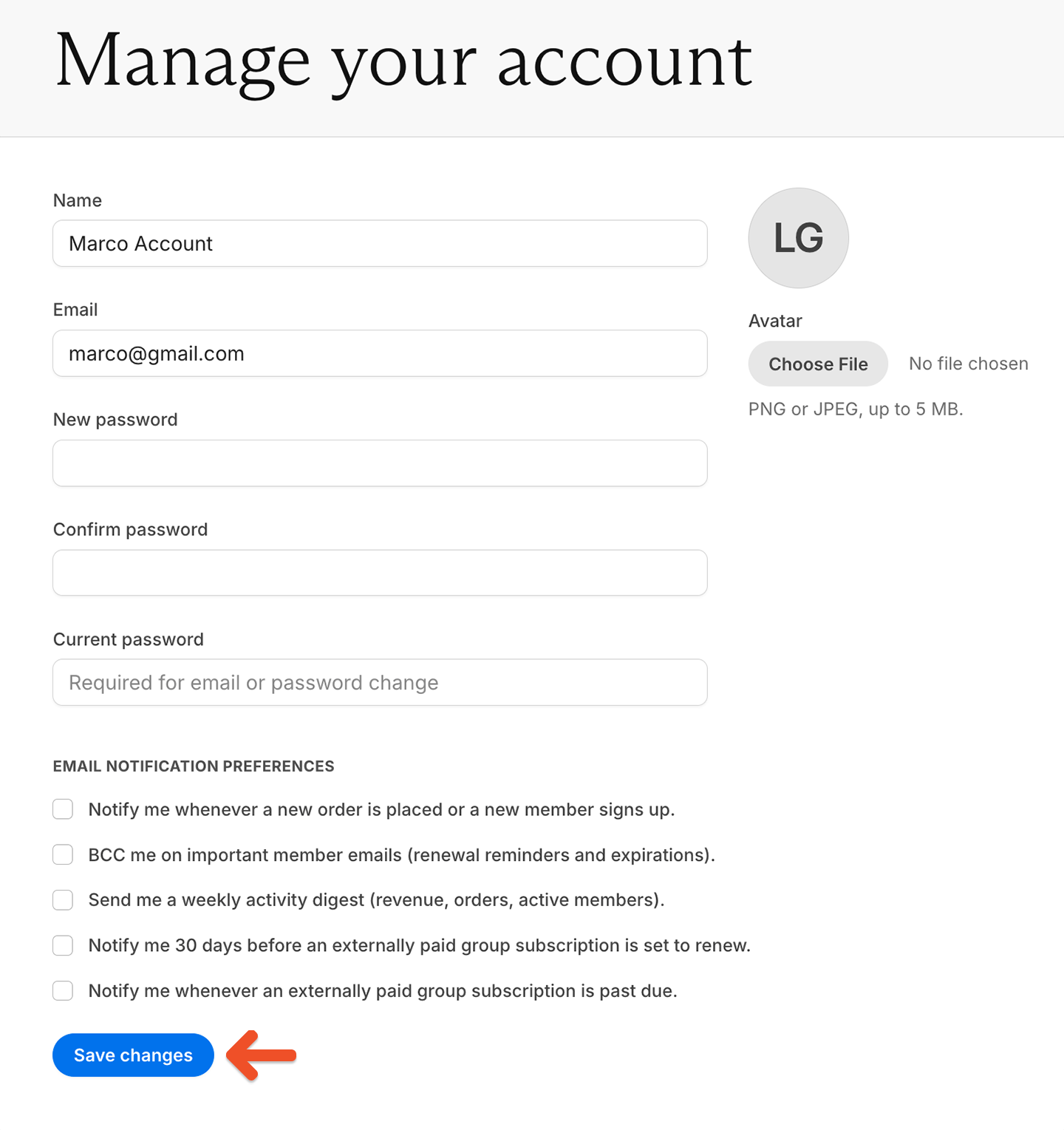
Add an avatar to your admin account
Adding an avatar helps personalize your admin account.1
Open your avatar settings
Go to the Settings tab.
2
Choose an image
Click Choose file, then select a PNG or JPEG image up to 5 MB. Memberful automatically crops the image to a circle.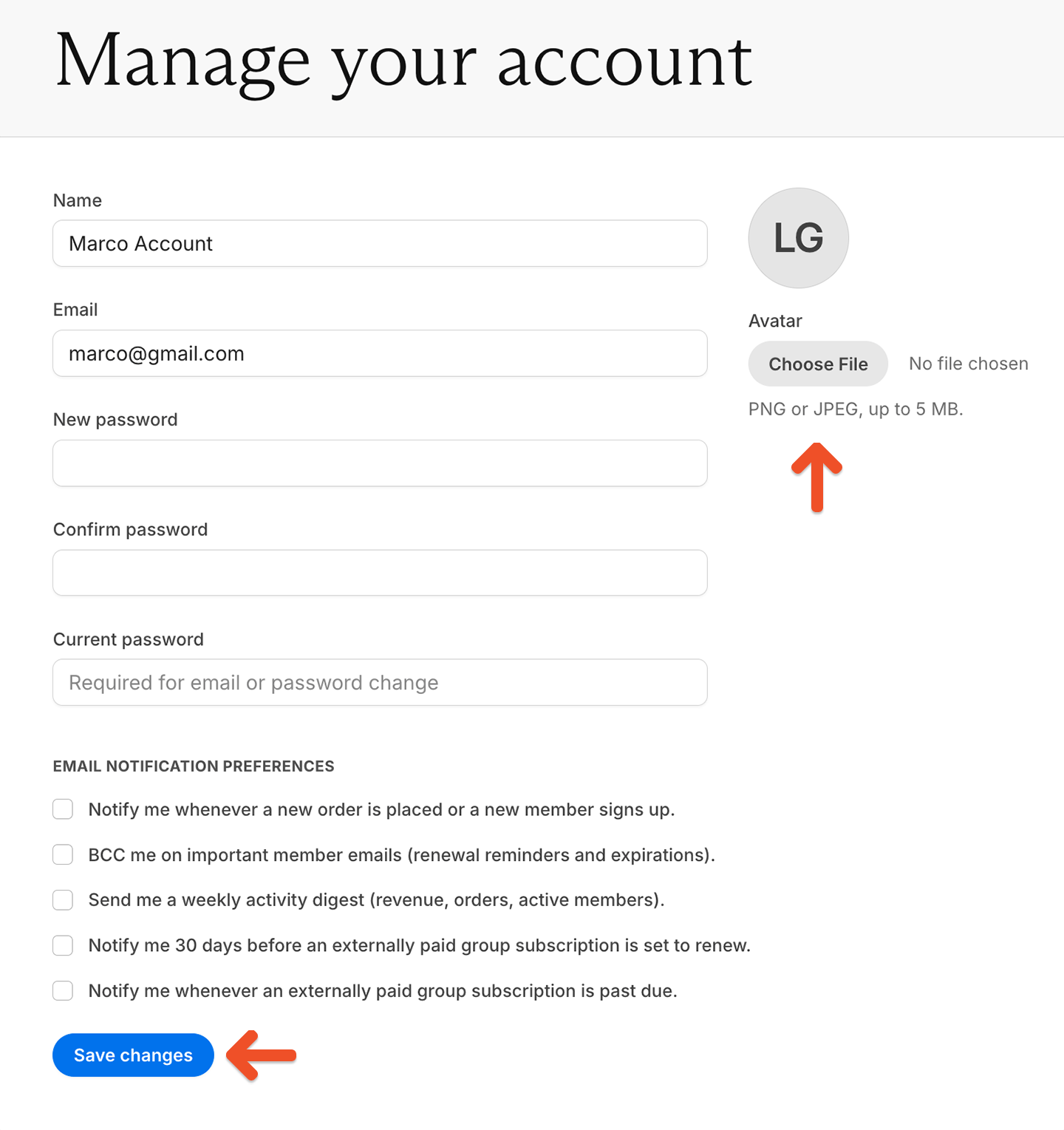
3
Save your avatar
Click Save changes.