

Book a date
to book a date for the migration. (We require 3-5 business days’ notice.)Recreate plans and coupons
1
Recreate plans
Create a membership plan, add one or more prices, and configure how members can purchase and access it.
2
Recreate coupons
Go to Revenue → Coupons from your Memberful dashboard, and recreate your coupons.
Generate a restricted key
Generate a restricted key in Stripe. This will allow us to generate a list of all your active Stripe plans. Make sure your Stripe account is not in test mode when you generate the key. The key should have permission to read the following objects: Subscriptions, Products, and Prices. Submit it via the form below. It should not be sent via text, email, one-time link, etc.Map your plans
We’ll share a Google Sheet with you that lists your Stripe products and their prices for reference. The sheet will include columns where you can indicate which Memberful plans correspond to each Stripe product. If needed, there will also be sections for adding coupon codes and “choose what you pay” pricing options.Make sure all plan names and coupon codes match exactly as they appear in your Memberful dashboard.
Review the pre-migration checklist
1
Connect Stripe
Connect to Stripe via Settings → Stripe.
2
Disable emails
Disable all dunning emails in the old system and in Stripe:
/dashboard.stripe.com/settings/billing/automatic and /dashboard.stripe.com/settings/emails3
Disable automations
Disable any automations in your email newsletter provider and other apps. When the subscriptions are moved to Memberful, this can unintentionally trigger actions or emails in other apps (like welcome emails and churn notifications).
4
Disable signups
Disable signups on the old system.
We will migrate your members
1
Deauthorize app
Deauthorize the old app in your Stripe account. Contact us to discuss this step as it can differ by platform.
2
Manage cancelled subscriptions
Tell us how we should handle cancelled subscriptions: Some services, like Substack, only cancel a Stripe Subscription when they’re no longer active, similar to what we do with auto-renew. Other apps cancel the subscription immediately but continue to provide services to the member until the end of the billing cycle.
3
Import members
We will import your members and their subscriptions into Memberful.
Review the post-migration checklist
WordPress site
1
We will migrate subscriptions
We will migrate all active subscriptions, confirm with you once the import is complete, and delete the Stripe Subscriptions to avoid duplicate charges.
2
Enable the plugin
Enable Memberful on your WordPress site and push any necessary design changes.
3
Delete WP users
Delete your users from WordPress so we can recreate them. If you don’t delete the users, we will ask them to sign in with their existing WordPress credentials so we can sync the WordPress / Memberful accounts.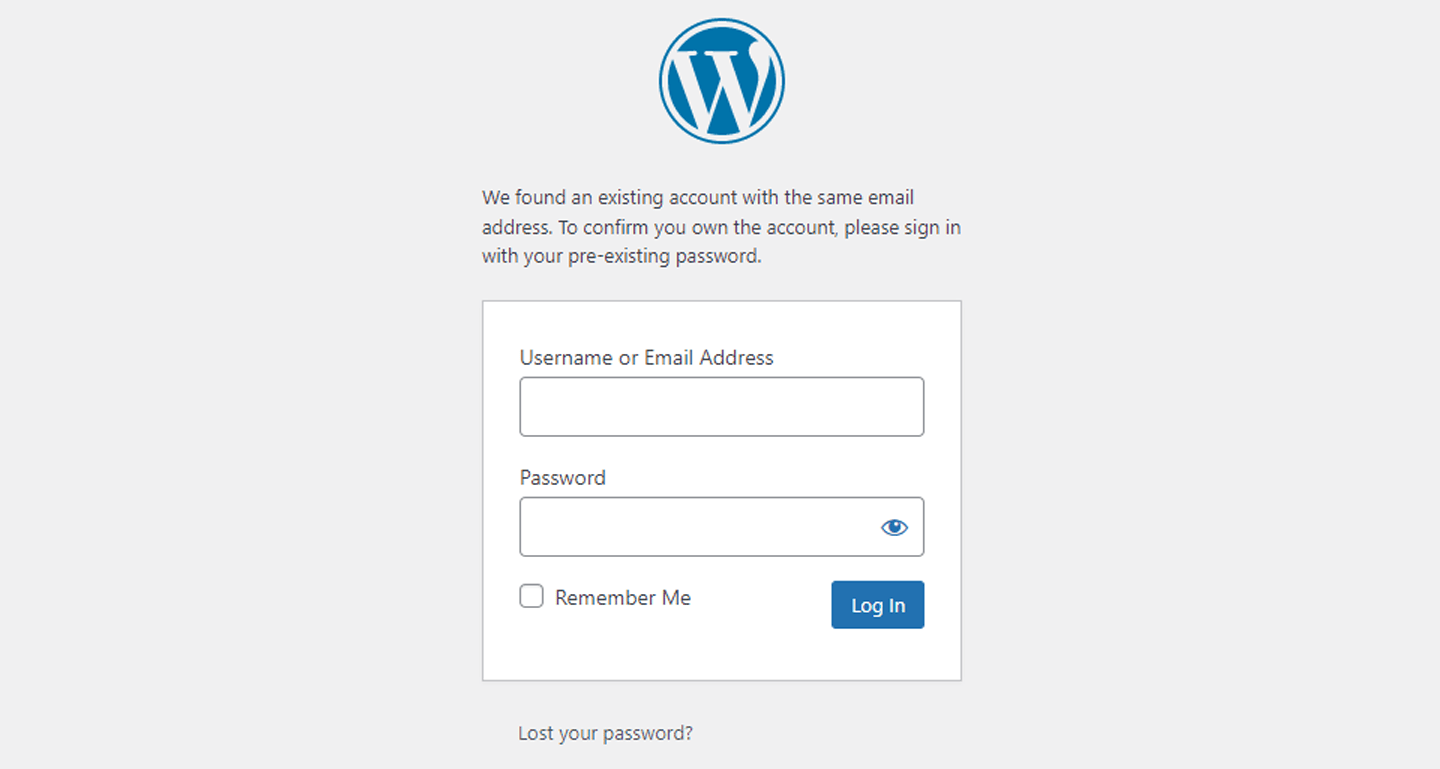
4
Notify members
Email members and tell them about the new system. When a member lands on the sign-in form, they’ll enter their email address, and Memberful will send them a link they can click to sign in. (If they prefer a password, they’ll be able to set one and use it to sign in.)
5
Disable the old app
Disable your old membership system completely.
Non-WordPress site or Memberful-hosted site
1
Import members
We will migrate all active subscriptions, confirm with you once the import is complete, and delete the Stripe Subscriptions to avoid duplicate charges.
2
Notify your members
Email members and tell them about the new system. When a member lands on the sign-in form, they’ll enter their email address, and Memberful will send them a link they can click to sign in. (If they prefer a password, they’ll be able to set one and use it to sign in.)
3
Disable the old system
Disable your old membership system completely.