Control visibility in the block editor
Block visibility settings are available for individual blocks in the WordPress block editor.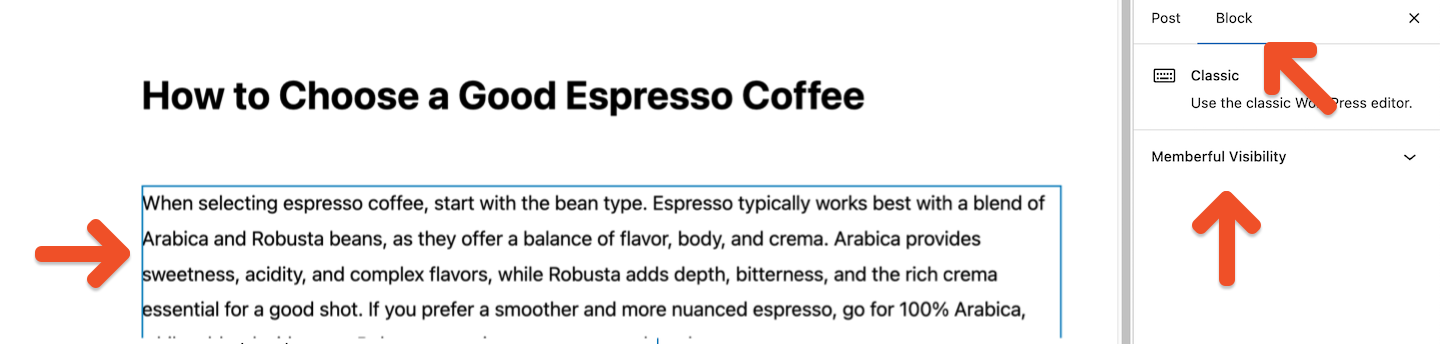
- Select a block in the editor.
- Open the block’s settings sidebar.
- Expand the Memberful Visibility panel.
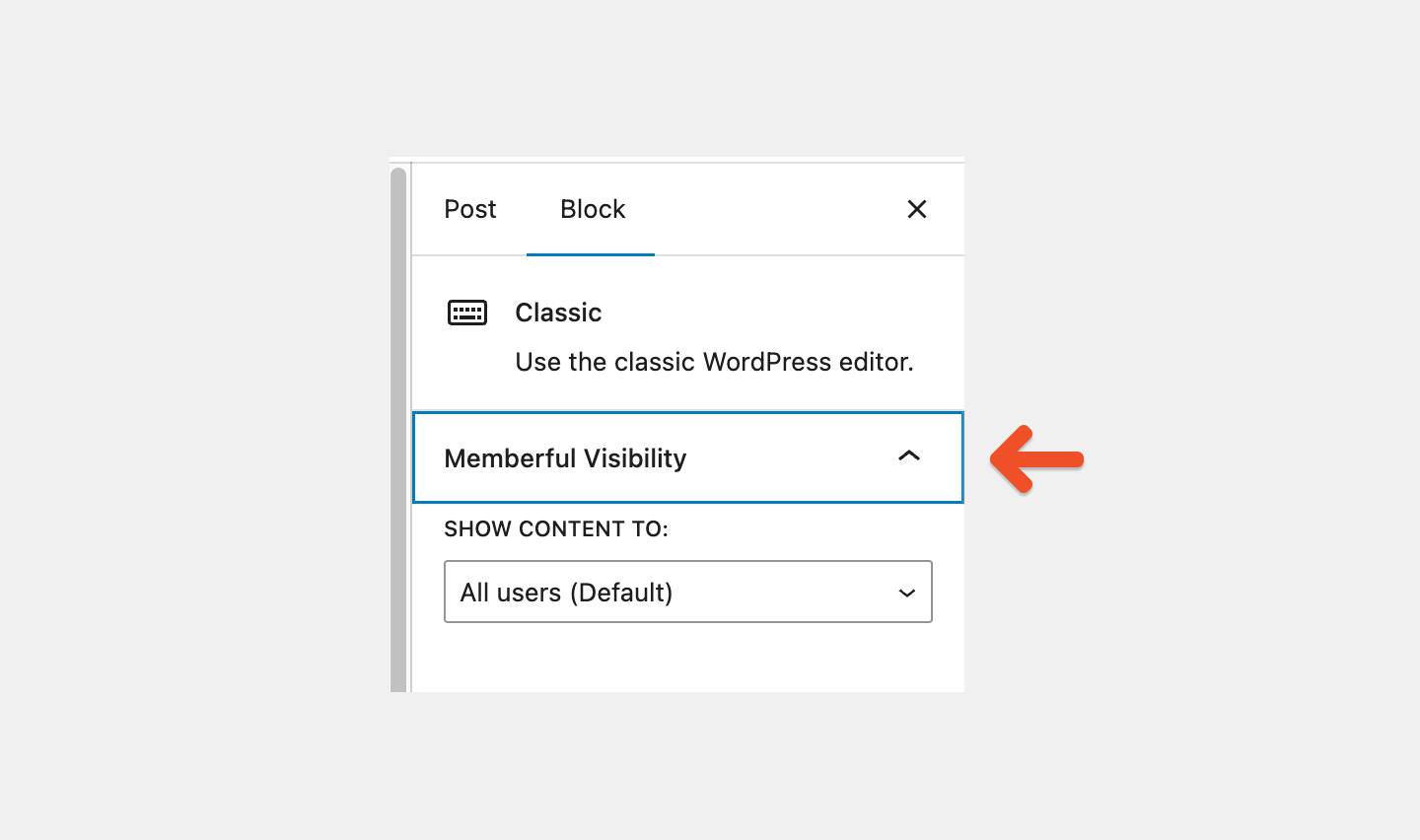
Choose who can see a block
Under SHOW CONTENT TO, choose one of the following options.All users (Default)
The block is visible to everyone, whether they are logged in or logged out. No visibility rules are applied.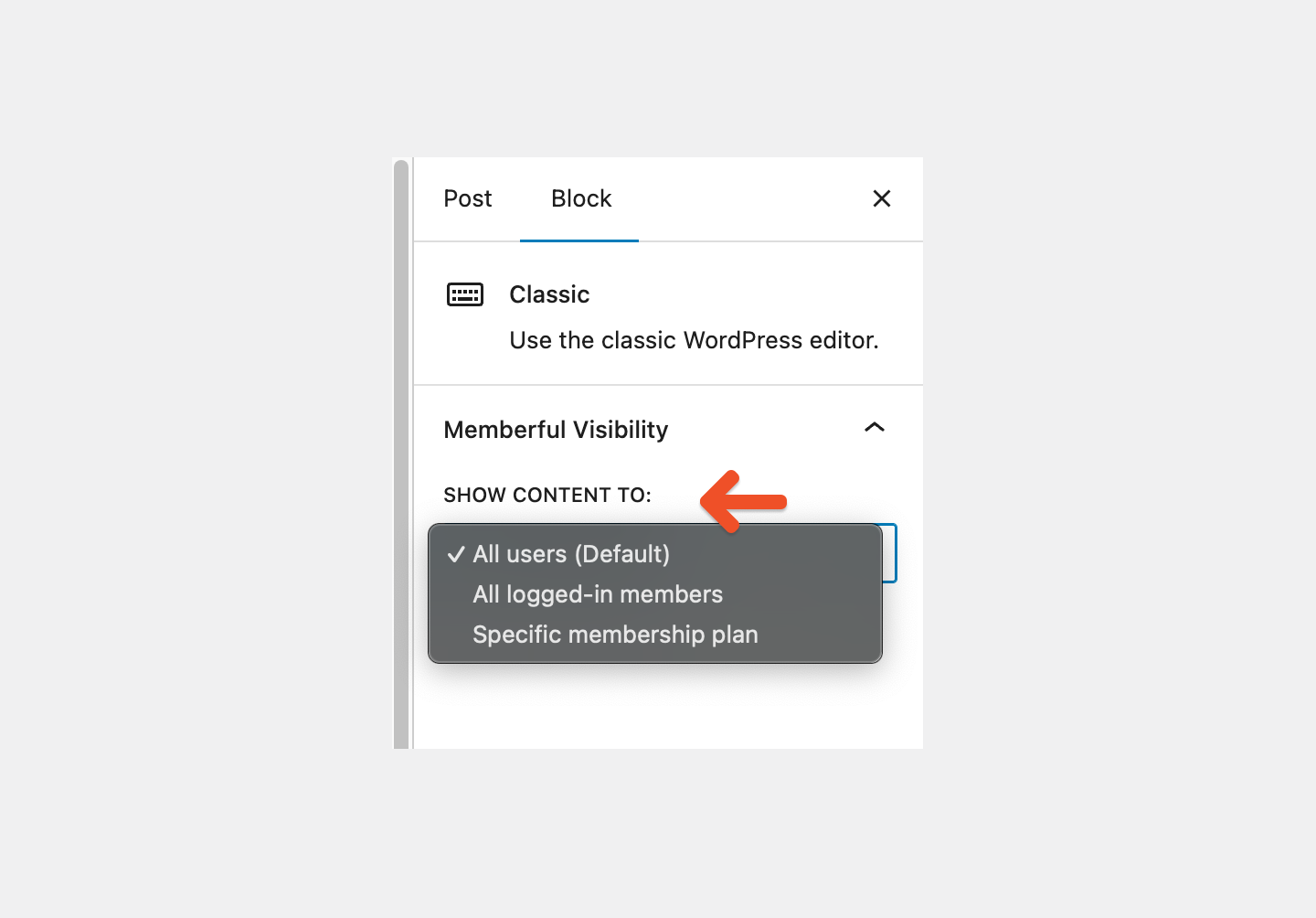
All logged-in members
The block is visible only to members who are signed in to your site.- Logged-in members can see the block.
- Logged-out visitors cannot see the block.
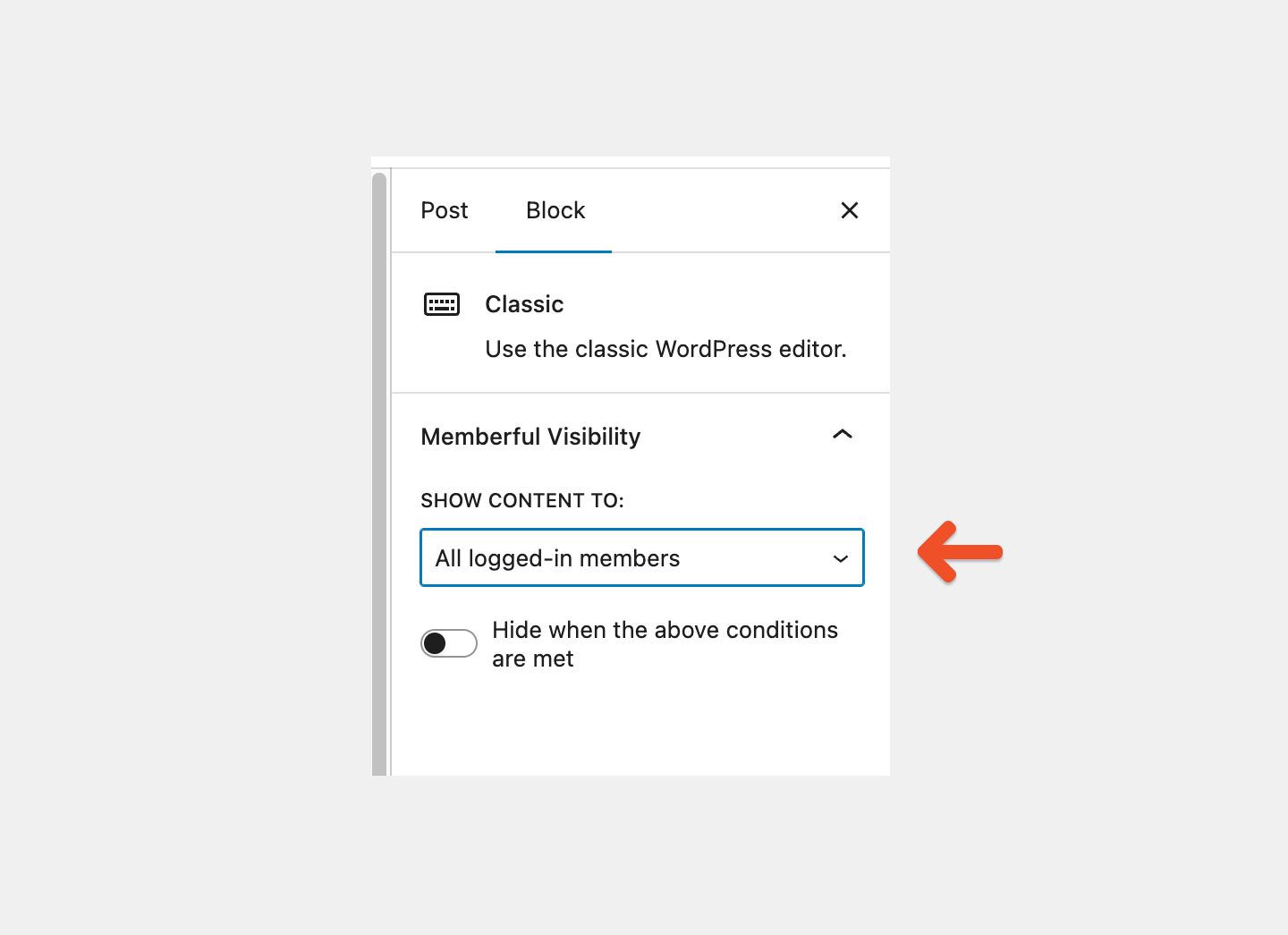
Specific membership plan
The block is visible only to members with an active subscription to at least one selected plan.- Choose Specific membership plan from the dropdown menu.
- Then select one or more Memberful plans.
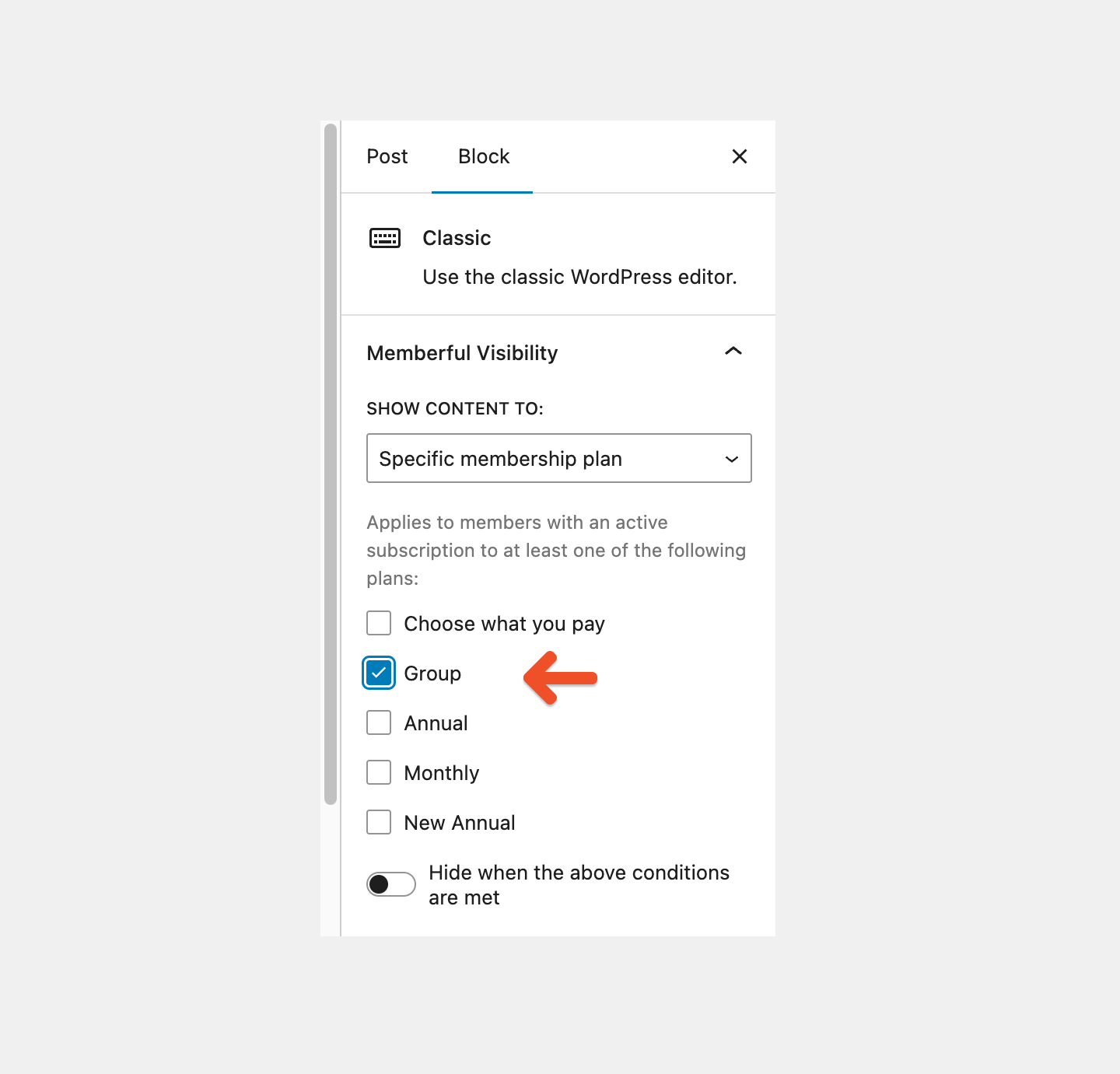
- If multiple plans are selected, the block is shown to members who own any one of those plans.
- You do not need to select every plan a member might have. One matching plan is enough.
- If no plans are selected, the block will not appear for anyone.
If you choose Specific membership plan, make sure to select at least one plan. Leaving all plans unchecked will prevent the block from displaying.
Hide content instead of showing it
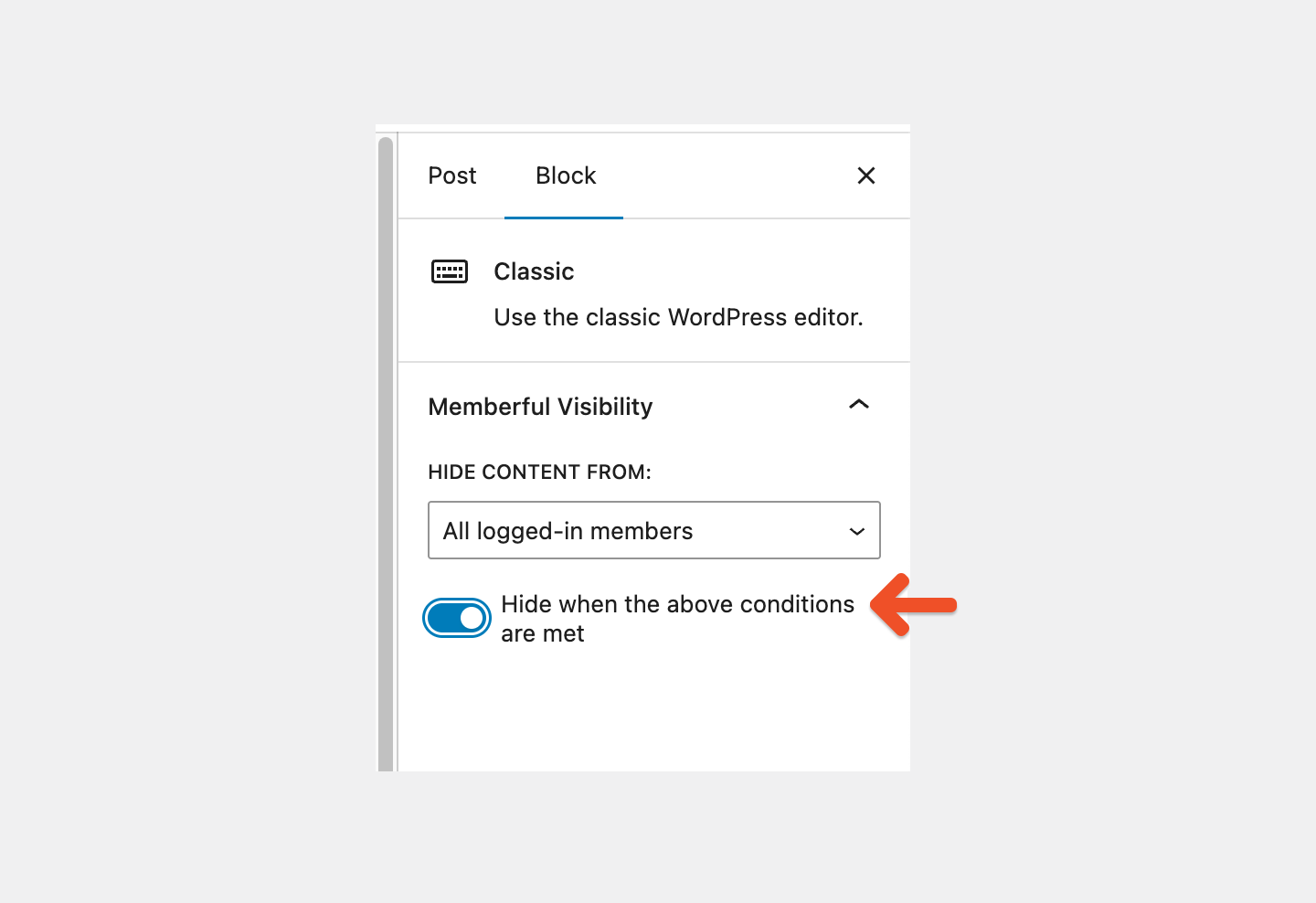
Below the visibility options, you can toggle on Hide when the above conditions are met. When this toggle is on:- The block is hidden from the selected audience.
- The block is shown to everyone else.
Control visibility in Beaver Builder
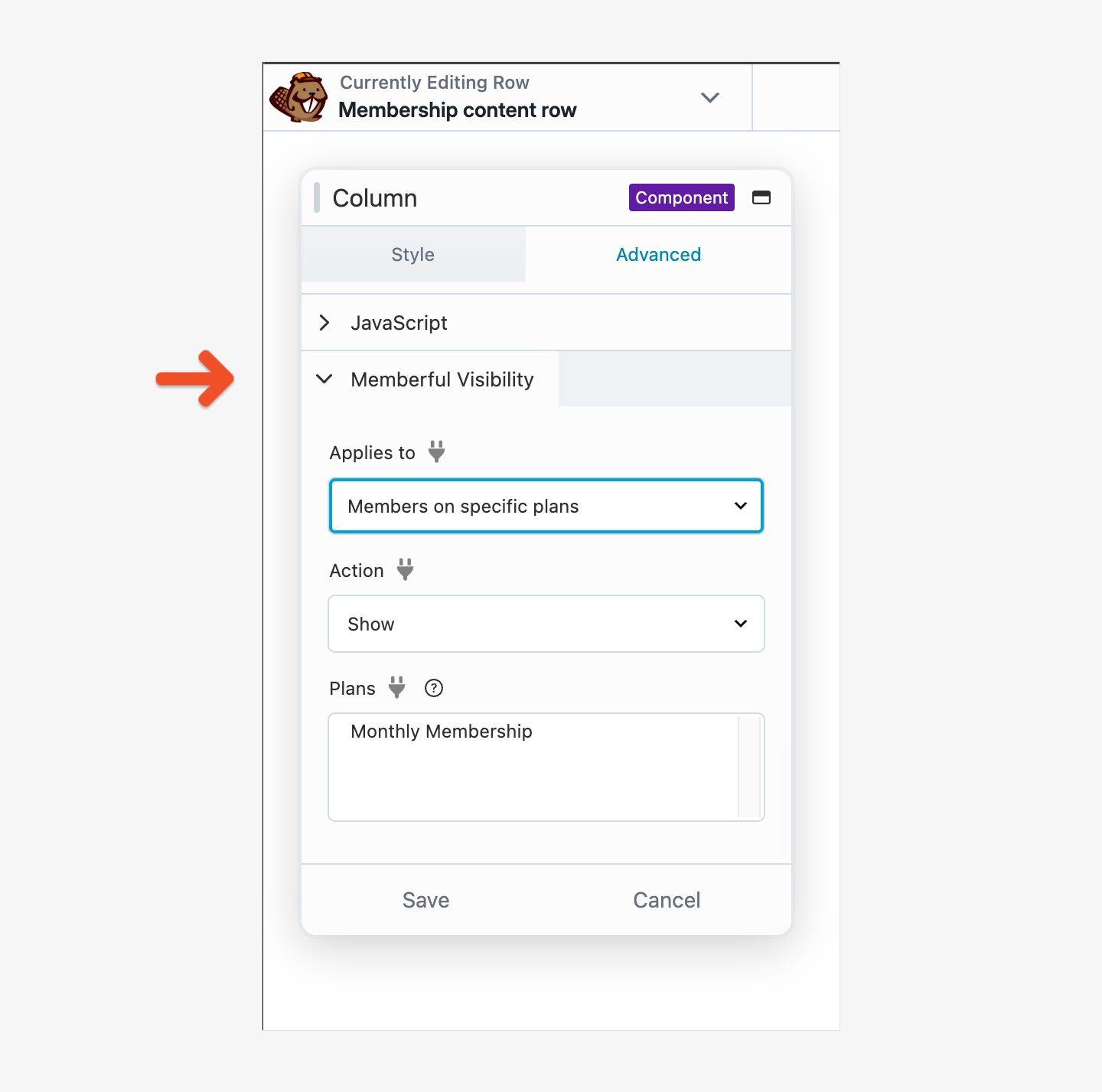
When Beaver Builder is active, you can apply Memberful visibility rules to supported components, including Shared Rows. Select the component in Beaver Builder, click Advanced, then expand Memberful Visibility. Under Applies to, select who the rule should apply to. Under Action, choose whether to show or hide the component. If you select Members on specific plans, choose one or more plans under Plans, then click Save.