

Explore your Memberful dashboard
While in test mode, we’ll share dashboard shortcuts and resources based on your onboarding survey to help you get up and running quickly.
Access your Memberful dashboard
Here’s the link to access your Memberful dashboard:https://ACCOUNT-URL.memberful.com/admin/auth/sign_in
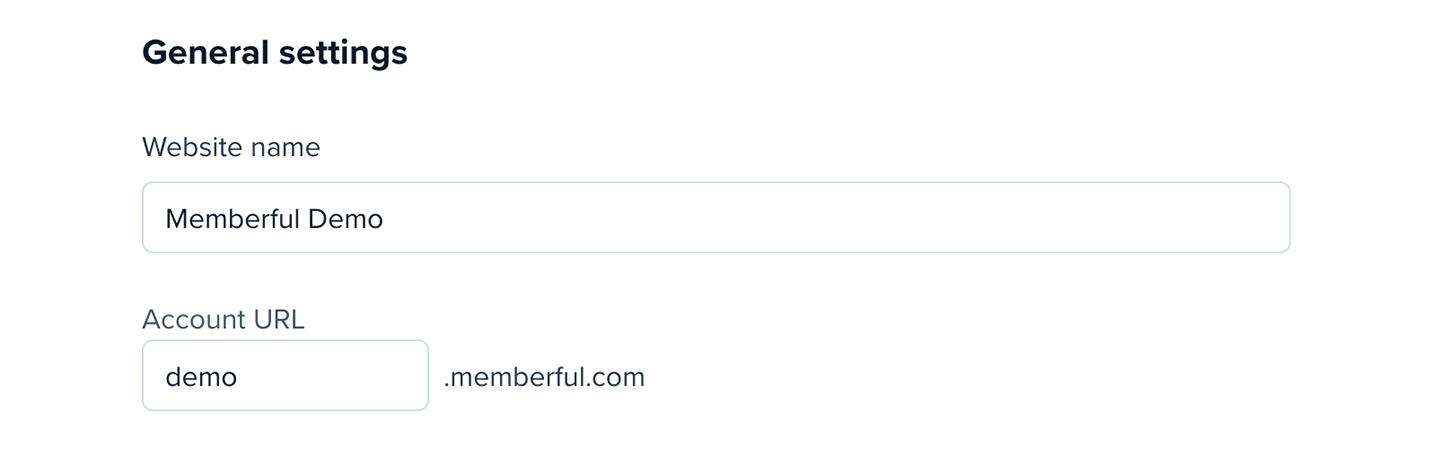
Use your account subdomain in place of ACCOUNT-URL. Go to Website → General settings and review Account URL to find it.
Build your website
Use our website builder to create a member website for your membership program.Websites
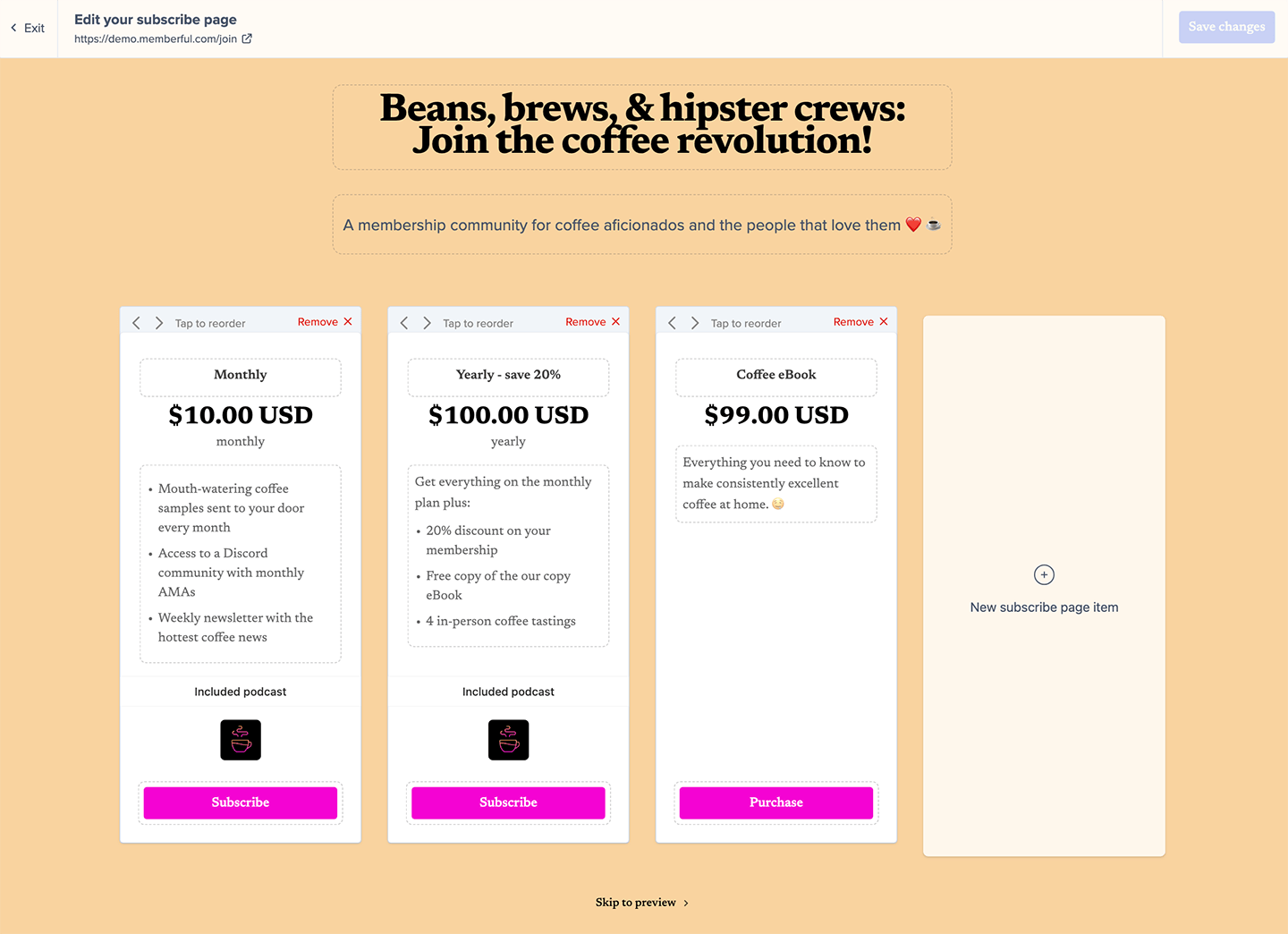
- Pages: Select a content page, a form, or the subscribe page. From there, you can access your global branding settings. Publish public or members-only pages on your member website.
Subscribe
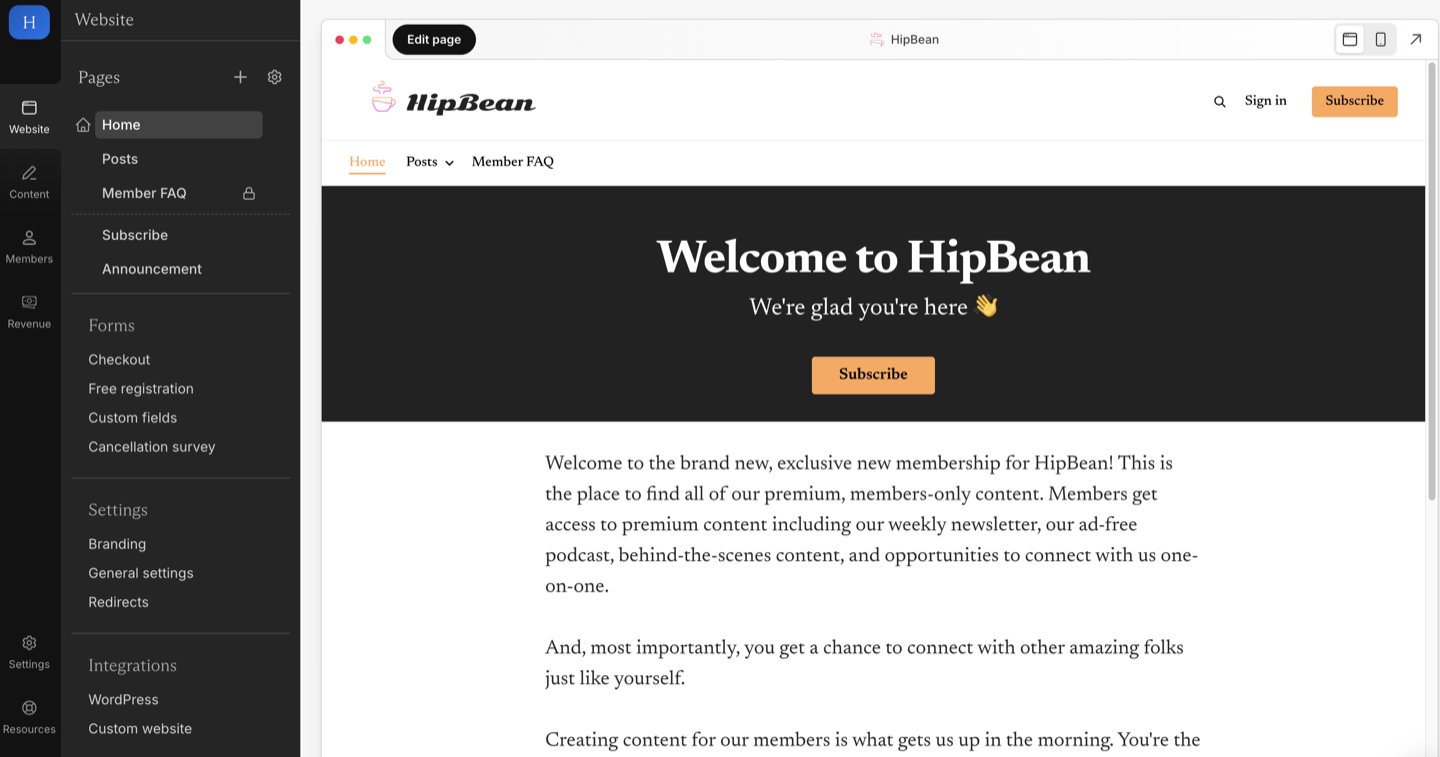
- Subscribe: Create a subscription page to sell your membership plans.
Forms
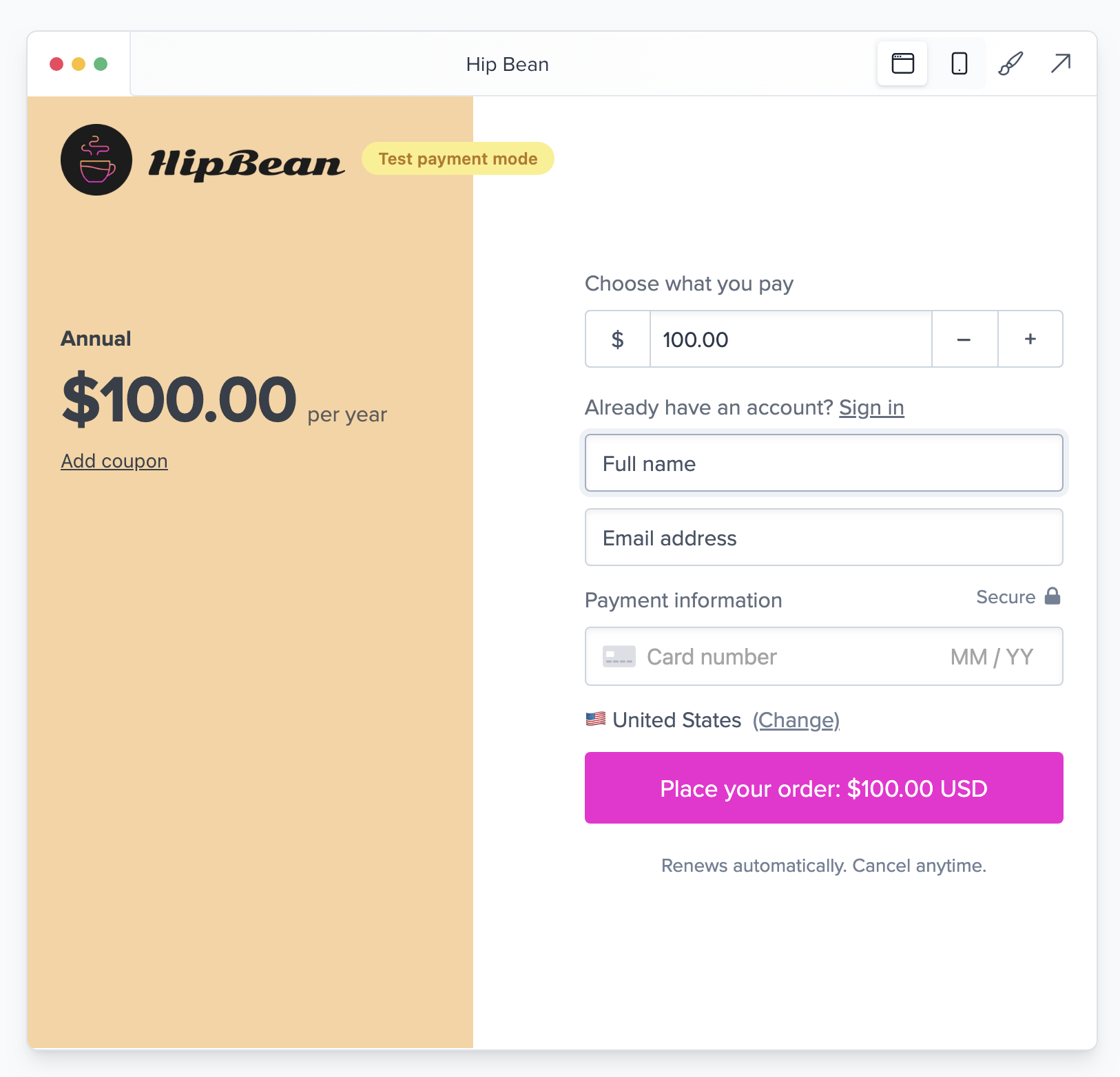
- Checkout: Link to a terms of service and/or a privacy policy page in your purchase form, redirect to a specific page after every order, or set up conversion tracking. To preview the purchase form, see Checkout experience.
- Free registration: Offer free registration to target this audience.
- Custom fields: Create a form with up to 5 custom fields for your members to complete right after checkout.
- Cancellation survey: Customize the cancellation survey your members see when they cancel a membership.
Settings
- Branding: Customize your colors and fonts, and add a logo and favicon.
- General settings: Update your website name, account URL, social links, and checkout policies in account settings.
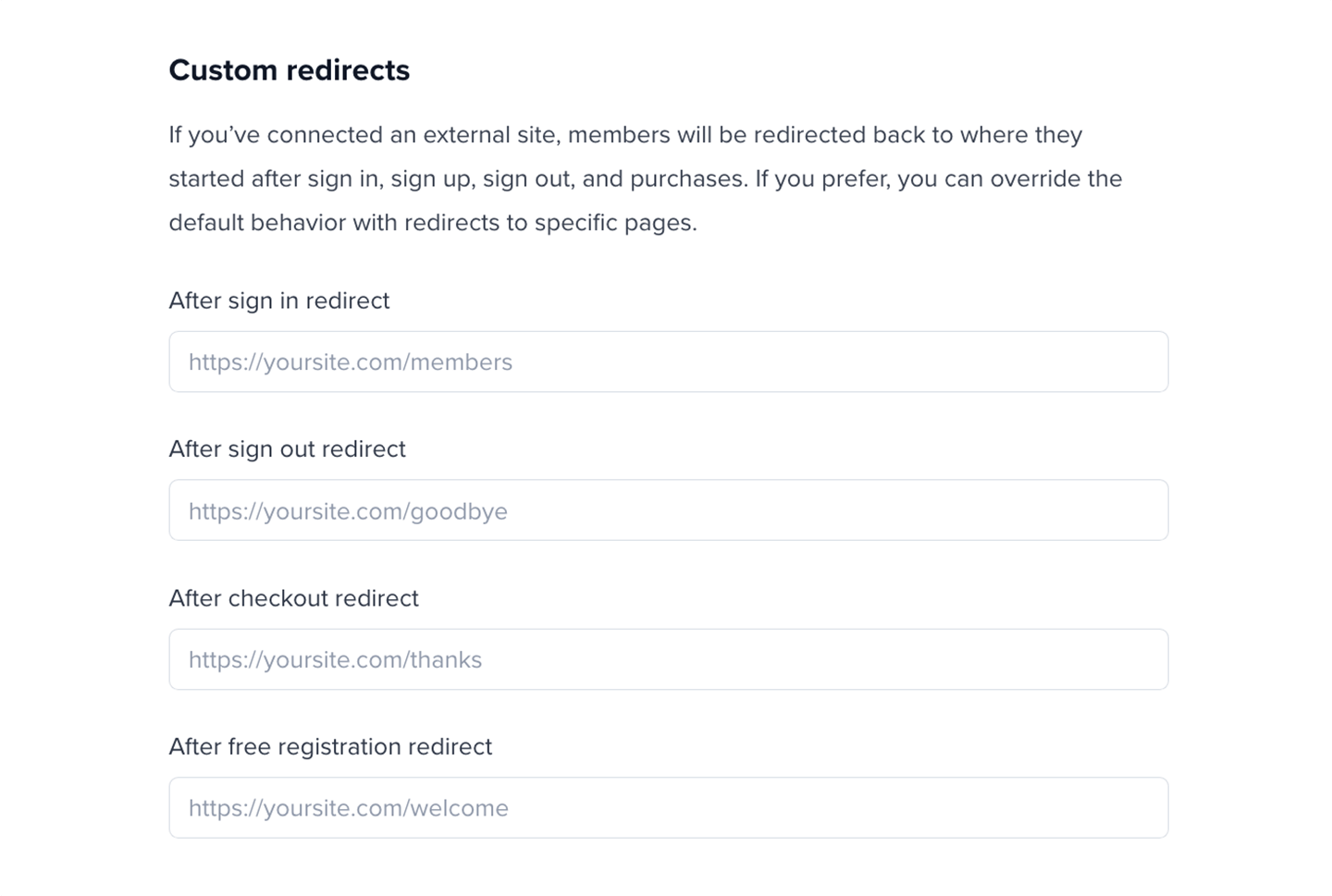
- Domain and redirects: Display a link to your website on the sign-in page and set up custom member redirects. For setup guidance, see Configure redirect settings and Set up a custom domain.
Integrations
- WordPress: Connect to a WordPress site.
- Custom website: Connect your custom website.
Manage your content
Publish and manage posts, send newsletters, create members-only podcasts and downloads, and create a private community.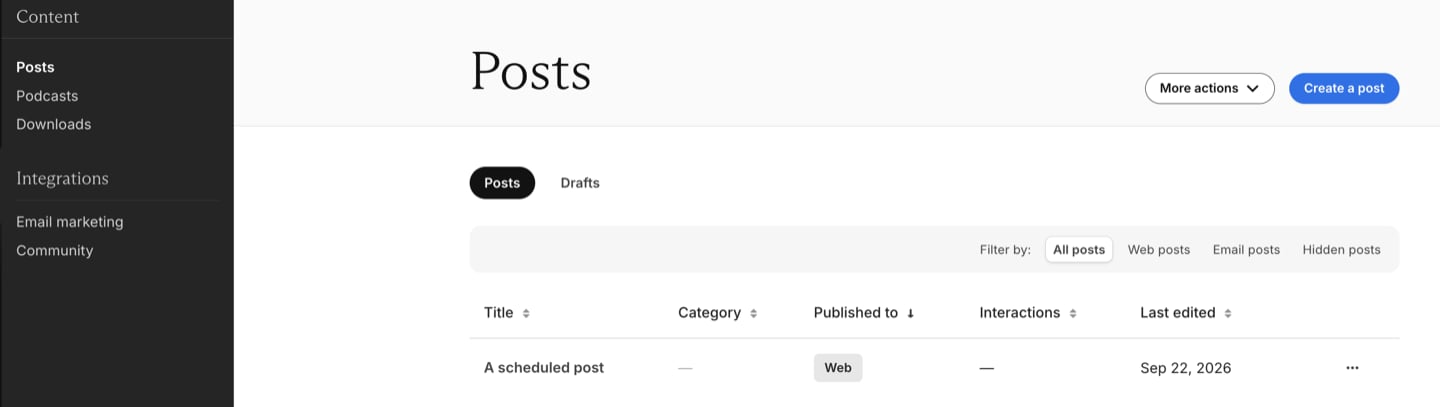
Content
- Posts: Publish members-only posts via email newsletter and on your member website.
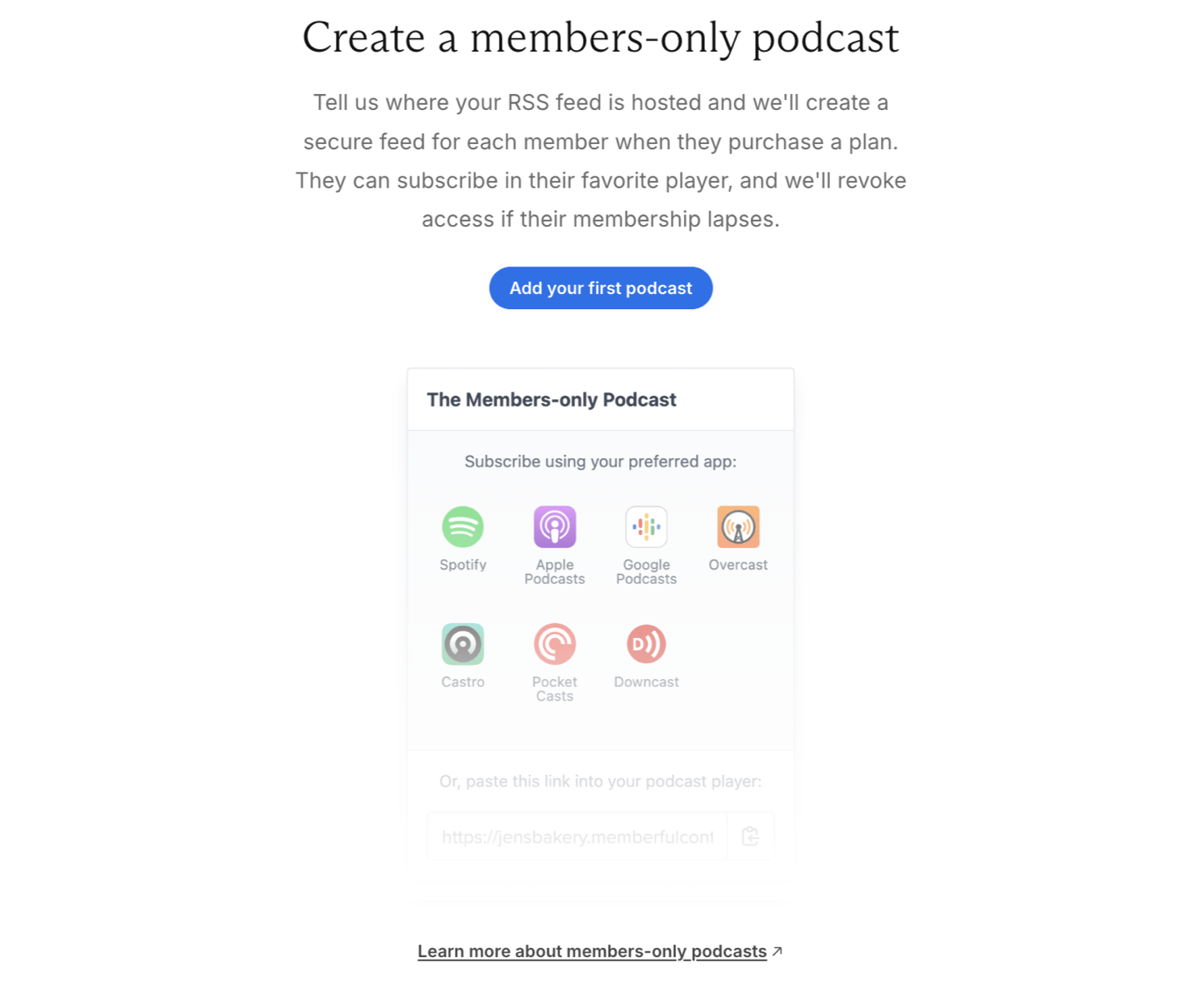
- Podcasts: Create and manage private podcasts.
- Downloads: Upload and manage downloads.
Integrations
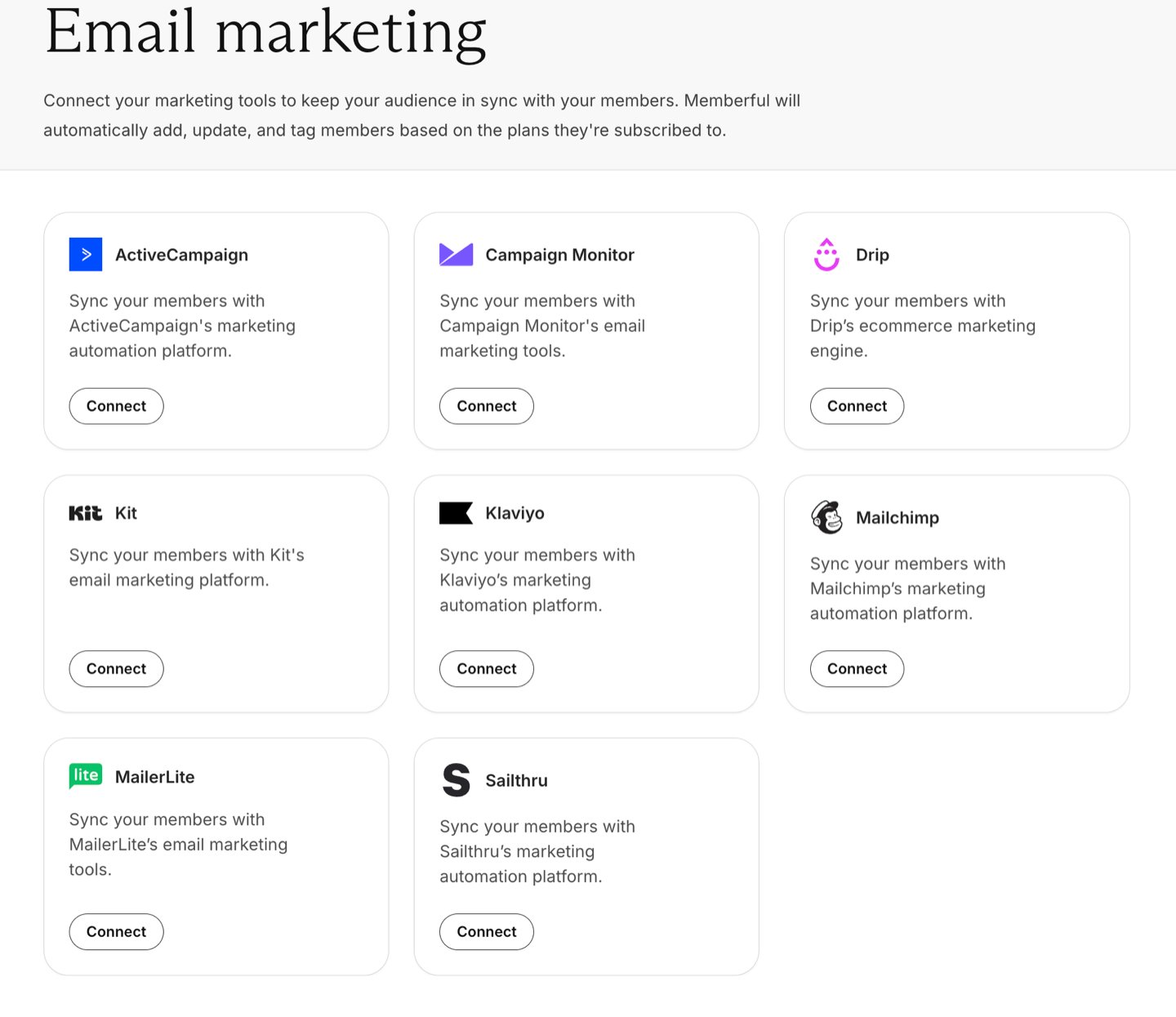
- Email marketing: Integrate Memberful with your favorite third-party newsletter apps like Mailchimp or Kit.
- Community: Offer a members-only forum like Discord or Discourse for member engagement.
Manage your members
Manage members and their activities and configure your transactional emails.
Members
- All members: From Members you can import members and add new members. You can also filter by active members, inactive members, free signups, all access pass members, or all members, and you can export a CSV report.
- Subscriptions: View all your plans, view plan metrics, and bulk edit member subscriptions.
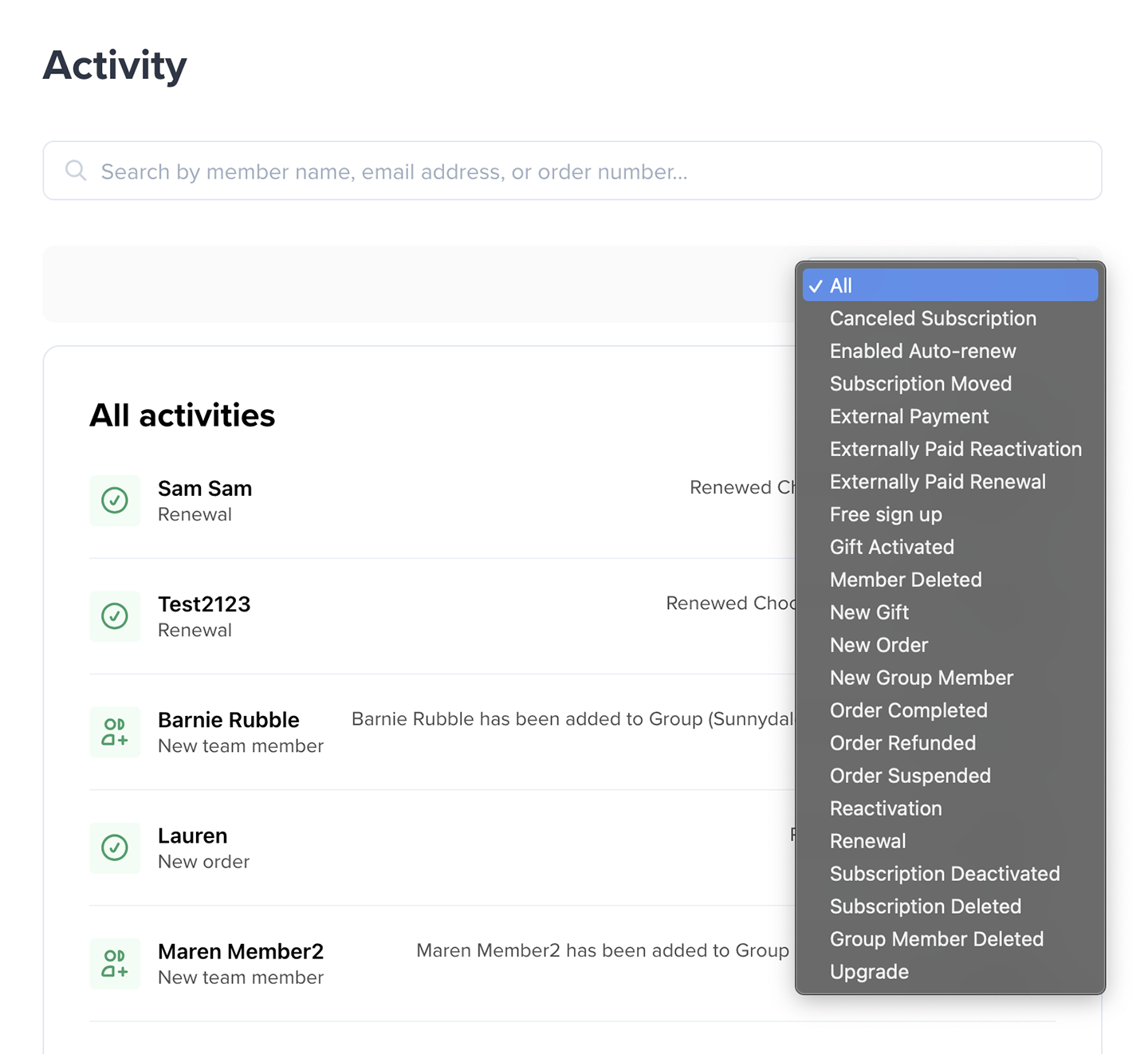
- Activity: View ongoing membership activities. You can also filter by activity type and export a CSV report.

Manage subscriptions
When you click a subscription, you can change the renewal date, cancel a subscription so it doesn’t auto-renew, add a coupon, and view (and edit) the Active Since field. Active Since is a counter that tracks how long the member has been active without lapsing. You can use this data to reward longevity. For more detail, see Modify a member’s subscription.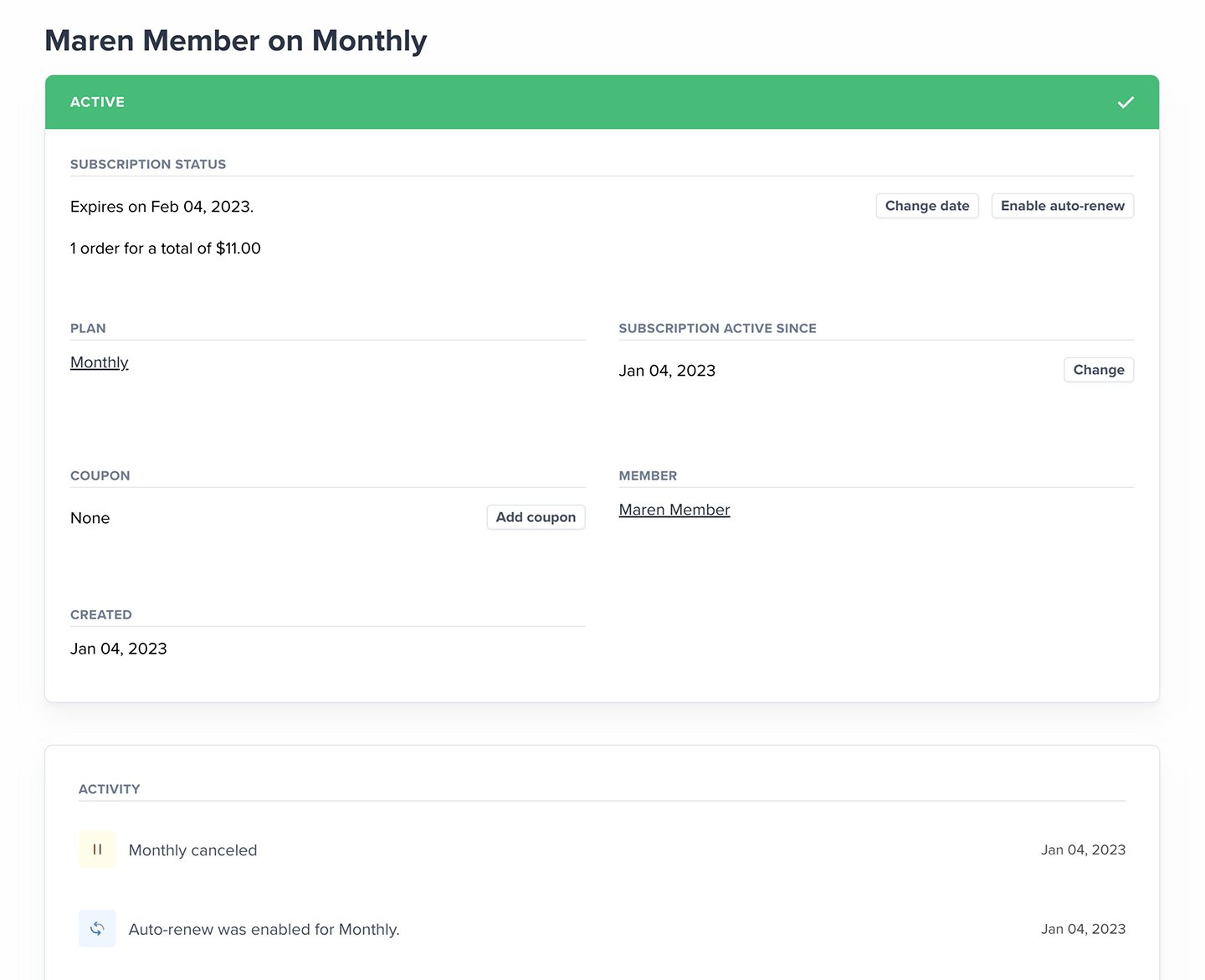
Search for members
Enter a member’s name, email address, or order number in the search bar, which is accessible from the homepage. You can also search for members via Members.
Emails
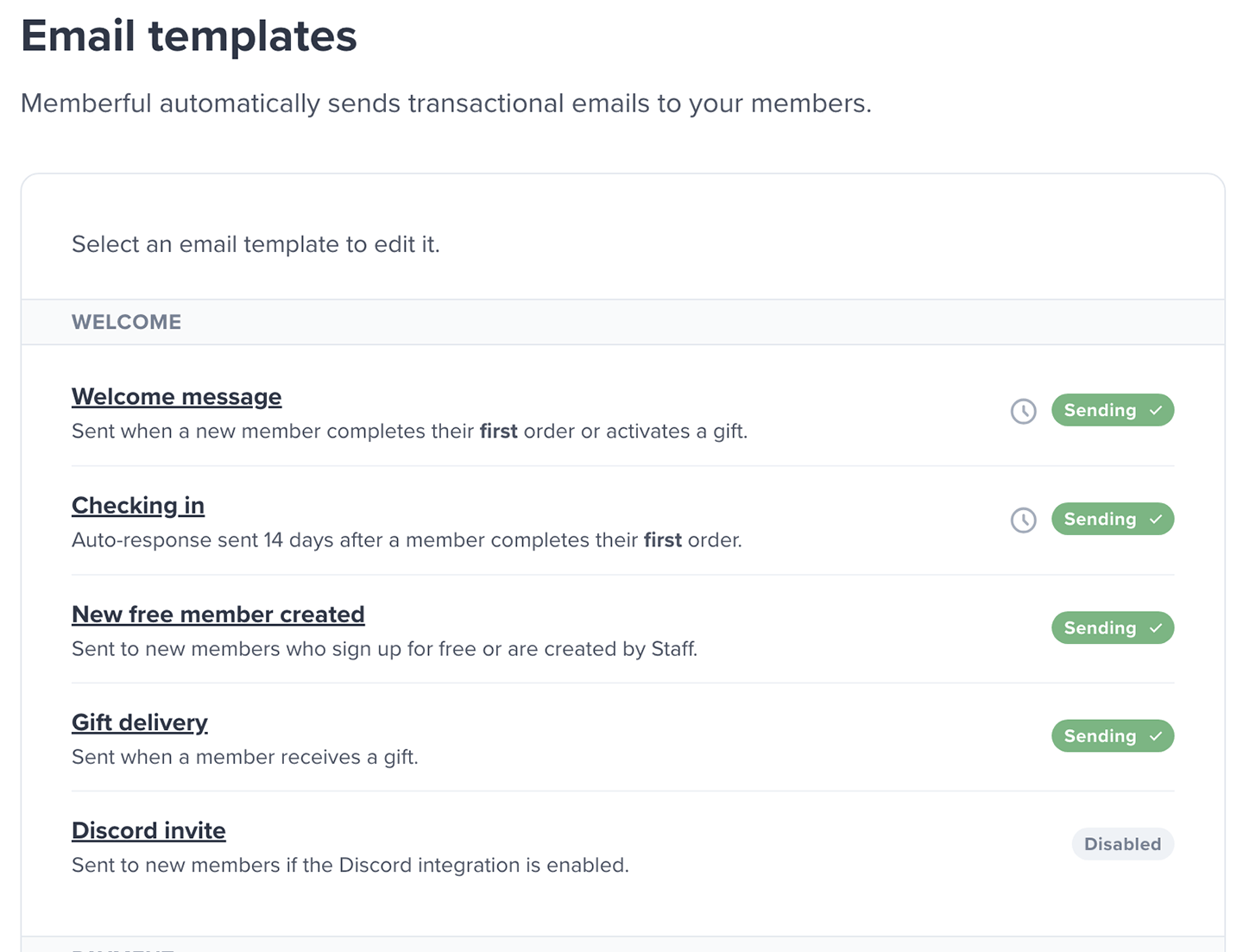
- Templates: Customize the transactional emails Memberful sends to your members.
- Settings: Send white-label emails using your own SMTP server or transactional email service.
Monetize and grow
Manage your plans, orders and discounts, or explore your growth metrics.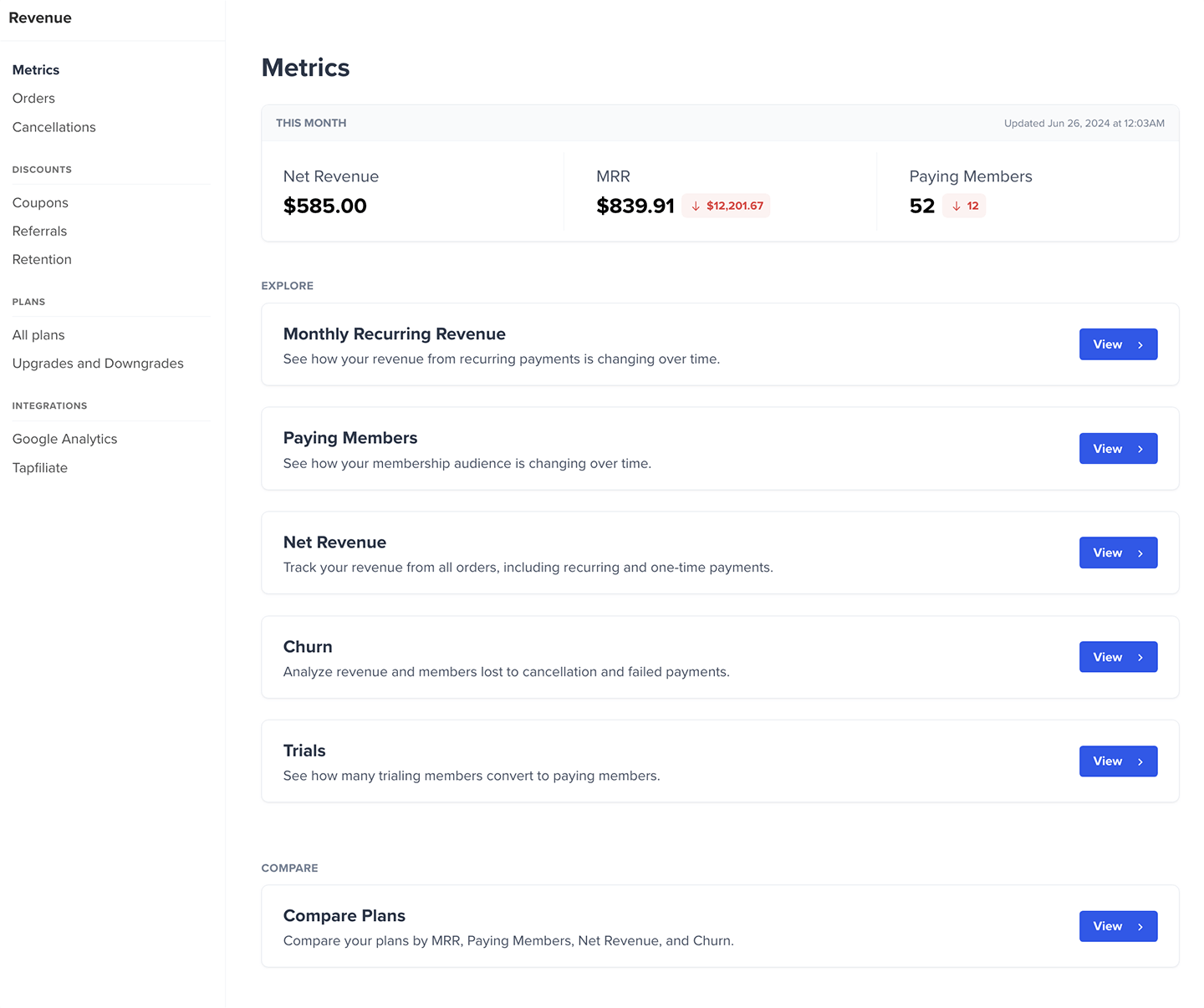
Revenue
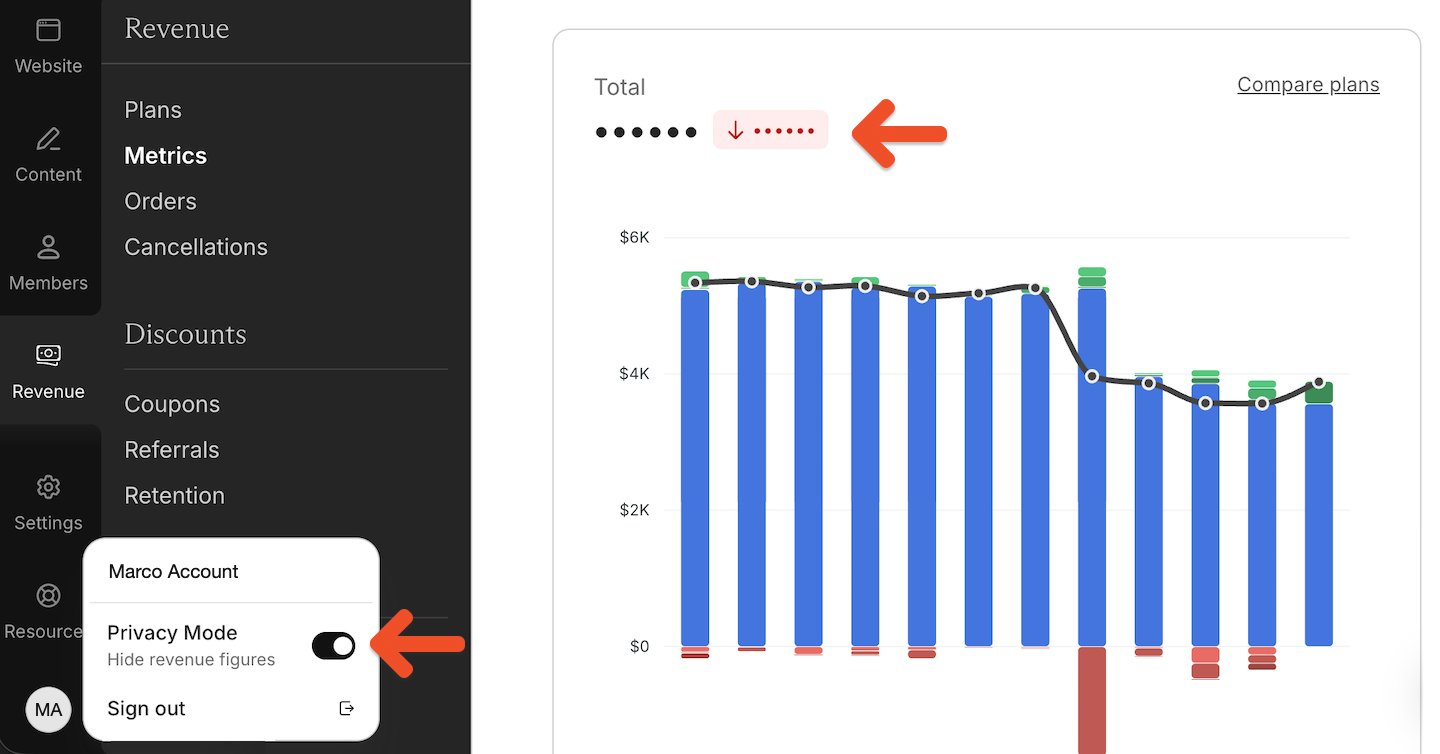
- Metrics: Access the metrics we track to help you evaluate your business goals, objectives, and overall performance.
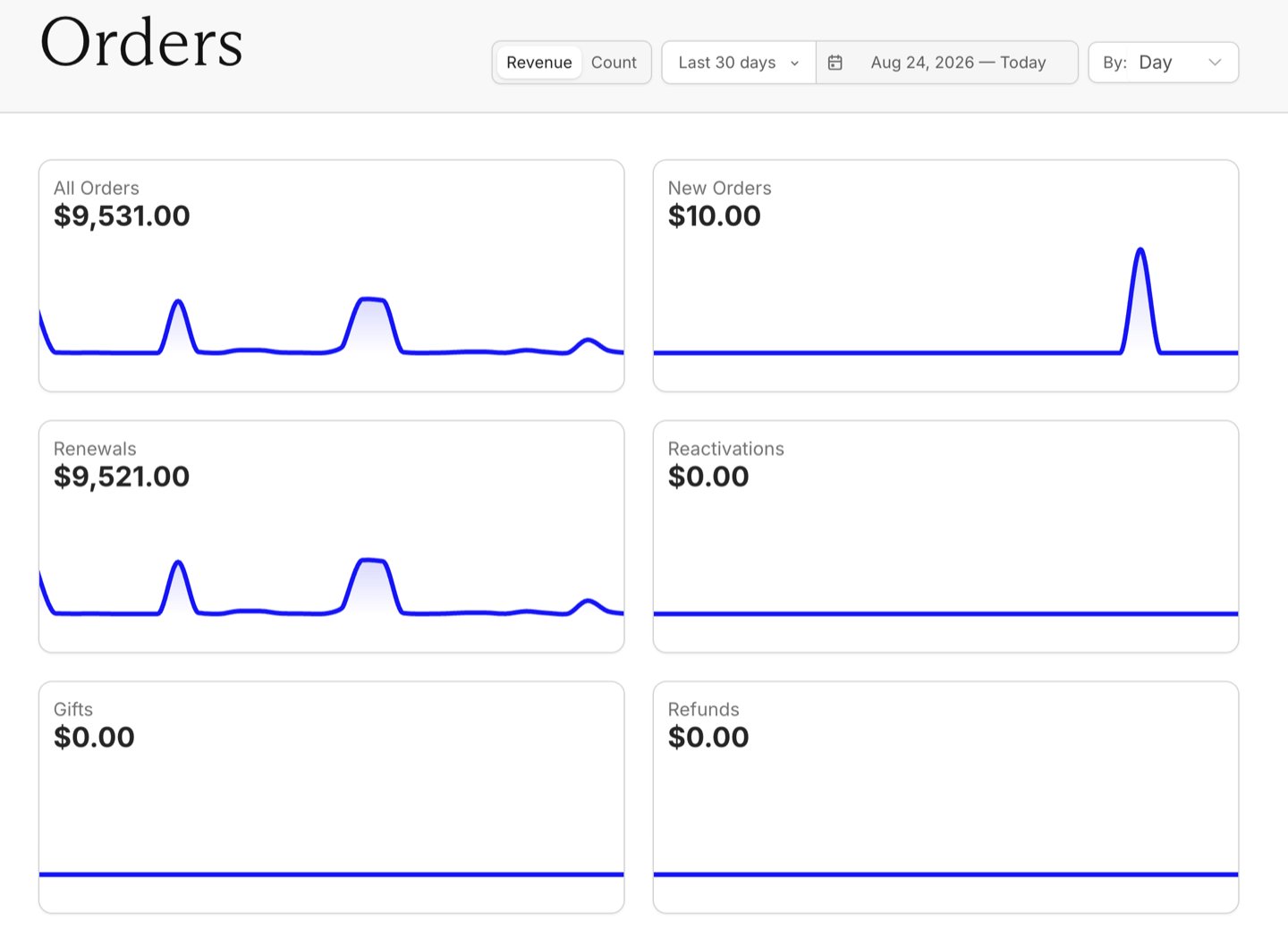
- Orders: Track all orders, new orders, renewals, and gifts.
- Cancellations: Track survey results to learn why your members churned. You can also filter by cancellation reason and export a CSV report.
Discounts
- Coupons: Create and manage coupons.
- Referrals: Create and manage referral rewards.
- Retention: Offer discounts for canceling members.

Plans
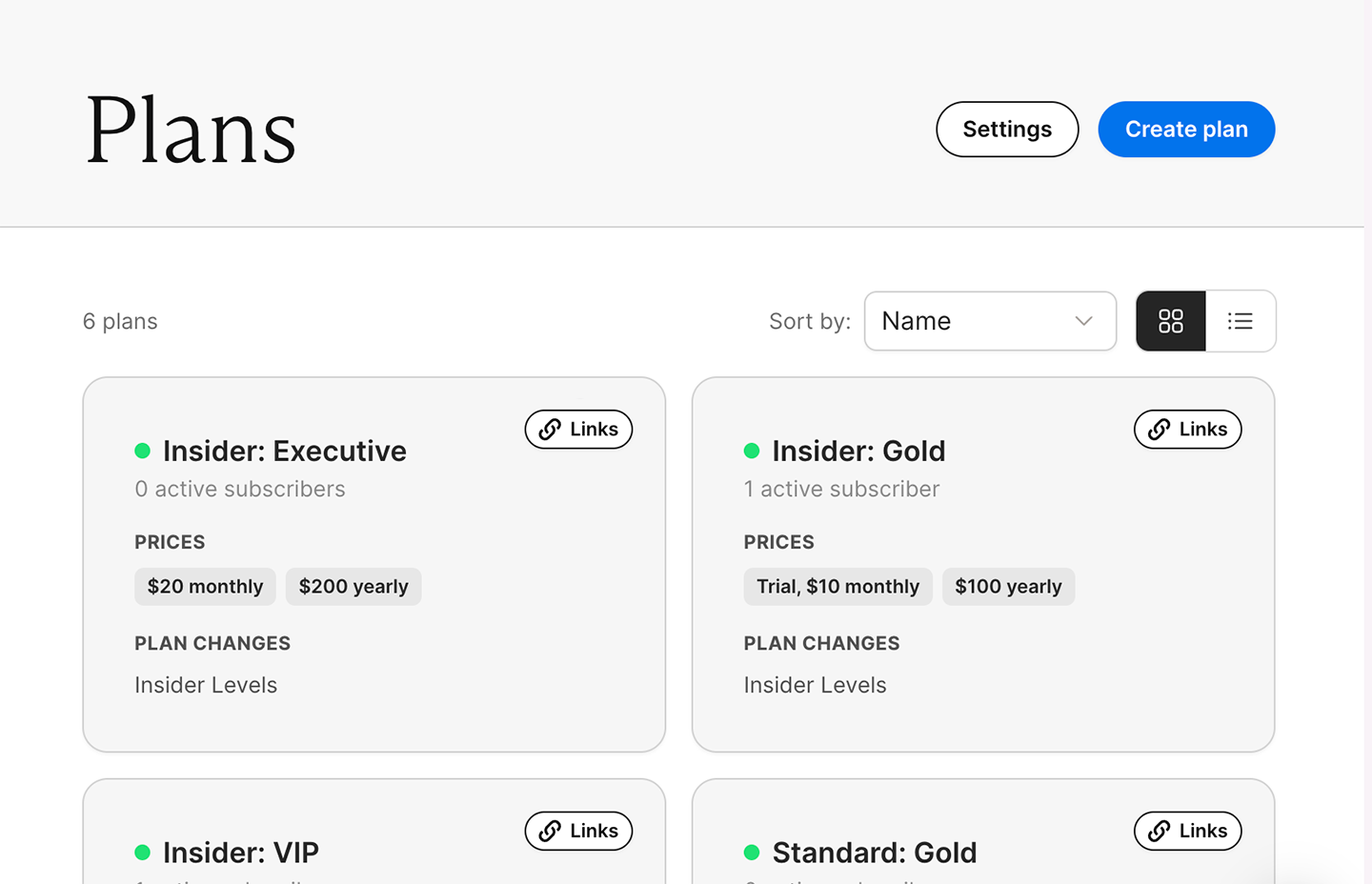
- All plans: Create plans and prices, view active members by plan, and manage plan settings.
- Upgrades and downgrades: Configure how members can switch between plans.
Integrations
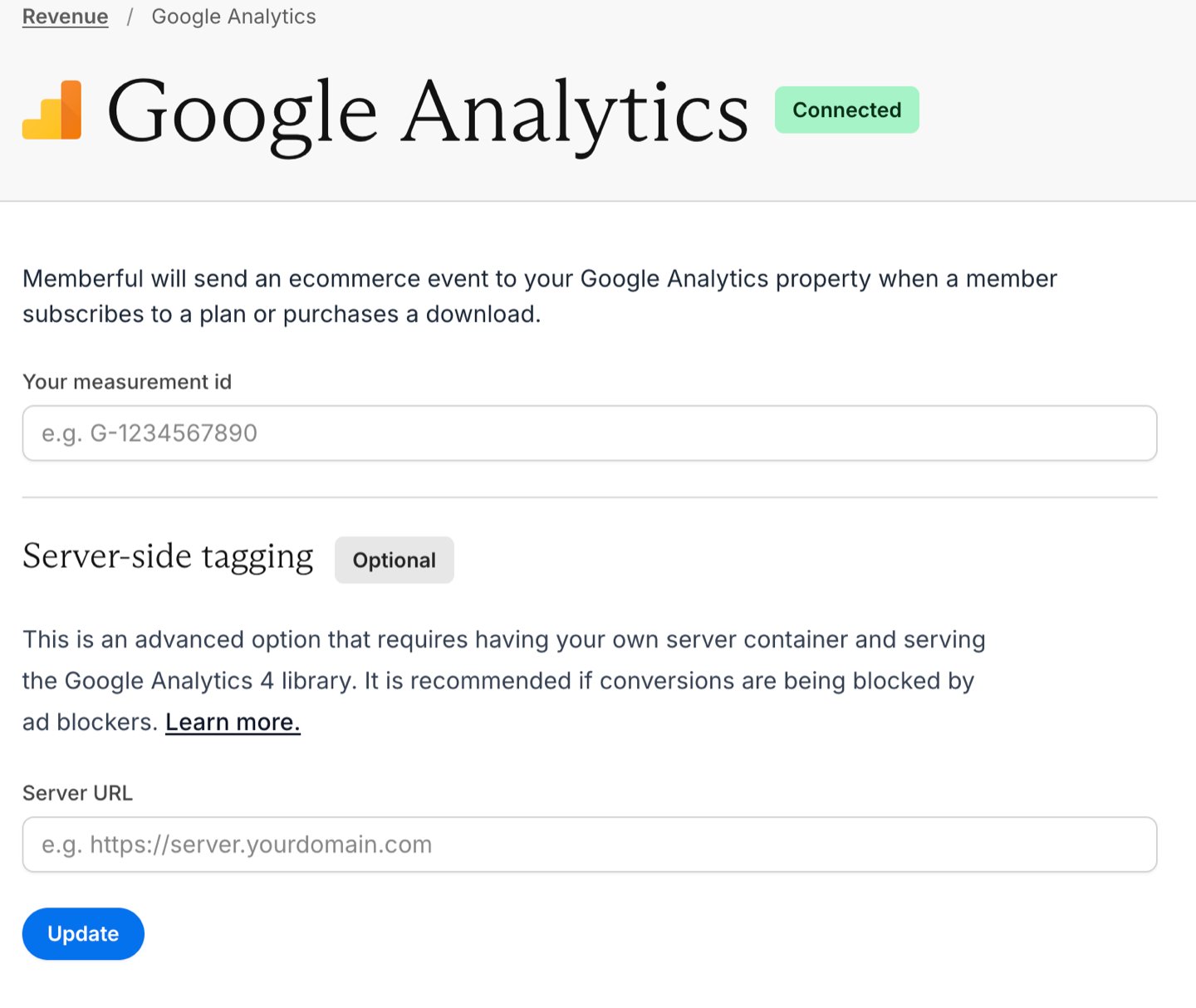
- Google Analytics: Track member ecommerce transactions.
- Tapfiliate: Offer a paid affiliate member referral program.
Explore the account settings
The Settings tab is divided into sections that allow you to configure different aspects of your Memberful account.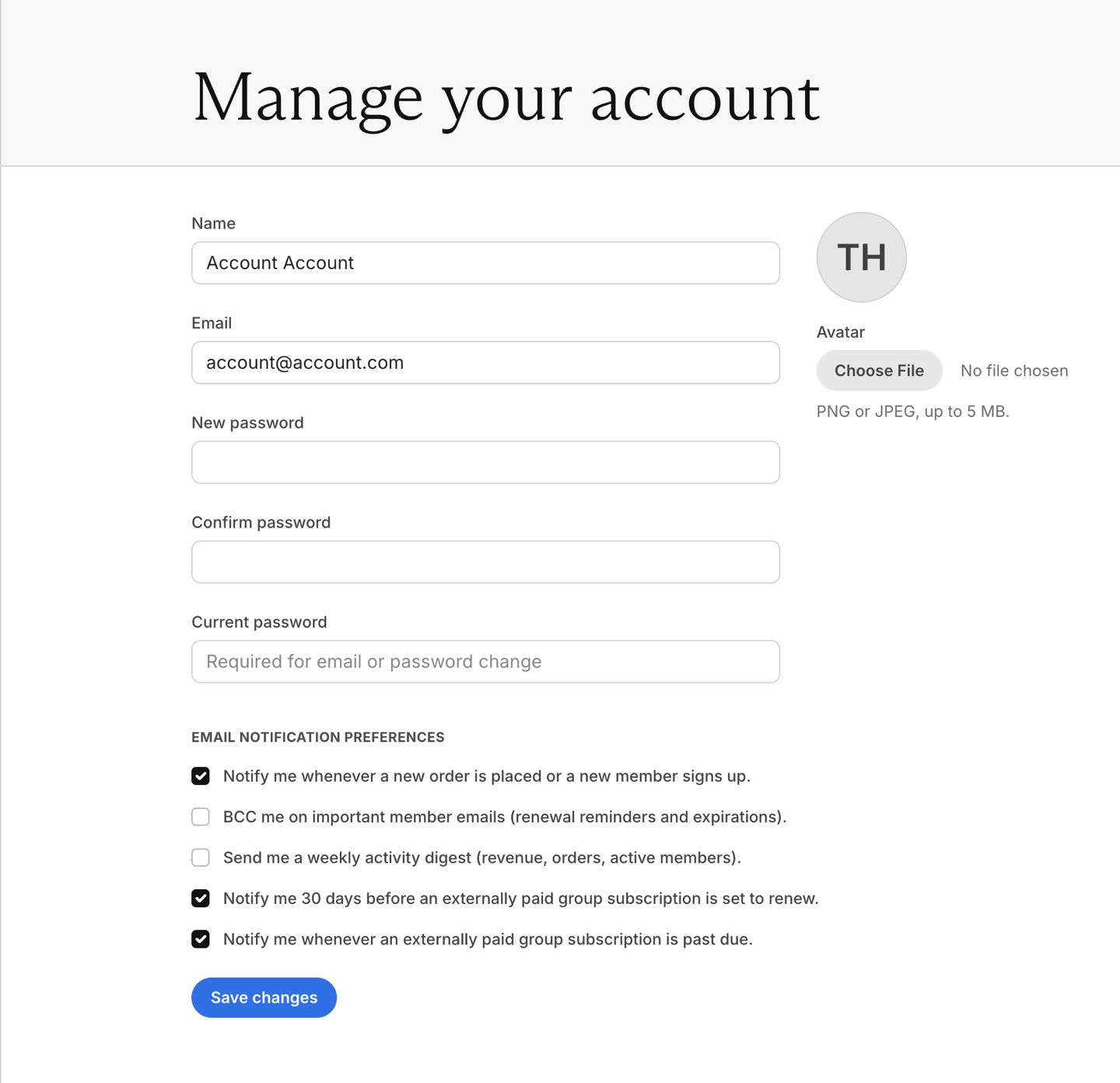
Settings
- Account: Manage your personal information and set up email notification preferences.
- Localization: Customize the currency, language, and timezone settings for scheduling posts.
- Staff: Add team members and manage their permissions.
Payments
- Stripe: While in test mode, visit this tab to change your Memberful plan, modify billing details, or connect with Stripe when you’re ready to go live.
- Billing: Once you go live, visit this tab to manage your payment method, view receipt history, and add or edit your billing address.
- Taxes: Enable automatic tax calculations based on where you and your members are located.
Developers
- Custom applications: Add a new custom application and develop your own integration with Memberful using our API or OAuth.
- Passwords: Choose whether to allow the use of passwords to sign in.
- Webhooks: Make other apps react to Memberful events via webhooks.