How do you figure out the optimal referral discount for your platform? Boost your subscription sales and encourage members to refer others by offering the right milestones. Check out Operator for strategies to maximize your referral program’s impact.
Enable the referral program
Go to Revenue → Referrals from your Memberful dashboard, and enable the referral program.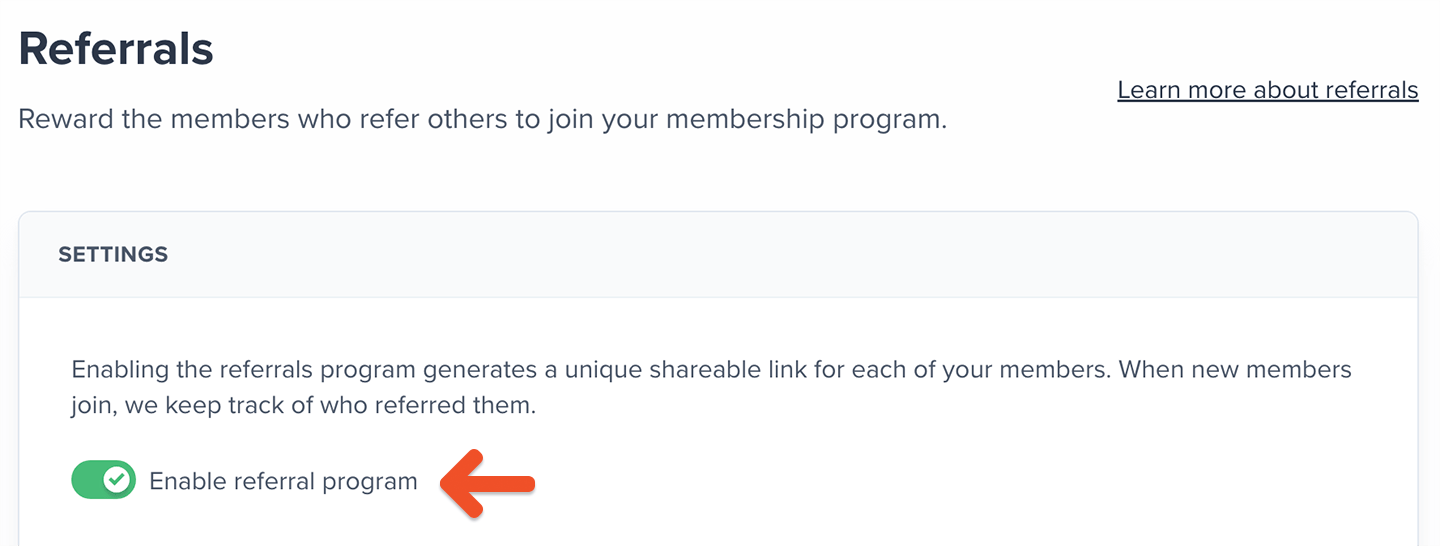
Paid transactions count as referrals. Examples:
- Purchasing a paid plan
- Signing up for a paid trial
- Making the first payment after a free trial
- Free registration
- A free trial
- Signing up using a 100% discount coupon
Set up referral link redirect
After opening a referral link, members can be redirected to your subscribe page or a custom URL. You might not see the Subscribe page if you haven’t set one up. Select an option from the list and enter a custom URL if applicable.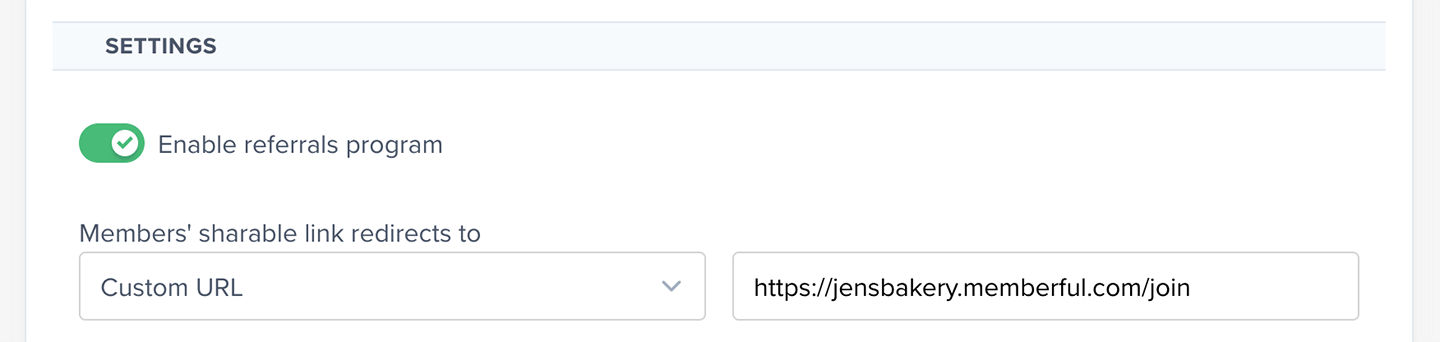
Select which plans award referral credits
Members earn credit for referring purchases of all plans and downloads, or only for some of them. If you choose Selected Plans and Downloads, you’ll be able to select the eligible plans and downloads.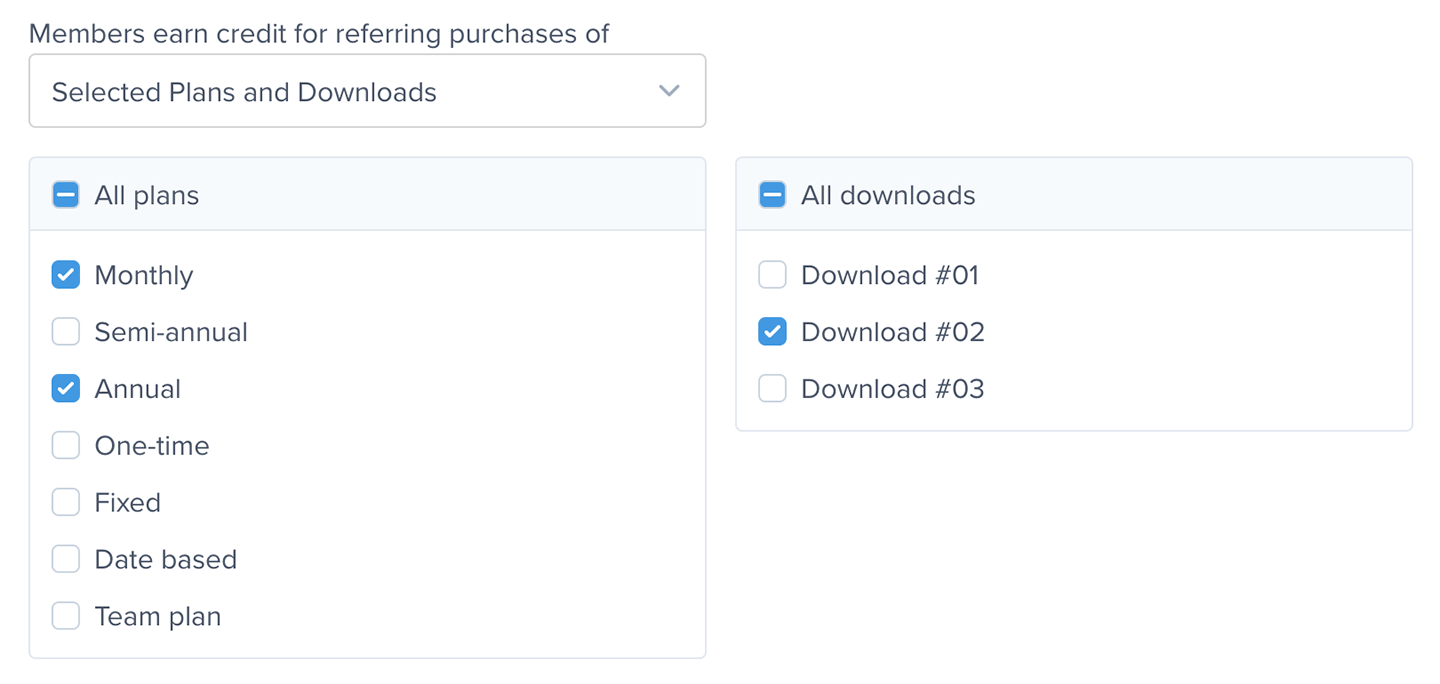
If a member upgrades to another plan, their referrals will carry over. However, they can only earn new milestones if their new plan is selected in your eligible plans and downloads.
Set up referral milestones
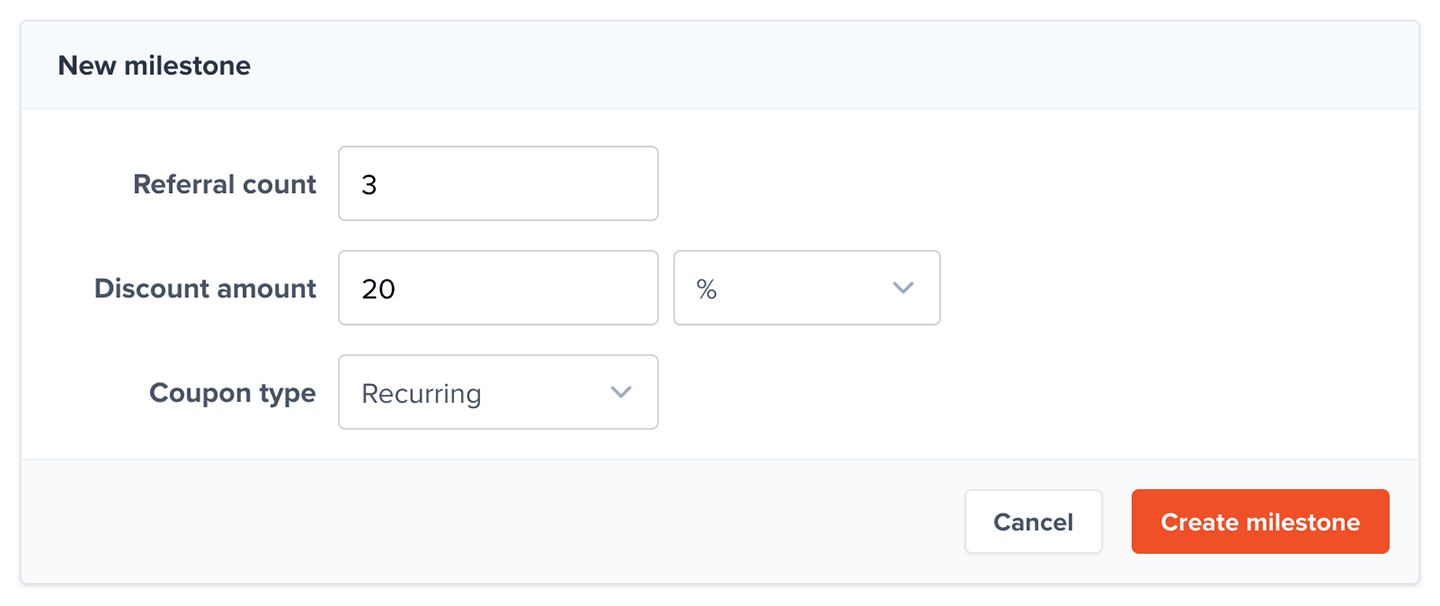
Milestones define when a member has accumulated enough referral credits to earn a reward, and they also define what that reward will be. To create a milestone, click Add Milestone.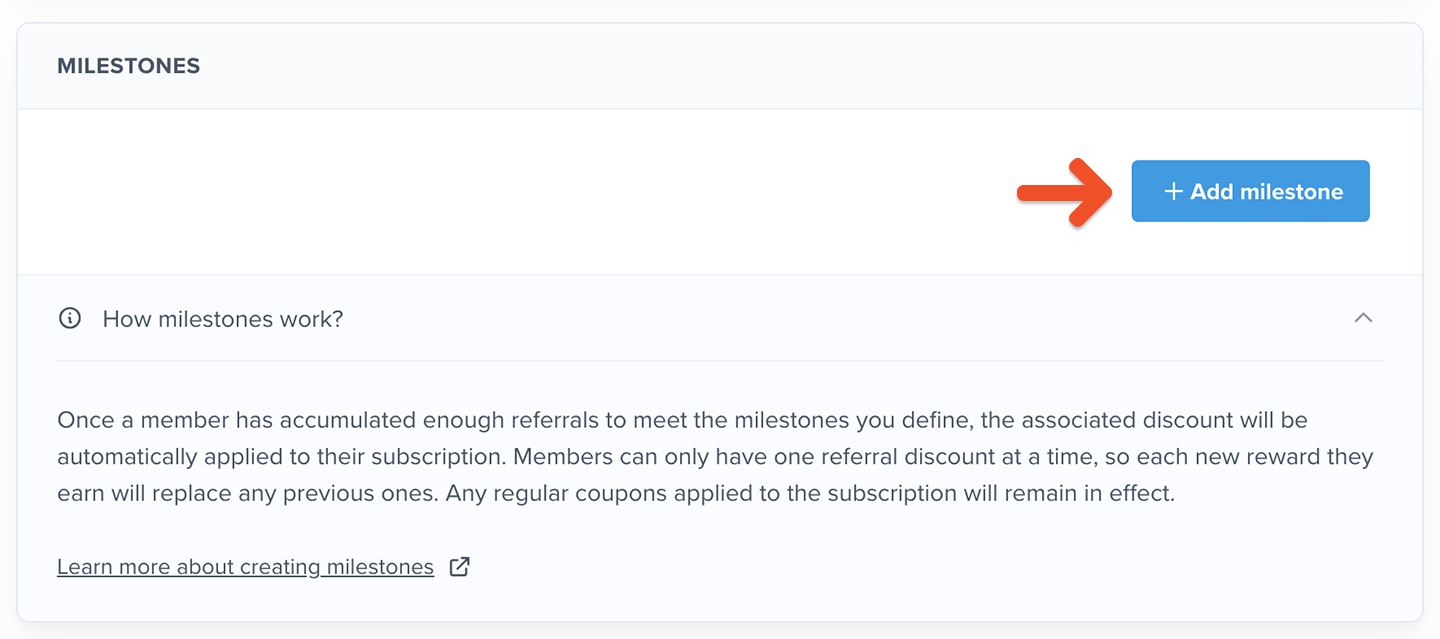
1
Add a referral threshold
Enter the referral count that will unlock this reward.
2
Choose a discount format
Choose either a percentage discount or a fixed amount discount.
3
Add the discount value
Enter the amount to apply.
4
Choose a coupon type
Select how the coupon should be applied.
5
Save the milestone
Click Create milestone.
Disable or delete a milestone
When editing an existing milestone, you can disable or delete it.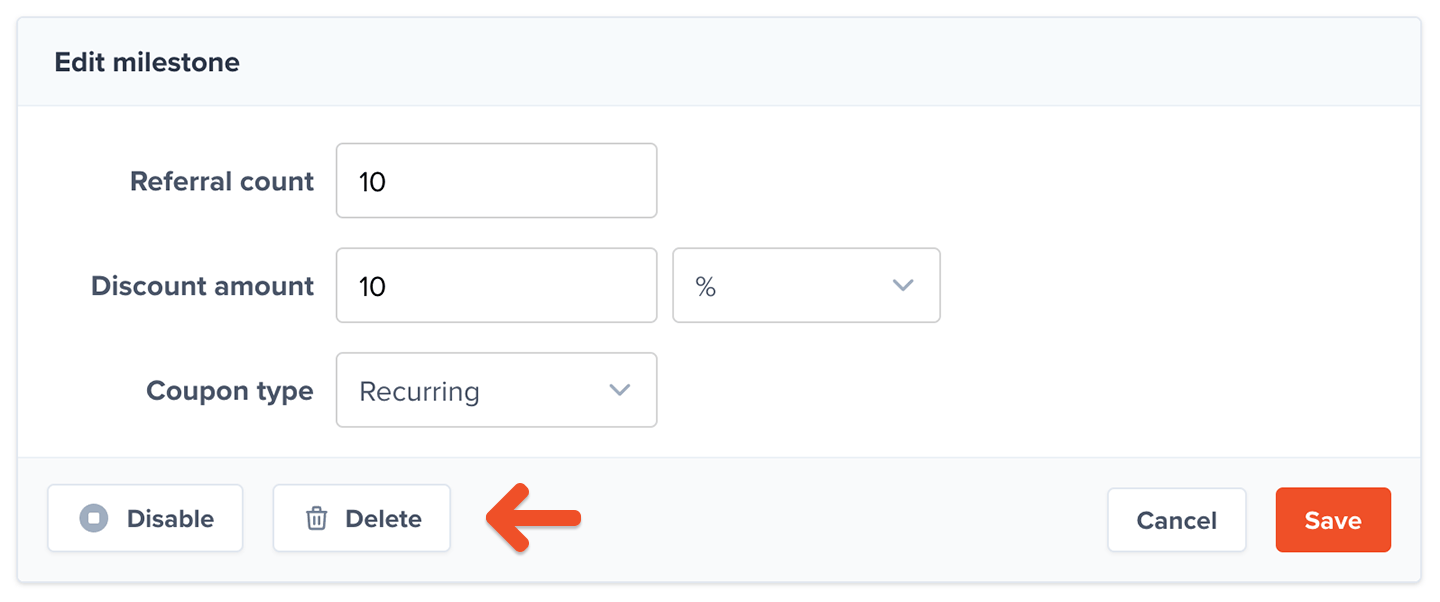
Deleting a milestone is irreversible. Members who already earned the reward will lose it.
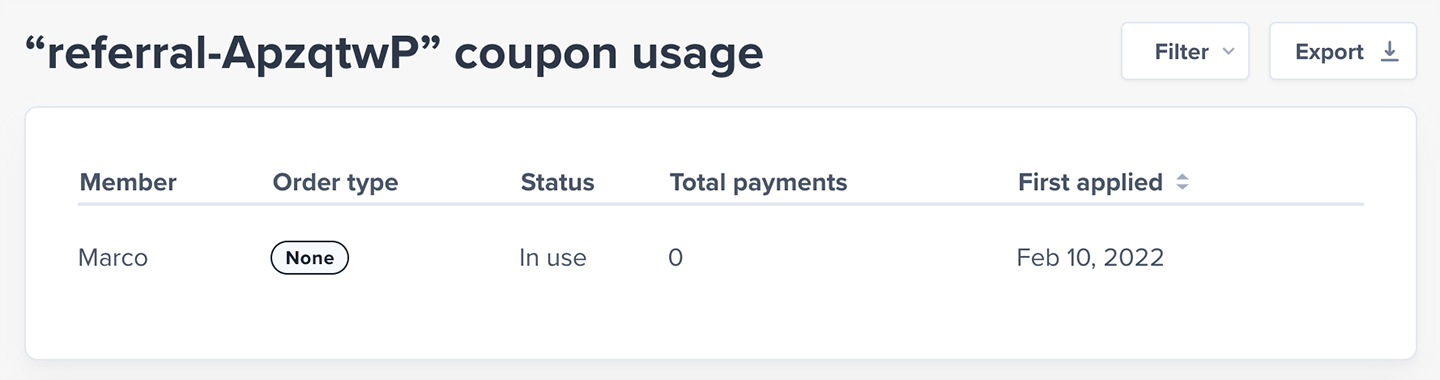
Track referral coupon usage
The statistics button for each milestone displays a counter of how many members have reached that particular milestone.
Where can members find their referral links?
Members can find their unique referral link, and share it via multiple apps, by visiting the referrals section of their member account.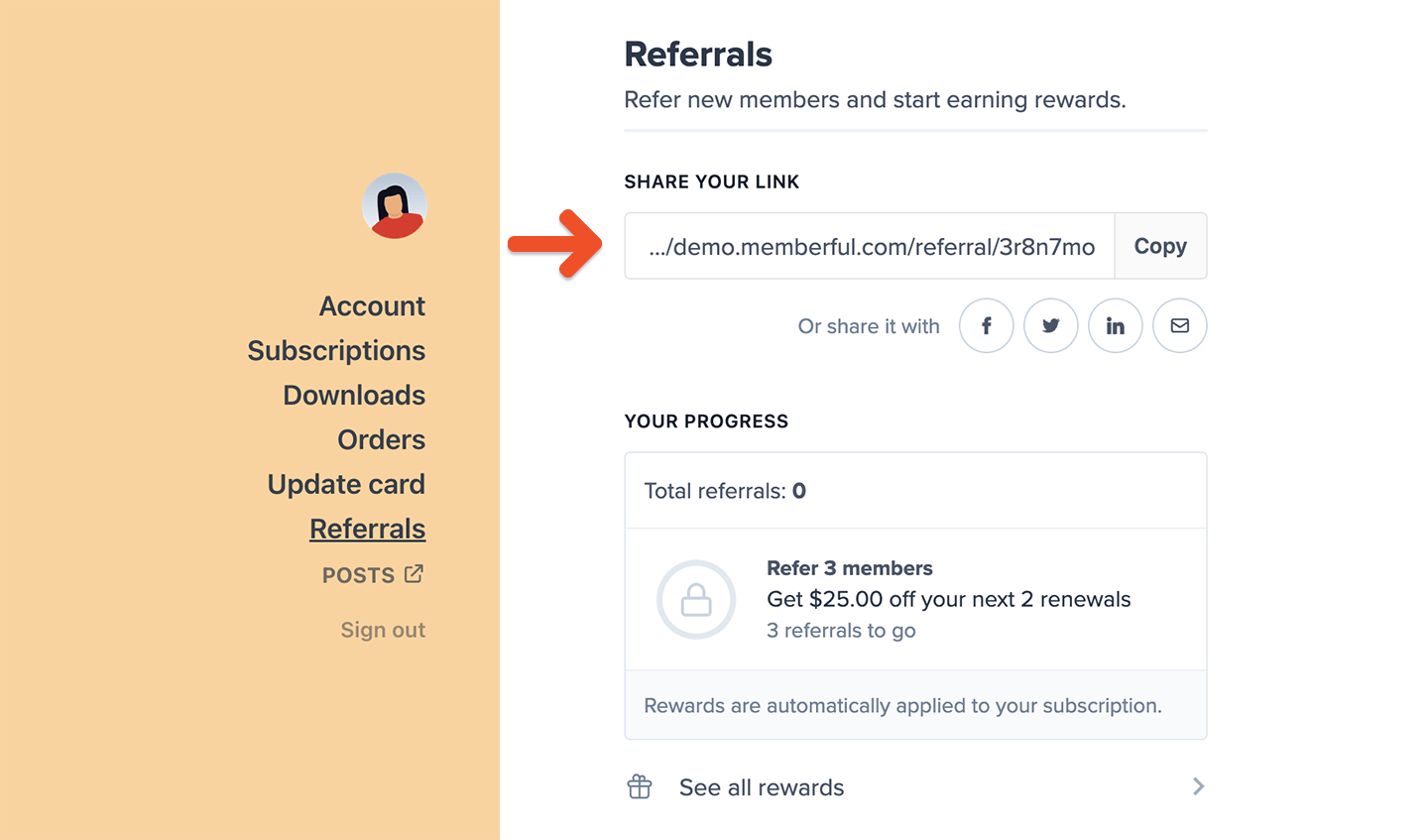
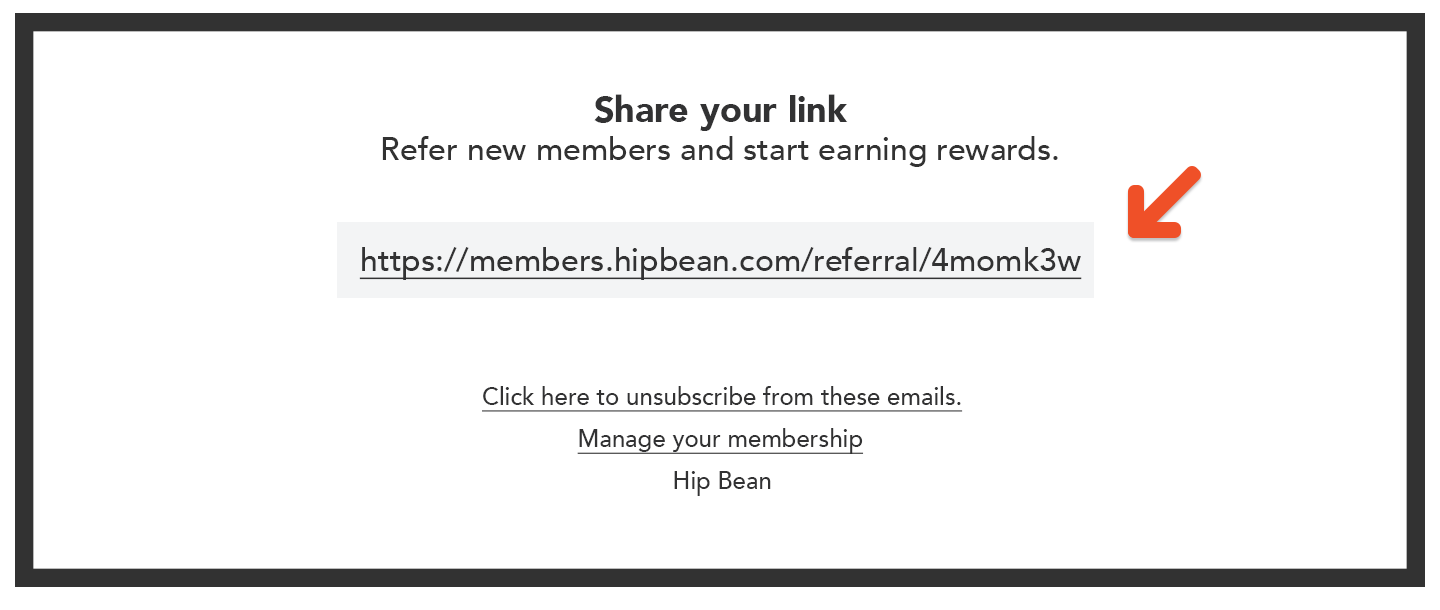
- For posts, the link appears in the email but not the Memberful-hosted website.
- For receipts, the link appears in the email and web version (“View invoice” button) but not the PDF download.
- You can include members’ unique referral links in the emails sent from our email newsletter integrations: Campaign Monitor, Kit, Drip, Klaviyo, Mailchimp, Mailerlite, Sailthru.
How can members track their referrals and rewards?
Members can keep track of their referral credits and rewards from the referrals section of their member account.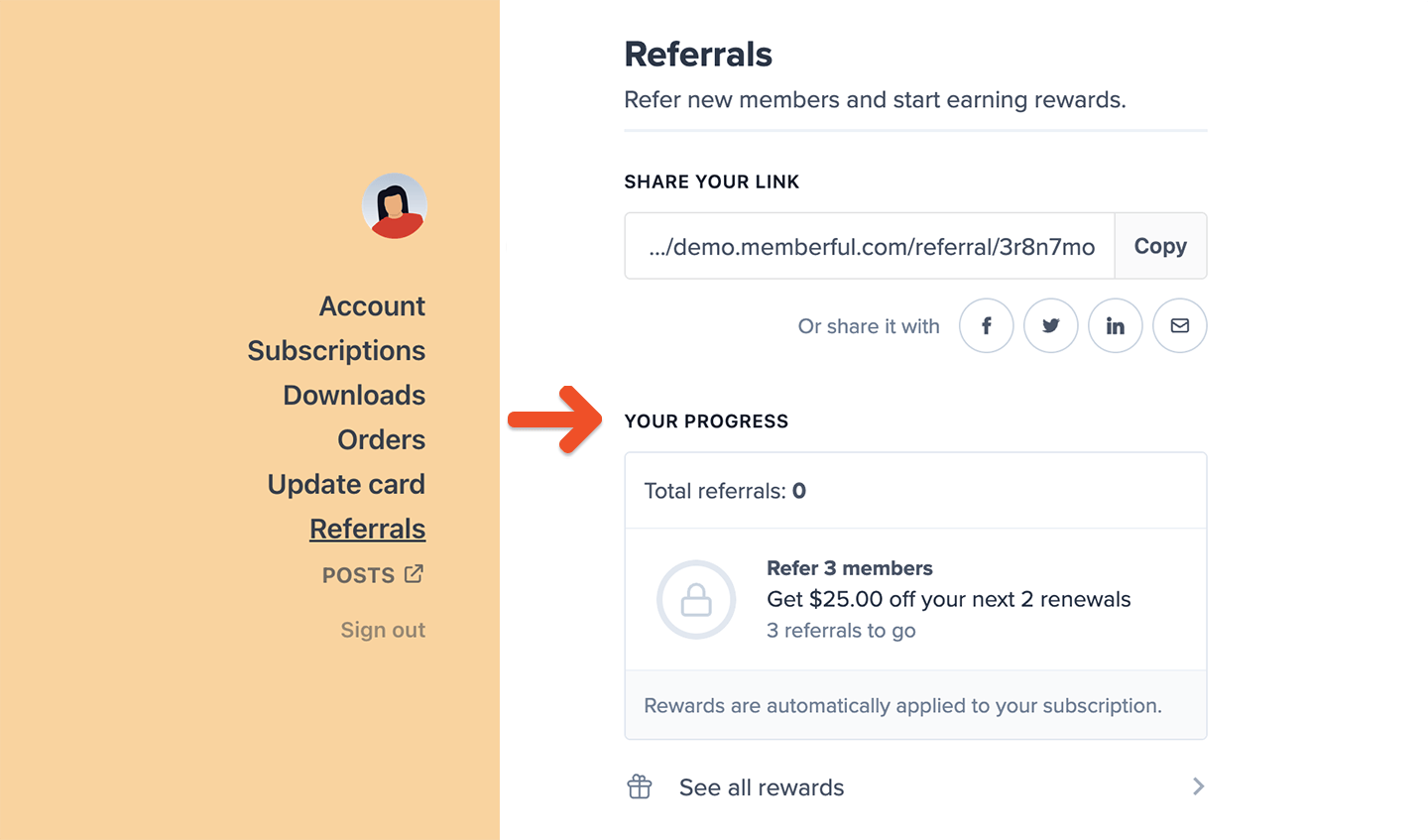
How do members apply their reward discount?
Once a member earns a referral reward, Memberful automatically applies it to their next renewal charge. If it’s a recurring reward, the discount applies to every renewal. If it’s a limited reward, it applies for a set number of renewals.If a member upgrades or downgrades their plan, their referral reward discount will not be carried over.
How can I see who referred a member?
You’ll need to check each member’s profile individually. This information isn’t available in a report or list view.Can a referral discount be applied by an admin?
Admins can’t apply referral discounts manually. Instead, you can apply a regular coupon code if you want to offer a discount to the referrer.What happens if a referred member cancels their subscription?
If a referred member later cancels their subscription, the member who referred them won’t lose their credit toward the referral milestone.Can members stack coupons and referral rewards?
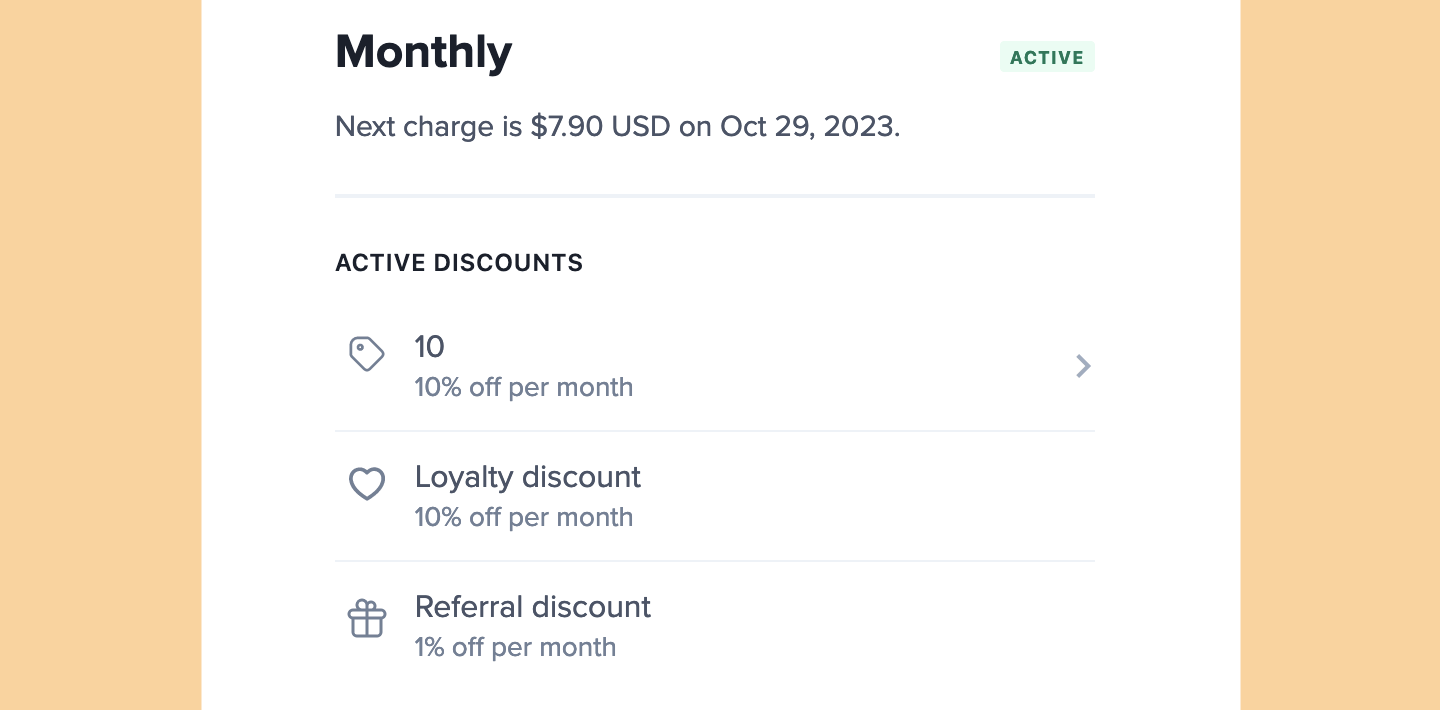
Memberful allows you to offer your members discounts on their subscriptions in the form of coupon codes, referral rewards, and retention discounts. Regular coupon codes cannot be stacked, but referral rewards are calculated based on the plan price, and are automatically added on top of existing coupons. Retention discounts (also known as loyalty discounts) work the same way.