Create a coupon
Go to Revenue → Coupons from your Memberful dashboard. Click Create coupon.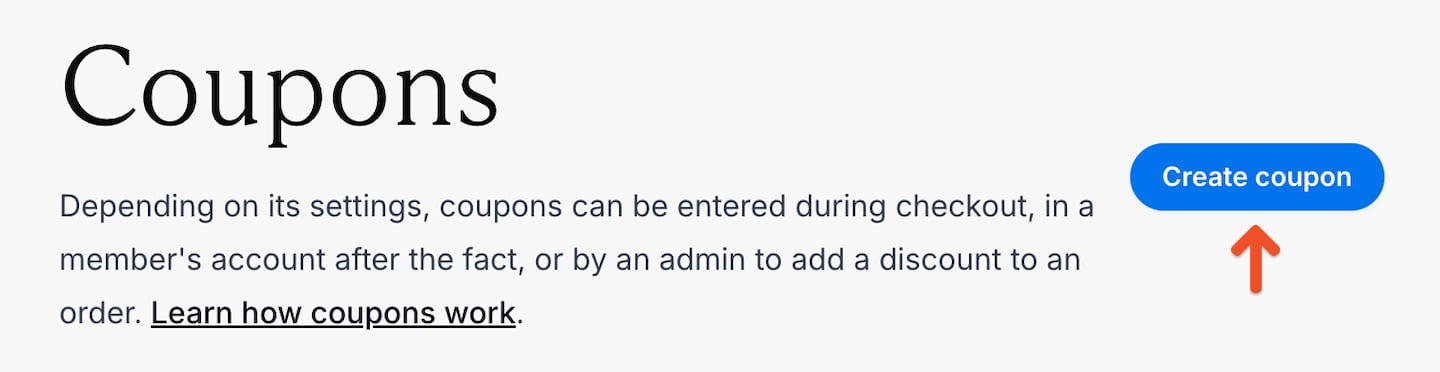
Enter a label
Enter a Label that helps you identify the coupon in your Memberful dashboard. The label is for your reference and isn’t visible to members.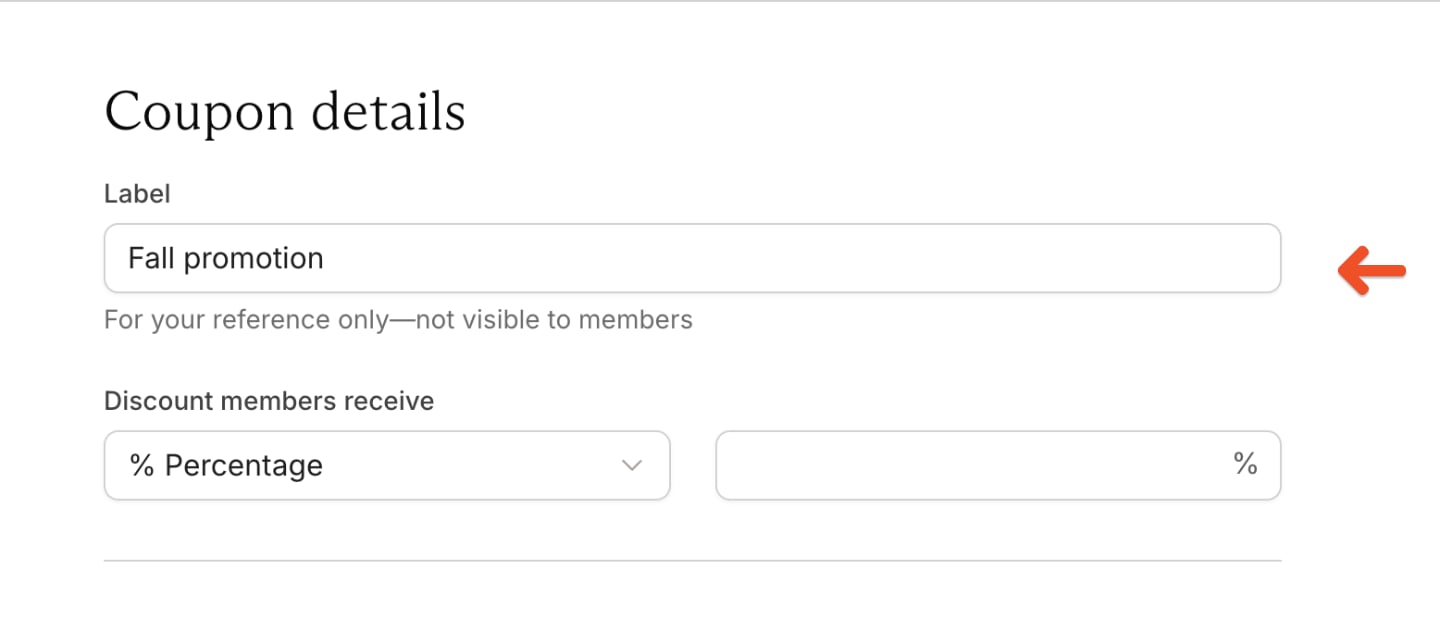
Enter the discount
Choose whether members receive a percentage or fixed-amount discount, then enter the amount.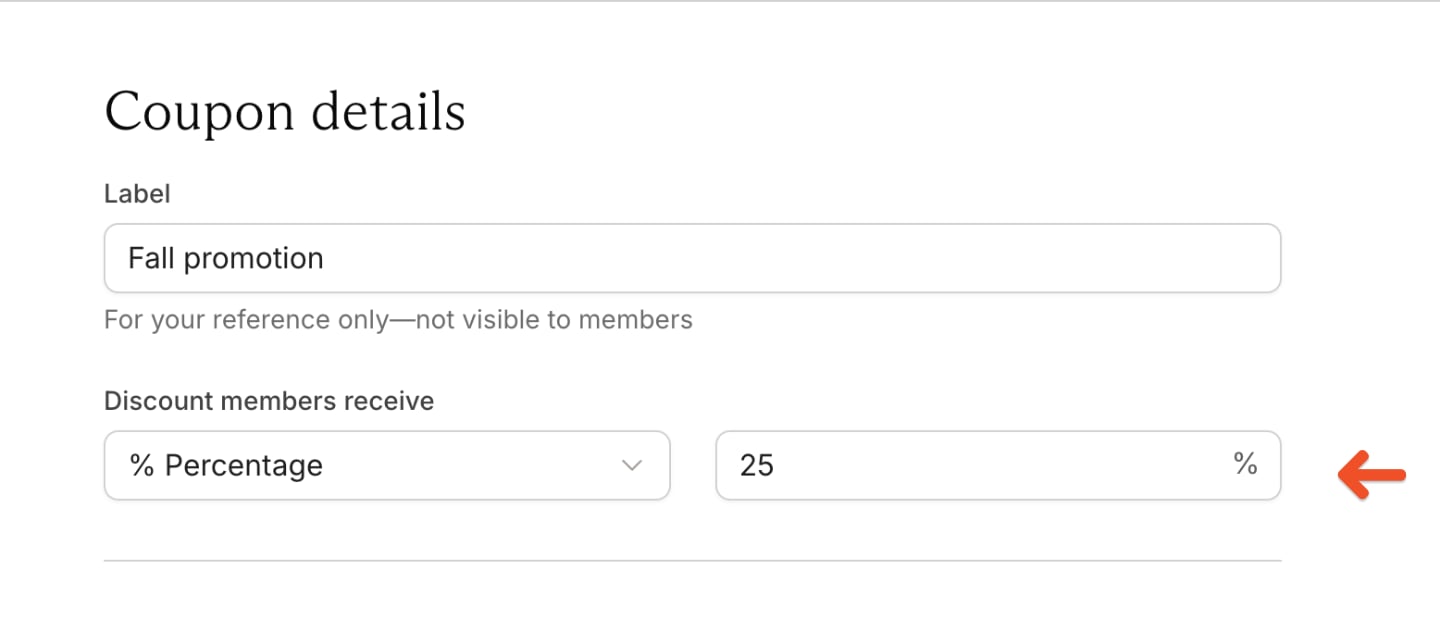
Memberful sets a minimum charge for each currency. For USD, the minimum charge is 1 USD. If a coupon reduces a paid order to more than 0 USD but less than 1 USD, Memberful rounds the charge up to 1 USD.
Select a coupon type
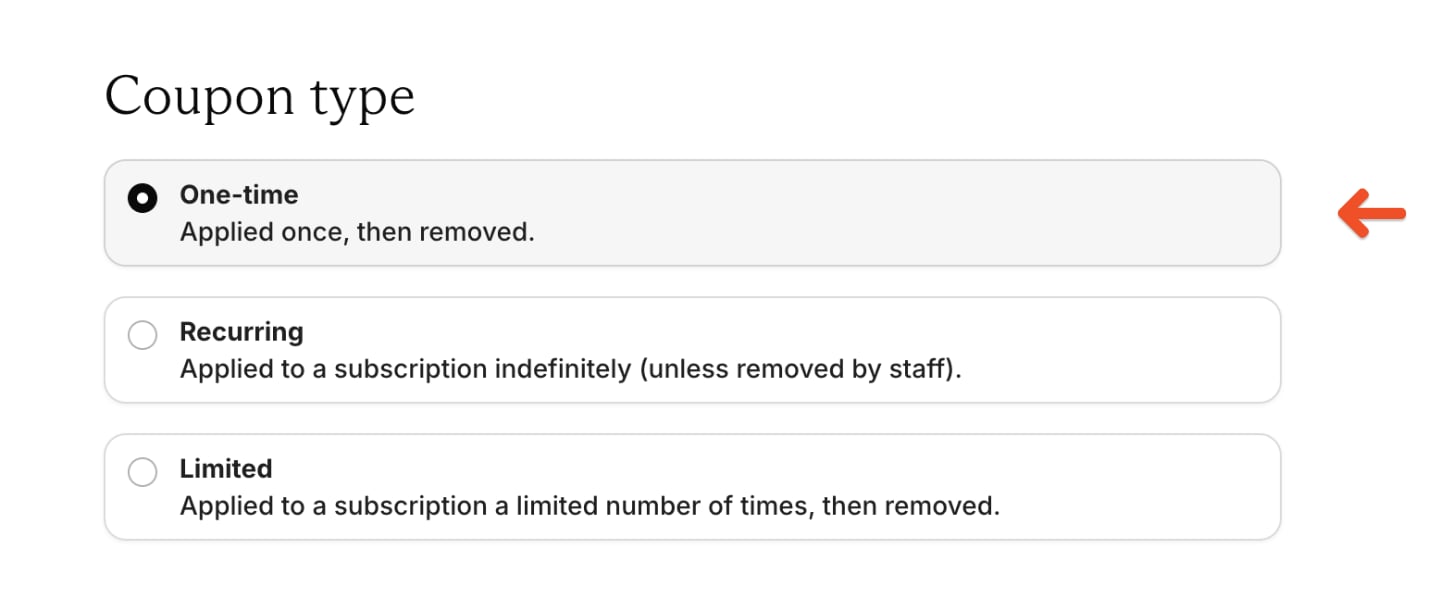
Choose how long the discount applies:- One-time: Applied once, then removed. The member pays full price for future renewals.
- Recurring: Applied to a subscription indefinitely unless removed by staff.
- Limited: Applied a set number of times, then removed. When redeemed at checkout, the initial purchase counts as the first use.
Add coupon codes
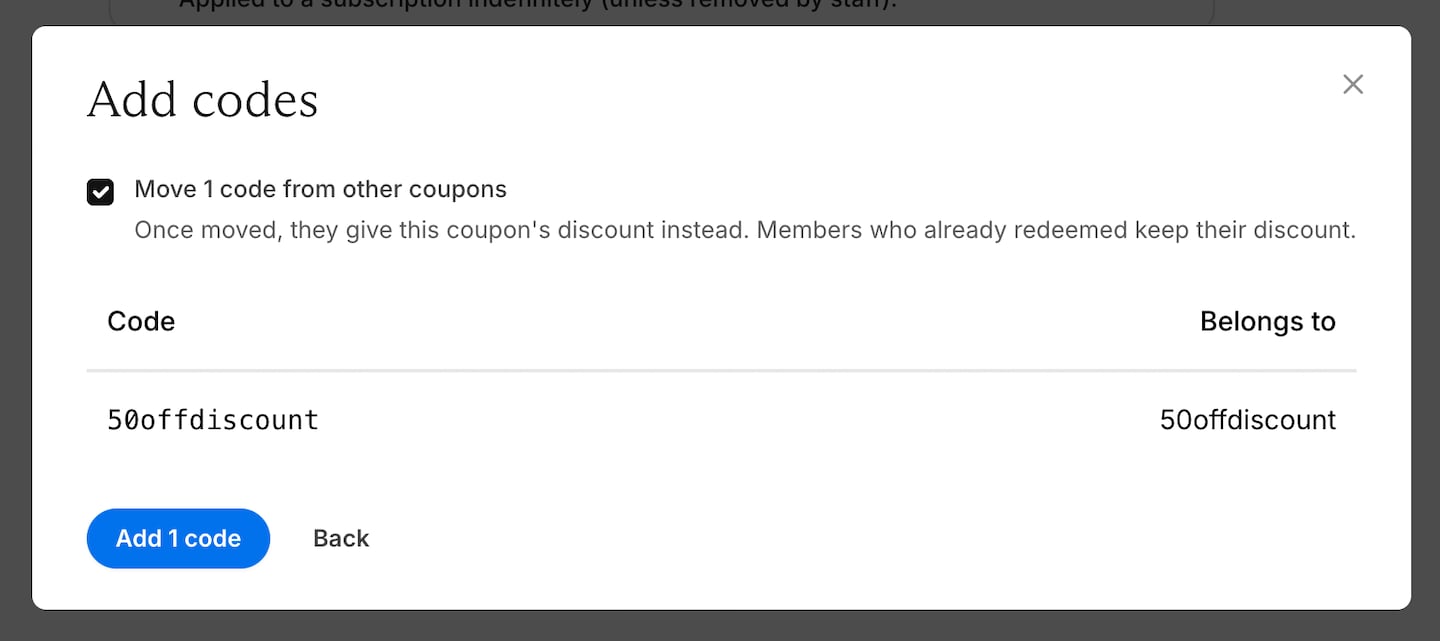
A coupon can have no codes, one code, or multiple codes. To add codes, click Add codes, then enter one code per line. You can add up to 1,000 codes at a time.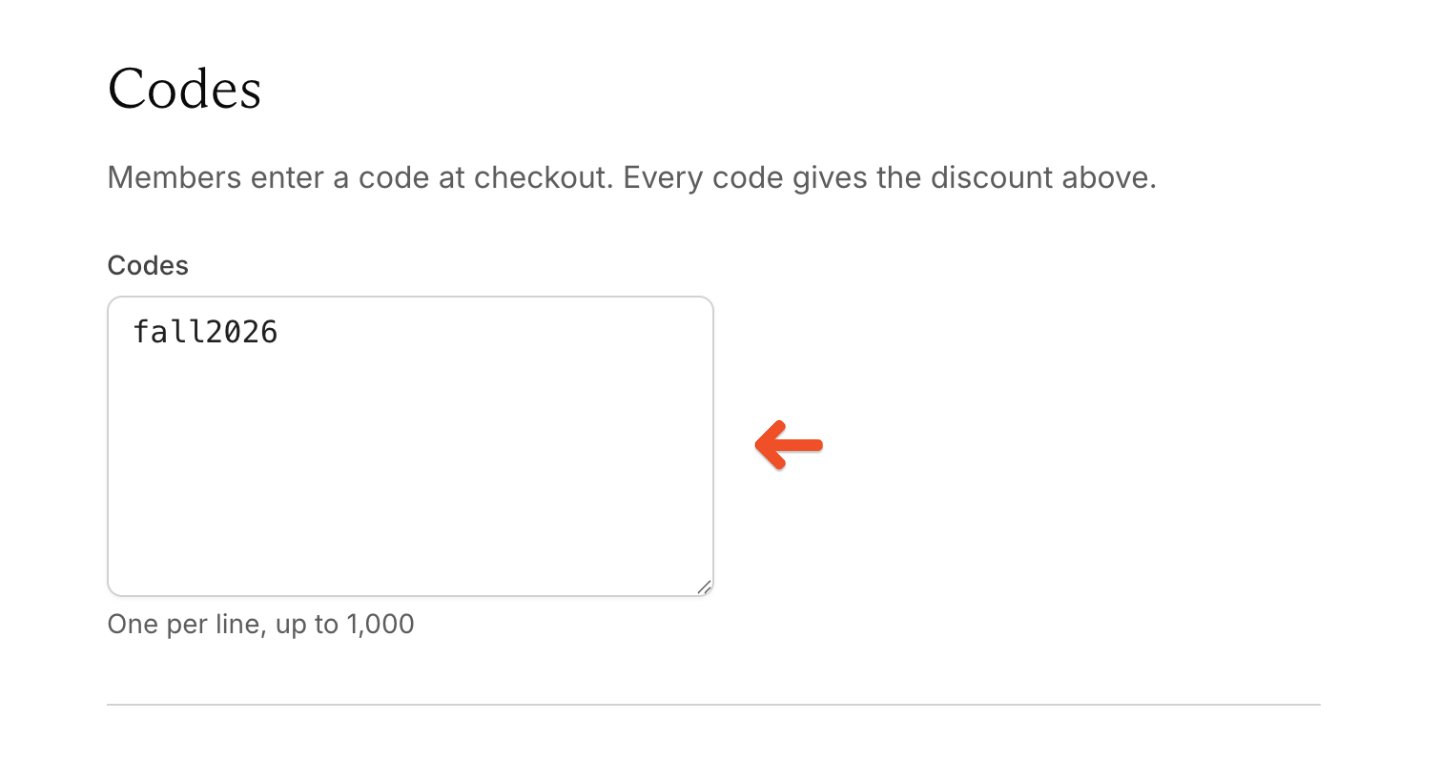
Choose redemption settings
Redemption settings control which purchases qualify and when members can use the coupon.Select eligible plans and downloads
Choose whether the coupon applies to all plans and downloads or only the ones you select.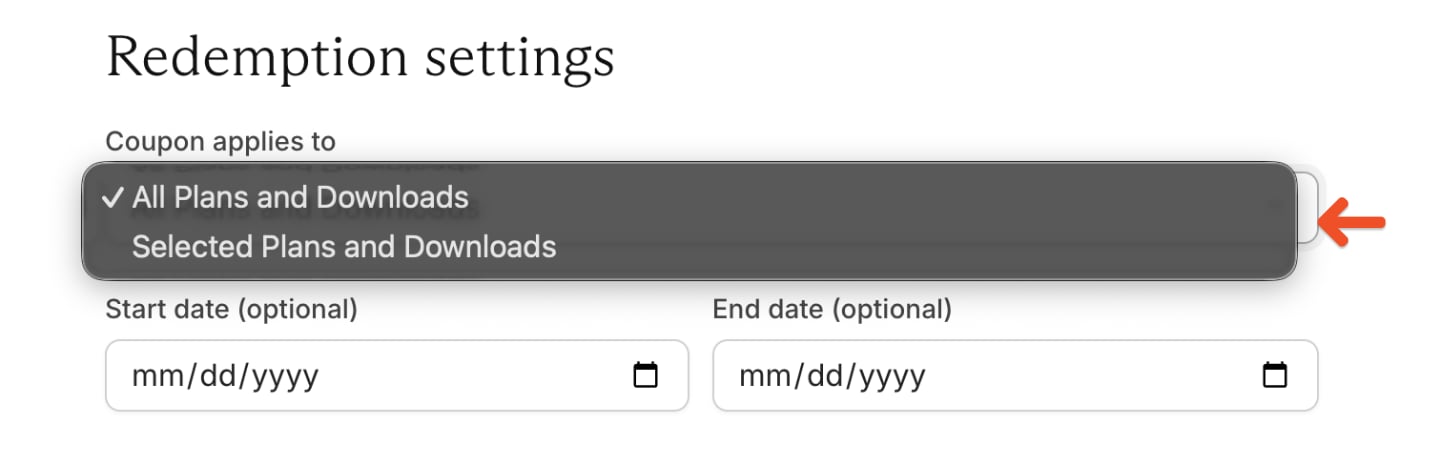
Set a start date and end date
You can set a future start date, an end date, or both.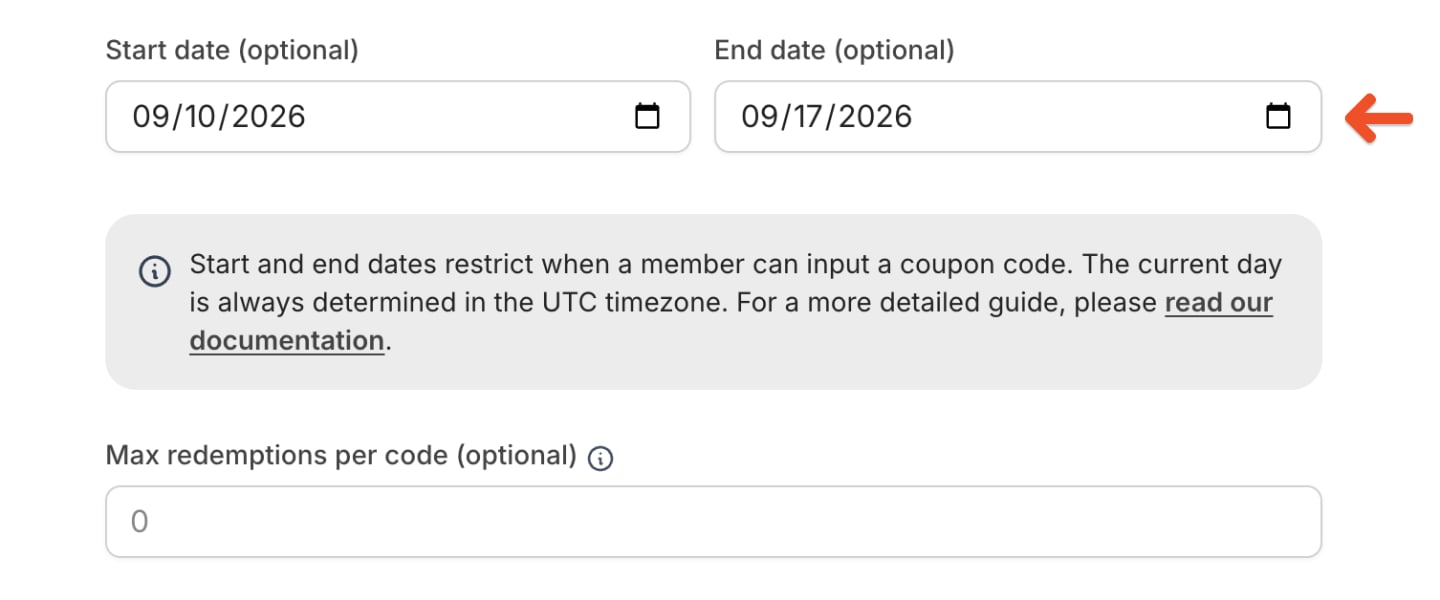
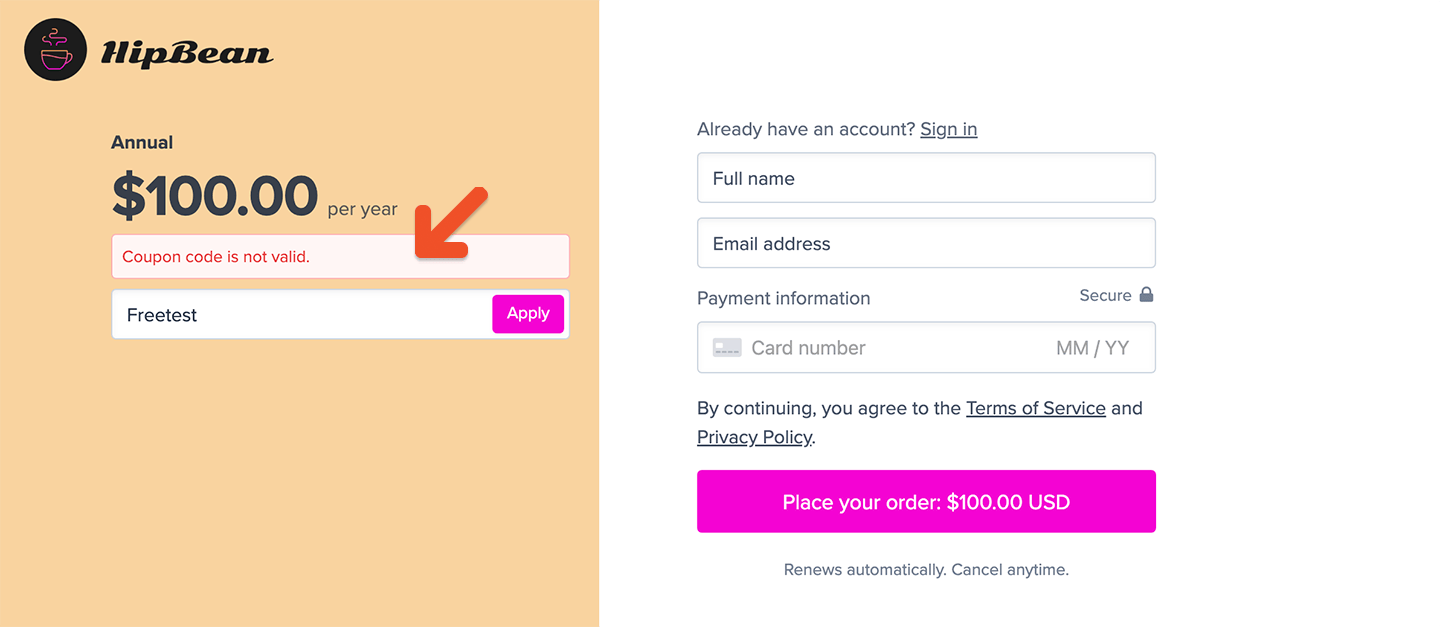
- Members in California, USA (UTC−7) can use it from November 4 at 5 PM through November 16 at 5 PM.
- Members in New York, USA (UTC−4) can use it from November 4 at 8 PM through November 16 at 8 PM.
- Members in Paris, France (UTC+2) can use it from November 5 at 2 AM through November 17 at 2 AM.
- Members in Sydney, Australia (UTC+10) can use it from November 5 at 10 AM through November 17 at 10 AM.
Set max redemptions
Enter the total number of times the coupon can be redeemed. For example, enter 100 if only the first 100 members should receive the discount.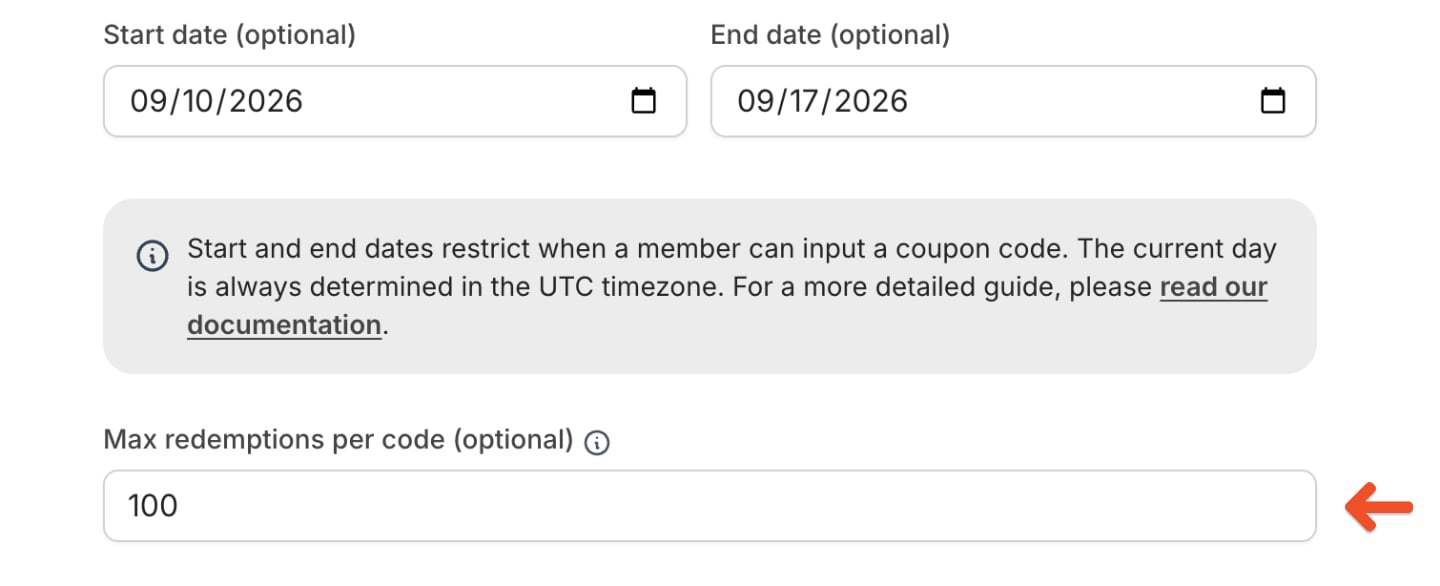
Choose when members can use the coupon
Choose whether the coupon can be applied to new purchases, existing purchases, reactivated expired purchases, or upgrades to active or expired subscriptions.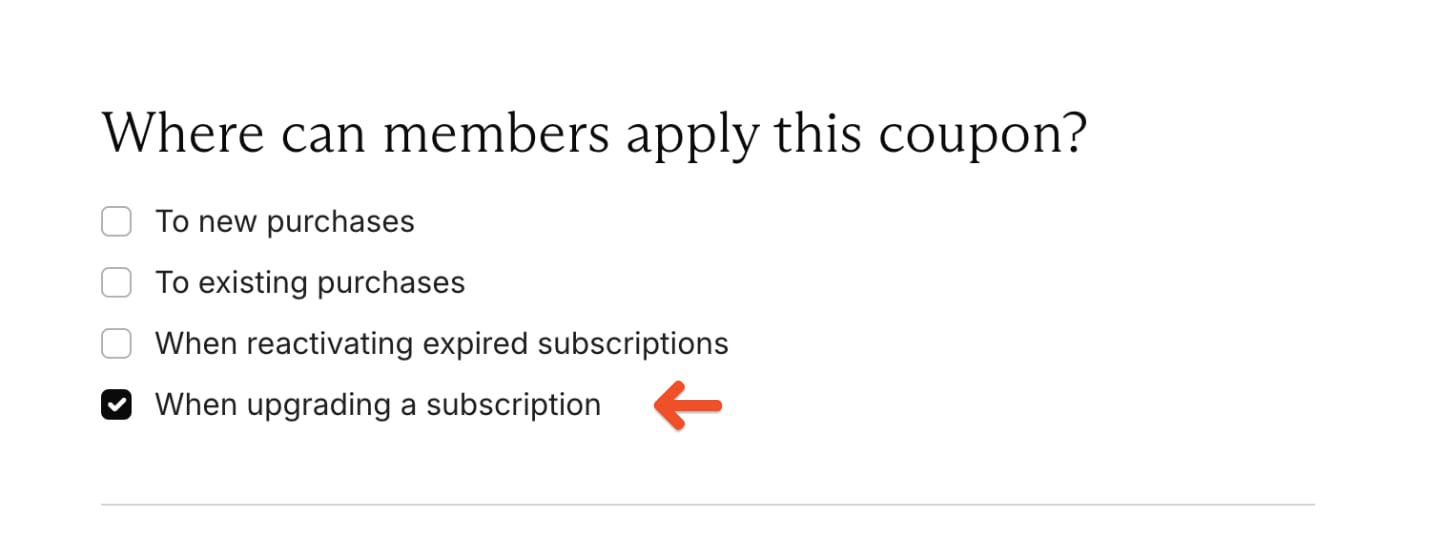
Require a credit card for a free order
If the coupon covers 100% of the cost, you can require the member to provide a credit card. This allows Memberful to charge the member when the coupon no longer applies.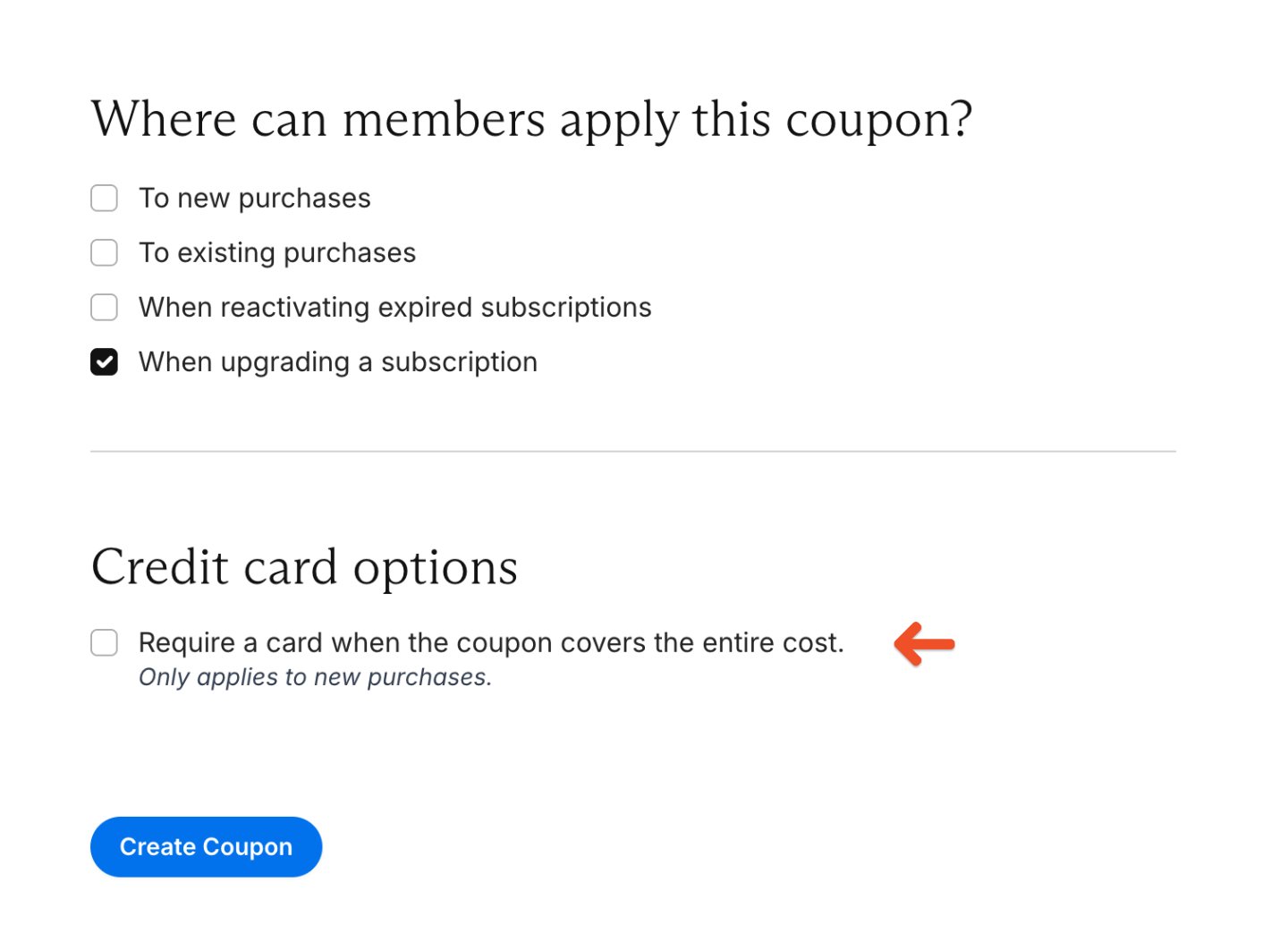
Save the coupon
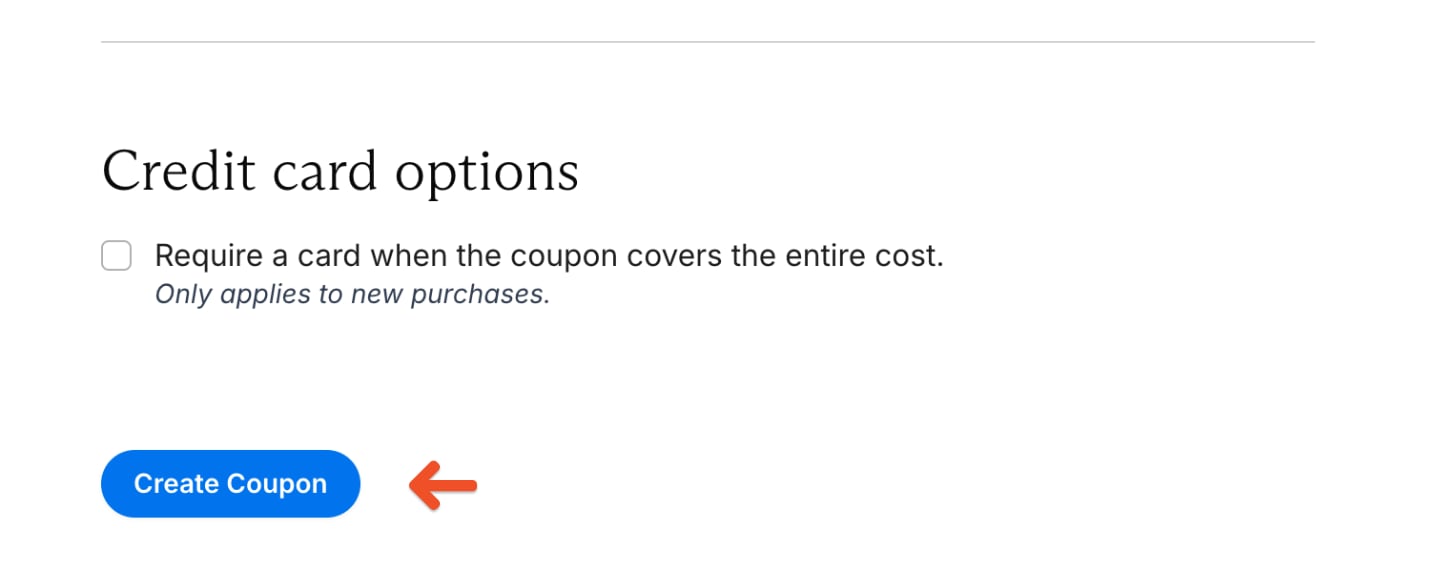
Review the coupon details and click Create coupon.