Price for the relationship you want to build. Your pricing and renewal options signal whether membership is a casual purchase or a long-term commitment. Thoughtful pricing can support deeper trust, better retention, and more durable growth.
Open the Plans page
Go to Revenue → Plans in your Memberful dashboard. Click Create plan.
Create your plan
Enter a plan name.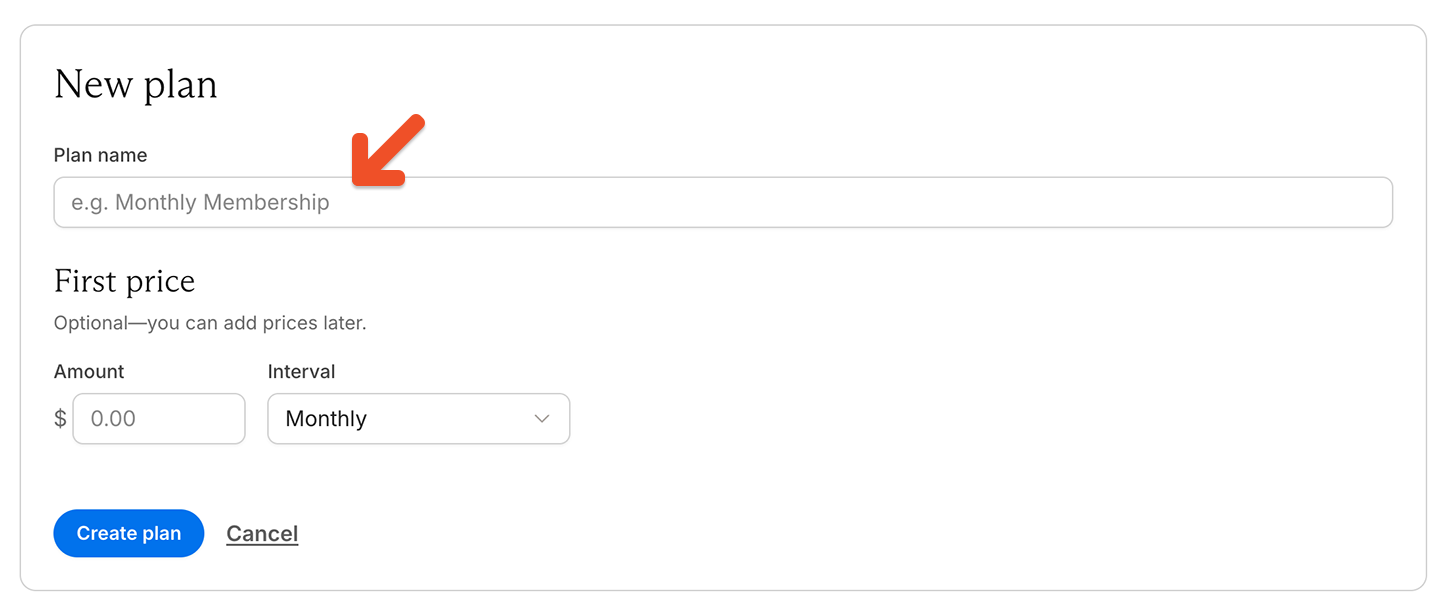
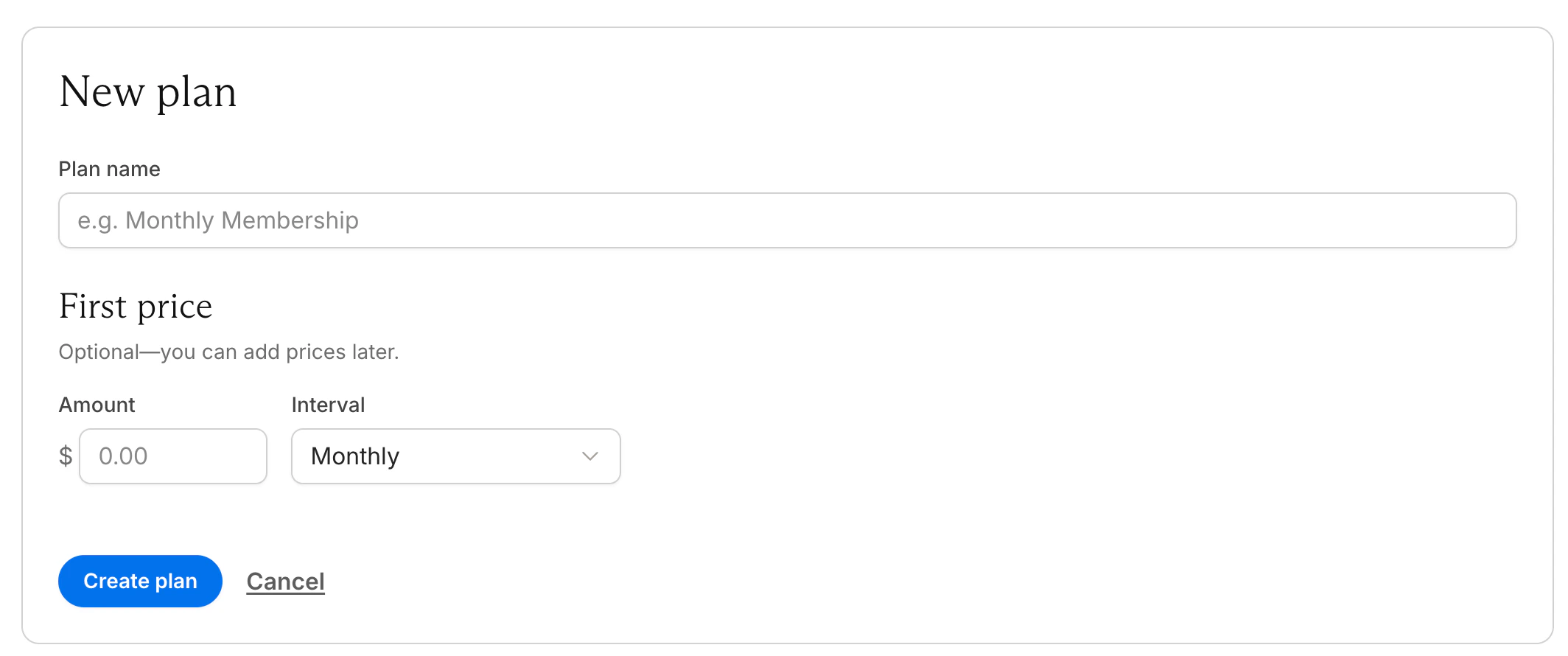
- The amount
- The interval
Add and manage prices
After creating the plan, go to Prices to review existing prices, add more prices, or edit a price. Each plan can include one or more prices. To add another price, click Add price.
- A monthly price and a yearly price
- A current price and a hidden legacy price
- A standard price and a promotional price
Edit a price
Each price has its own settings.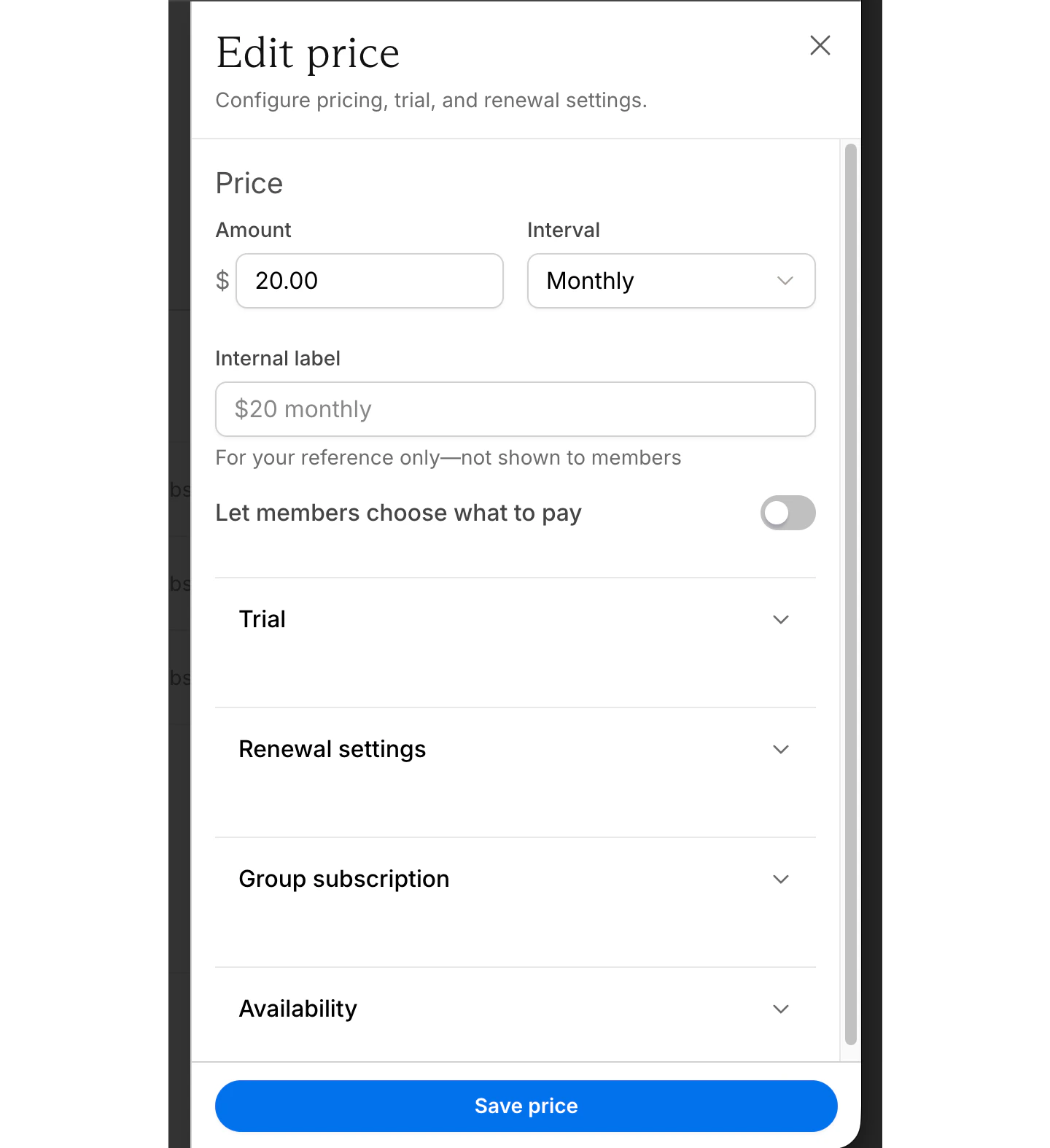
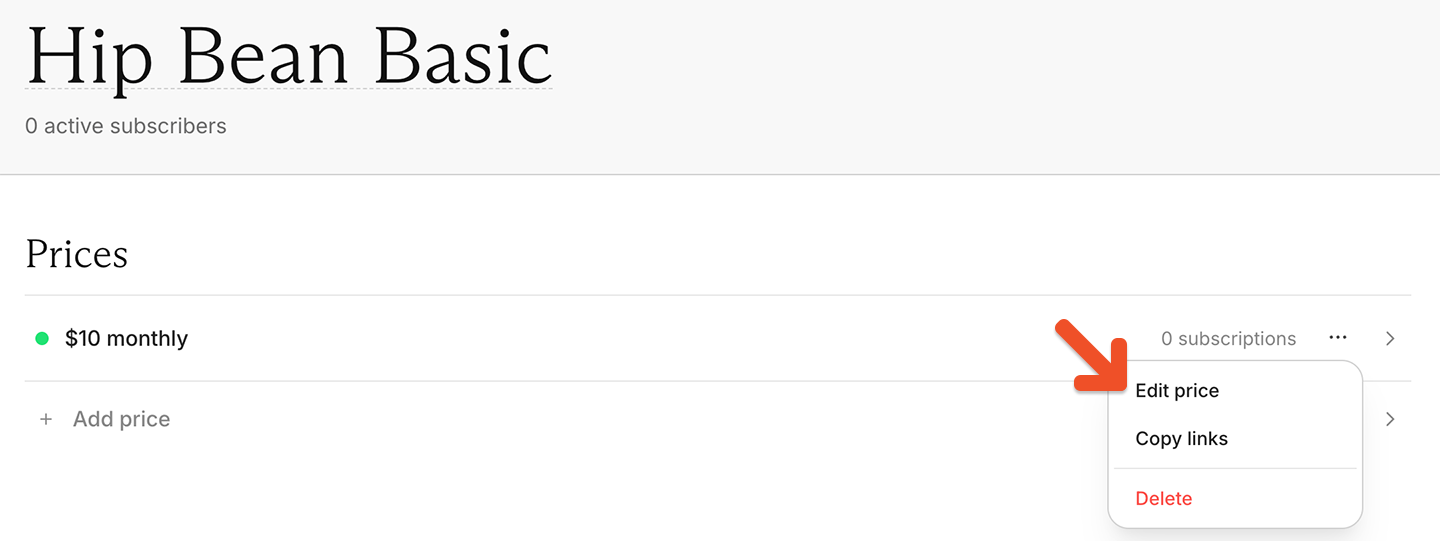
Set the price and billing interval
Enter a price and select how often members are charged.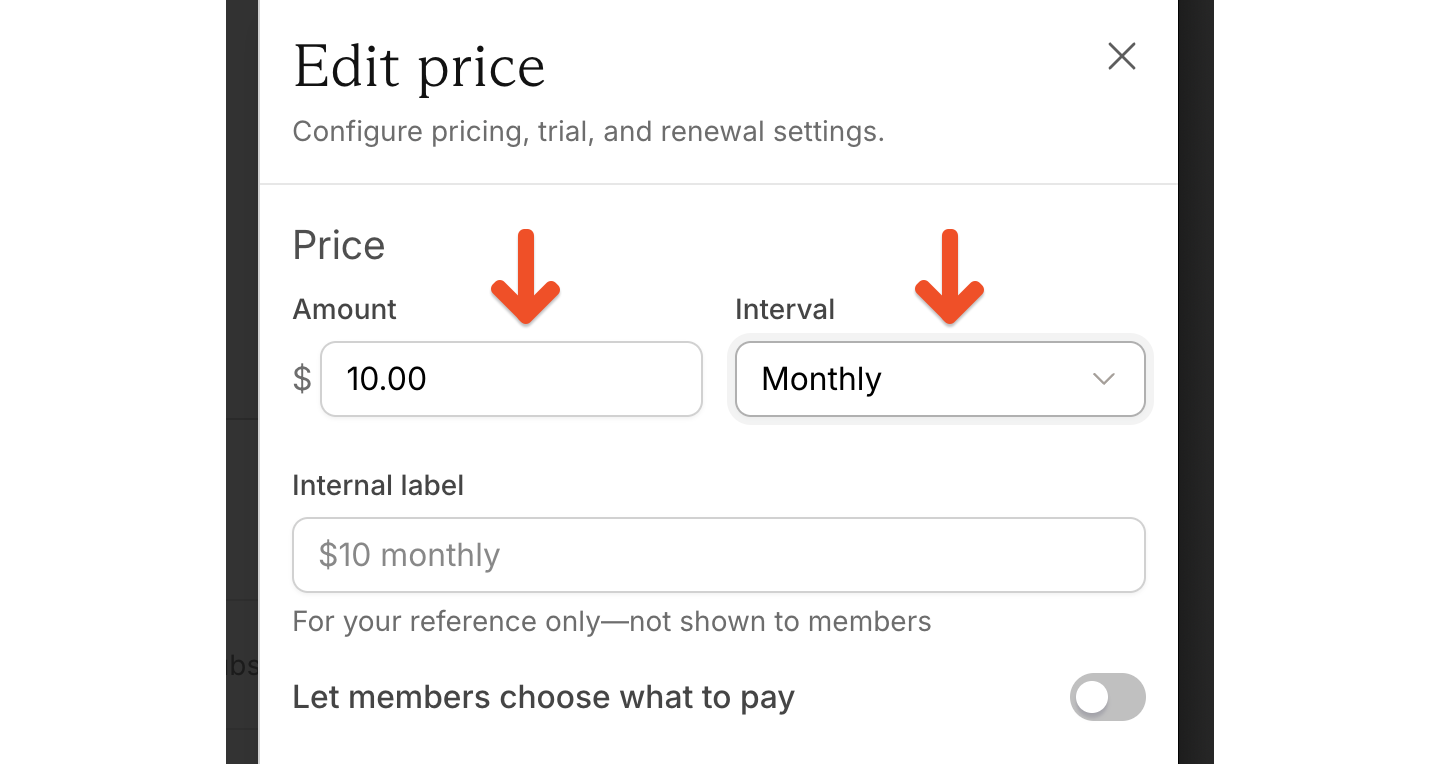
- Weekly
- Monthly
- Every 3 months
- Every 6 months
- Yearly
- Custom
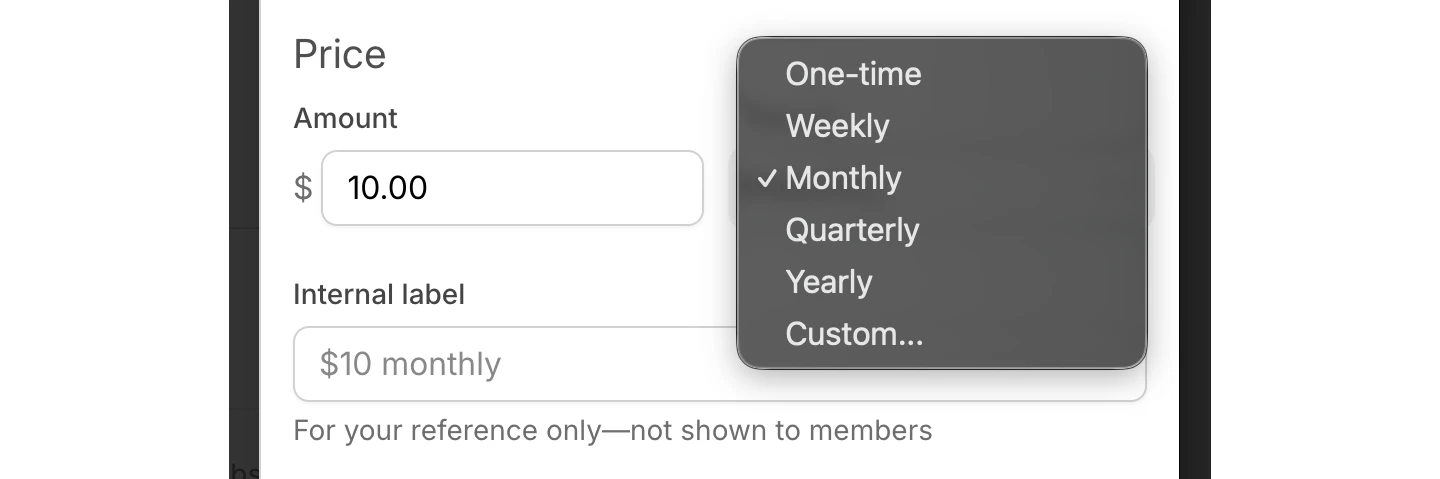
Once you have one member subscribed to a plan, you can’t edit the billing frequency. Contact our support team if you need to make any changes to this setting.
Add an internal label
Add an internal label for your own reference.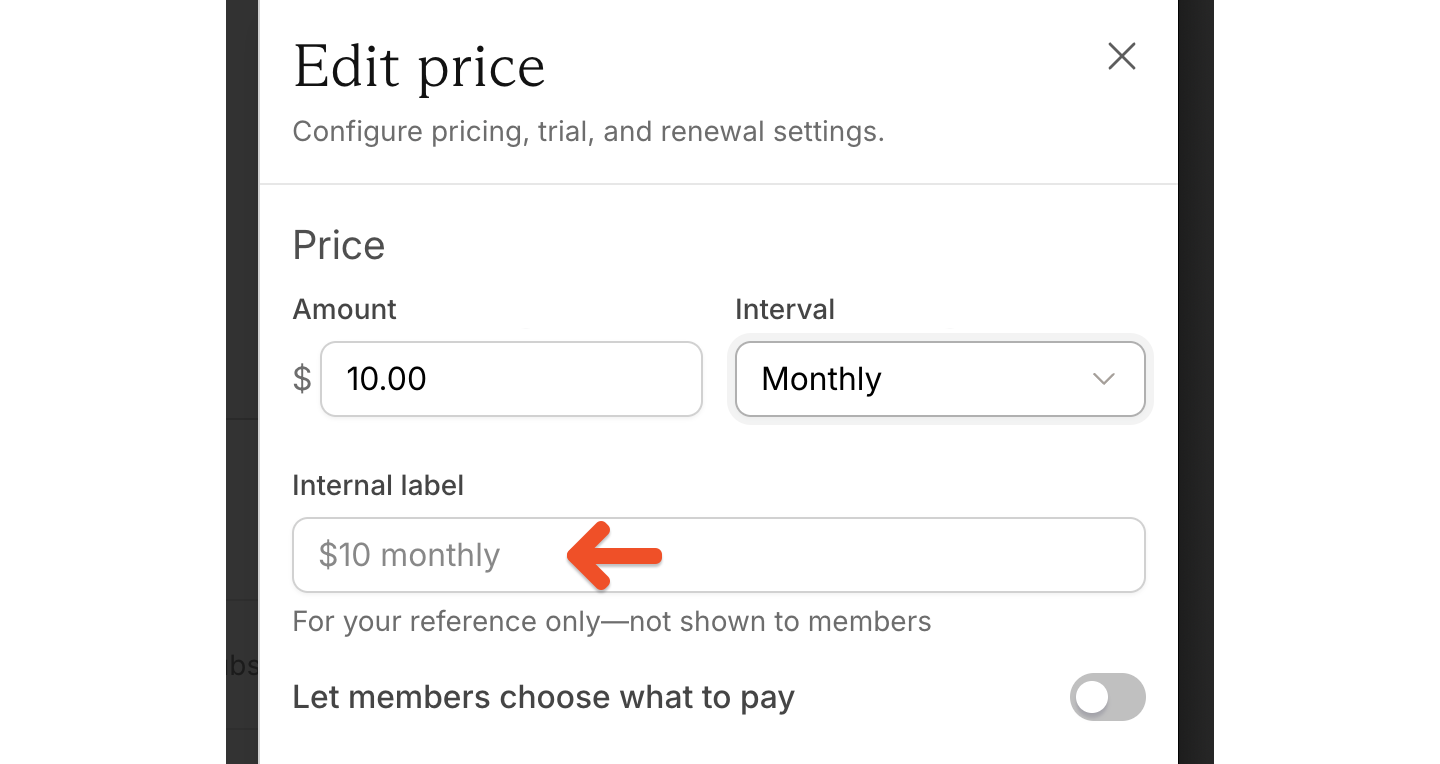
- Legacy monthly
- Trial monthly
- Annual promo
Let members choose what to pay
To let members pay more than the minimum price, toggle on Let members choose what to pay.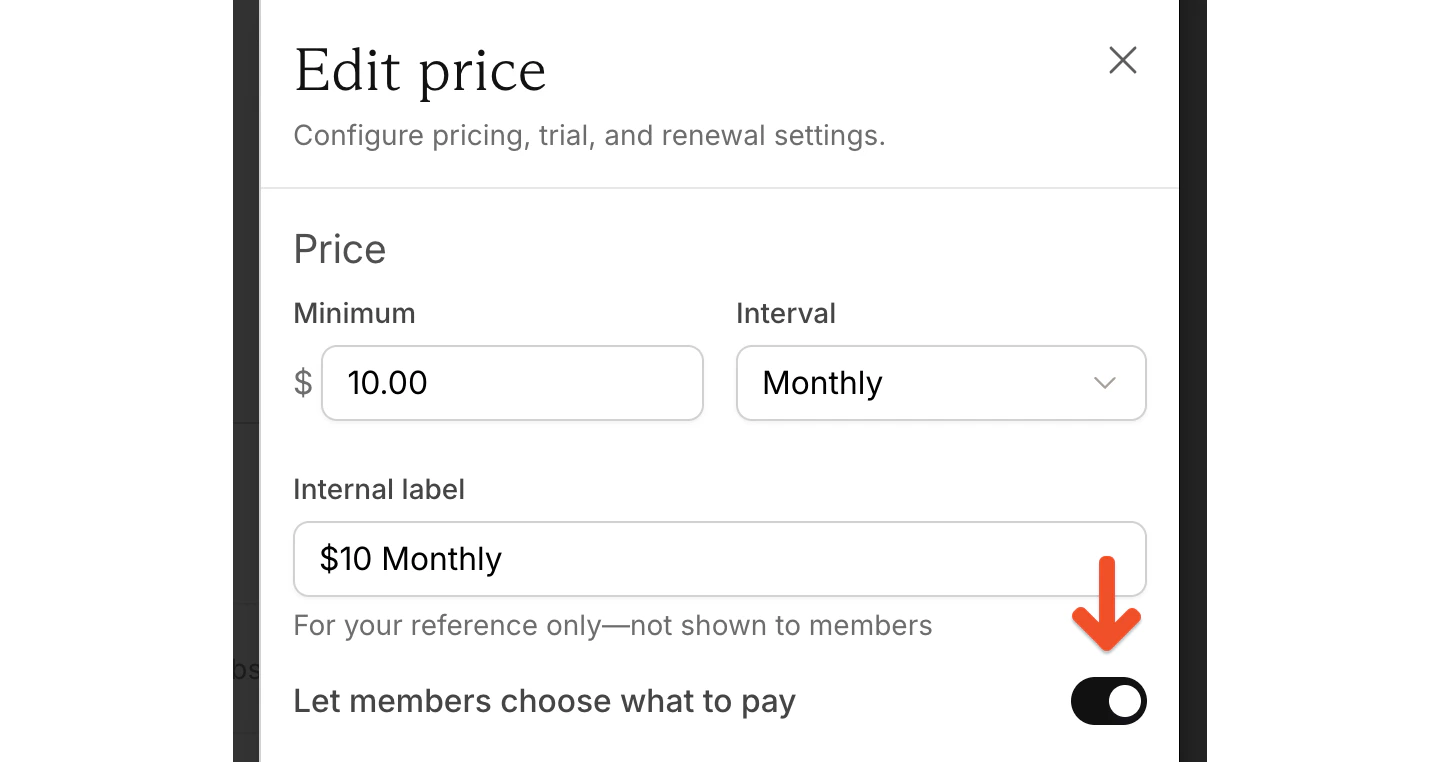
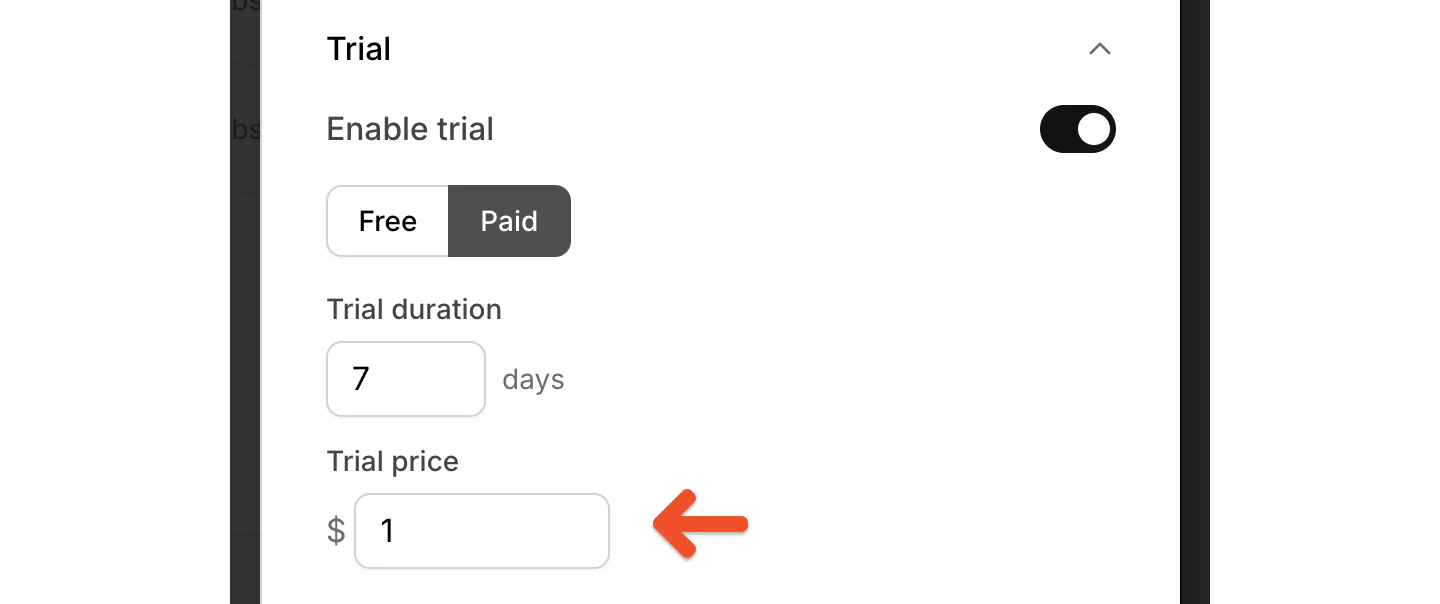
Configure trials
Use trial settings to create a free trial or a paid trial. Along with the trial length, you can configure: A free trial without a credit card: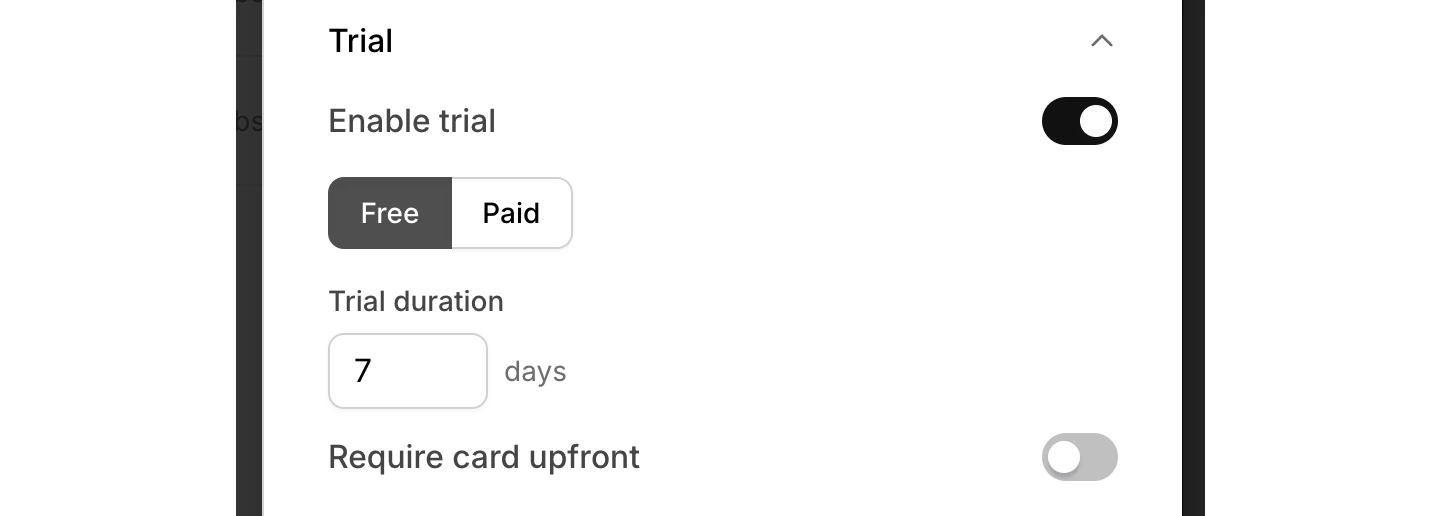
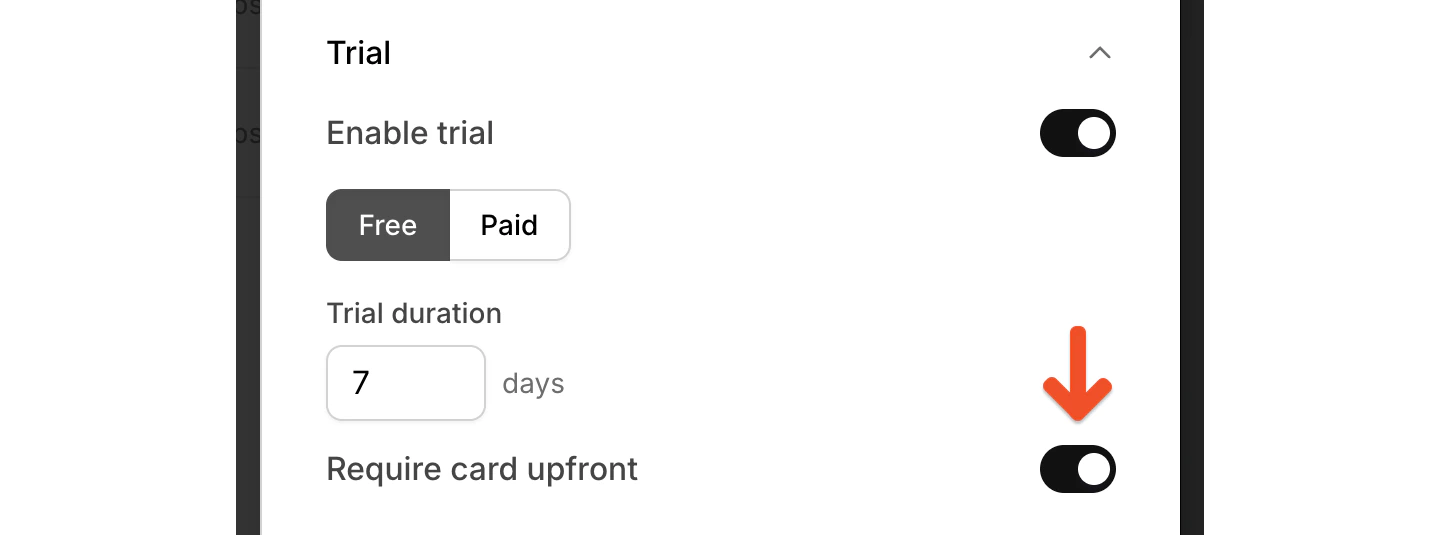
Configure renewals
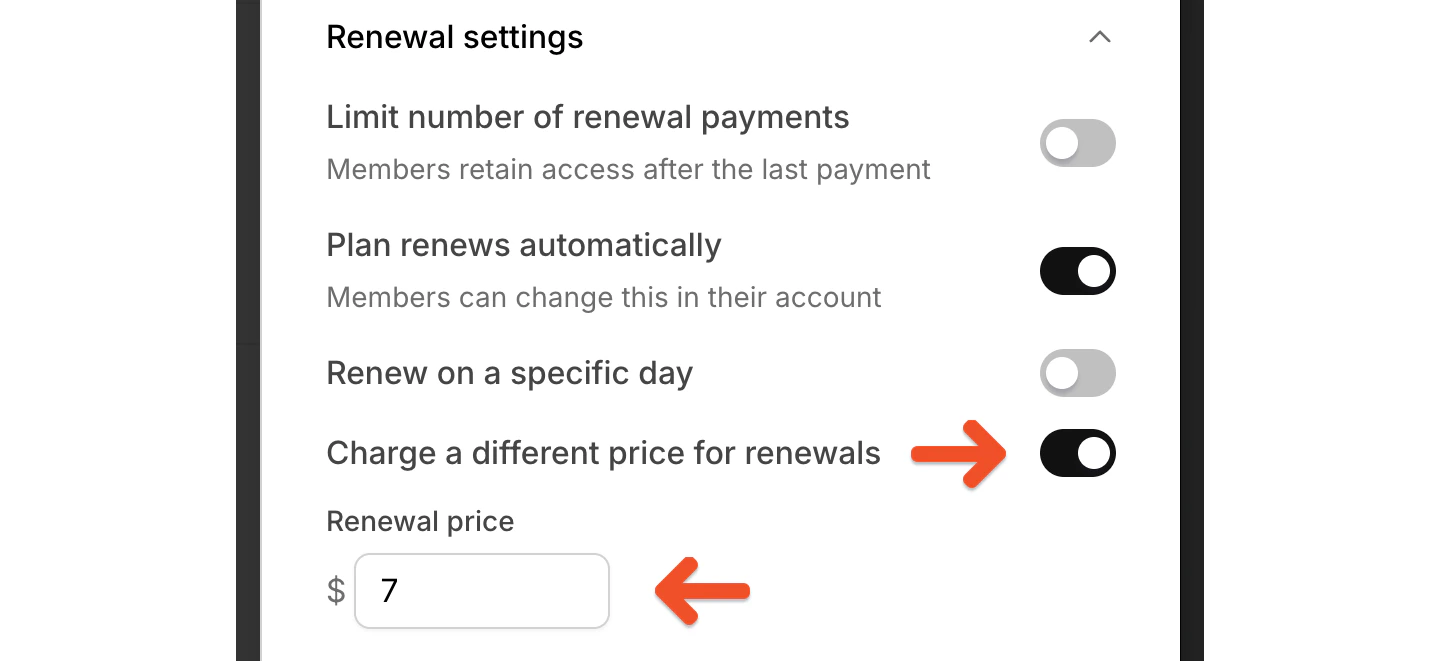
Renewal settings let you control what happens after the first payment. You can toggle these settings on or off. Limit number of renewal payments: End billing after a set number of renewals. If you limit the number of renewal payments, members keep access after the last payment.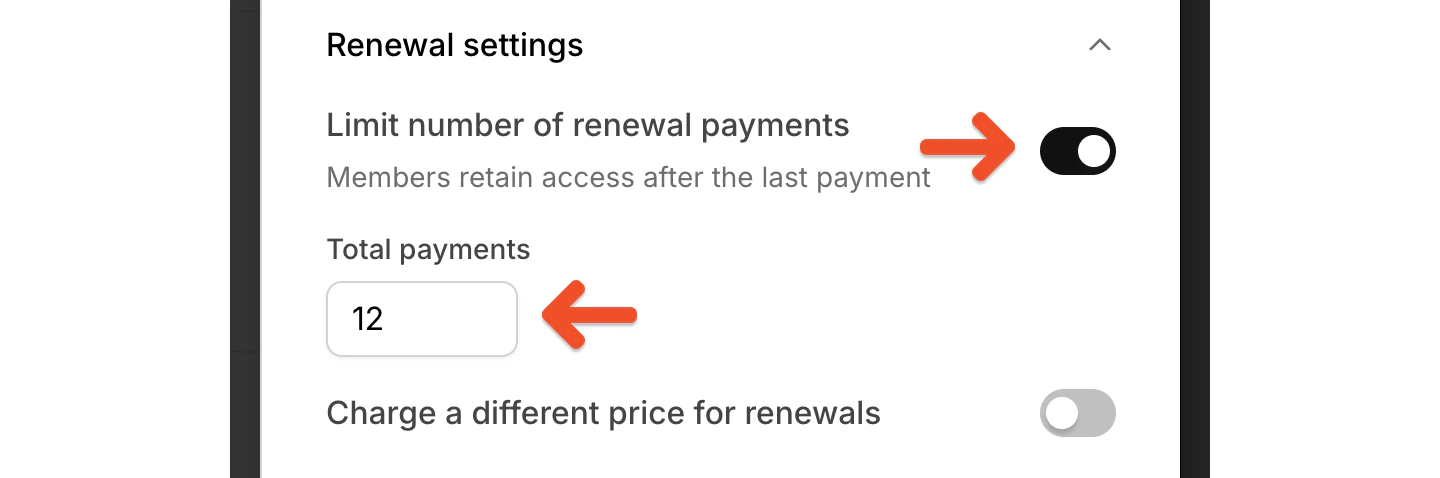
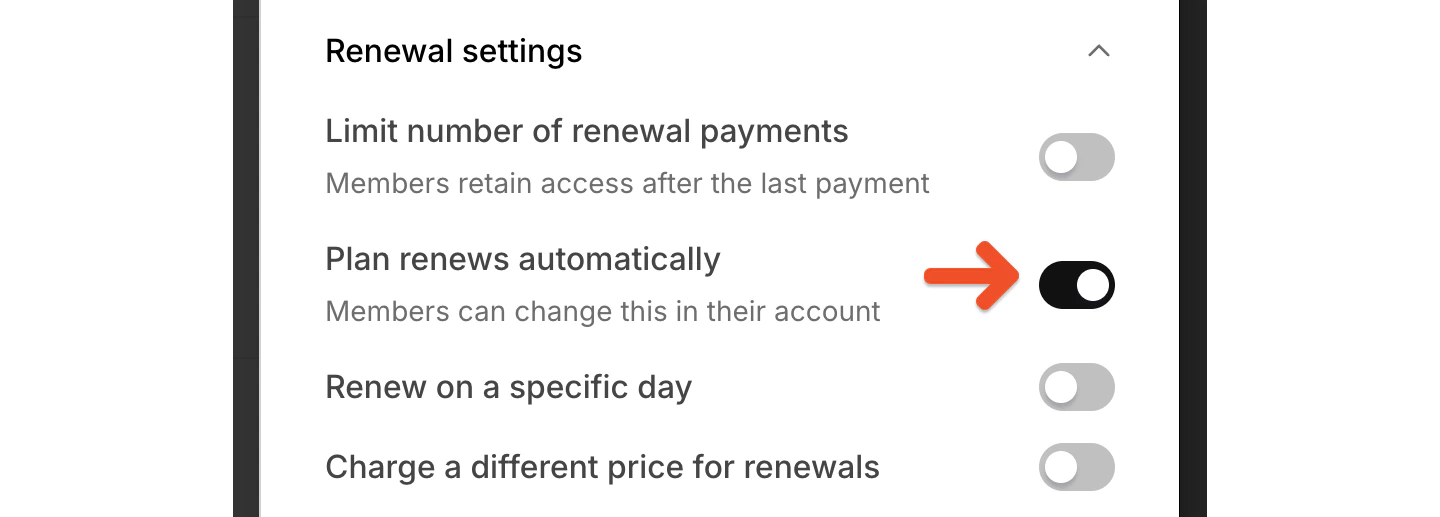
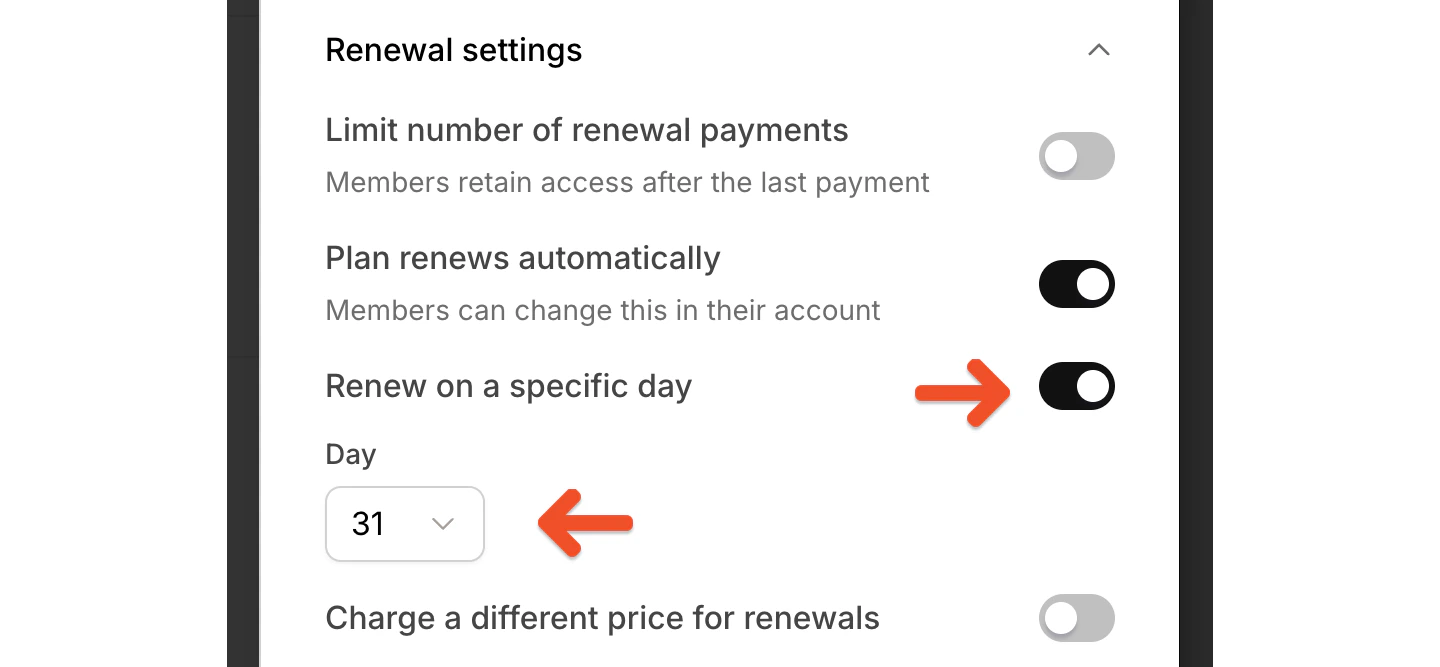
- A monthly plan can renew on a specific day of the month
- A yearly plan can renew on a specific month and day
- A quarterly plan can renew in a set group of months on a specific day
Enable group subscriptions
The Group subscription setting lets one person purchase and manage access for multiple members.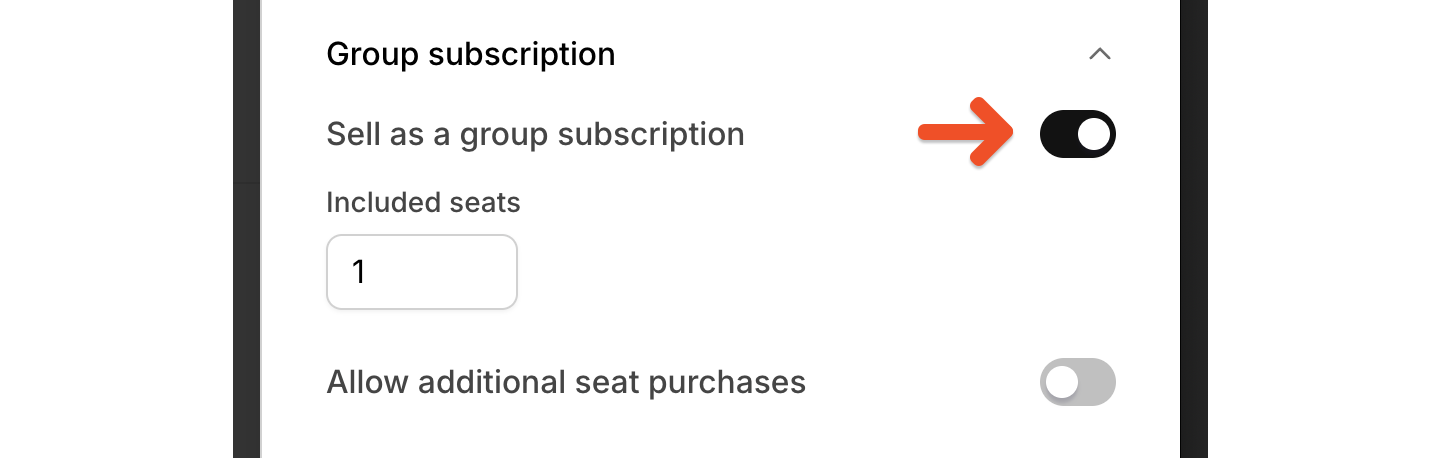
Control price availability
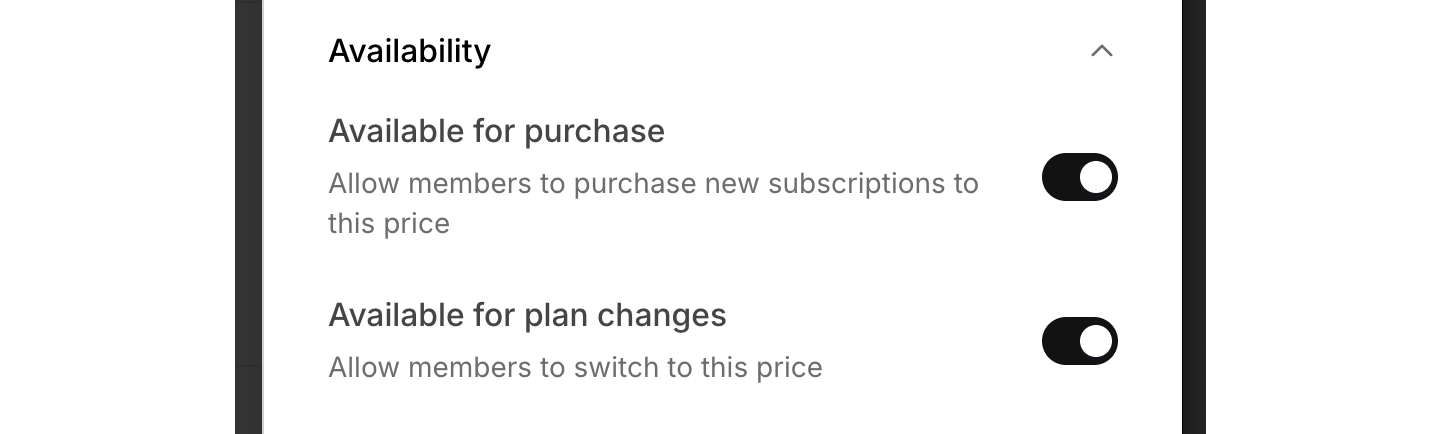
Each price has its own availability settings:- Use Available for purchase to control whether new members can buy that price.
- Use Available for plan changes to control whether existing members can switch to that price.
- Legacy prices
- Trial prices
- Limited promotional prices
Review plan-level settings
Below the prices, you can configure the rest of the plan settings. These settings apply to the plan itself rather than to an individual price.Upgrades & downgrades
Upgrades & downgrades lets you control whether members can switch prices within a plan or between plans.
Downloads and podcasts
If you’ve created downloads or private podcasts in Memberful, you can include them with the plan. Click Edit next to Downloads or Podcasts to manage what’s included.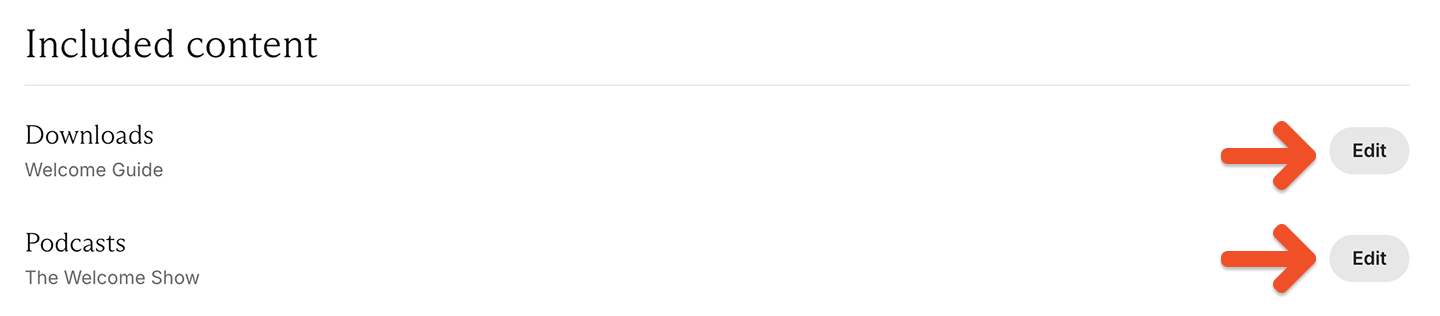
- For full setup guidance, see Include or sell downloads.
- For full setup guidance, see Create a paid podcast.
Data collection
Data collection lets you require members to enter a phone number or mailing address during checkout.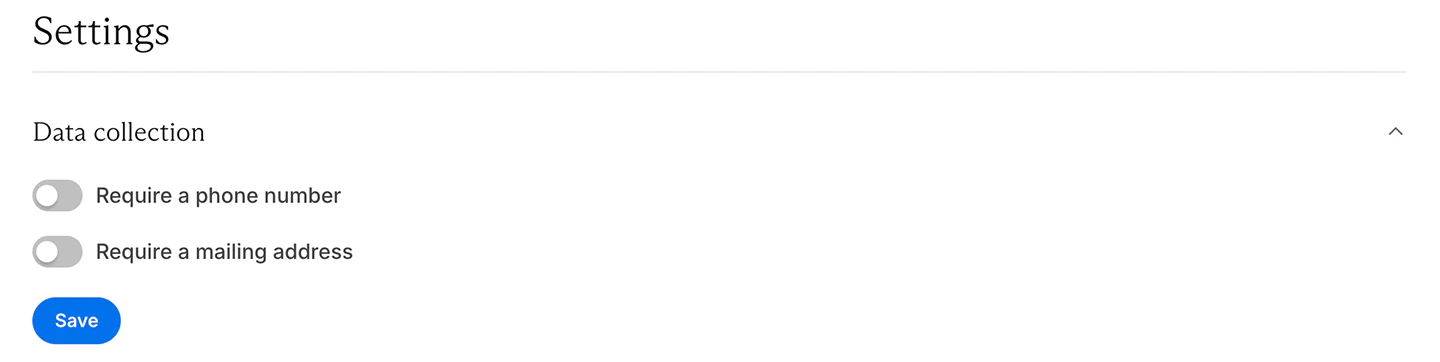
Taxes
If tax collection is enabled for your Memberful account, the Taxes settings let you manage tax collection for this plan and edit the tax category.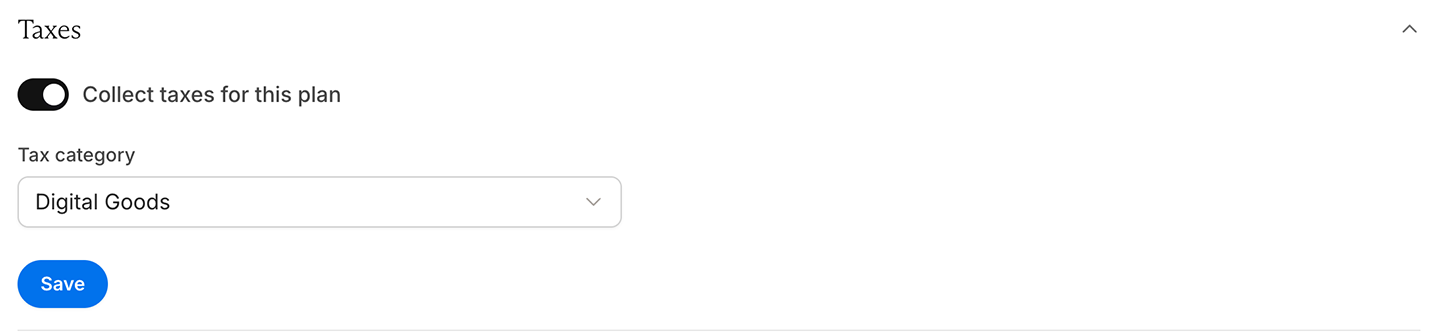
After checkout
The After checkout settings let you choose what members see after checkout.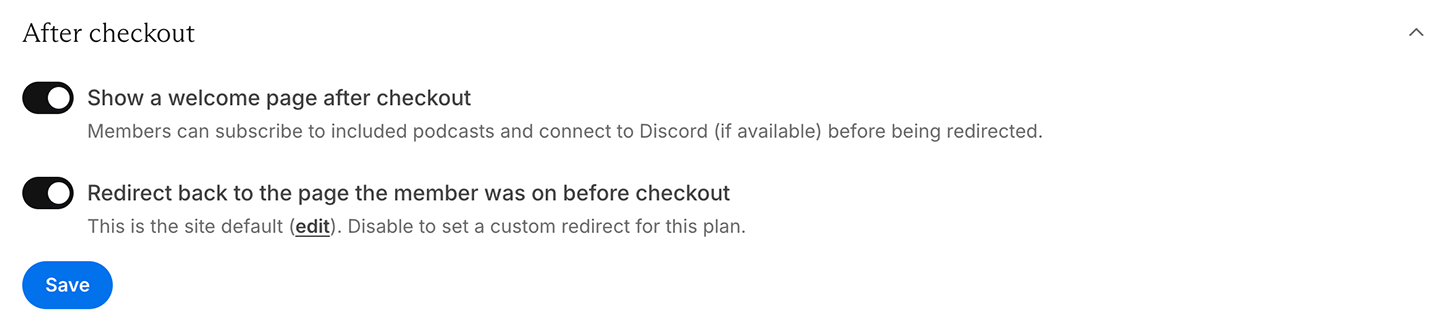
- Show a welcome page where members can subscribe to podcasts or connect to your Discord server (if included)
- Redirect members back to the page they were on before checkout
- Set a custom redirect only for this plan
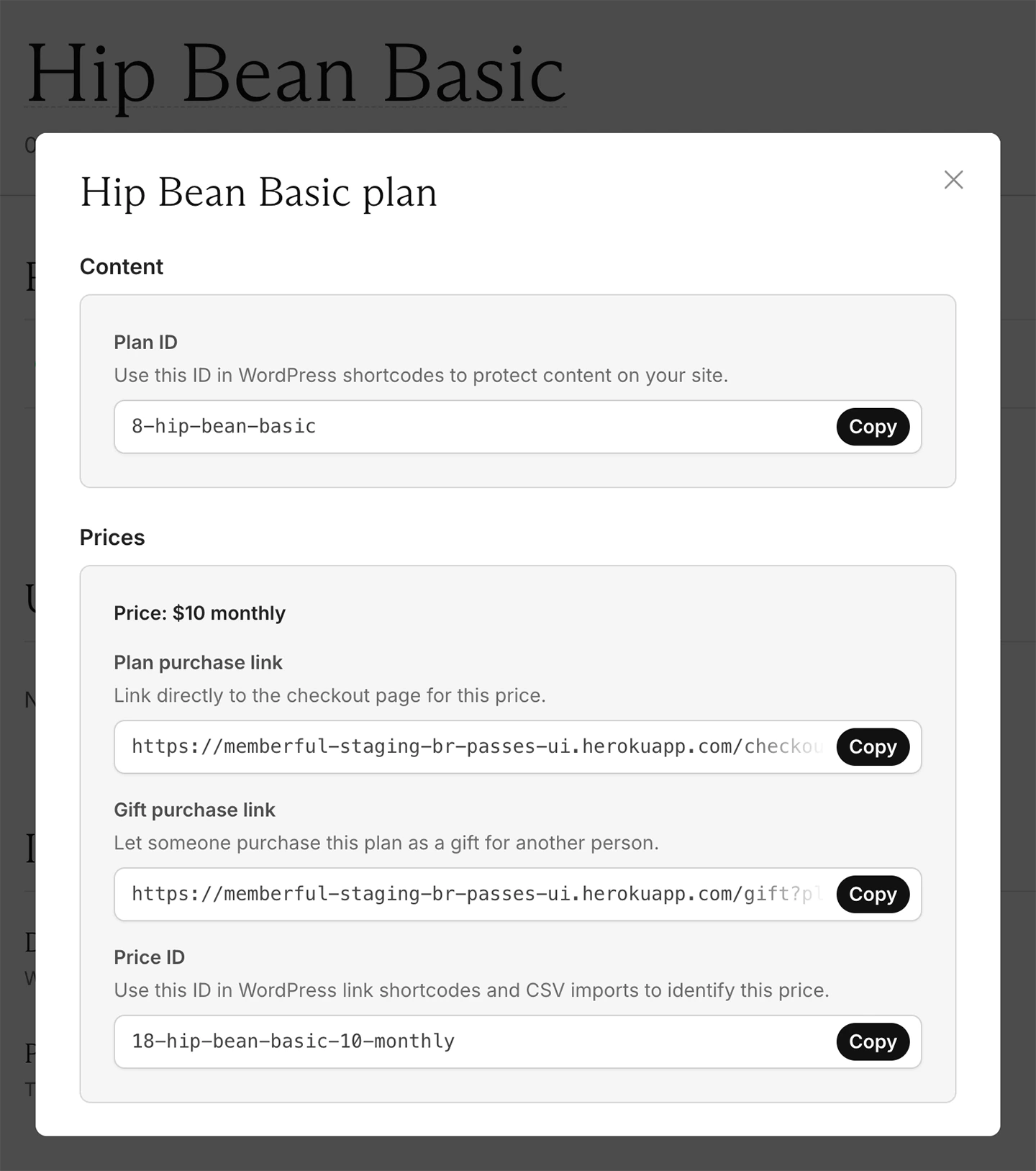
Copy links for a price
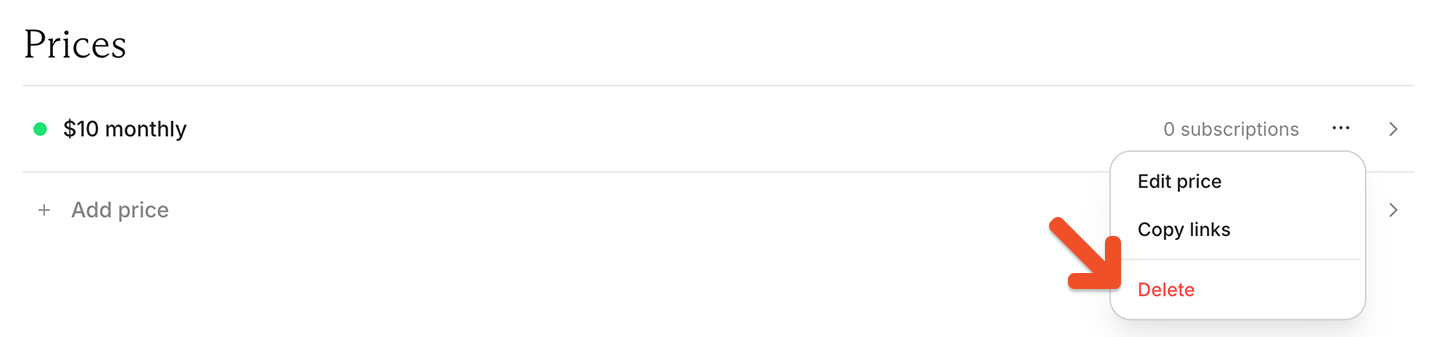
In the Prices section, click the ••• menu next to the price, then select Copy links.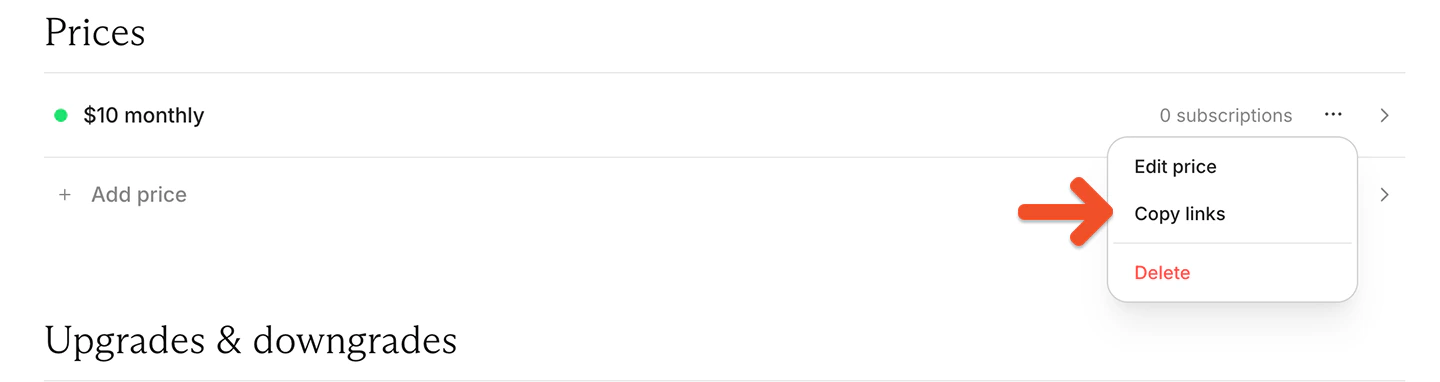
- the Plan ID that can be used in WordPress shortcodes to protect content on your site
- the plan purchase link
- the gift purchase link
- the Price ID, which can be used in WordPress link shortcodes and CSV imports to identify a price
Delete a price or plan
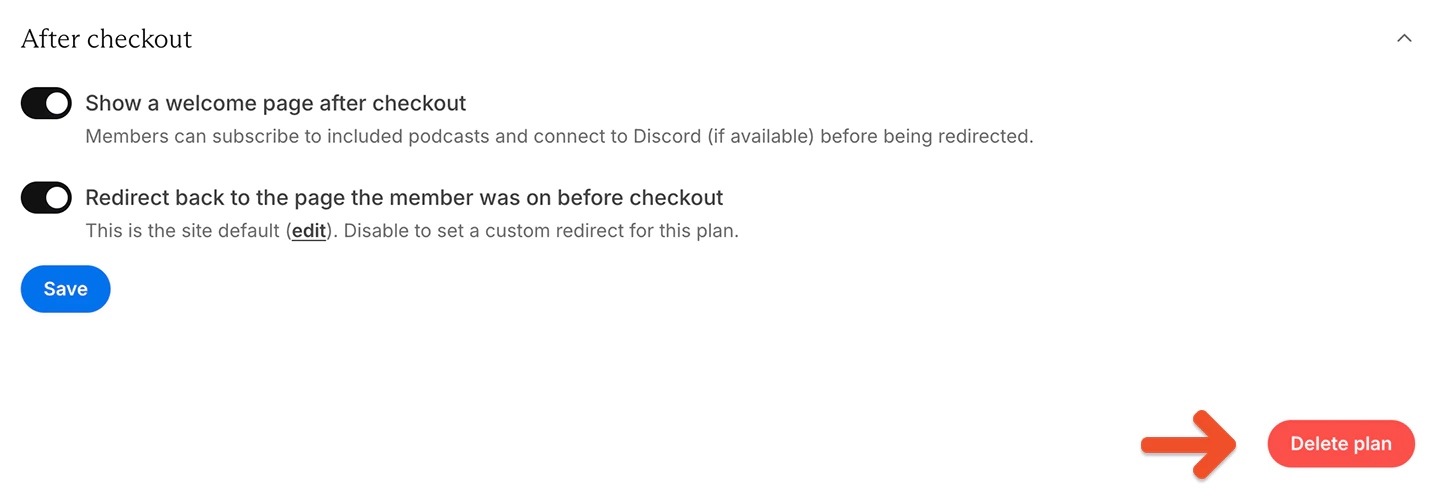
To delete a price or plan, first move all members to other prices. In the Prices section, click the ••• menu next to the price, then select Delete.