

Understand plan change controls
Memberful uses two separate controls for plan changes:- The Upgrades & downgrades setting on each plan controls whether members can switch from that plan to other plans.
- The Available for plan changes setting on each price controls whether members can switch to that specific price.
Being included in a Group doesn’t guarantee that a plan’s prices can be used for plan changes. Members can only switch to prices that use standard recurring billing. Prices with date-based billing, one-time billing, or a limited number of renewal payments aren’t eligible for plan changes.
Select the plans members can switch to
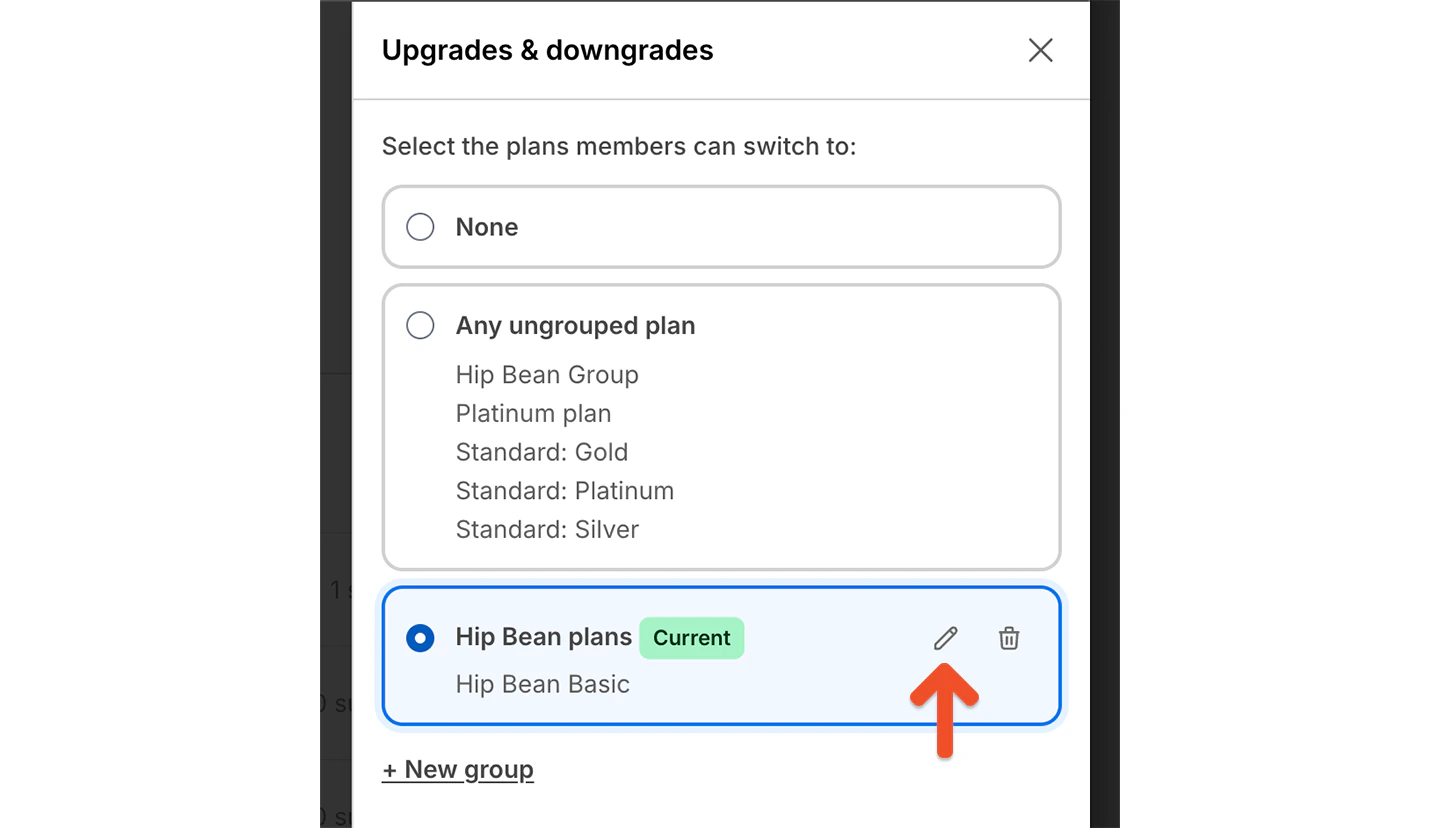
Go to Revenue → Plans in your Memberful dashboard. Select the plan you want to update. In the Upgrades & downgrades section, click Edit.
- None
- Any ungrouped plan
- Other plans in a specific group
None
Use this option when the plan should stay separate and should not replace or be replaced by another plan.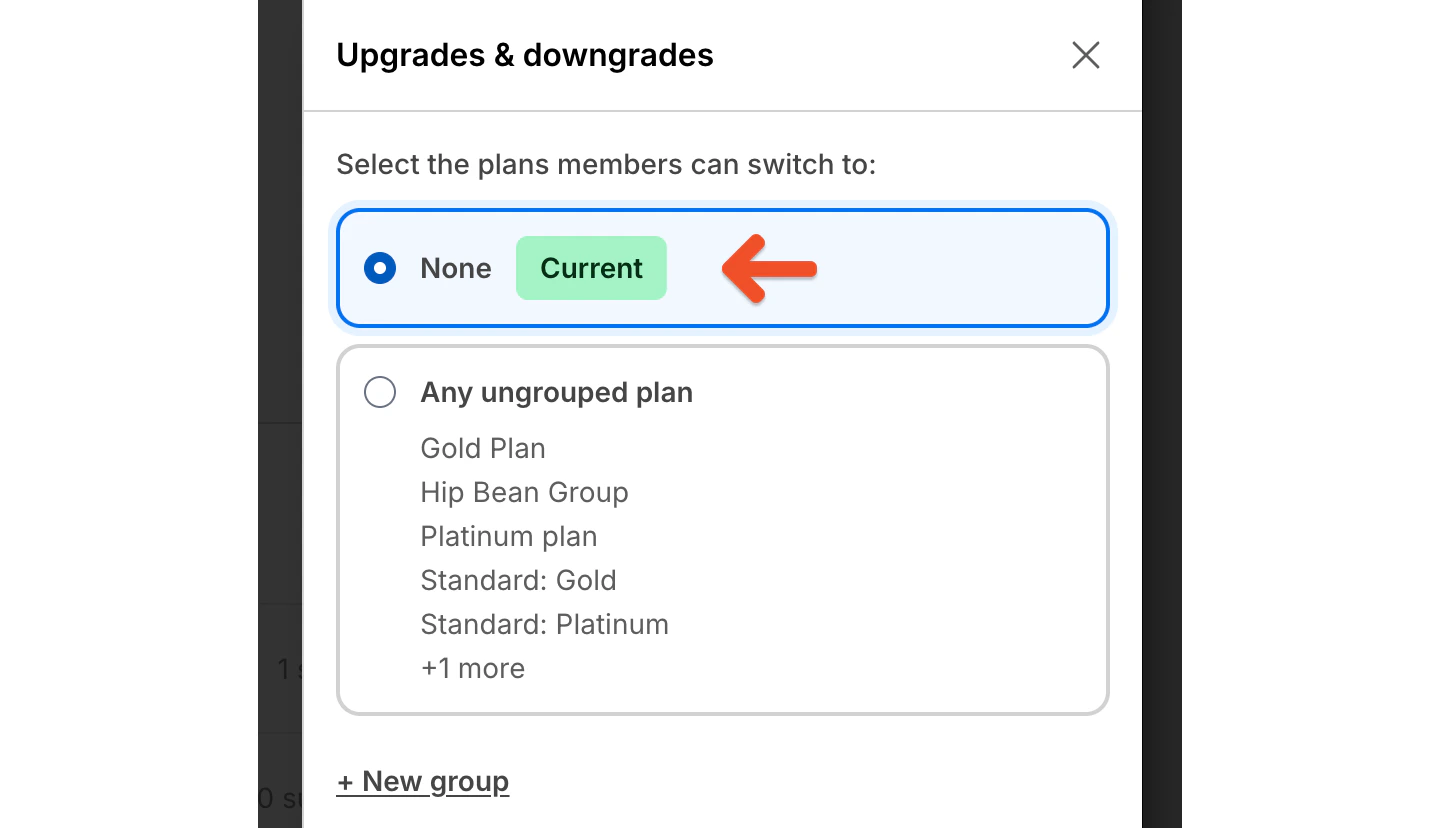
Any ungrouped plan
Use this option when the plan should switch with other plans that also use the default switching setup.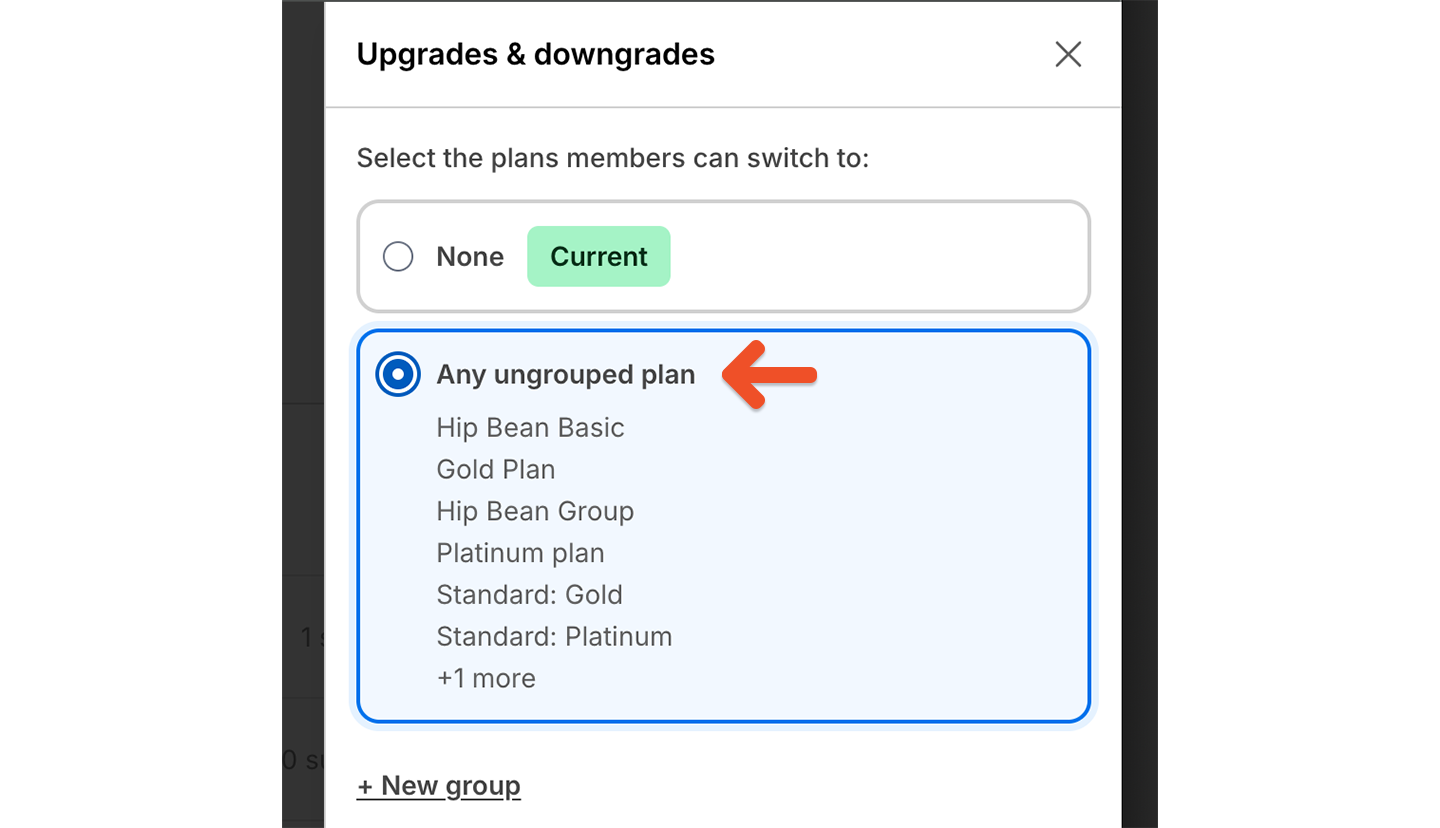
Other plans in a specific group
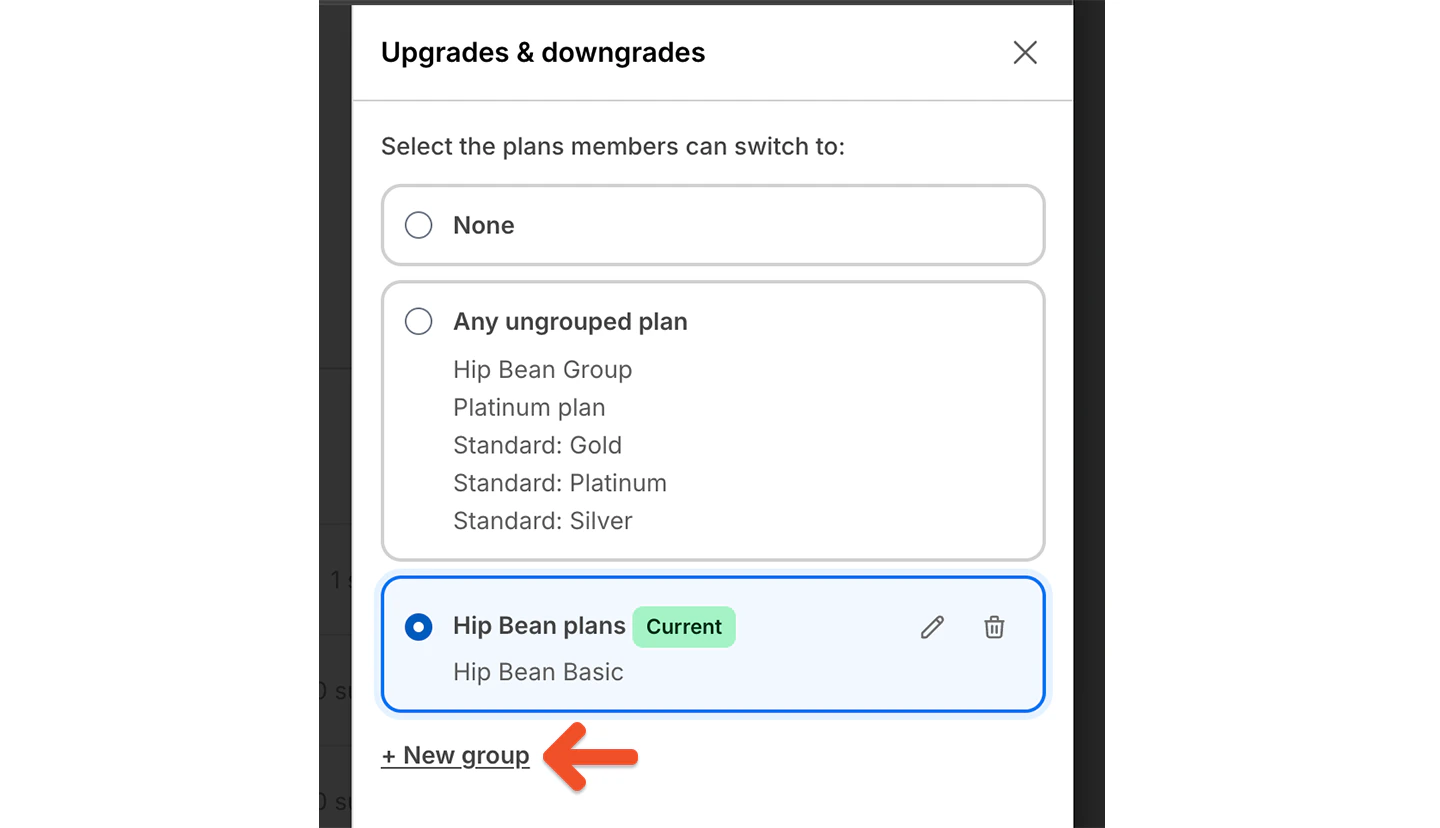
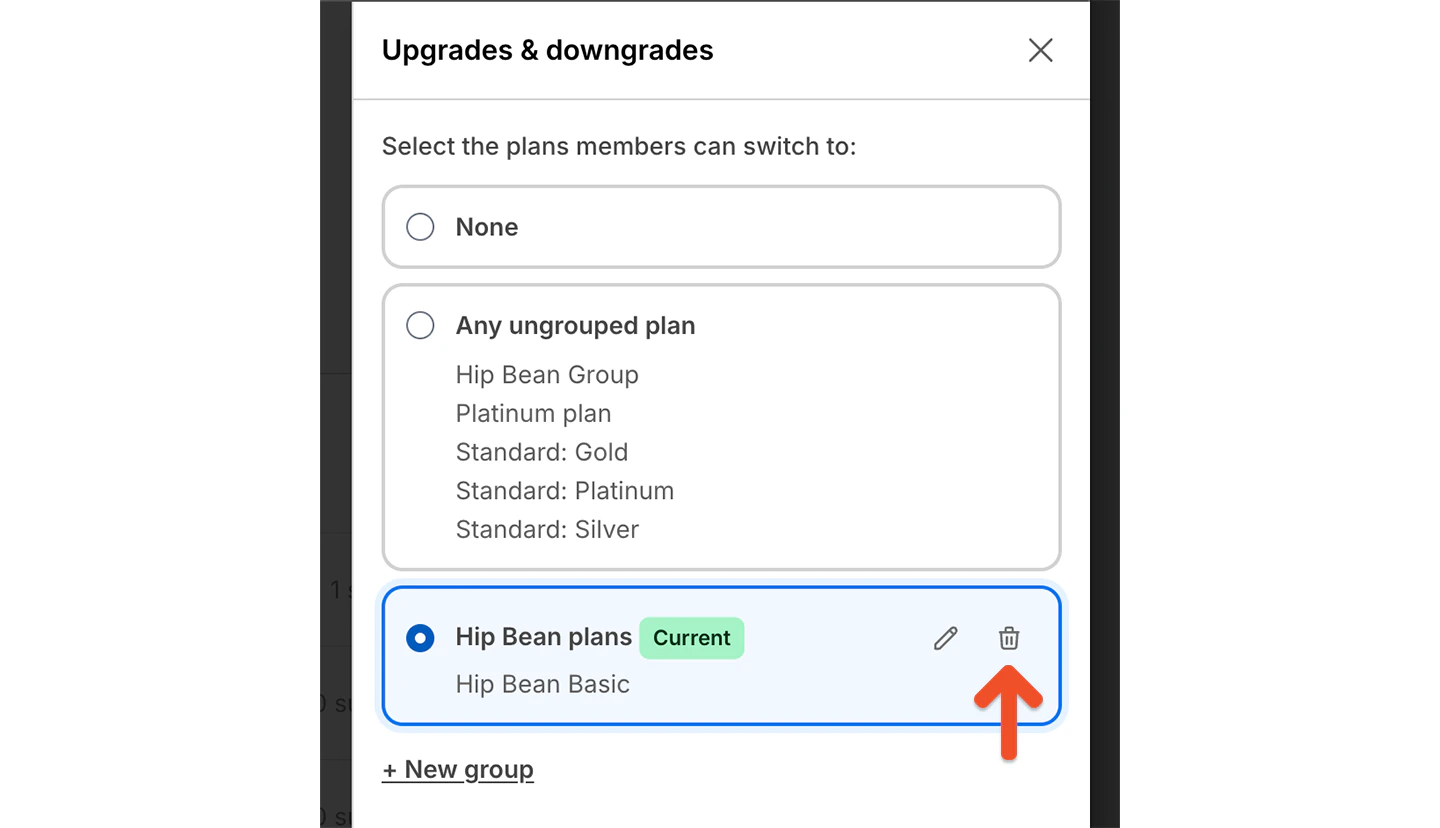
Use this option to limit switching to a specific set of plans. Groups control which plans members can switch between. They are different from group plans, which are a separate plan type. After choosing this option, select an existing group: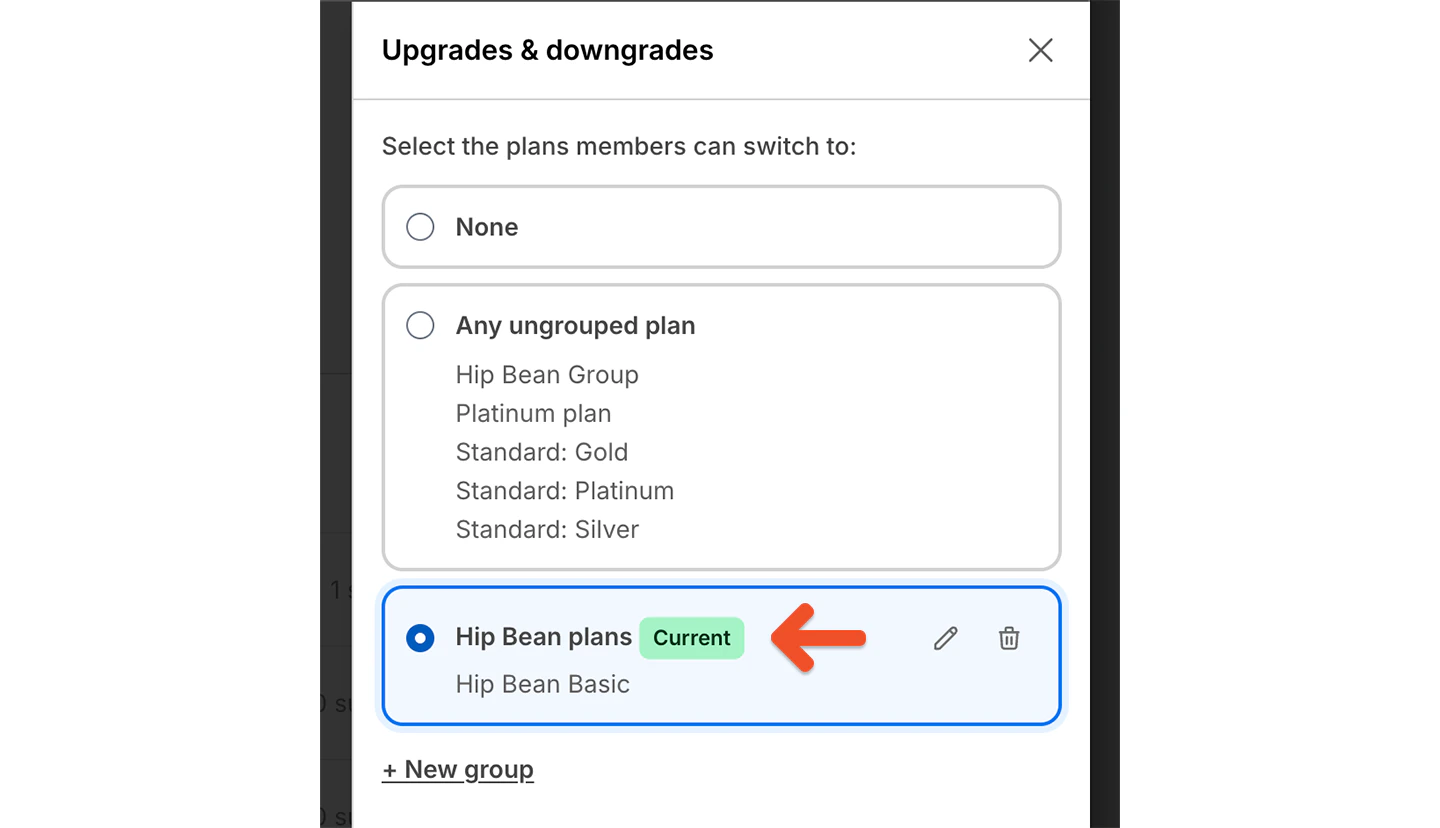

Control switching between prices in the same plan
Members can also switch between prices in the same plan, such as monthly and yearly pricing. In the Prices section, click the ••• menu next to the price, then select Edit price.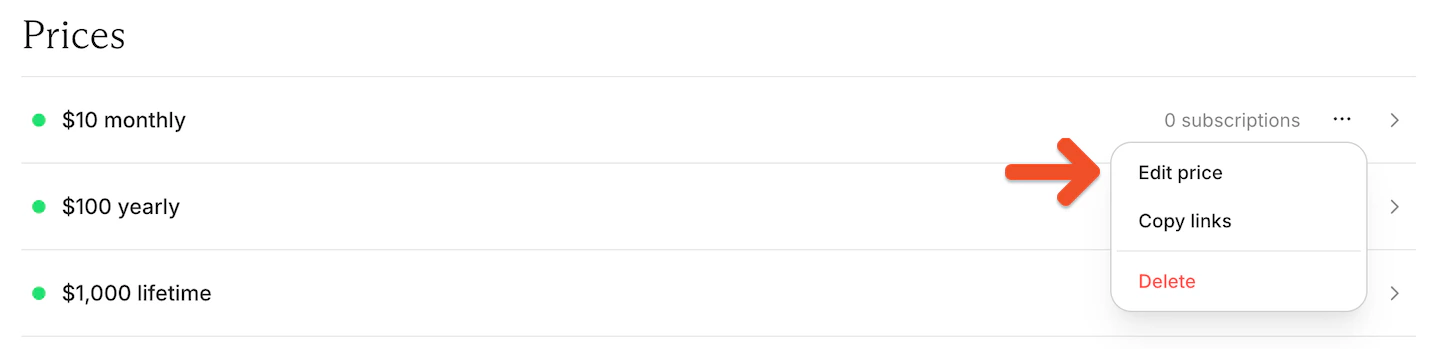
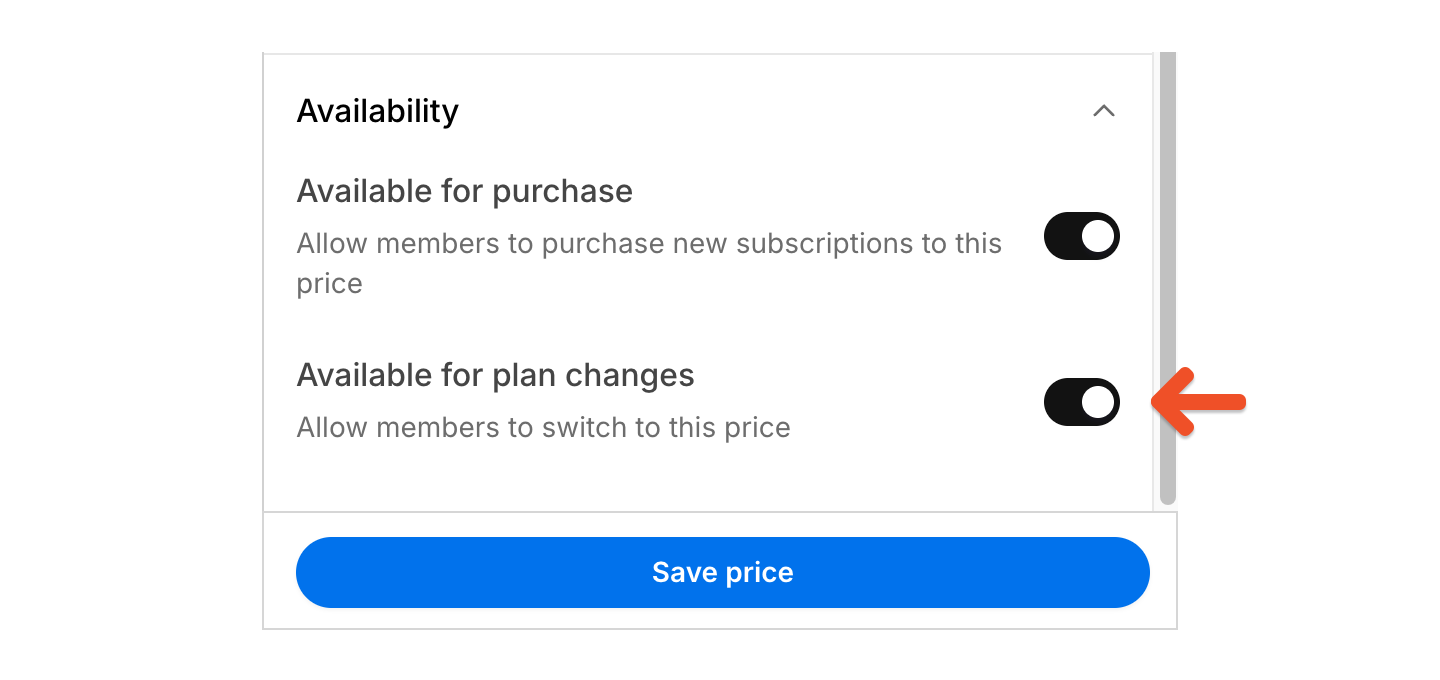
- A hidden legacy price
- A hidden trial price
- A limited promotional price
- A retired legacy price that existing subscribers can keep but new subscribers should not switch to
Configure how upgrades are charged
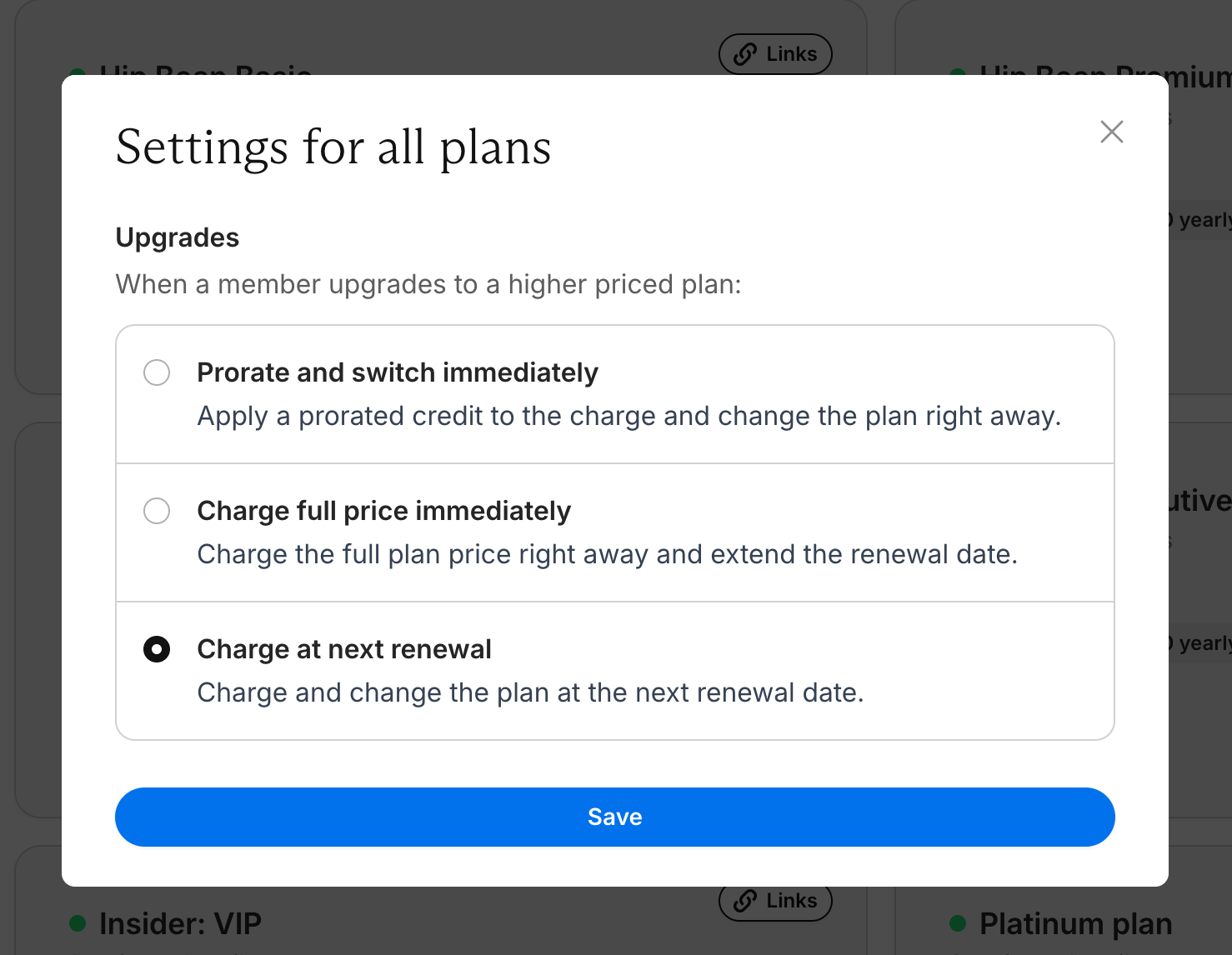
Upgrade billing is managed separately from plan-level switching. These settings apply when members upgrade themselves between plans and prices. These settings do not affect administrator-initiated bulk moves. Go to Revenue → Plans and click Settings.
- Prorate and switch immediately
- Charge full price immediately
- Charge at next renewal
View plan changes in the Plans list
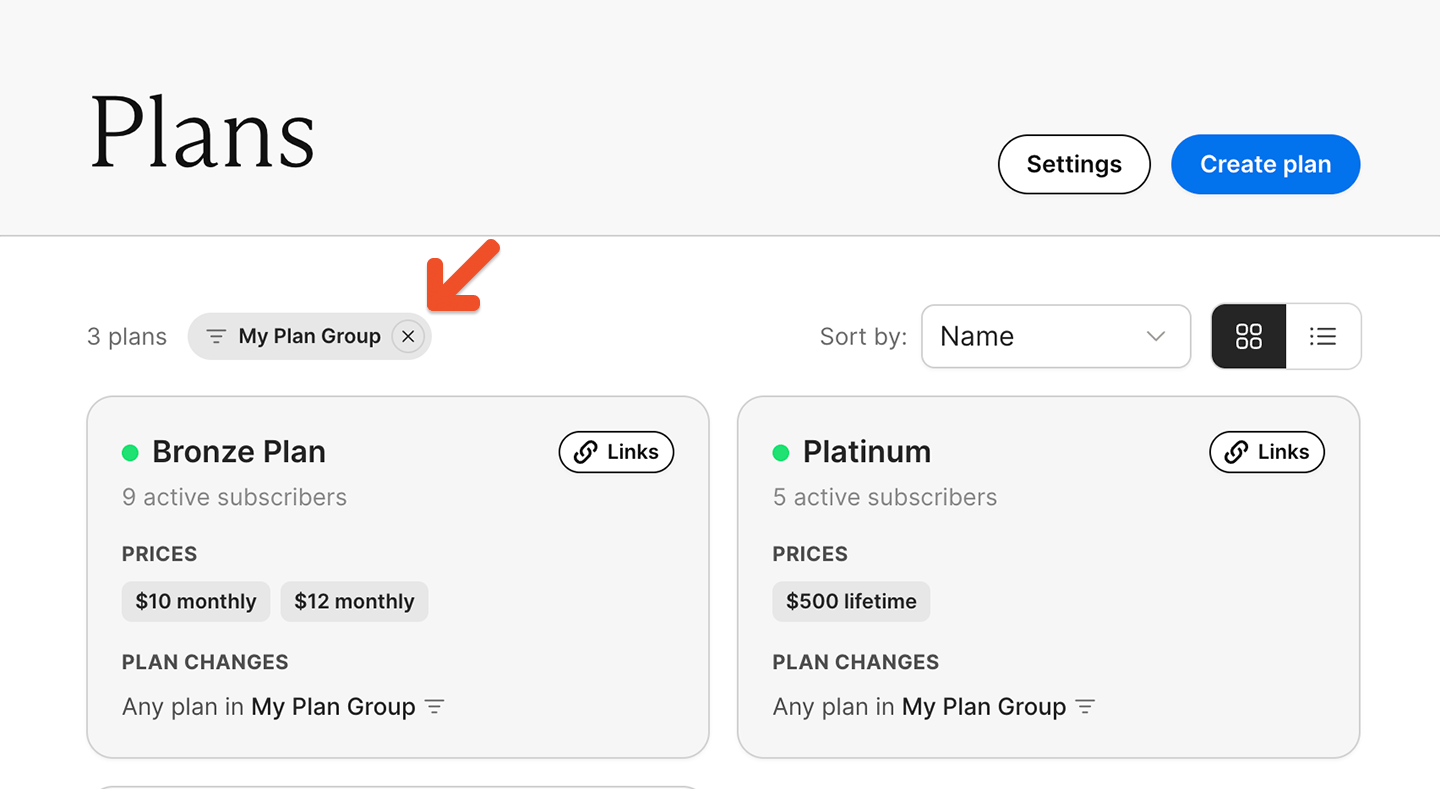
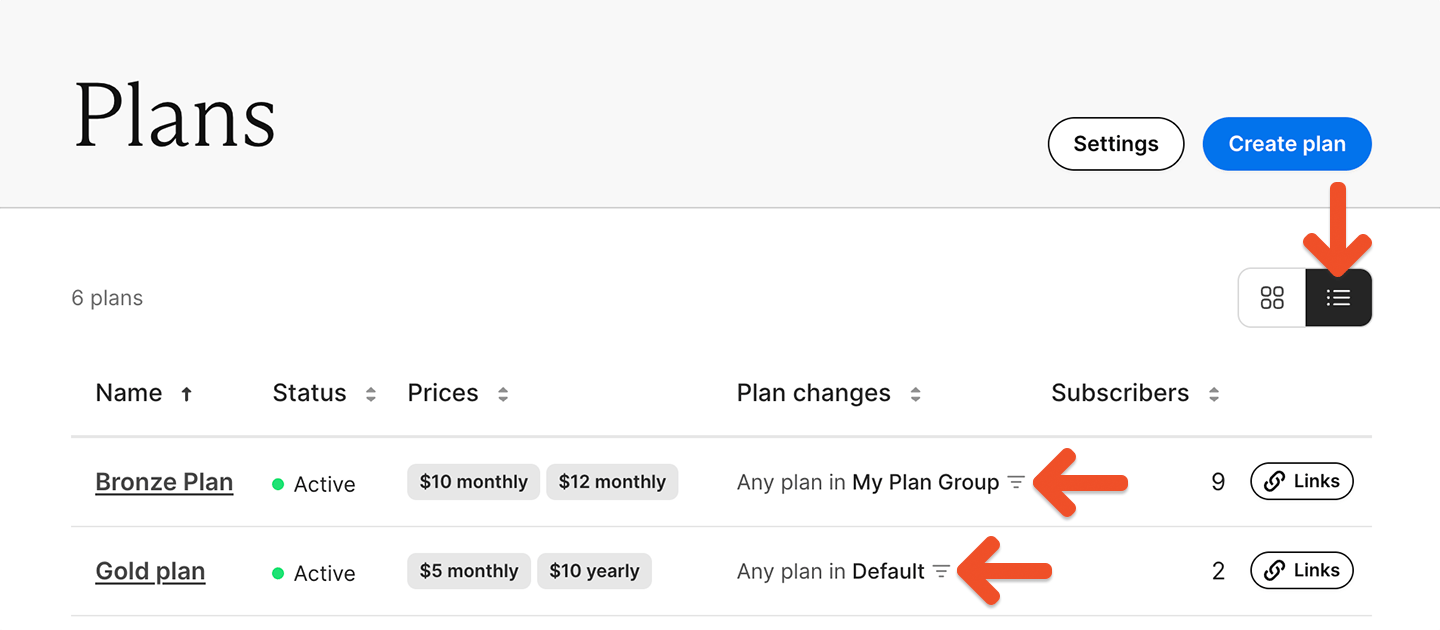
You can sort and filter plan change groups from the main Plans page. Go to Revenue → Plans. Click the group name to filter the list to the plans a member on that plan could switch to.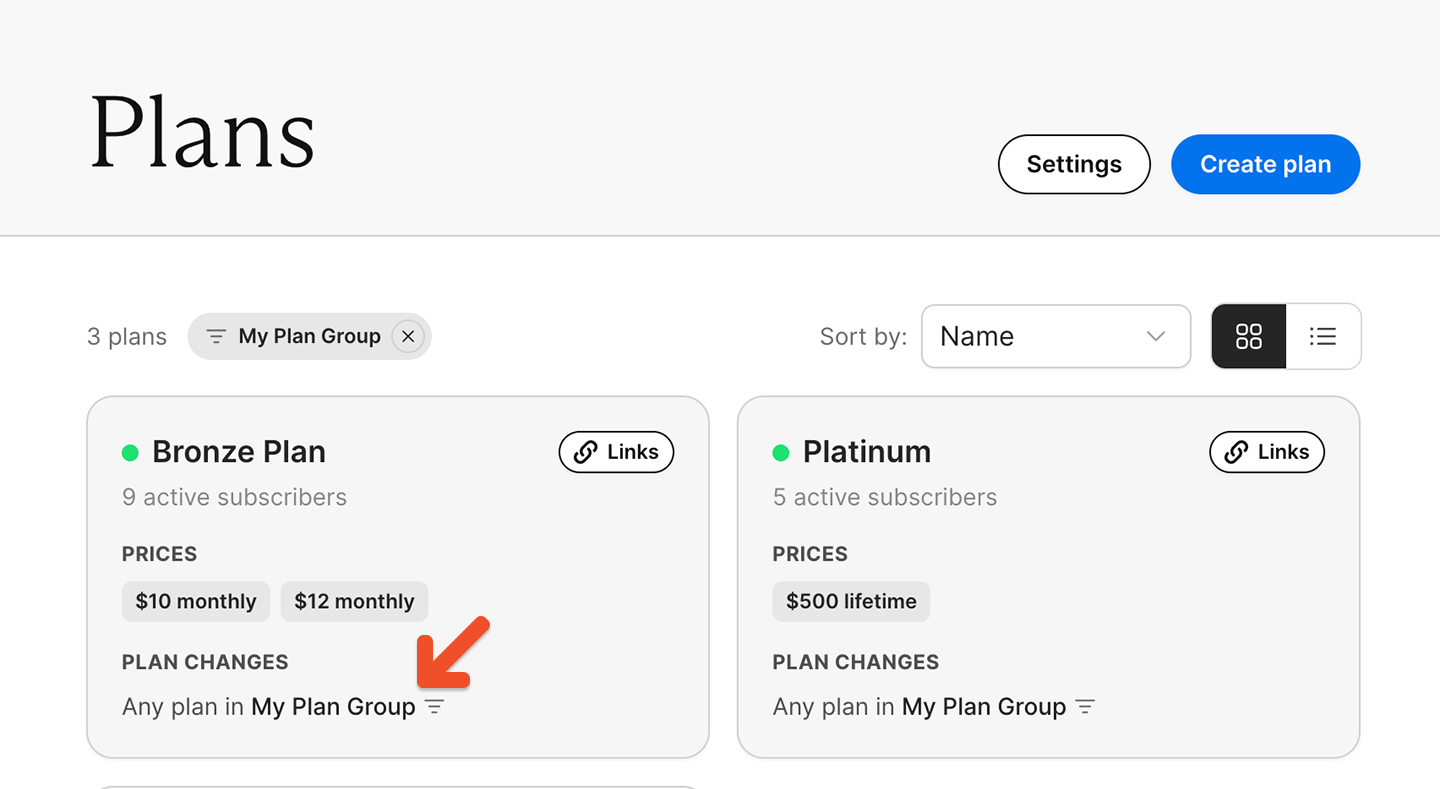
Understand what happens when a member changes plans
What happens after a member selects a different plan or price depends on whether the change takes effect immediately or at their next renewal.Immediate plan changes
Depending on your upgrade billing settings, Memberful can switch the member to the new plan immediately. When an upgrade is prorated, the member’s recent payment may be deducted from the amount charged for the new plan. For example, if a member pays $14 for a monthly plan and immediately switches to a $48 yearly plan, Memberful may apply the $14 payment toward the yearly plan and charge the remaining $34.Scheduled plan changes
Plan changes that do not take effect immediately are scheduled for the subscription’s next renewal. Until then:- The subscription remains attached to the current plan and price.
- The member keeps the access provided by their current plan.
- The upcoming plan or price takes effect when the subscription renews.
- The member is charged according to the new plan or price at renewal.
Renewal reminder emails
If a plan change is scheduled, a renewal reminder may show the member’s current plan name and the renewal amount for the plan or price they are scheduled to switch to. This happens because the current plan is still active when the reminder is sent, but the scheduled price will apply when the subscription renews. For example, a member switching from a yearly plan to a monthly plan could receive a reminder that references the yearly subscription while showing the upcoming monthly renewal amount.Review plan changes from the member profile
Go to Members, open the member’s profile, and click the subscription. Review the current plan, price, renewal date, and any available plan-change details. Immediate upgrades create an entry in the member’s activity history. Scheduled downgrades and other plan changes may not appear as separate activity entries before they take effect. After a scheduled change takes effect, it may appear as a regular renewal rather than as a separate downgrade or plan-change event.Plan changes and MRR metrics
Plan changes and monthly recurring revenue reporting answer different questions. A plan change may be described as an upgrade or downgrade based on the full prices of the plans. MRR reporting compares how much monthly recurring revenue each subscription generates. For example:- A plan priced at $14 per month generates $14 in MRR.
- A plan priced at $48 per year generates $4 in MRR.
- Moving from the monthly plan to the yearly plan involves paying a higher total plan price.
- However, the change reduces monthly recurring revenue from $14 to $4.