

Understand plans and prices
Plans define the benefits a member gets. Prices define how a member pays for those benefits. Use multiple prices in one plan when all prices include the same benefits:
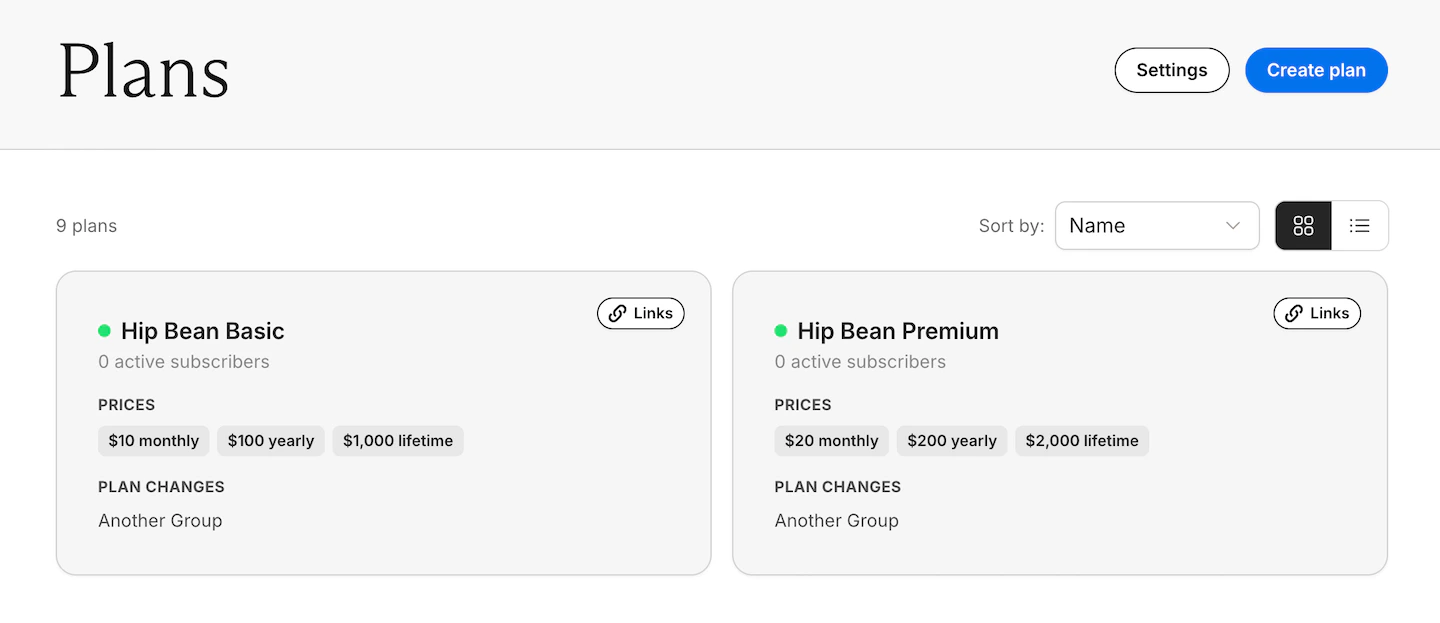
- One plan can include a monthly price and a yearly price for the same membership
- Separate plans, like Basic and Pro, can offer different benefits
A simple rule
This keeps your plan setup simpler and makes switching behavior easier to manage.
Switching within a plan
By default, members can move between prices in the same plan. To hide a price from members changing plans, toggle off Available for plan changes for that price.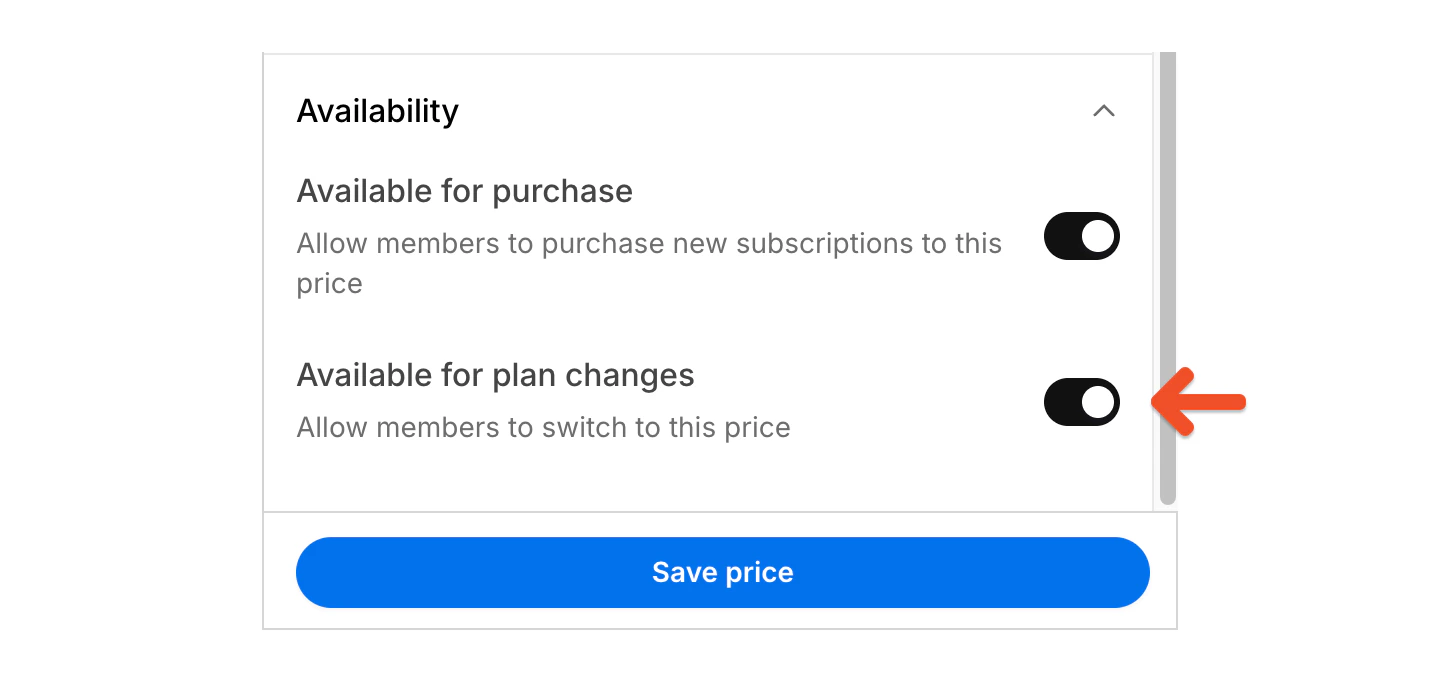
- Letting members switch between monthly and yearly pricing
- Keeping a legacy price available only to existing members
- Keeping a hidden trial price unavailable after sign-up
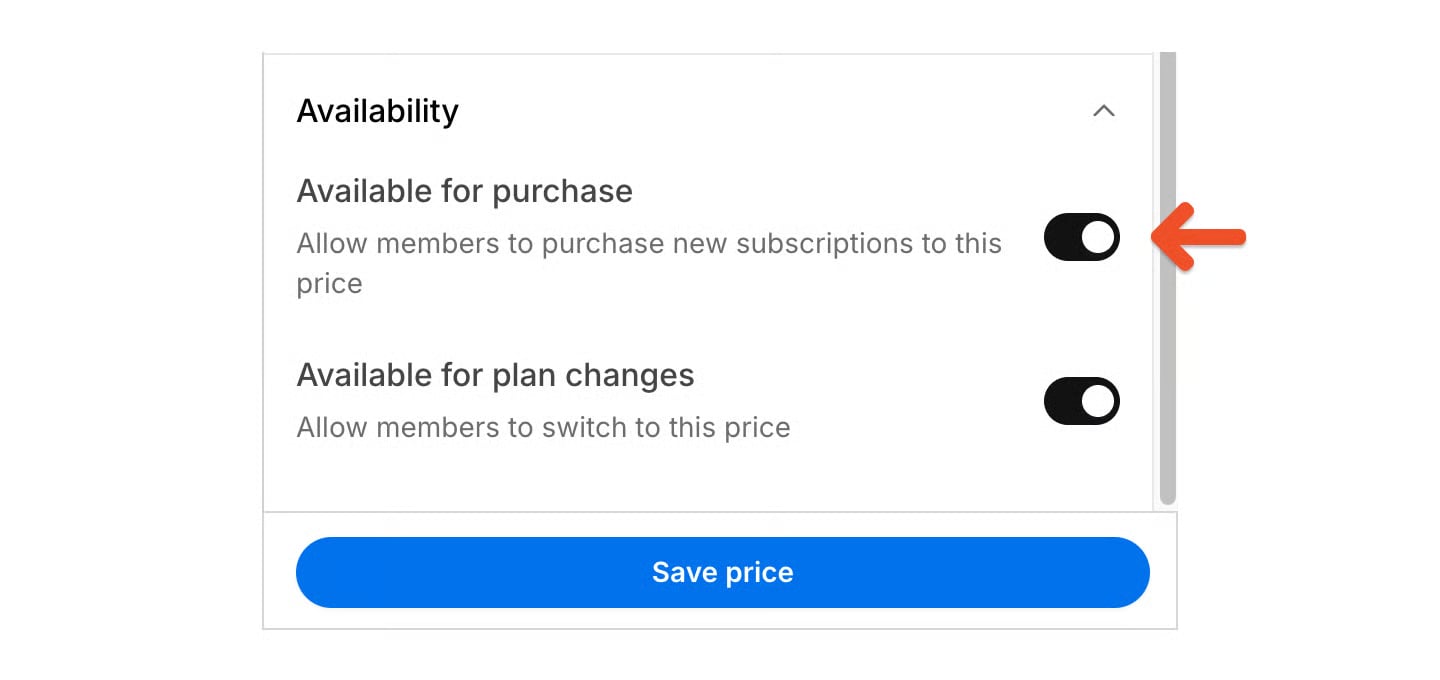
- Preventing members from switching into a limited promotional price
Switching between plans
You can also control whether members can move from one plan to another. Use this when you offer multiple plans with different benefits and want to control which plan changes are allowed.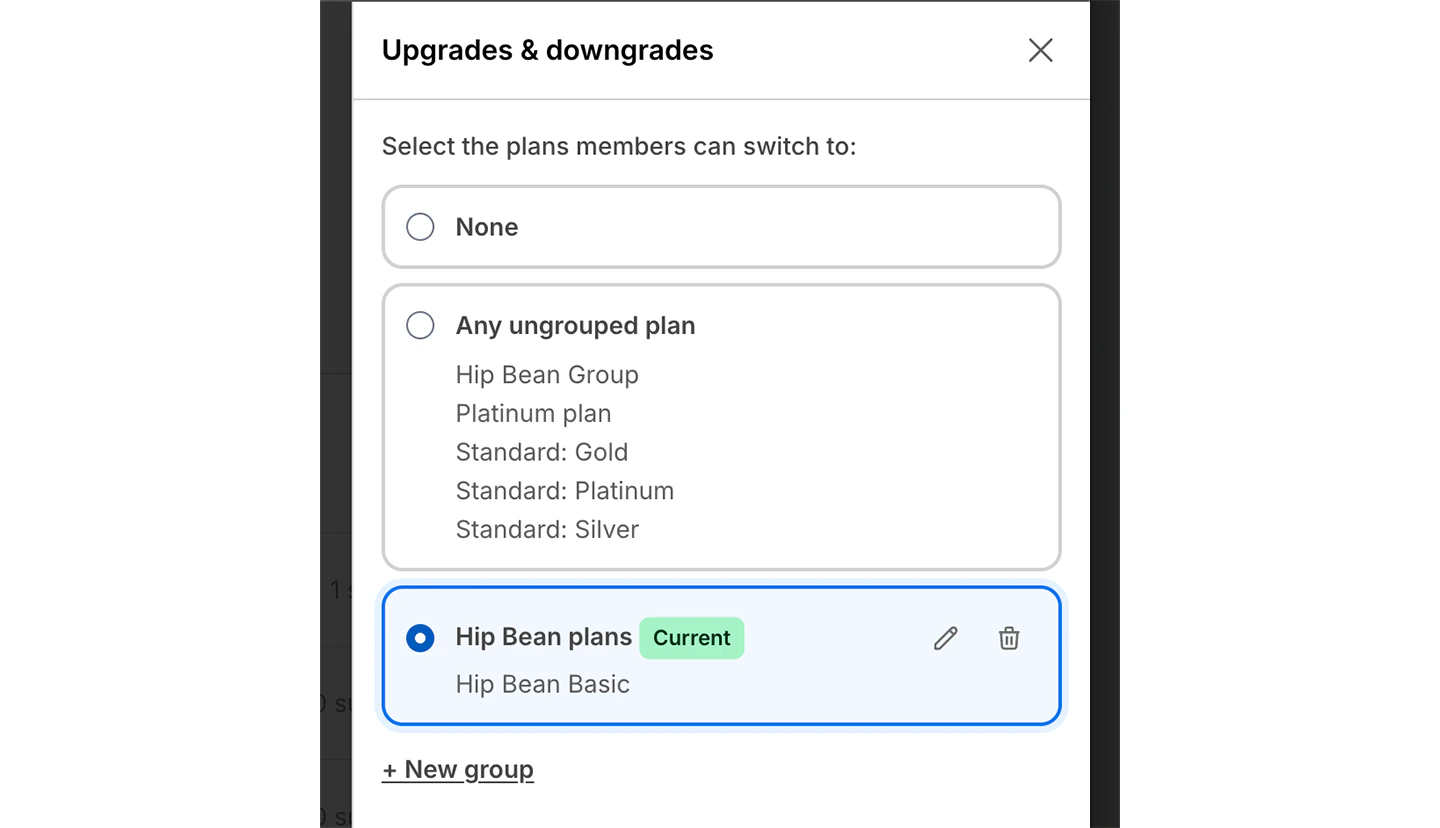
- Let members upgrade from a basic membership to a higher-access membership
- Keep a newsletter plan and a course plan separate
- Use separate plans when each level unlocks different benefits
Learn more about plan changes
For step-by-step guidance on how members can switch between plans and prices, see Plan changes. That help article explains how to:- control switching between plans
- control switching to specific prices
- use groups to allow switching between only certain plans
- choose how upgrades are charged