By default, members sign in to their accounts using a magic link emailed to them. However, members also have the option to create a password for their account and sign in using that instead. In this help article, we’ll show how to handle logins with a password or a magic link.Documentation Index
Fetch the complete documentation index at: https://memberful.com/docs/llms.txt
Use this file to discover all available pages before exploring further.
Ways members can create a password
Members can set a password through several methods:- Immediately after signing up via a custom field
- Right after requesting magic sign-in link
- From the magic sign-in email
- By performing a password reset from their account
Disable password support
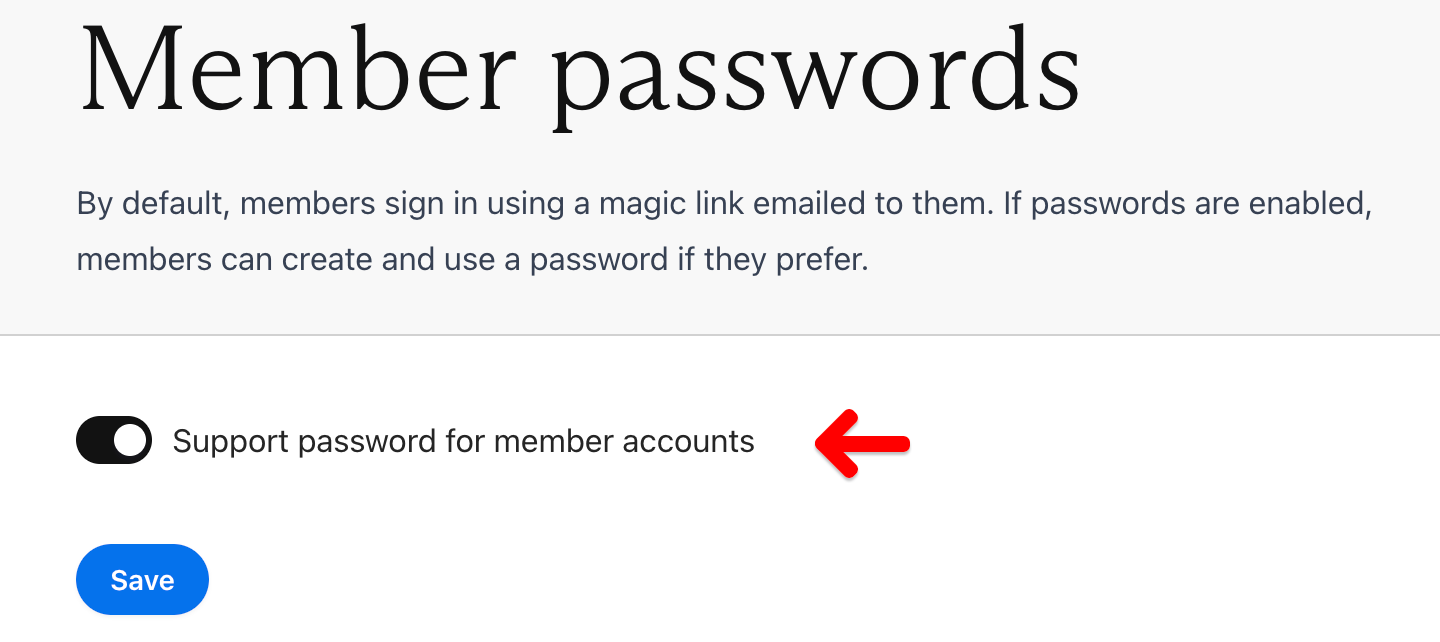
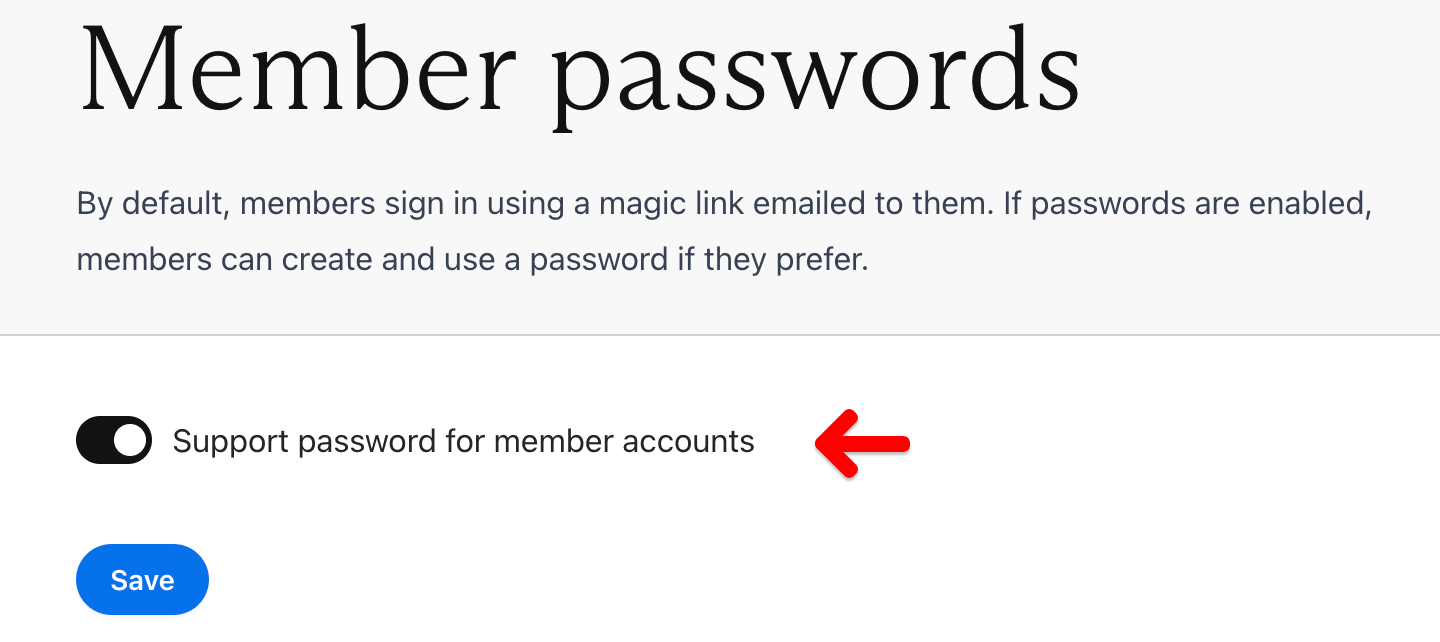
If you’d prefer to disable password-based sign-in entirely, you can do so by navigating to Settings → Passwords. From there, toggle off Support passwords.
Disabling support for passwords does not automatically hide the Account Password custom field that can appear after sign-up. If you’ve previously added that custom field, be sure to disable it.