

Choose your currency
You can change your currency while your account is in test mode or while your account is live with no active subscriptions. Go to Settings → Localization, select your currency, then click Save changes.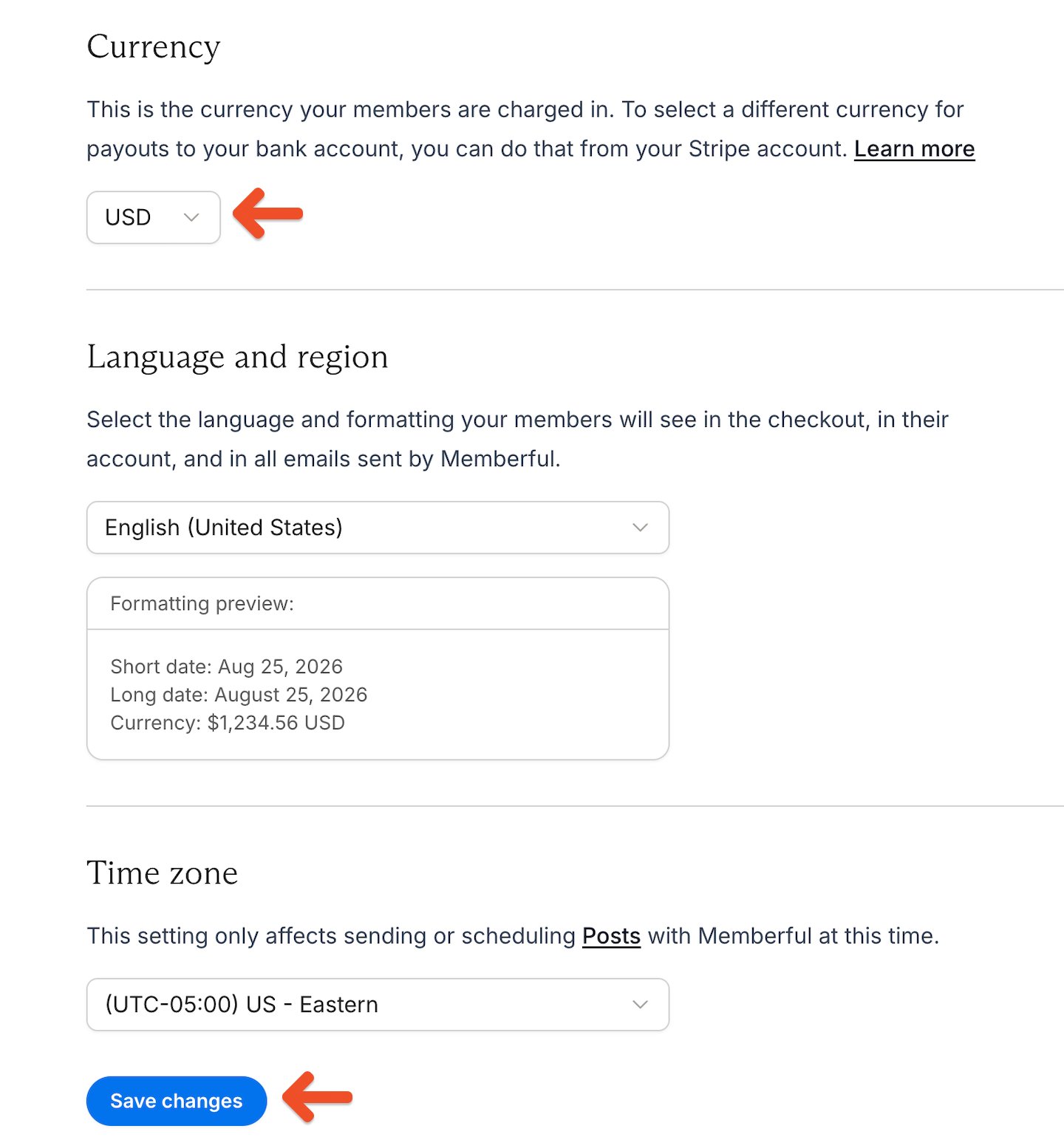
If a member pays using a card with a different currency, their credit card issuer may charge currency conversion fees. Members are responsible for any conversion fees and should contact their card issuer for details.