

Configure the cancellation survey
The cancellation survey is on by default. Go to Website → Cancellation Survey to toggle Show cancellation surveys on or off.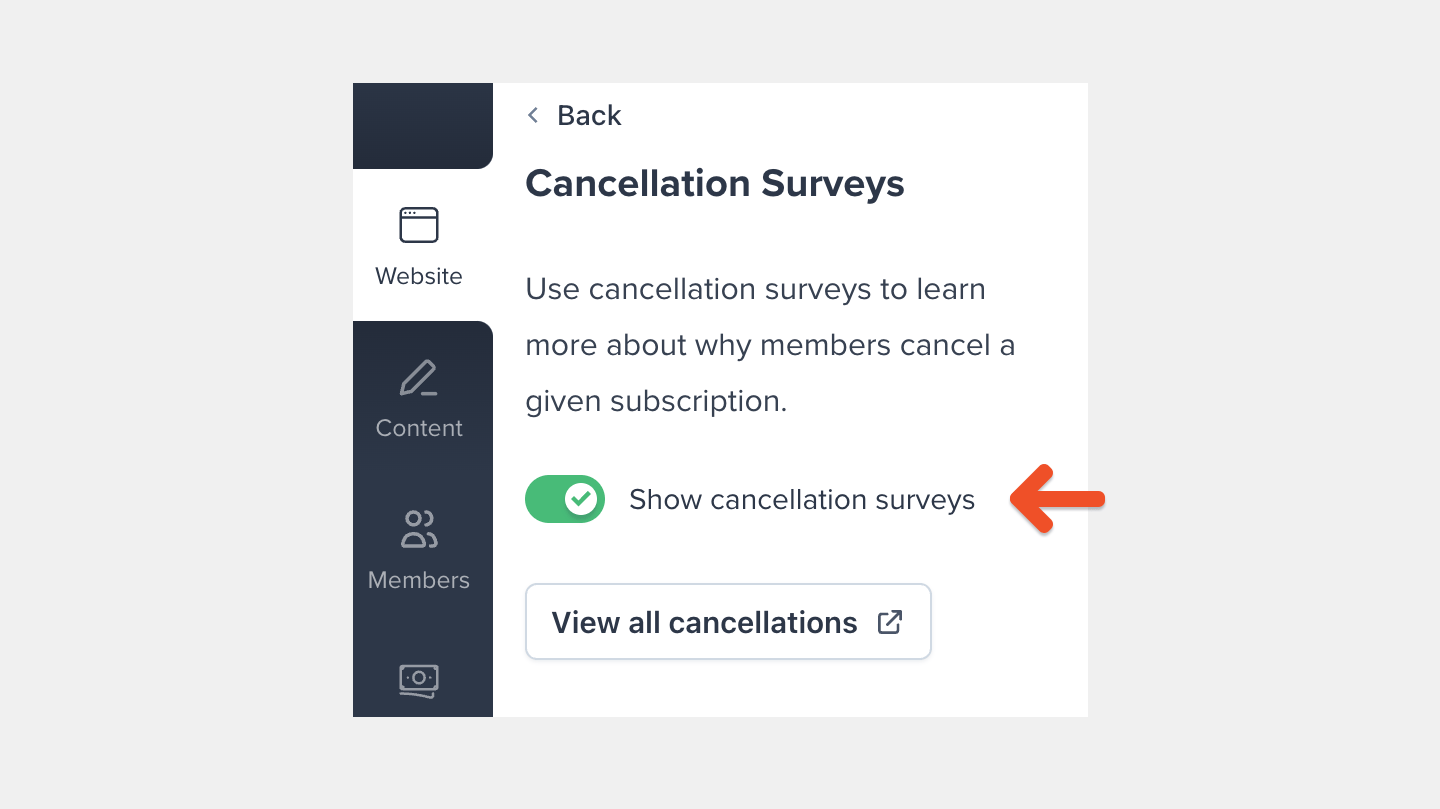
Edit cancellation reasons
Click a cancellation reason, then click Edit to change the text shown to members.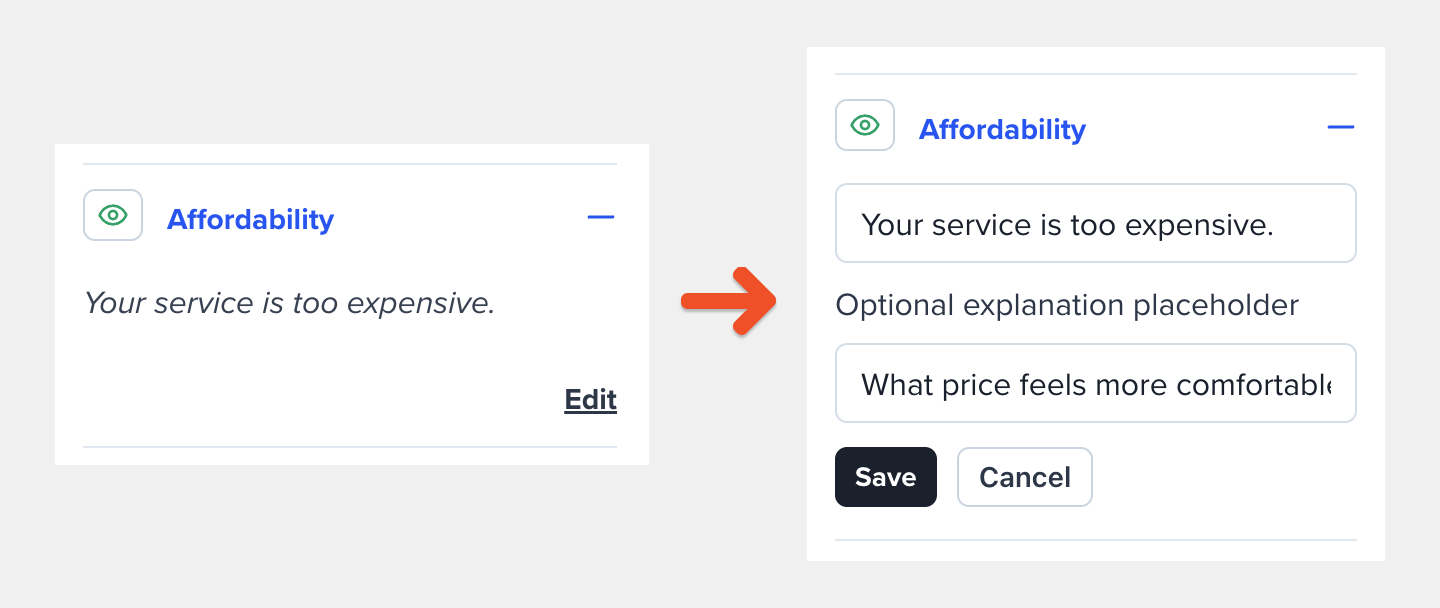
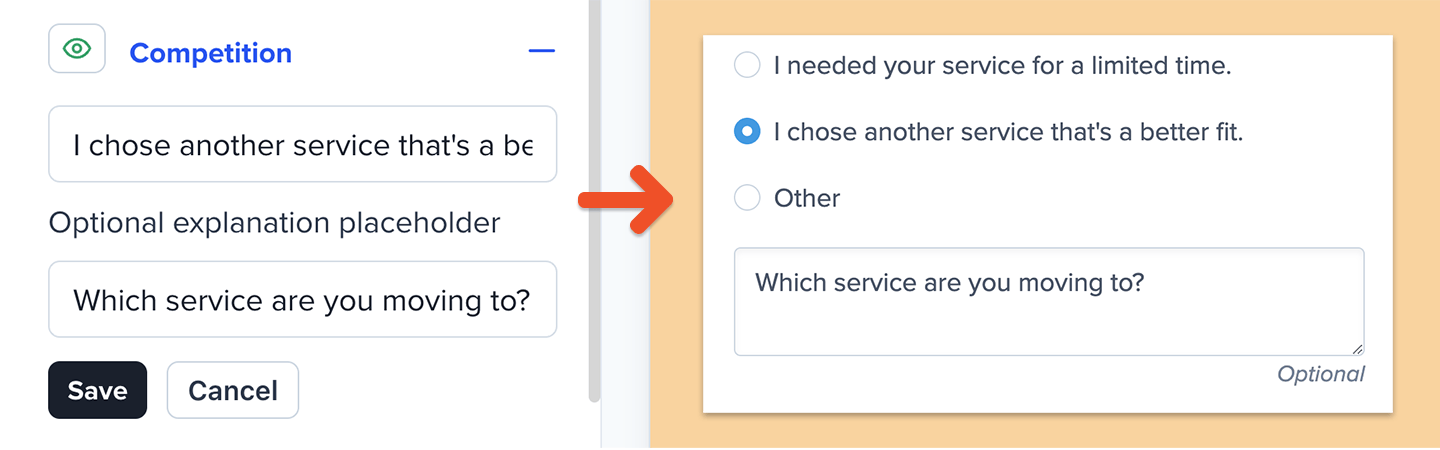
Show or hide cancellation reasons
Click the eye icon next to a cancellation reason to show or hide it.
Review what members see
When a member cancels a subscription, Memberful first asks them to confirm the cancellation.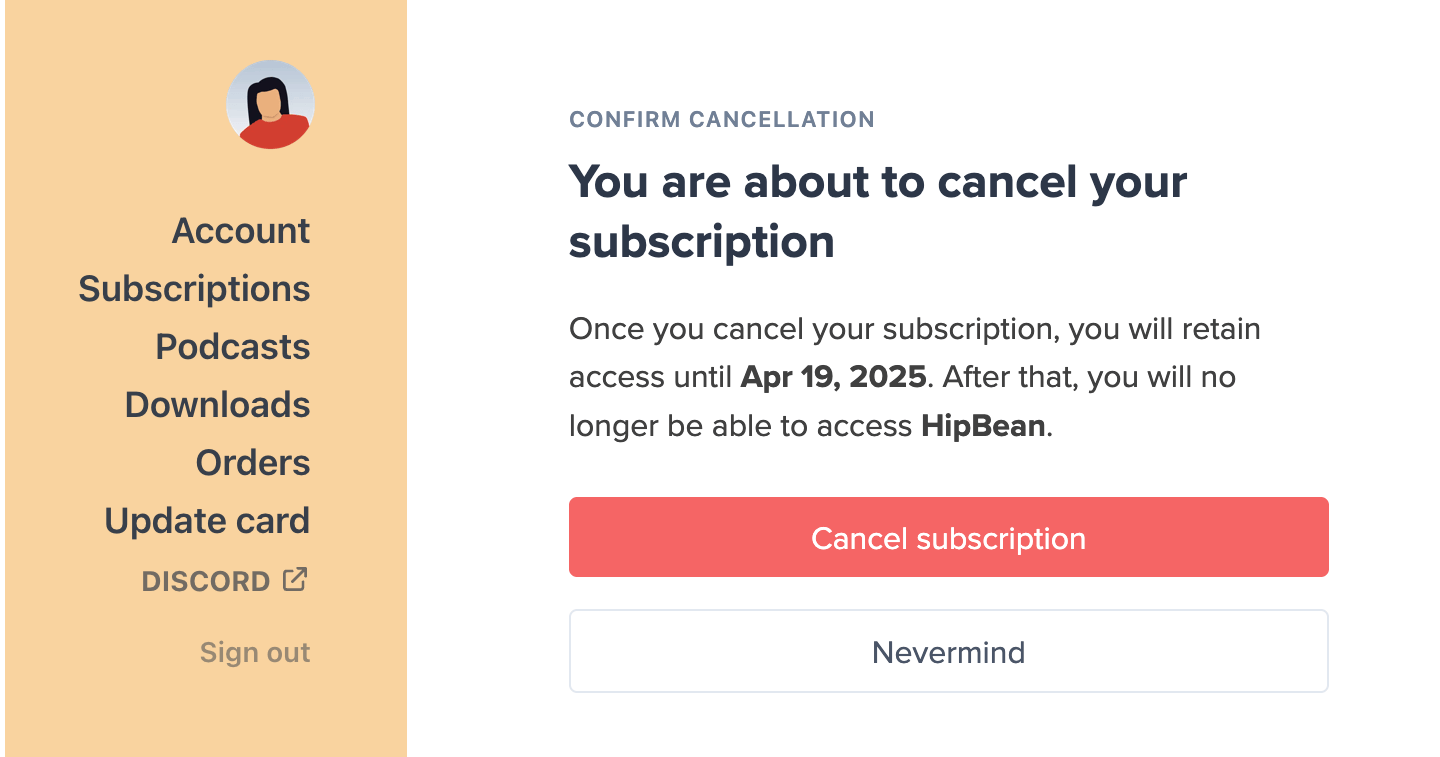
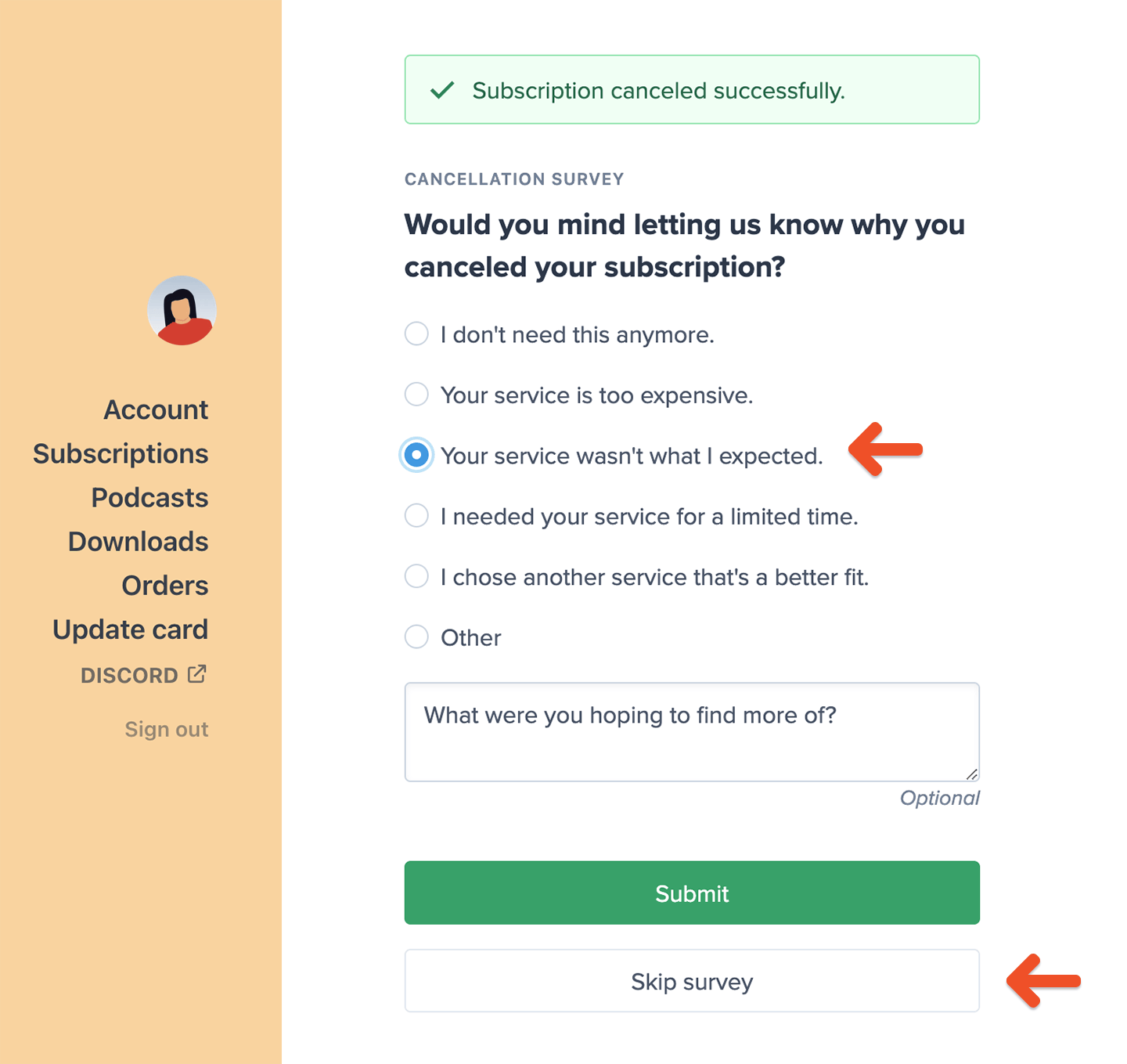

Review cancellation survey results
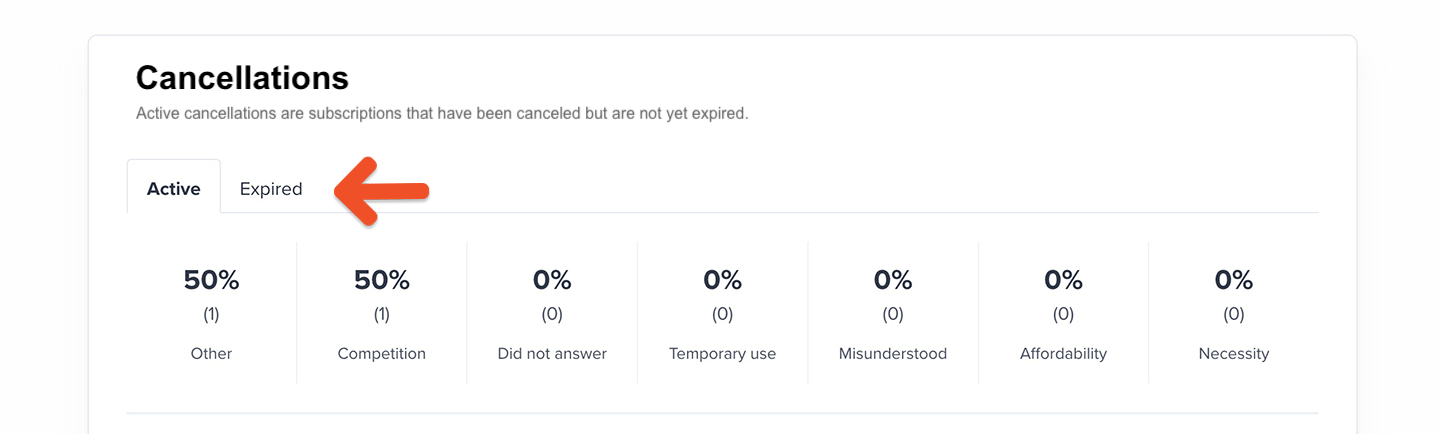
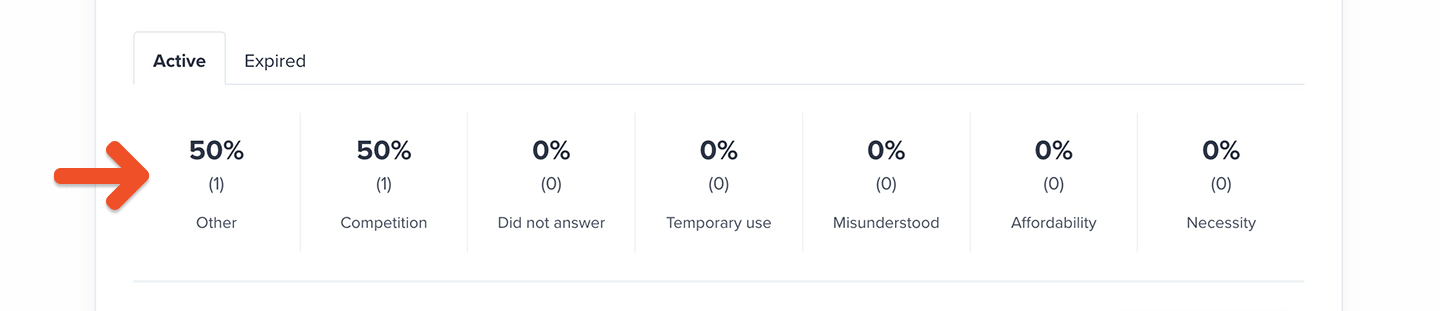
Go to Revenue → Cancellations to review survey responses. Cancellations completed by an admin or through the API do not appear in this section. The results are divided into two tabs:- Active: Subscriptions that have been canceled but remain active until their expiration date.
- Expired: Subscriptions that have reached their expiration date.
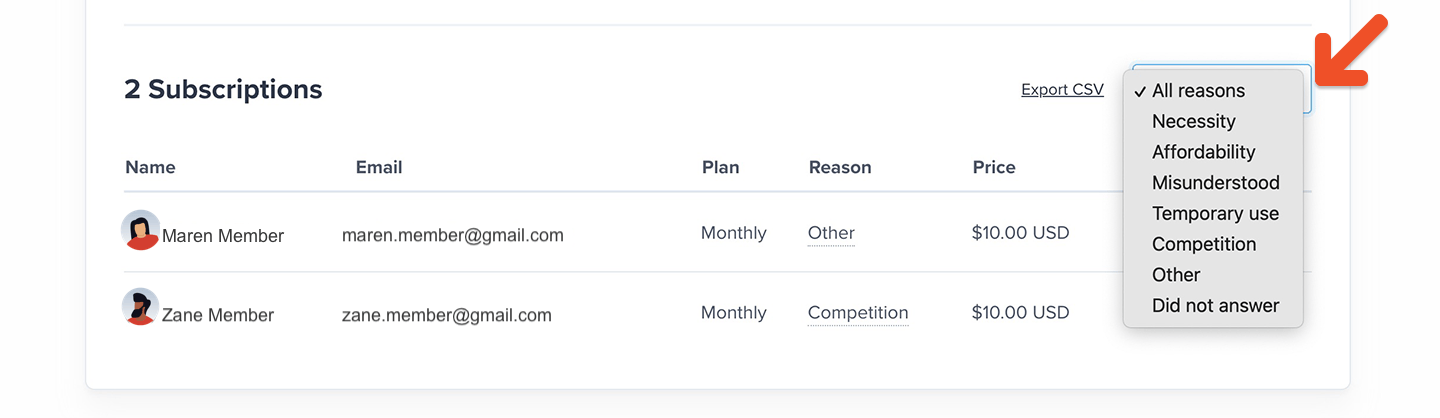
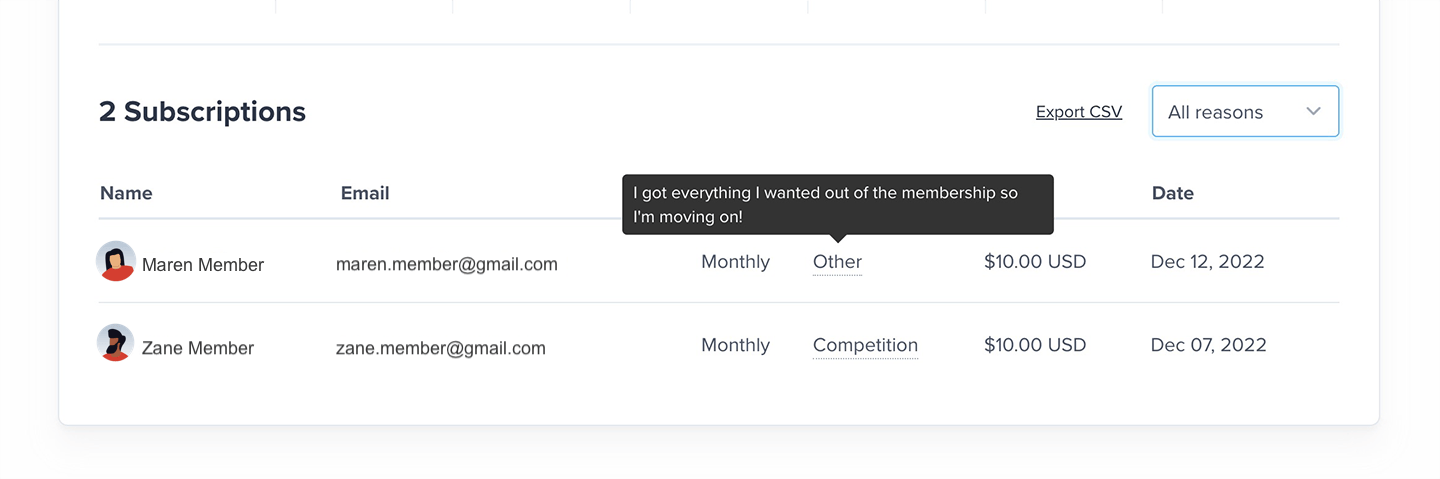
Export cancellation survey results
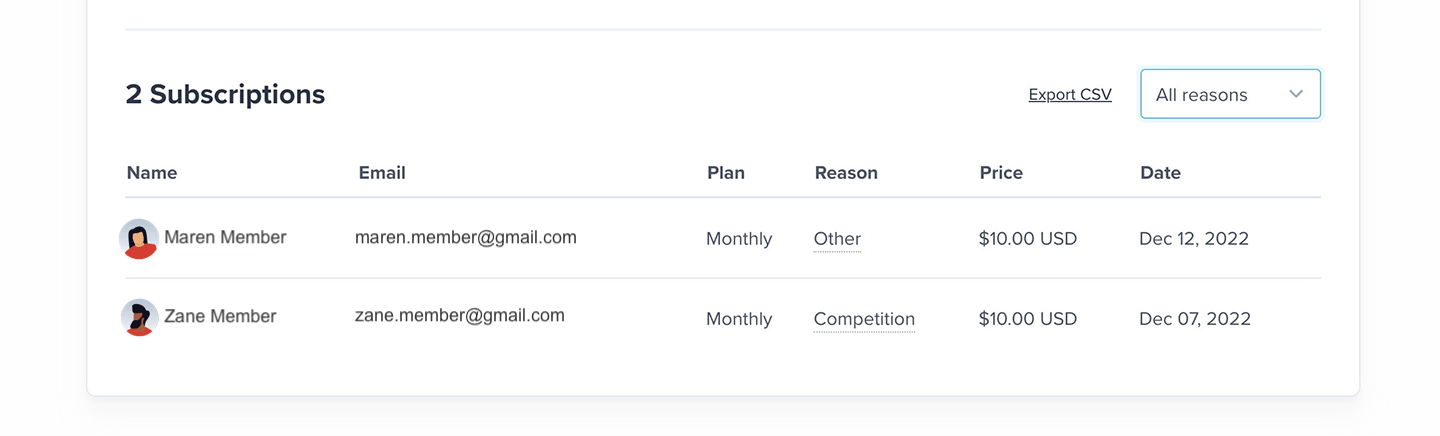
Click Export CSV to download the results as a file.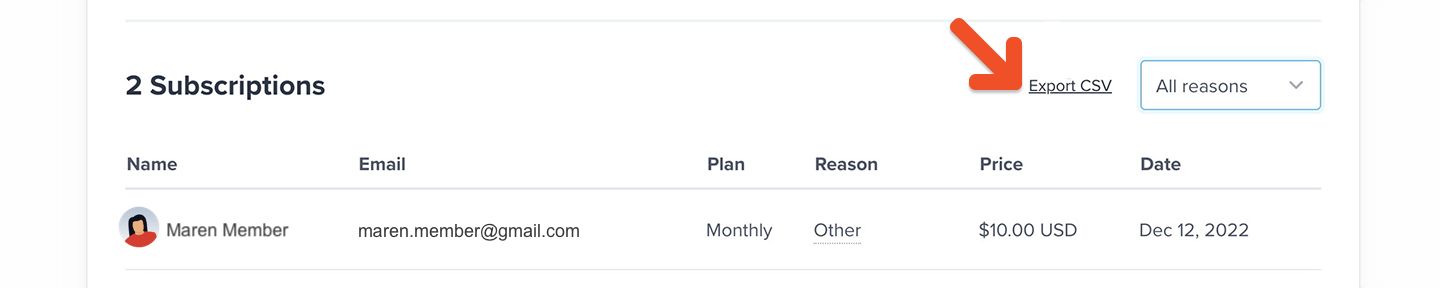
If a member cancels a subscription, allows it to expire, and later reactivates, the original cancellation may still appear in the expired cancellation survey export because it remains part of the member’s account history.The expiration date reflects when the original canceled subscription expired, not the renewal date of the member’s current subscription. However, the Subscription price column reflects the member’s current subscription price, which may differ from the price they paid before canceling.