Reactivate your account
If your $49 monthly Memberful payment fails, we’ll retry the payment several times during a short grace period. If we still can’t process the payment:- Transaction fees increase from 4.9% to 12.5%.
- You can no longer email posts through Memberful.
1
Open your billing settings
Go to Settings → Billing.
2
Update your payment method
Update your payment method.
3
Reactivate your account
Click Reactivate my account.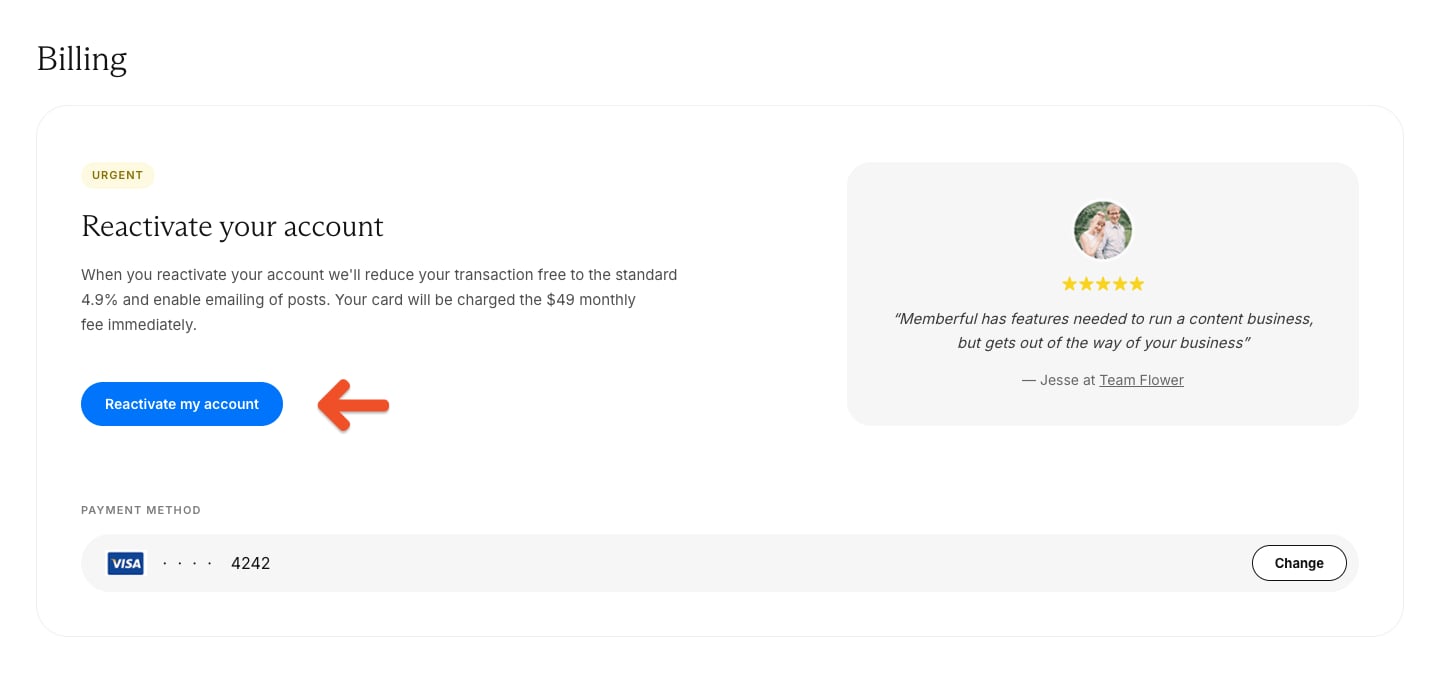
Update your credit card
You can update the card Memberful uses for your monthly account payment.1
Open your billing settings
Go to Settings → Billing.
2
Change your payment method
Click Change.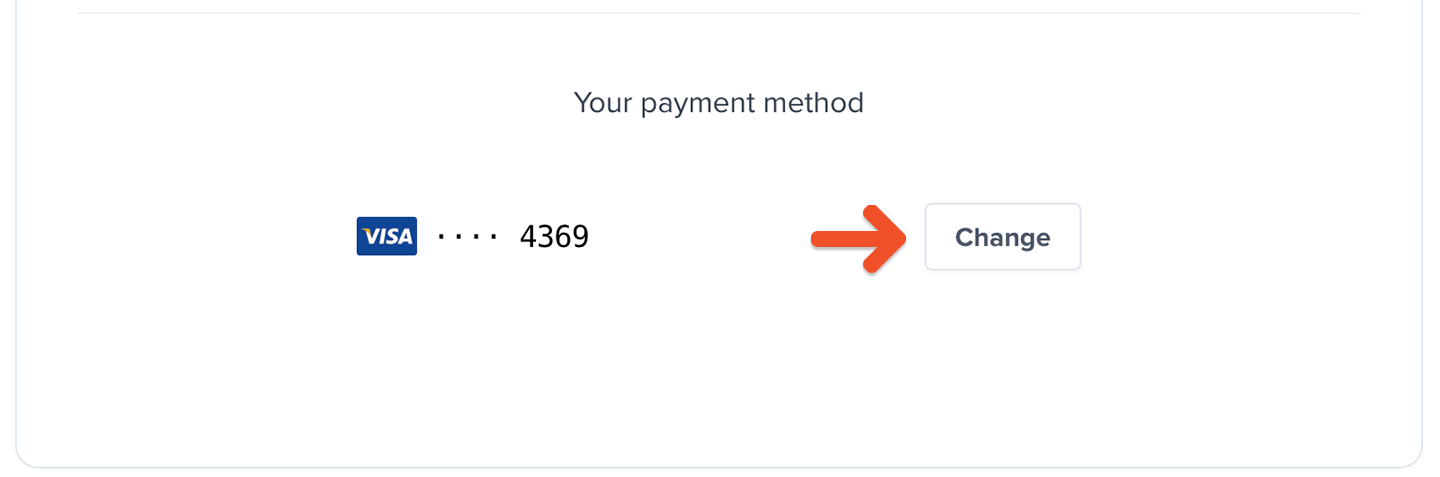
3
Save your new card
Enter your new card details, then click Save.
Update your billing address
Go to Settings → Billing, then click Add address or Edit address to add or update the billing address associated with your Memberful account.
View your Memberful receipts
Go to Settings → Billing, then scroll to the Receipts section to review receipts for your past Memberful account payments.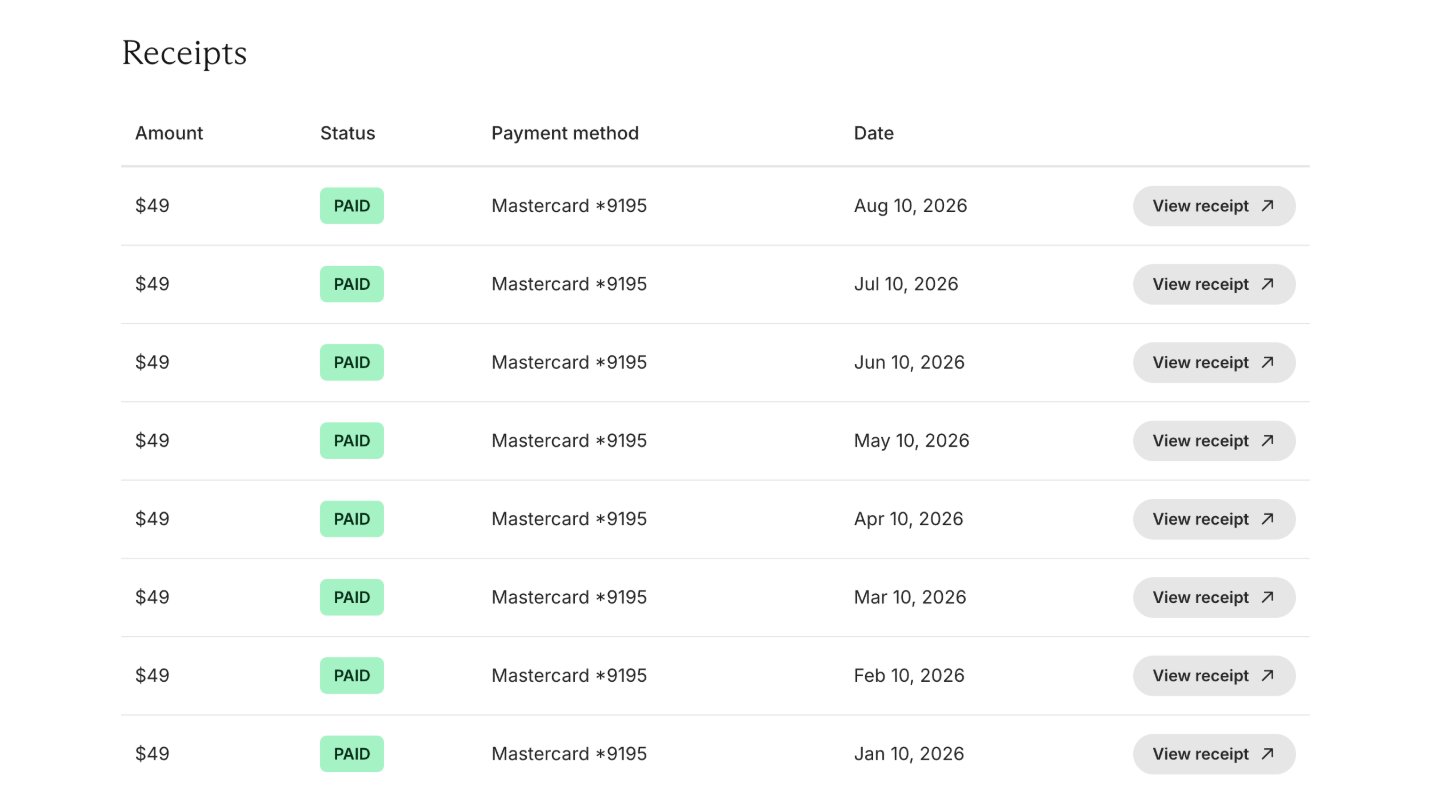
Check your connection to Stripe
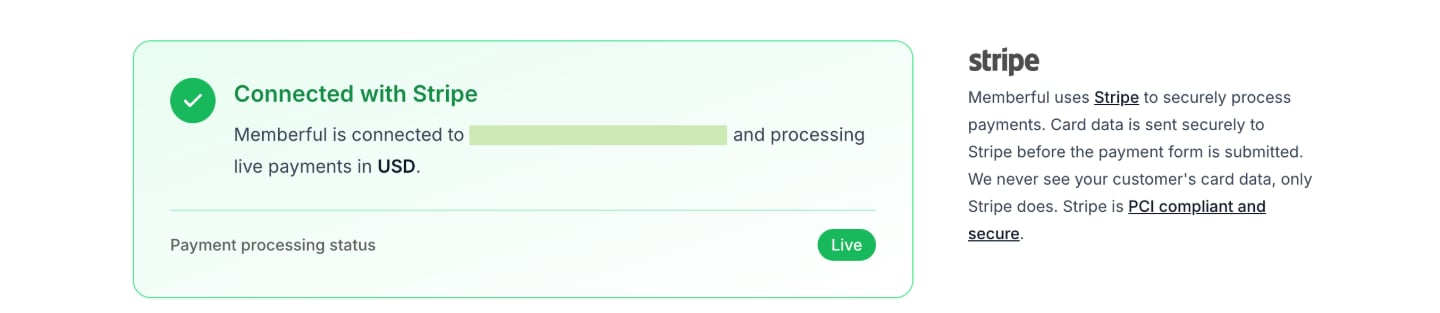
Go to Settings → Stripe to review your Stripe connection status.