Update their profile
From Account, a member can update their name, email, password, address (if required), and custom fields (if there are any). Members can also click Avatar to upload a profile picture.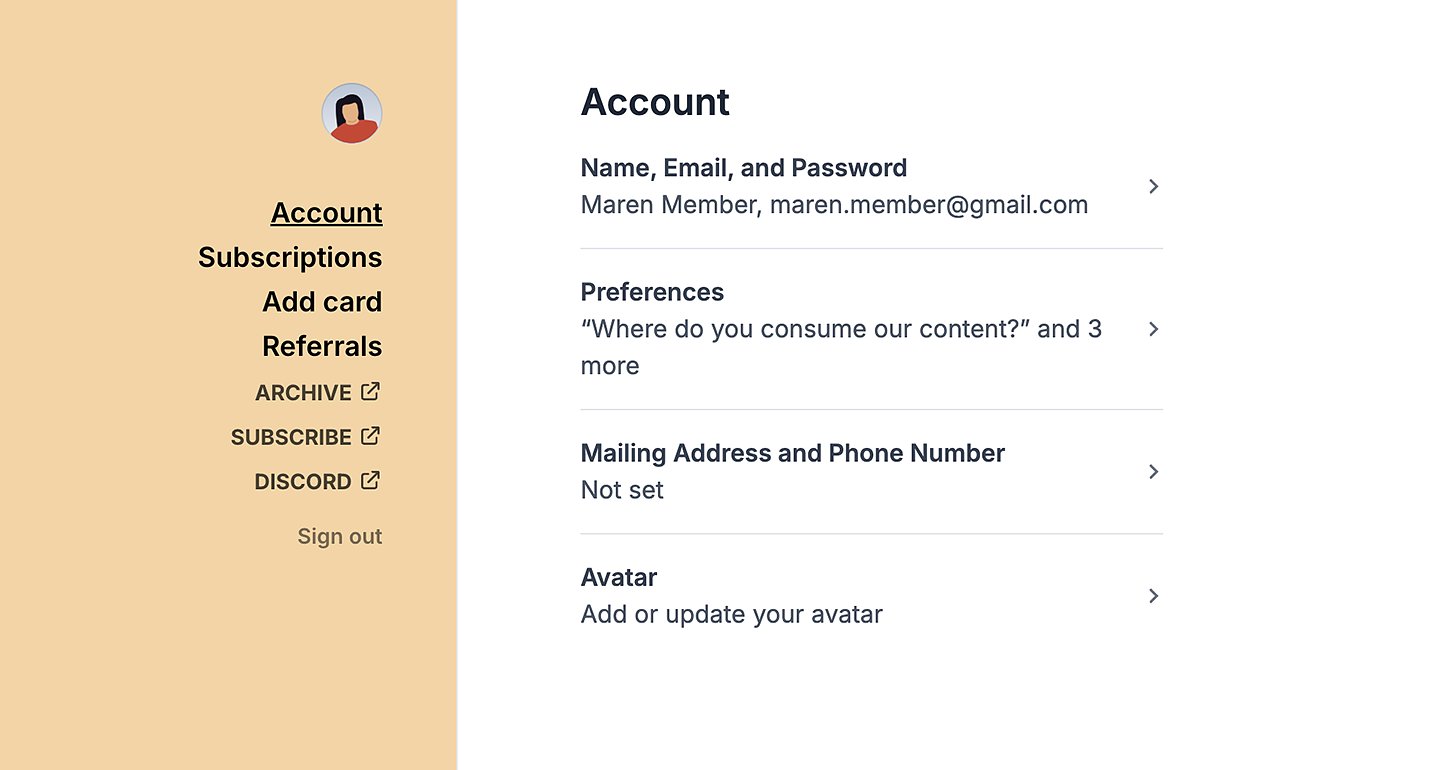
Update their custom fields
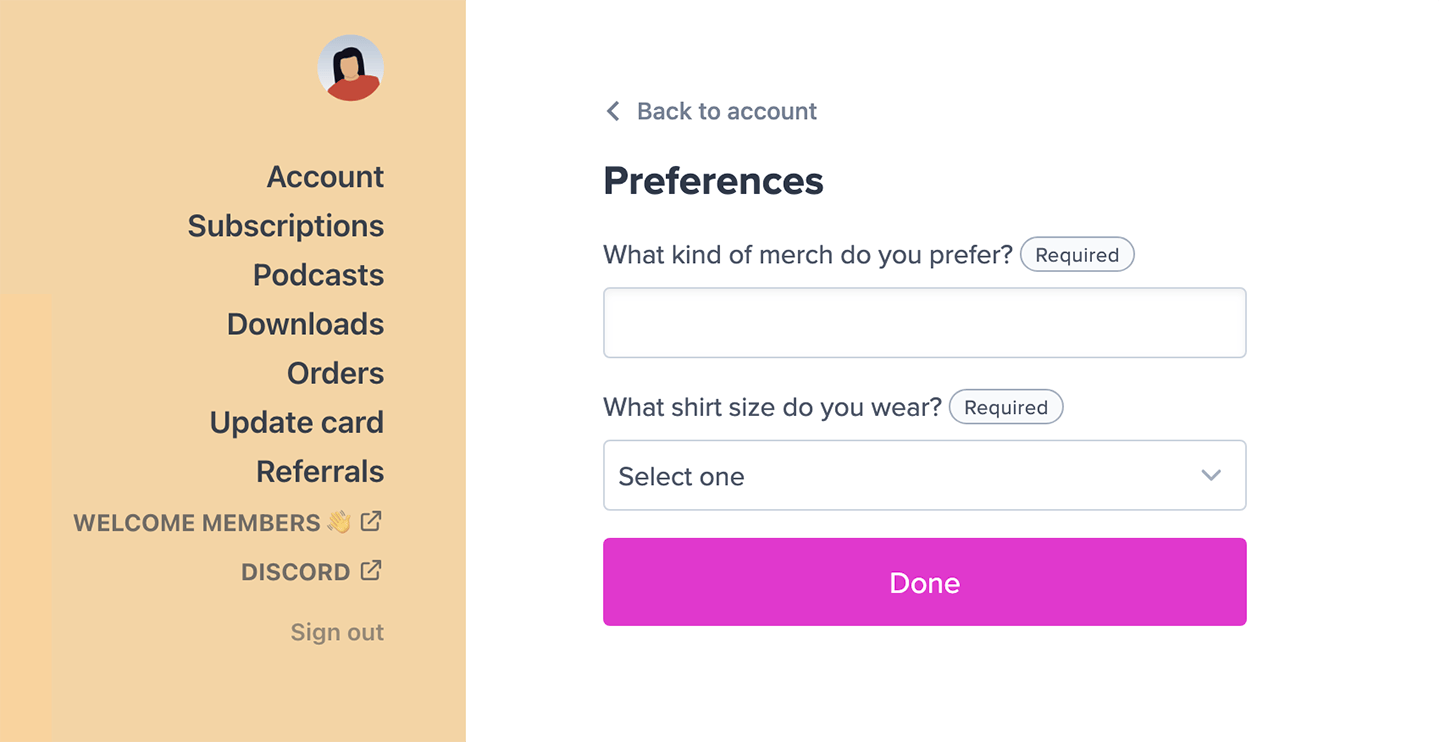
Members can update their custom fields by going to Account and clicking Preferences.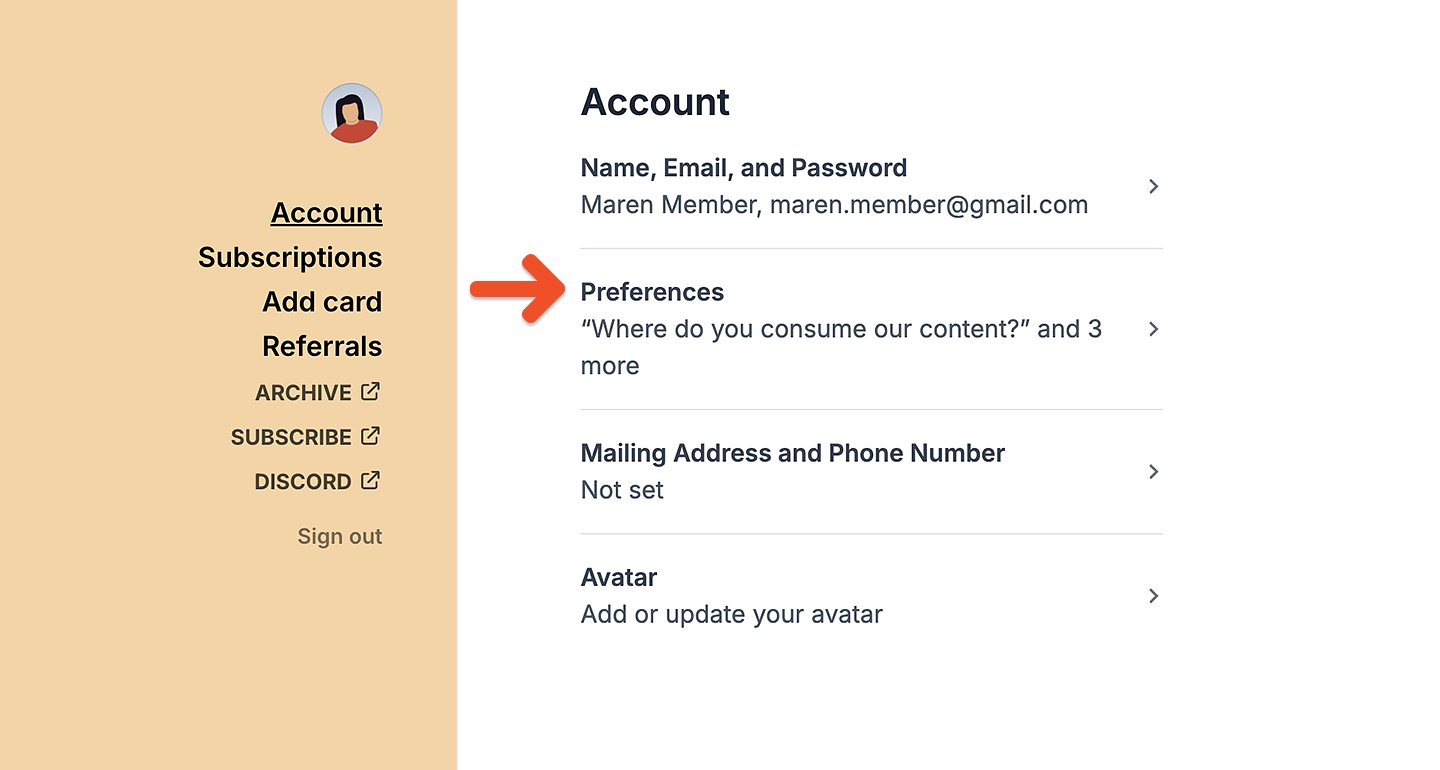
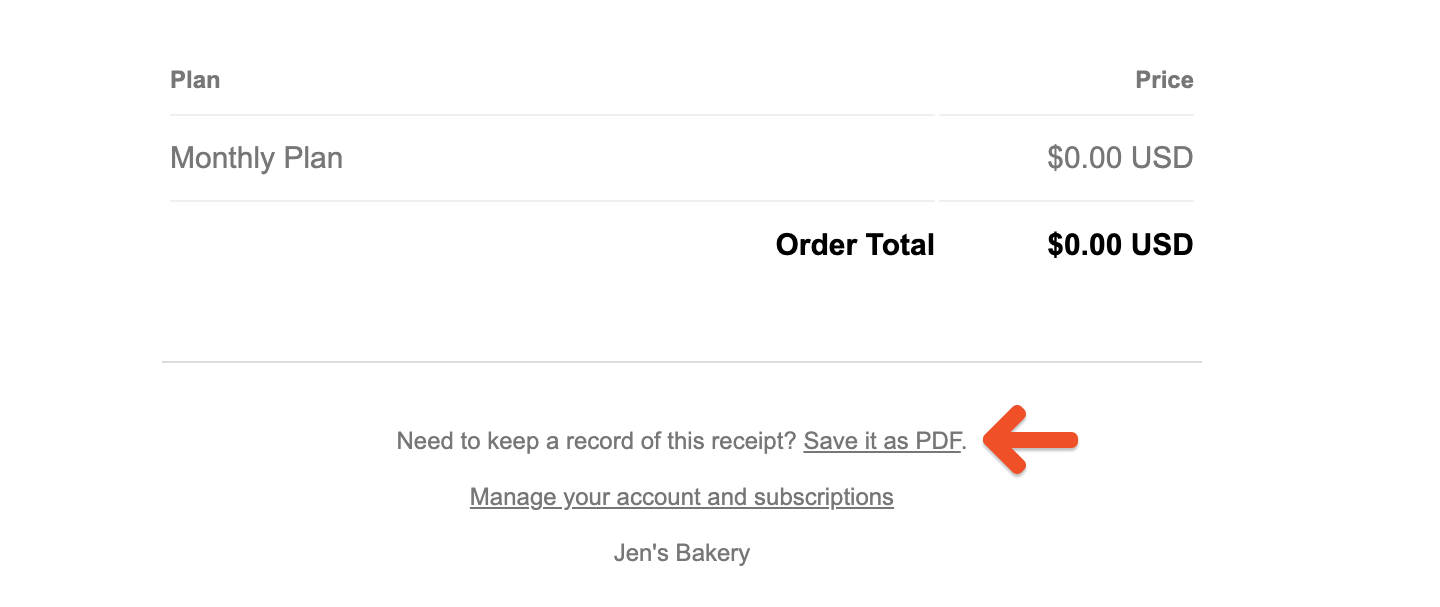
Download order receipts as PDFs
Members can access and download their order receipts (i.e. invoices) as PDFs from Orders in their account.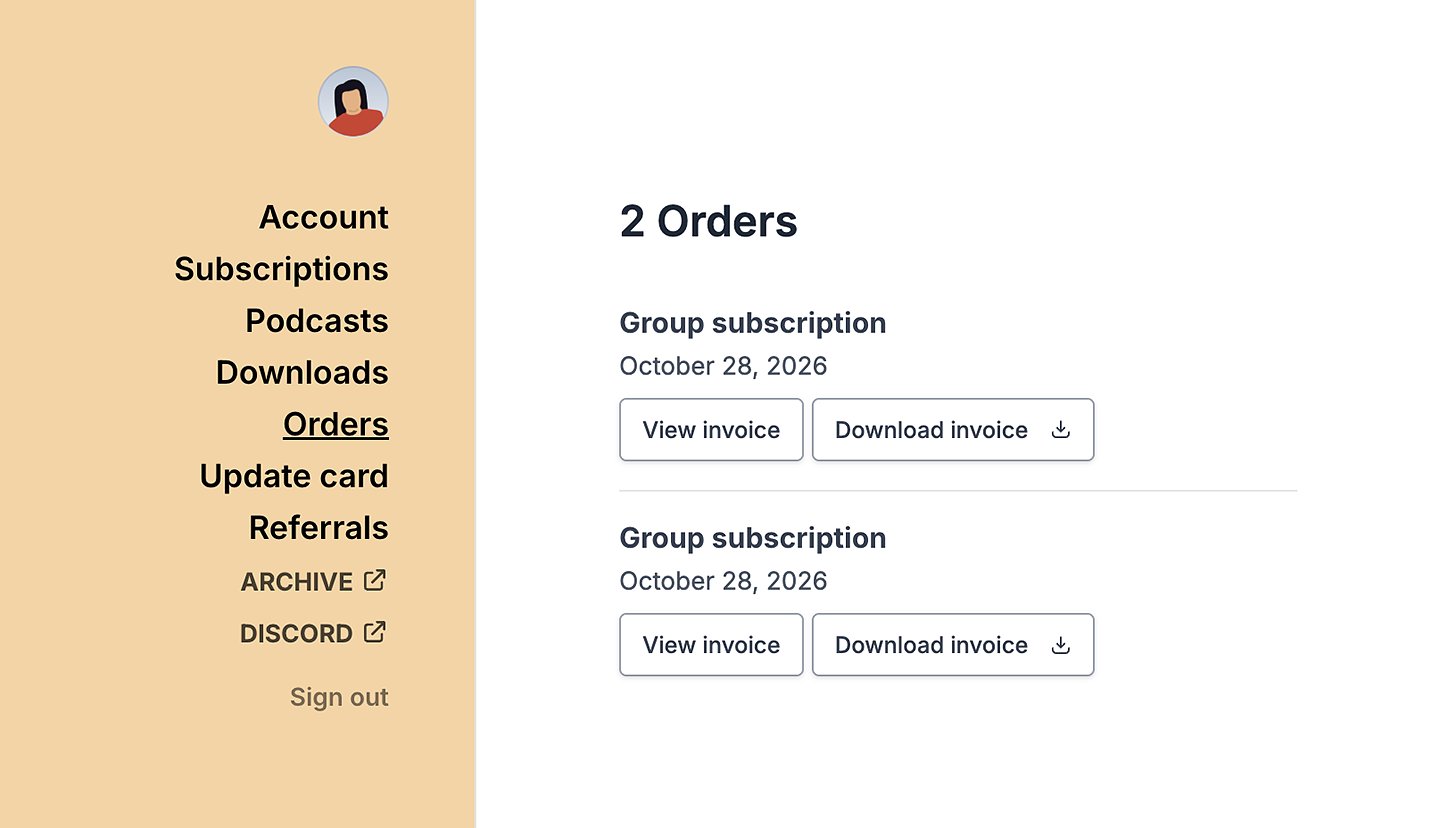
Update payment details
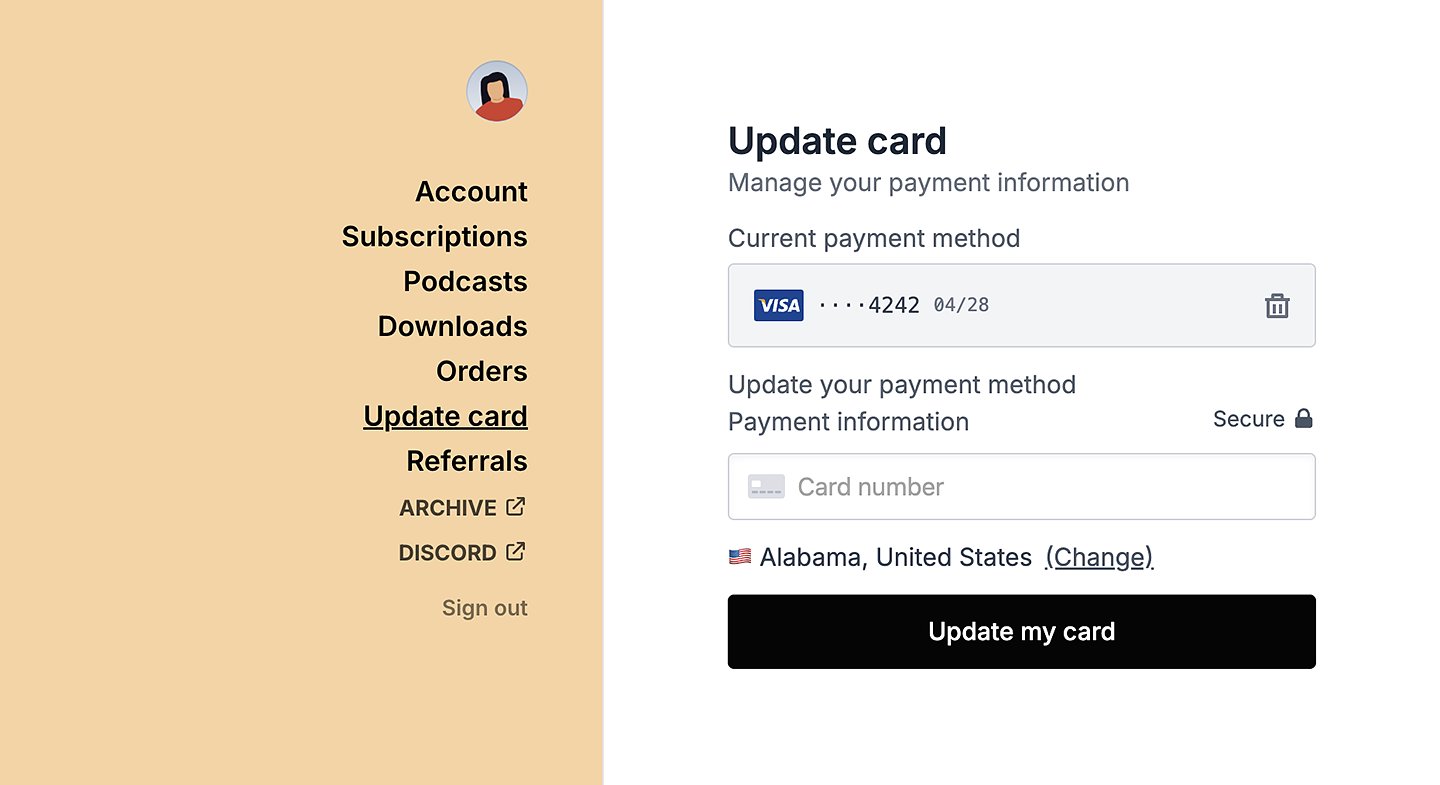
Members can view and update their payment details from Update card in their account. If accessing their account from Safari, they can also switch their payment method to Apple Pay, or in Chrome to Google Pay. Google Pay must already be set up on a device before it can be used to update payment details.