You can extend renewal dates or apply coupons to multiple members at once using the bulk edit subscription tool.
Extend the renewal date
This action allows you to customize the specific date for the next charge and does not impact your churn metrics. Go to the member’s profile, click the subscription link, and change the renewal to a later date.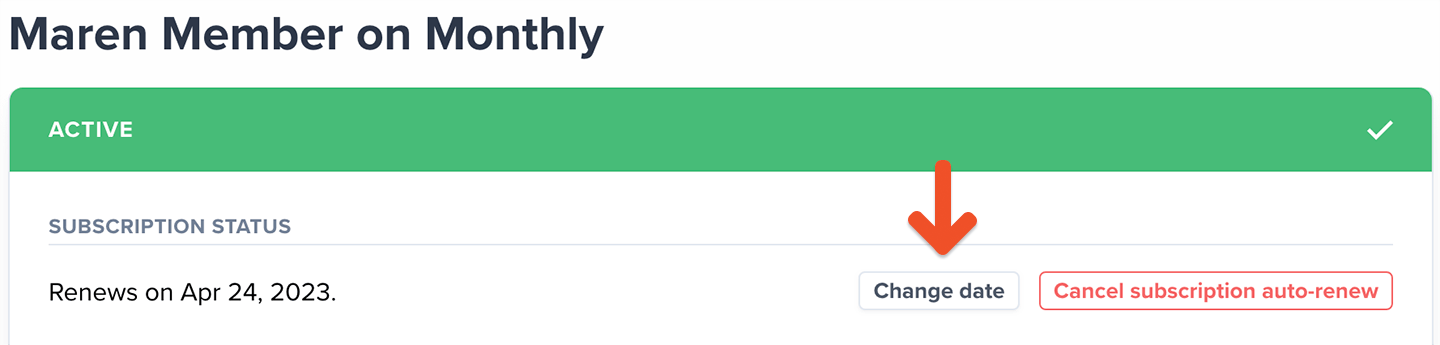
Apply a coupon to the subscription
Go to Revenue → Coupons and create a 100% off recurring coupon. From the member’s profile, click the subscription link and then click Add coupon. When you want to unpause the member, remove the coupon from their subscription.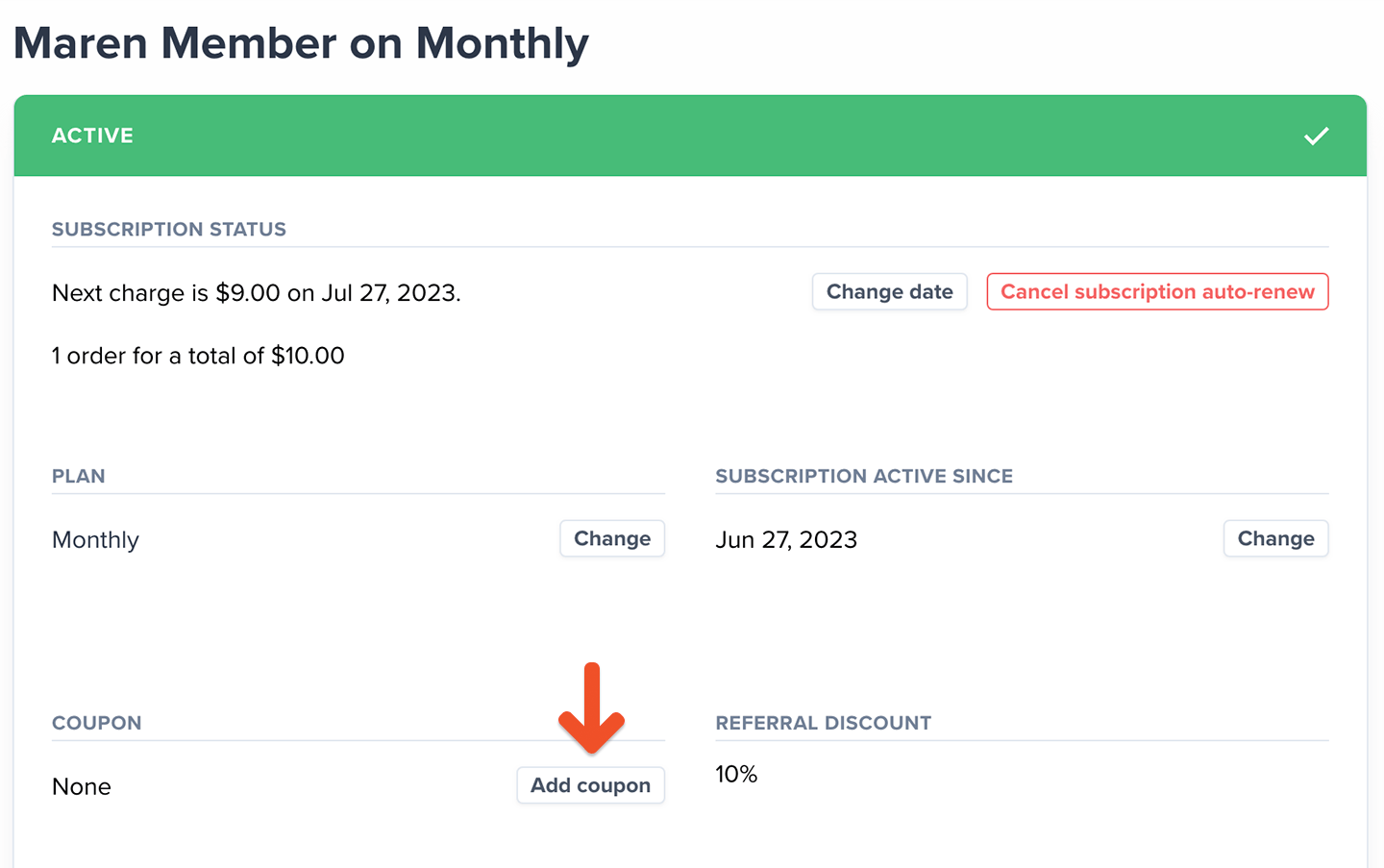
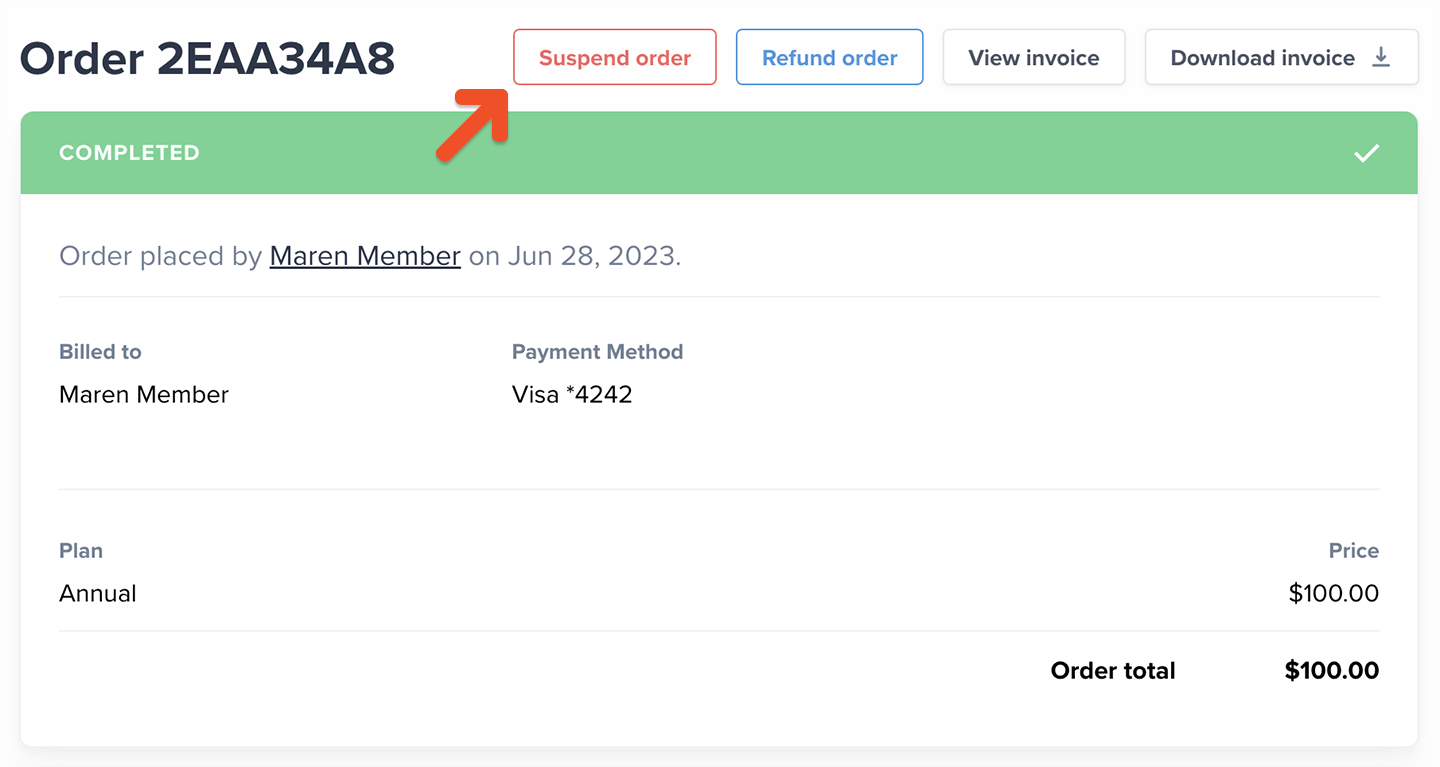
Suspend the order
Suspending an order is an administrative action that temporarily pauses a member’s subscription and prevents access to their subscription and any exclusive member benefits. Learn more about suspending orders. Go to the member’s profile, click the subscription Order #, and then click Suspend order. If you later want to unpause the subscription, return to this location and click Complete order.