

Understand the Squarespace limitations
Squarespace does not support single sign-on (SSO), so you cannot use Memberful to create members-only pages on a Squarespace site. Members can still:- sign in to their member account
- manage their subscription and billing details
- update their profile information
Insert the Memberful code
Go to Website → Custom website in your Memberful dashboard and copy the code provided. In Squarespace, go to Website → Pages → Custom Code → Code Injection. Paste the Memberful code and save your changes.Code injection is only available on the Squarespace Core plan or higher.
Add a purchase button
1
Open the plan links
Go to Revenue → Plans in your Memberful dashboard. Click the plan you want to sell, then click Links.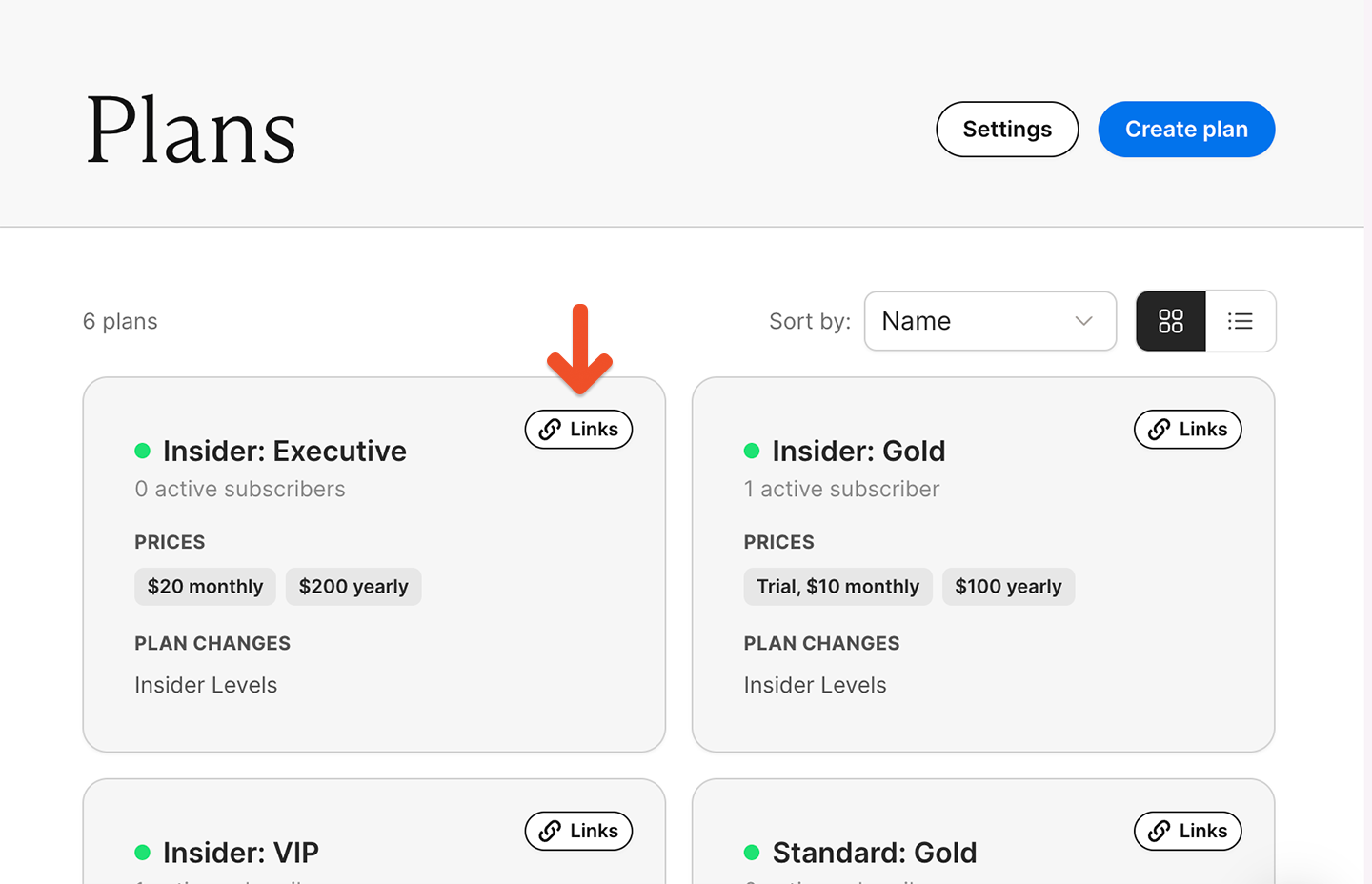
2
Copy a purchase link
Copy the plan purchase link or gift purchase link.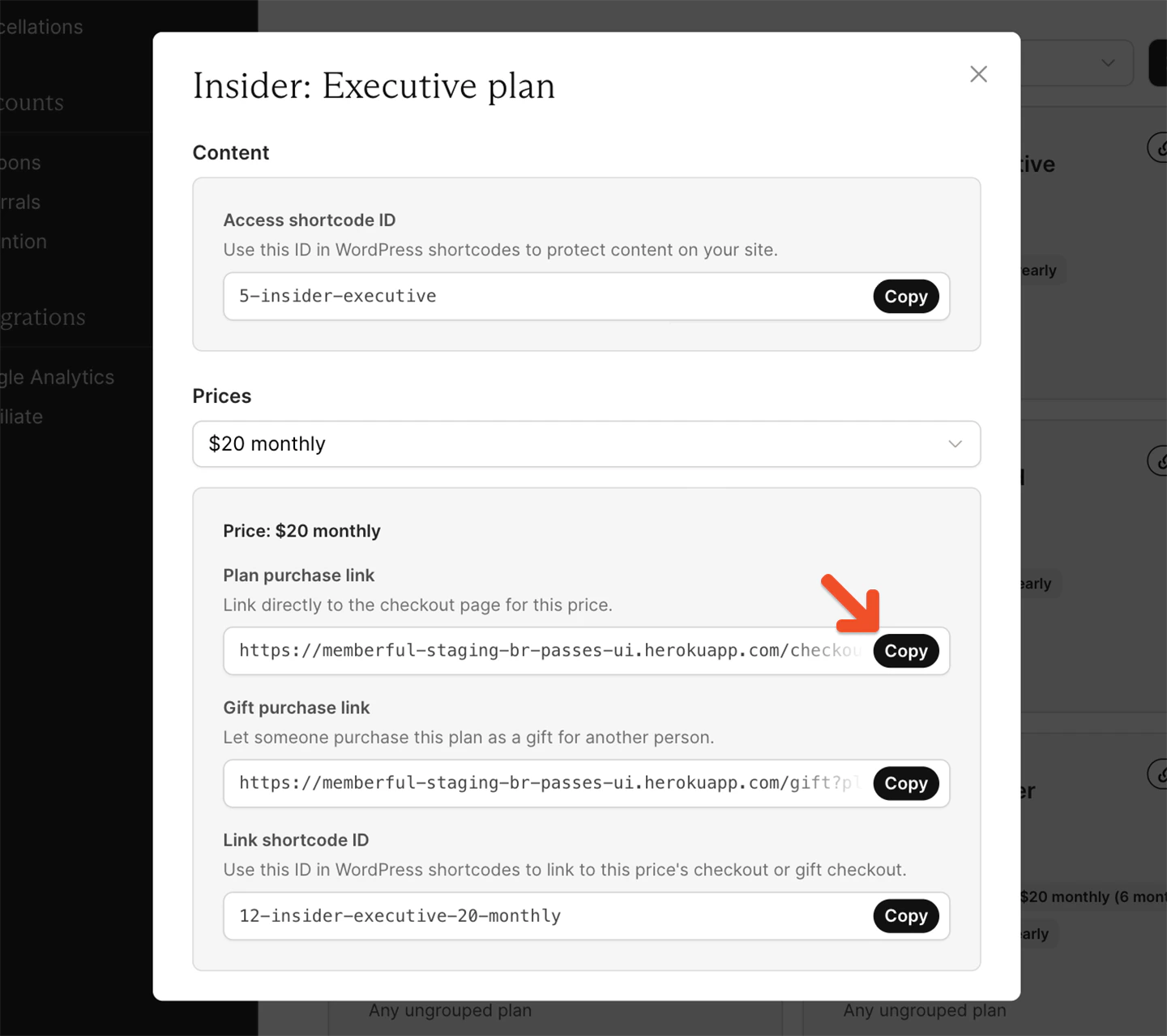
3
Add the link to a button
Add the link to a Squarespace button. Visitors can click the button to complete checkout and subscribe.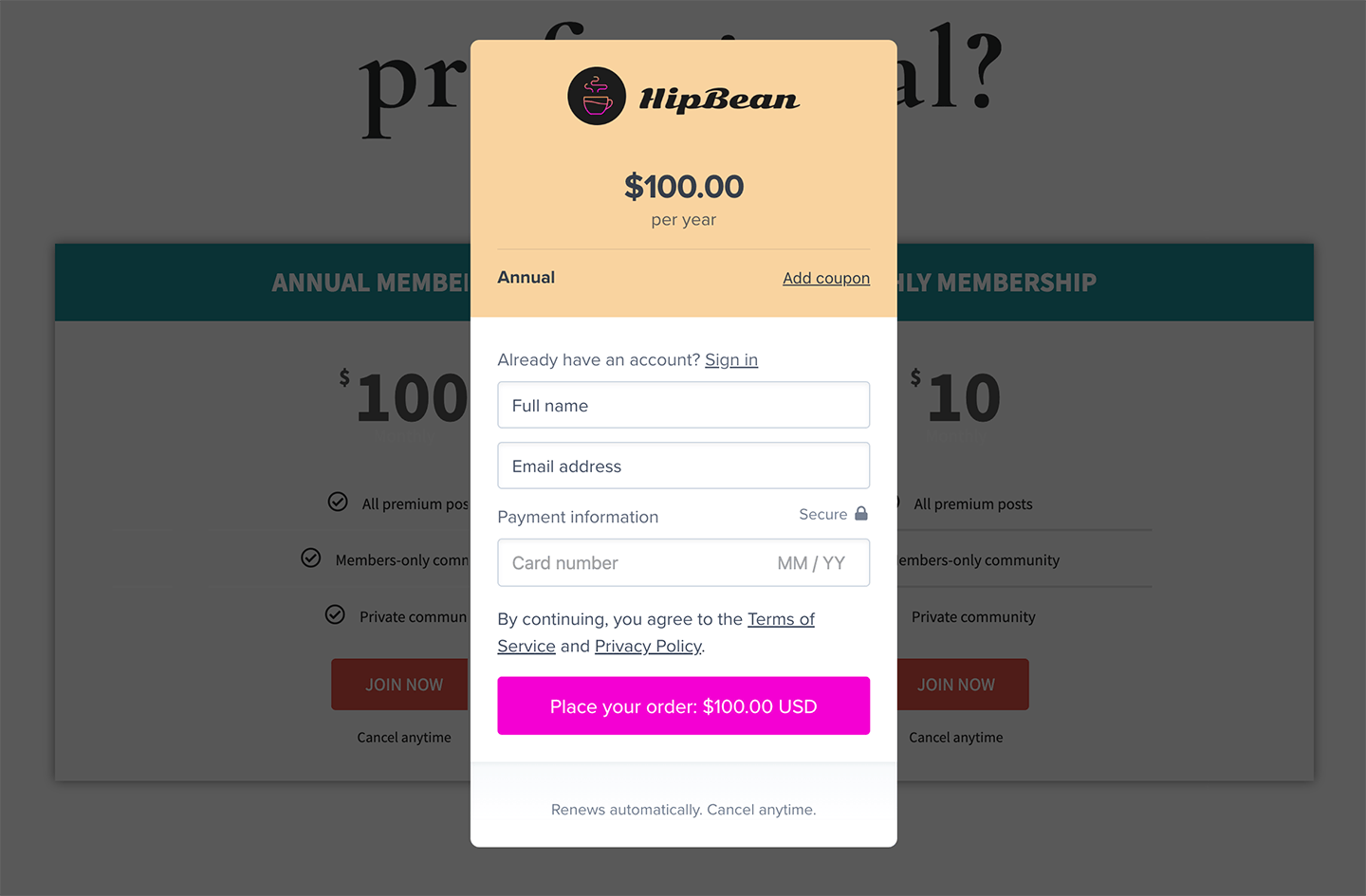
Place purchase buttons in visible areas such as your homepage or navigation. Include the price in the button or surrounding text so visitors understand what they are purchasing.
Add member account links
You can add links to your Squarespace site that take members directly to specific areas of their Memberful account. ReplaceACCOUNT-URL in each link with your Memberful account subdomain. You can find it by going to Website → General settings in your Memberful dashboard.