> ## Documentation Index
> Fetch the complete documentation index at: https://memberful.com/docs/llms.txt
> Use this file to discover all available pages before exploring further.
# Use the paywall divider block
> Use the Memberful Paywall Divider block to choose where a public preview ends and members-only content begins in a WordPress post or page.
export const RelatedDocs = ({link1, link2, link3, link4, link5, link6, link7, link8, link9, link10, className = ""}) => {
const links = [link1, link2, link3, link4, link5, link6, link7, link8, link9, link10].filter(Boolean);
if (!links.length) return null;
return ;
};
The Memberful Paywall Divider block lets you set the exact point where free content ends and protected content begins in a WordPress post or page. Visitors without access see the content above the divider, while members-only content remains protected below it.
In this help article, we'll show you how to add and position the Paywall Divider block, explain how it interacts with other content protection settings, and test the result.
## Add the Paywall Divider block
Use the WordPress block editor to place the divider after the final block you want to include in the public preview.
Open the post or page you want to protect in the WordPress block editor.
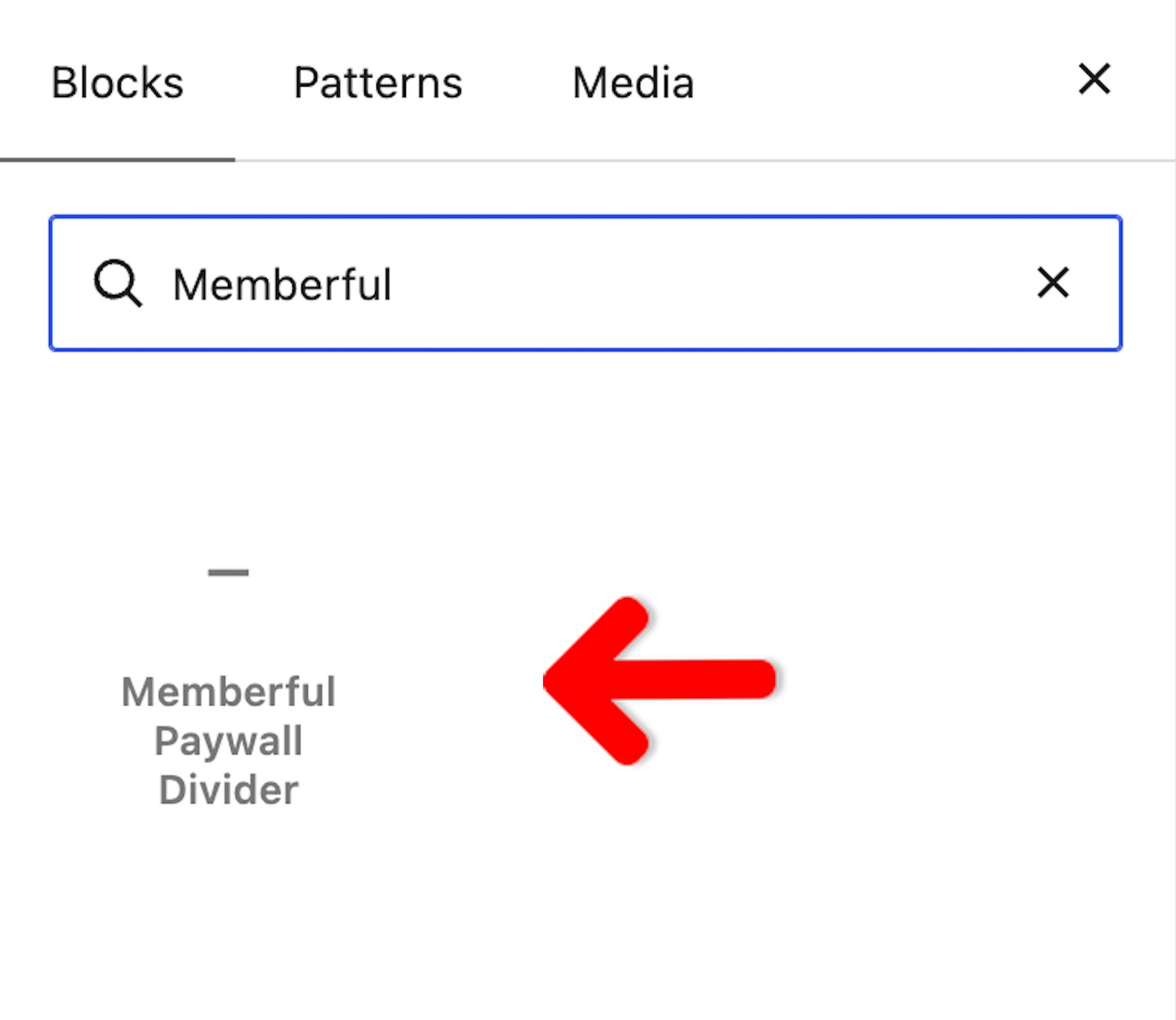
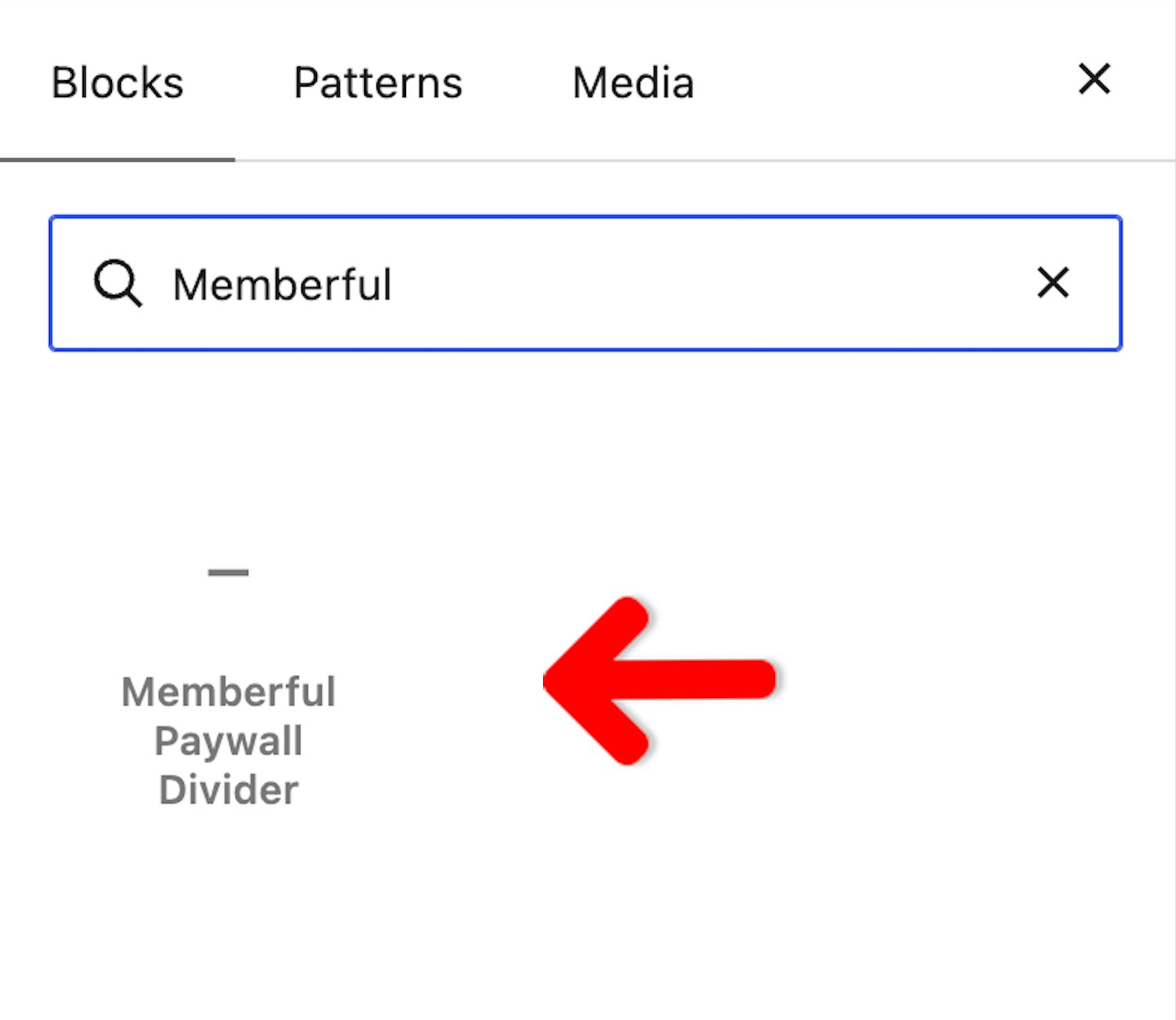
Click the **Block Inserter** button, search for **Memberful Paywall Divider**, then select the block.
 Drag the divider to the point where the public preview should end. The *Protected content below this line* label marks where members-only content begins.
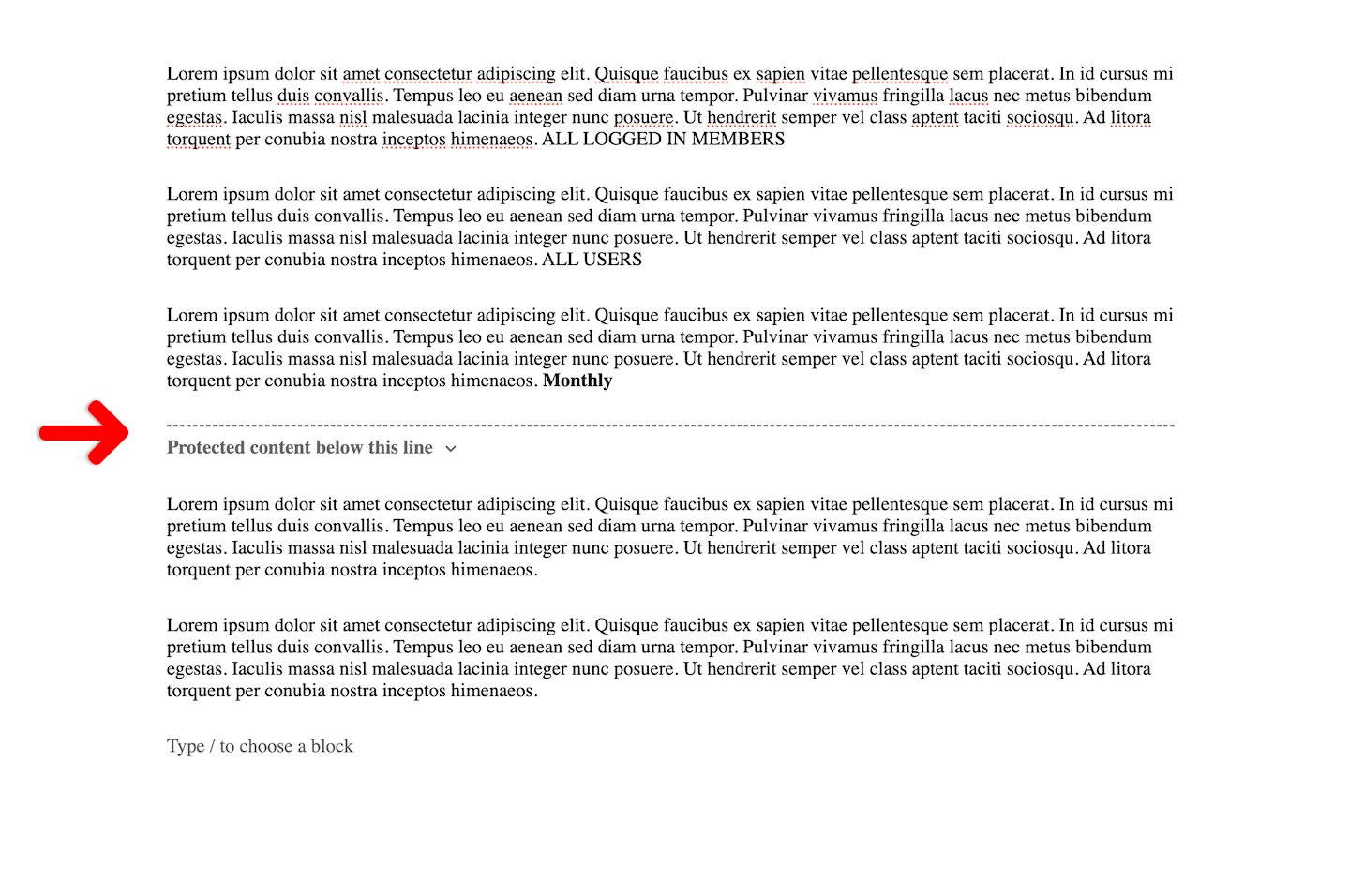 Add or move the members-only text, images, and other blocks below the divider.
Save or publish your changes.
## Understand what visitors and members see
Visitors who do not have access see the content above the divider as a public preview. Content below the divider remains protected.
Add or move the members-only text, images, and other blocks below the divider.
Save or publish your changes.
## Understand what visitors and members see
Visitors who do not have access see the content above the divider as a public preview. Content below the divider remains protected.
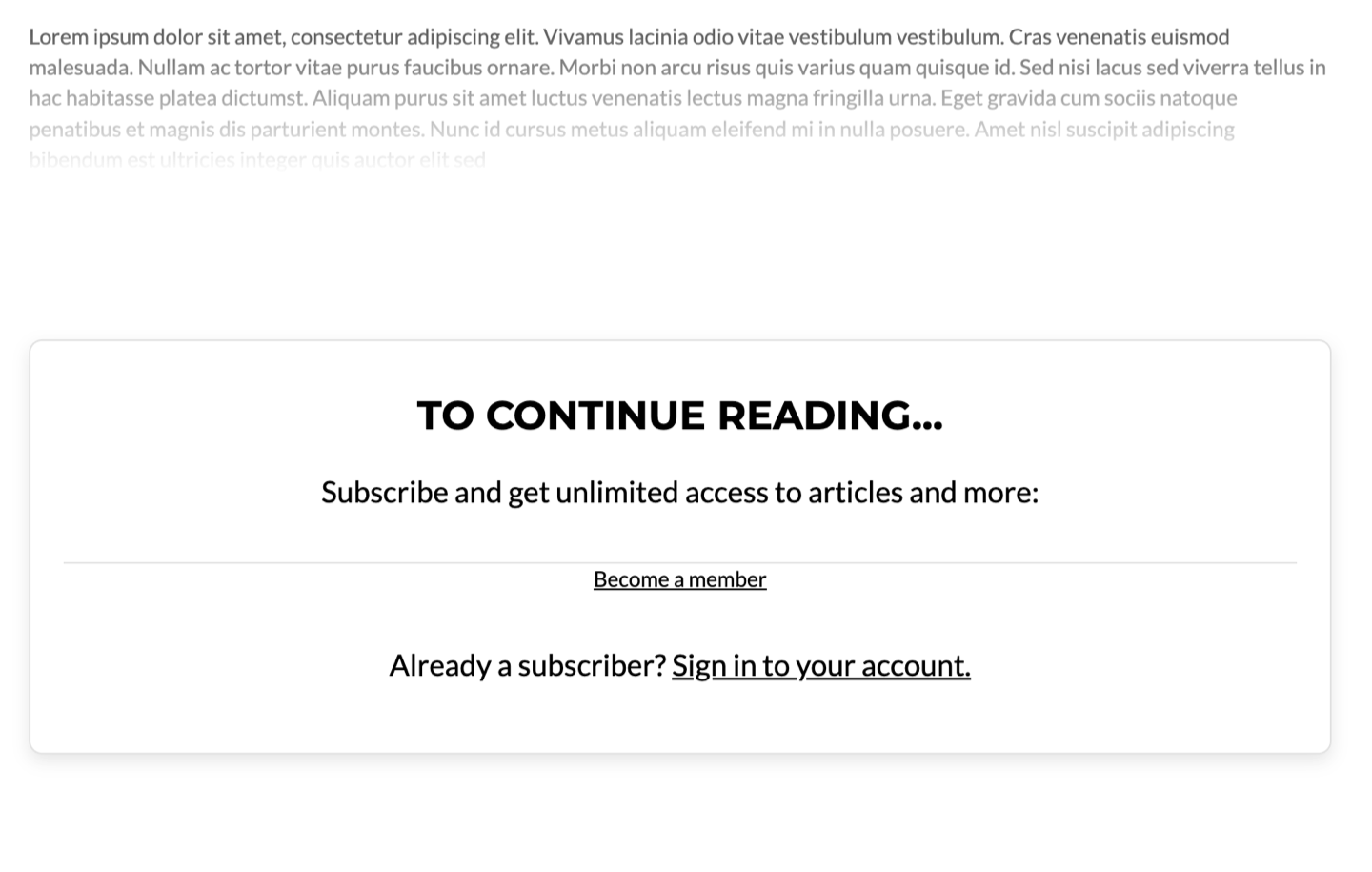 Members with access can view the complete post or page, including the content below the divider.
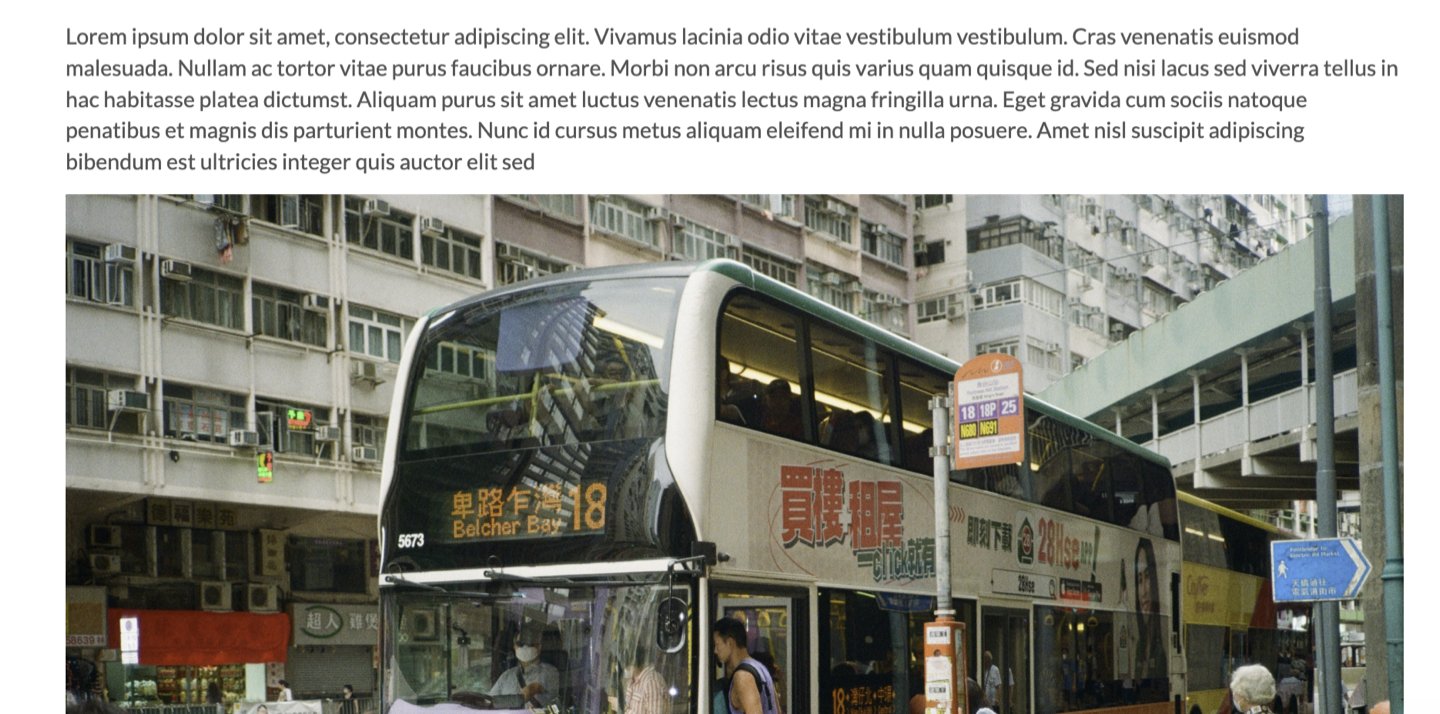
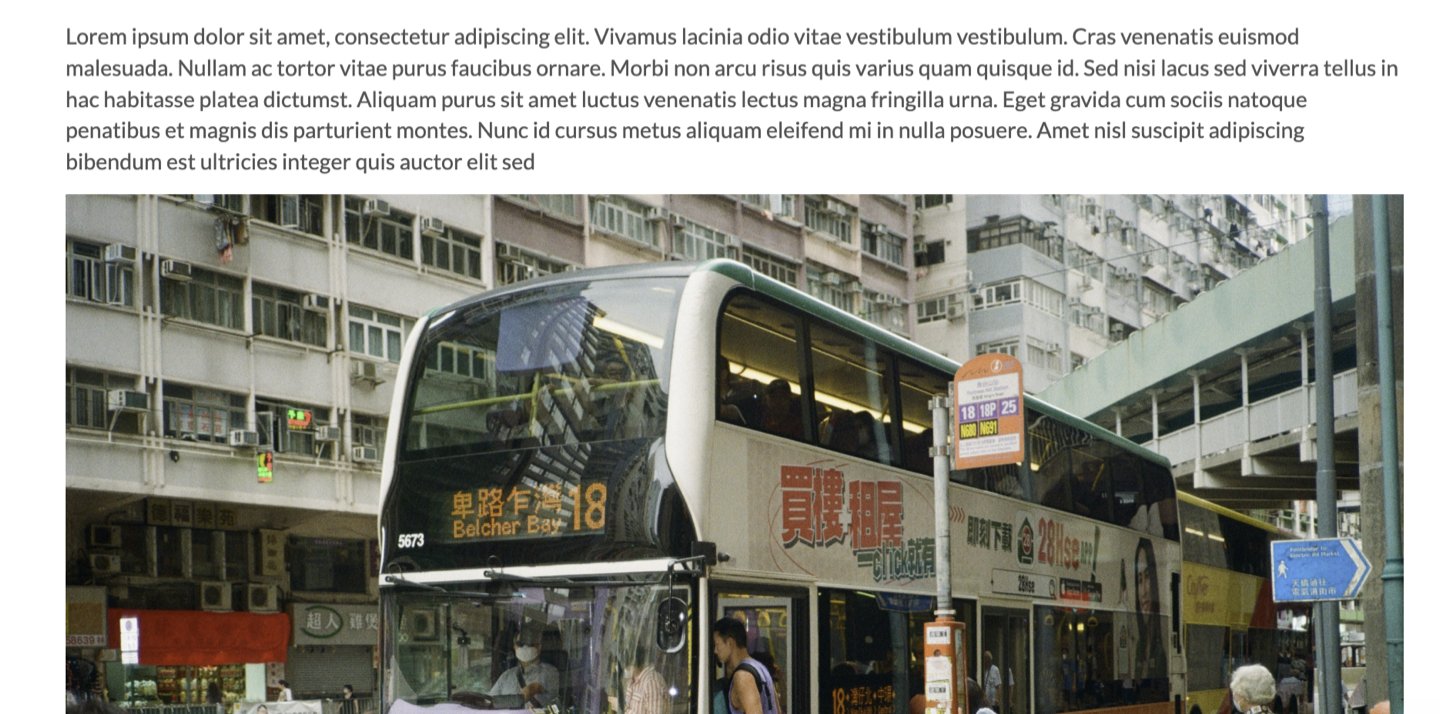 When a post or page contains a Paywall Divider block, the divider takes precedence over other Memberful restriction and marketing preview rules on that post or page.
## Move the preview boundary
To change the amount of content included in the public preview, open the post or page and drag the Paywall Divider block to a new position. Content above its new position becomes part of the preview, and content below it remains protected.
## Test the paywall
Save the post or page, then view it while logged out of your WordPress administrator account and the Memberful dashboard. You can also test it in a different browser.
Incognito and private browser modes are not supported for testing Memberful content protection and may produce inaccurate results.
When a post or page contains a Paywall Divider block, the divider takes precedence over other Memberful restriction and marketing preview rules on that post or page.
## Move the preview boundary
To change the amount of content included in the public preview, open the post or page and drag the Paywall Divider block to a new position. Content above its new position becomes part of the preview, and content below it remains protected.
## Test the paywall
Save the post or page, then view it while logged out of your WordPress administrator account and the Memberful dashboard. You can also test it in a different browser.
Incognito and private browser modes are not supported for testing Memberful content protection and may produce inaccurate results.