> ## Documentation Index
> Fetch the complete documentation index at: https://memberful.com/docs/llms.txt
> Use this file to discover all available pages before exploring further.
# Integrate with Sensei
> Sensei is a learning management system (LMS) plugin for WordPress that makes it easy to create online courses. Memberful has built-in support for Sensei.
export const RelatedDocs = ({link1, link2, link3, link4, link5, link6, link7, link8, link9, link10, className = ""}) => {
const links = [link1, link2, link3, link4, link5, link6, link7, link8, link9, link10].filter(Boolean);
if (!links.length) return null;
return ;
};
In this help article, we'll show you how to install and activate Sensei, and how to protect your course for members only using the Memberful WP plugin.
## Install and activate Sensei
[Install Sensei and activate the plugin](https://docs.woocommerce.com/document/installing-sensei/). Once you activate the Sensei plugin, you'll see a new option appear in your WordPress dashboard.
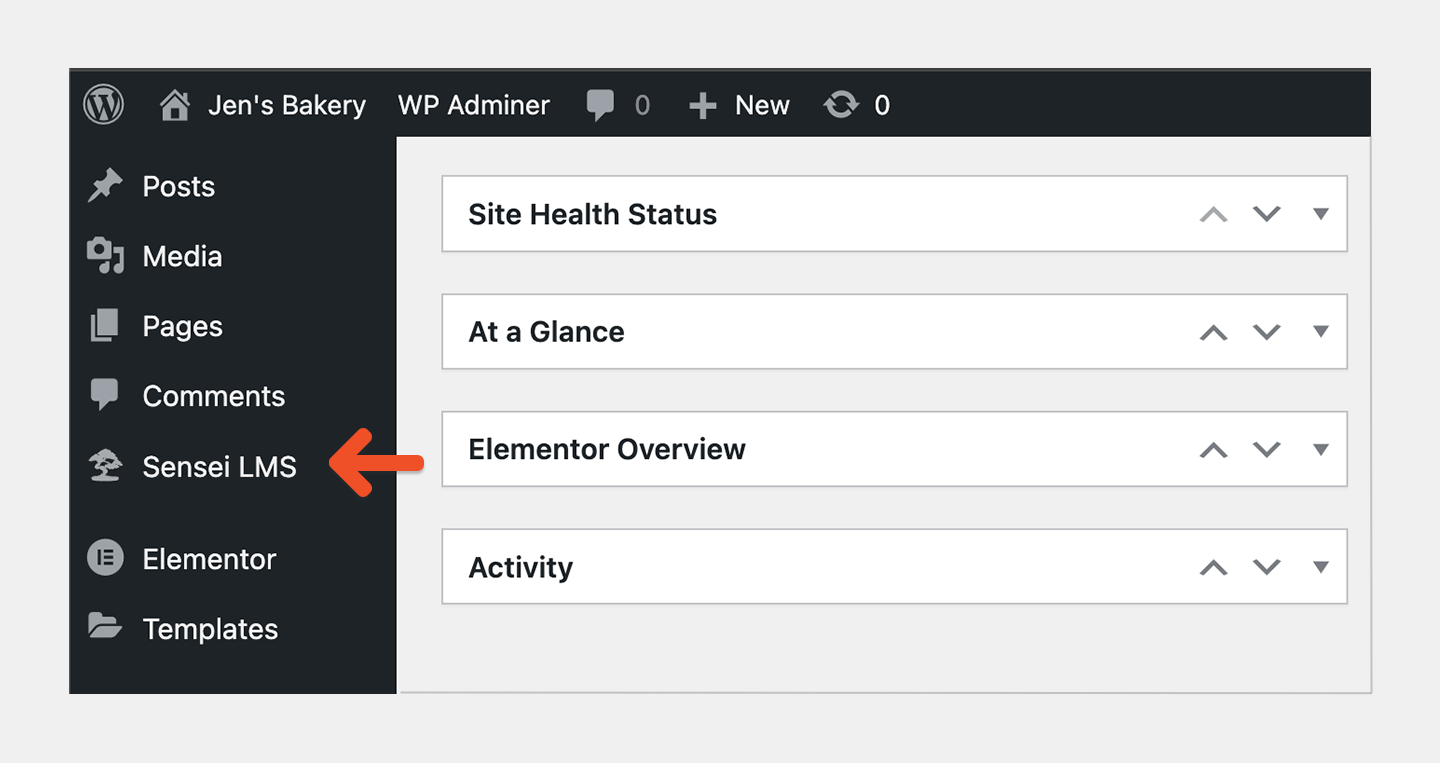 Click **Sensei** to access the Sensei settings and LMS.
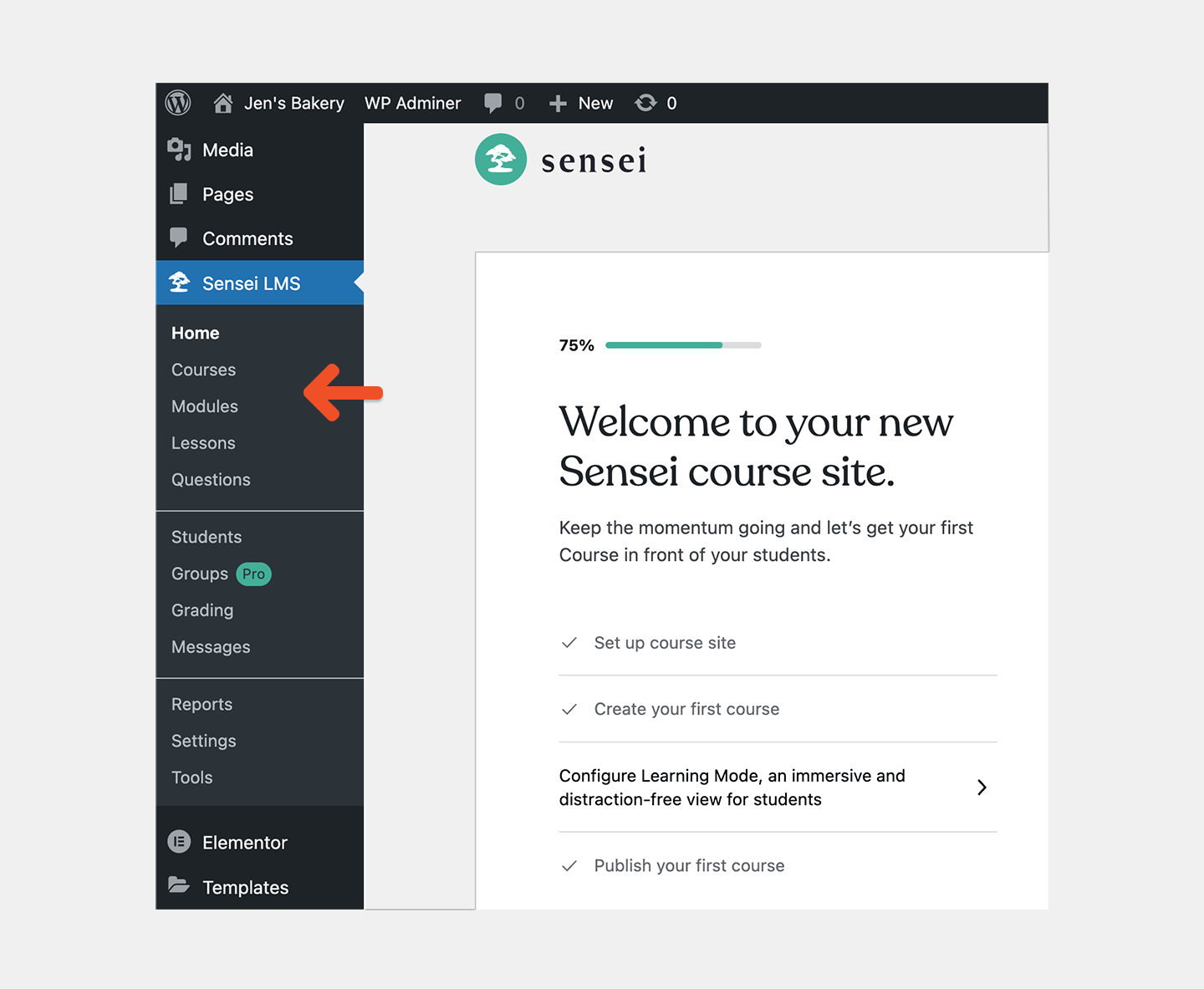 You will use the **Memberful access restriction settings** to restrict access to your course for members only instead of the WooCommerce integration.
## Create a course
Sensei courses are made up of **Modules, Lessons, and Quizzes.** Modules allow you to group lessons, but contain no content. Here's an example of a basic course hierarchy:
*Course title: Coffee 101*
*Module 1: Coffee Basics*
* *Lesson 1: Beans*
* *Quiz: Beans*
* *Lesson 2: Roasting*
* *Quiz: Roasting*
* *Lesson 3: Sugar*
* *Quiz: Sugar*
[Create a course with Sensei.](https://senseilms.com/docs/)
## Protect your course for members only
Once you've built your course, you can protect it for members only.
1. Go to your course from the WordPress dashboard and scroll to the bottom of the page to access the **Memberful Restrict Access** meta box.
2. Select [a plan or plans](/plans/individual-plans/create-a-plan/) to [define which members can access the course.](/wordpress-plugin/protect-content/restrict-access-to-a-single-post/) Repeat this step for each lesson in your course.
You will use the **Memberful access restriction settings** to restrict access to your course for members only instead of the WooCommerce integration.
## Create a course
Sensei courses are made up of **Modules, Lessons, and Quizzes.** Modules allow you to group lessons, but contain no content. Here's an example of a basic course hierarchy:
*Course title: Coffee 101*
*Module 1: Coffee Basics*
* *Lesson 1: Beans*
* *Quiz: Beans*
* *Lesson 2: Roasting*
* *Quiz: Roasting*
* *Lesson 3: Sugar*
* *Quiz: Sugar*
[Create a course with Sensei.](https://senseilms.com/docs/)
## Protect your course for members only
Once you've built your course, you can protect it for members only.
1. Go to your course from the WordPress dashboard and scroll to the bottom of the page to access the **Memberful Restrict Access** meta box.
2. Select [a plan or plans](/plans/individual-plans/create-a-plan/) to [define which members can access the course.](/wordpress-plugin/protect-content/restrict-access-to-a-single-post/) Repeat this step for each lesson in your course.
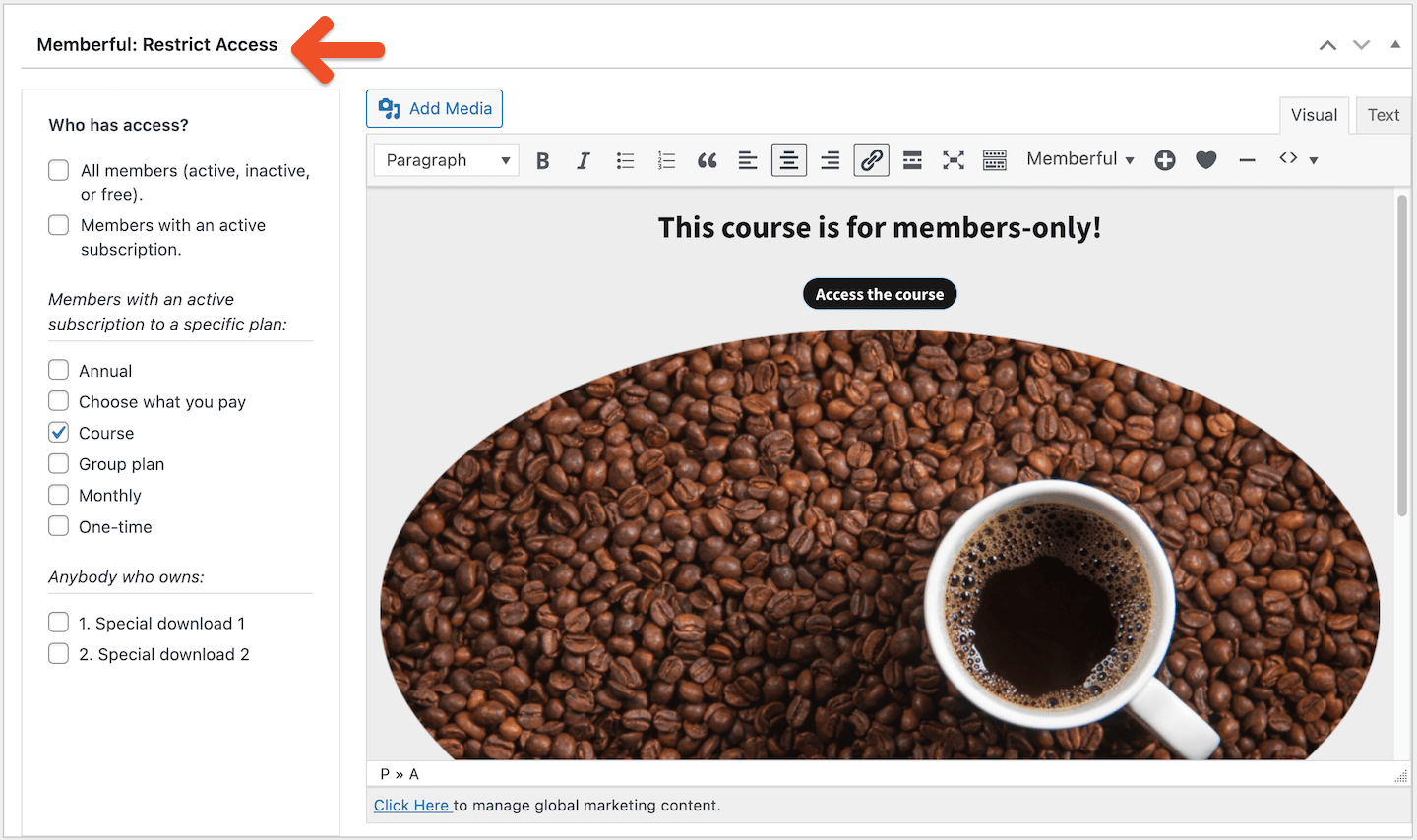 The content to the right of the *Who has access* section is shown to anyone without access. This is where you should add your [plan purchase link](/plans/promote-and-sell/add-a-link-to-buy-a-plan/) and marketing content, or a note that lets non-members know that this can only be accessed by paying members.
[See Sensei's course showcase for inspiration.](https://senseilms.com/showcase/)
The content to the right of the *Who has access* section is shown to anyone without access. This is where you should add your [plan purchase link](/plans/promote-and-sell/add-a-link-to-buy-a-plan/) and marketing content, or a note that lets non-members know that this can only be accessed by paying members.
[See Sensei's course showcase for inspiration.](https://senseilms.com/showcase/)