Related help docs:
 ## Allow free registration (Optional)
Our free registration feature enables your members to sign up without any cost or obligation for a paid subscription.
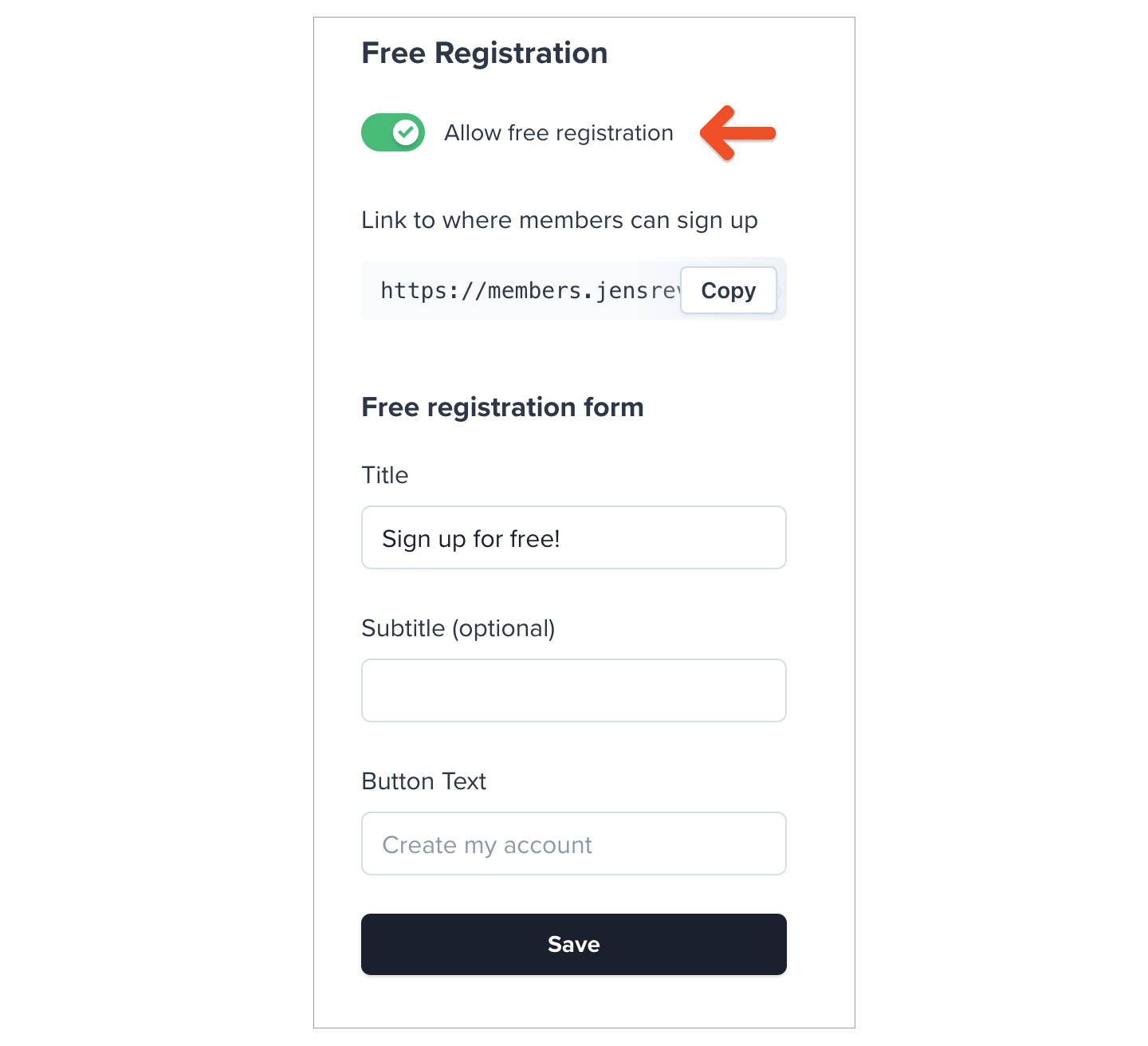
To enable this feature, go to *Website → Free registration,* and toggle on **Allow free registration**. [Learn more about allowing free registration.](/plans/individual-plans/free-registration/)
## Allow free registration (Optional)
Our free registration feature enables your members to sign up without any cost or obligation for a paid subscription.
To enable this feature, go to *Website → Free registration,* and toggle on **Allow free registration**. [Learn more about allowing free registration.](/plans/individual-plans/free-registration/)
 ## Customize your branding
Your custom branding (including page background color, button color, and logo image) will be applied to your subscription page. Learn more about [customizing your branding](/configuration/branding/branding/).
## Add items and customize the page
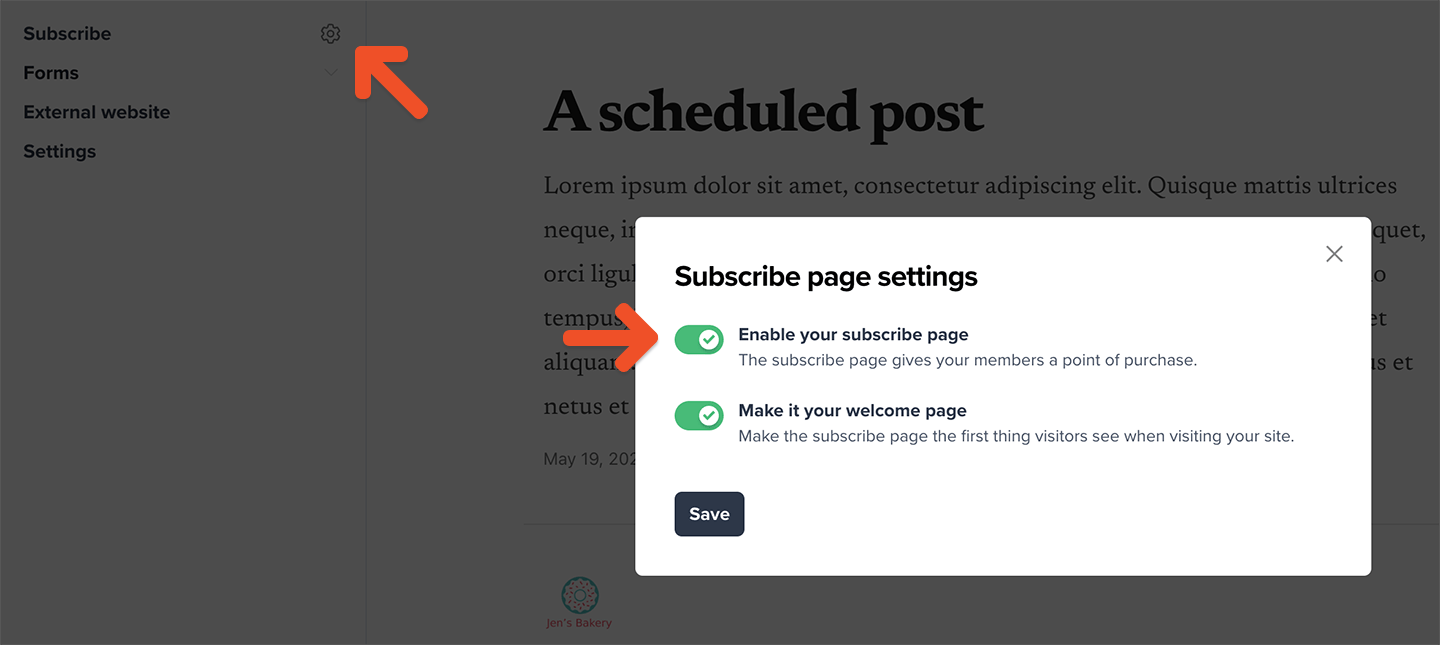
Once you've created your plans, go to the **Website** tab, and hover over Subscribe to reveal and click the **gear** icon. Toggle on **Enable your subscribe page** in the modal, and then click **Save.**
## Customize your branding
Your custom branding (including page background color, button color, and logo image) will be applied to your subscription page. Learn more about [customizing your branding](/configuration/branding/branding/).
## Add items and customize the page
Once you've created your plans, go to the **Website** tab, and hover over Subscribe to reveal and click the **gear** icon. Toggle on **Enable your subscribe page** in the modal, and then click **Save.**
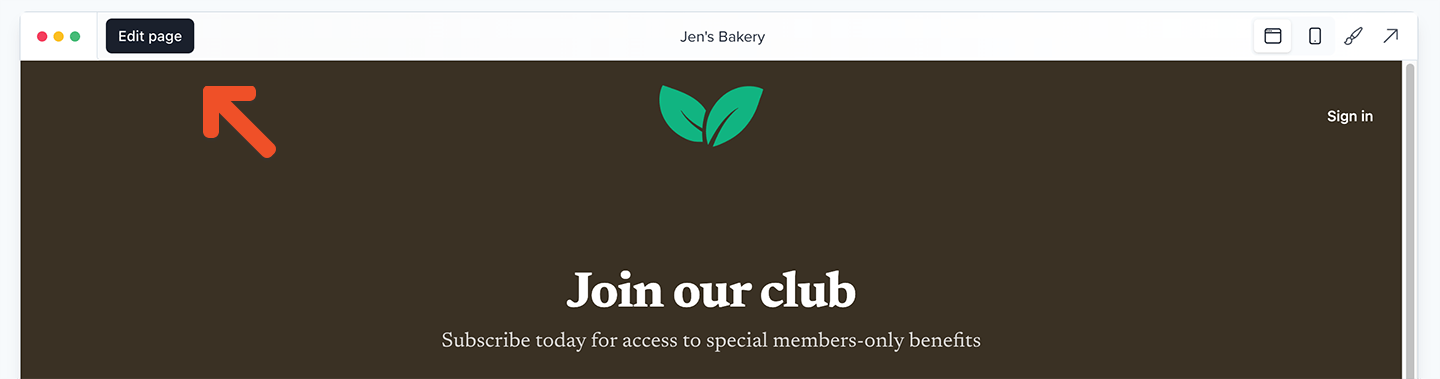
 To customize the content on the page, go to *Website → Subscribe*, and click **Edit page** in the top left-hand corner.
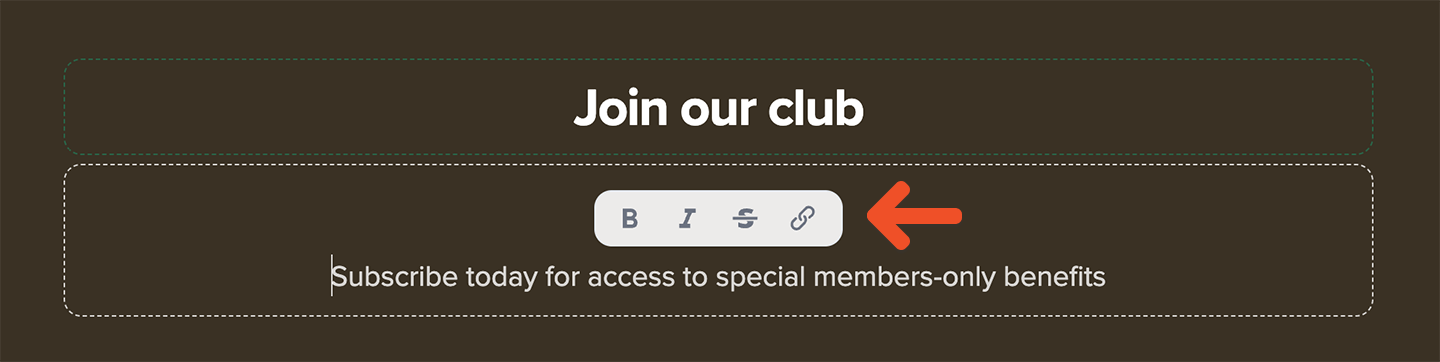
 At the top of the page you can add a title and an optional description for the entire page. Use the rich-text controls to add bold text, italics, strikethroughs, and links.
 Below that, you'll add selected plans, standalone downloads, or free registration to the page for members to select. While you can add as many as you like, we recommend a maximum of 4 items to make the page easier for visitors to scan and make a decision about their purchase.
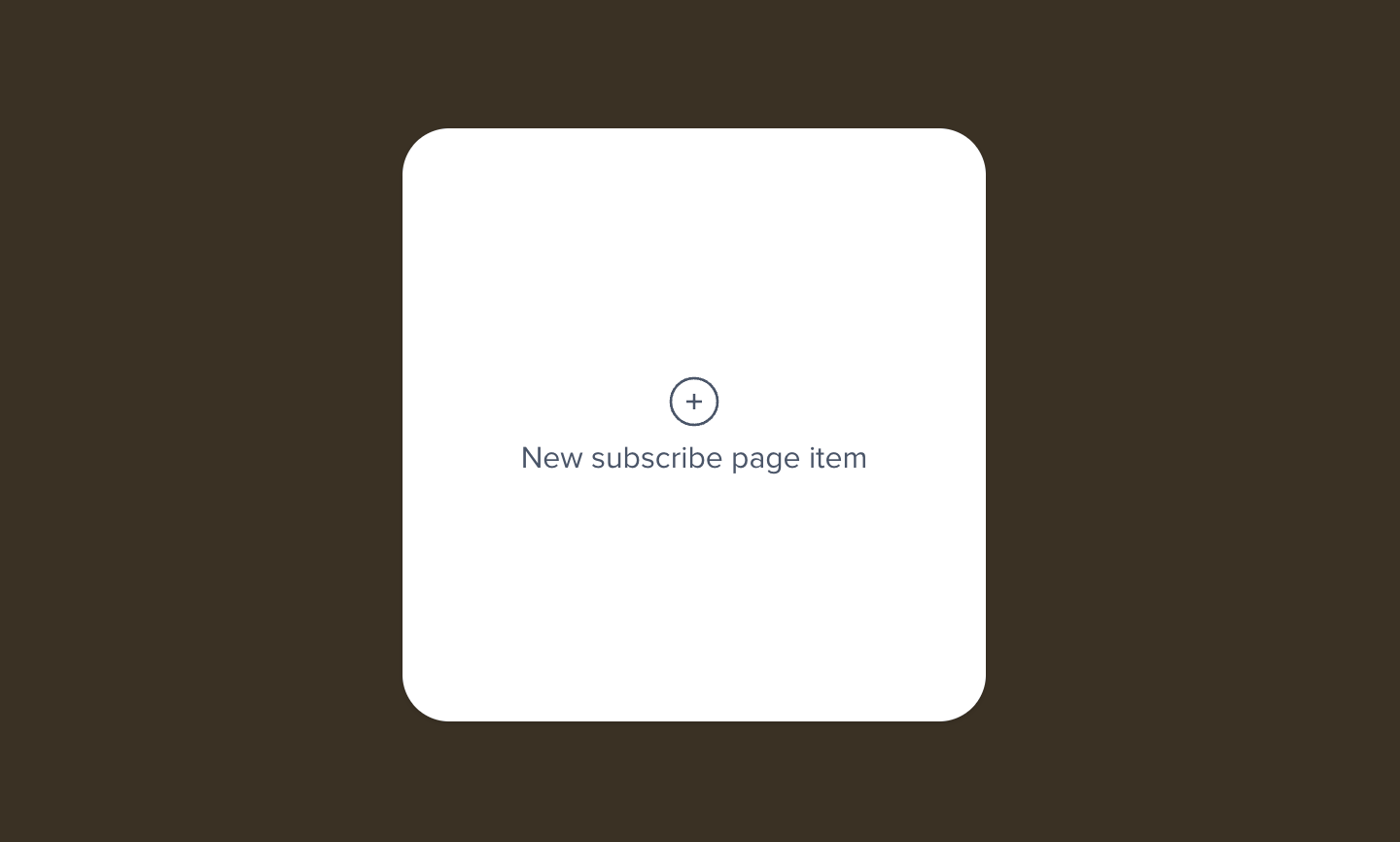
To add an item, click the **New subscribe page item** button:
Below that, you'll add selected plans, standalone downloads, or free registration to the page for members to select. While you can add as many as you like, we recommend a maximum of 4 items to make the page easier for visitors to scan and make a decision about their purchase.
To add an item, click the **New subscribe page item** button:
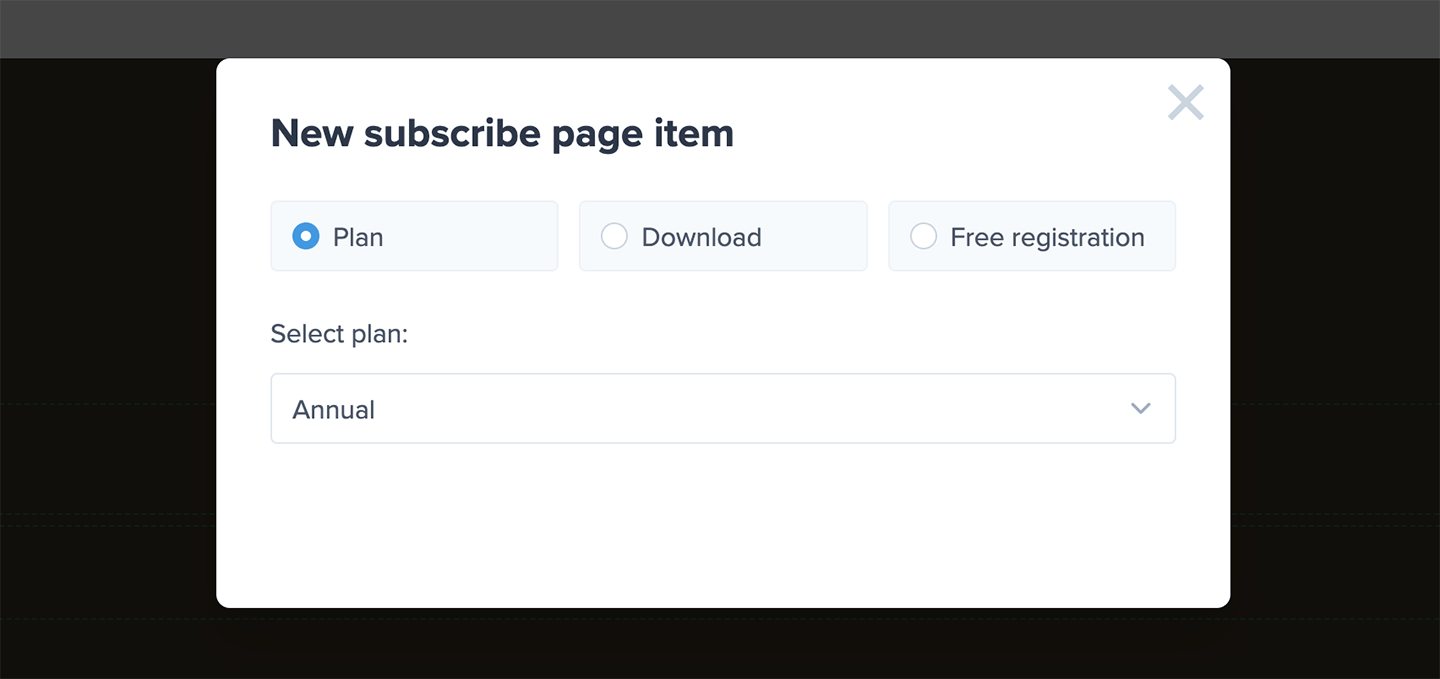
 Then, select your plan, download, or free registration in the modal and click **Add to page:**
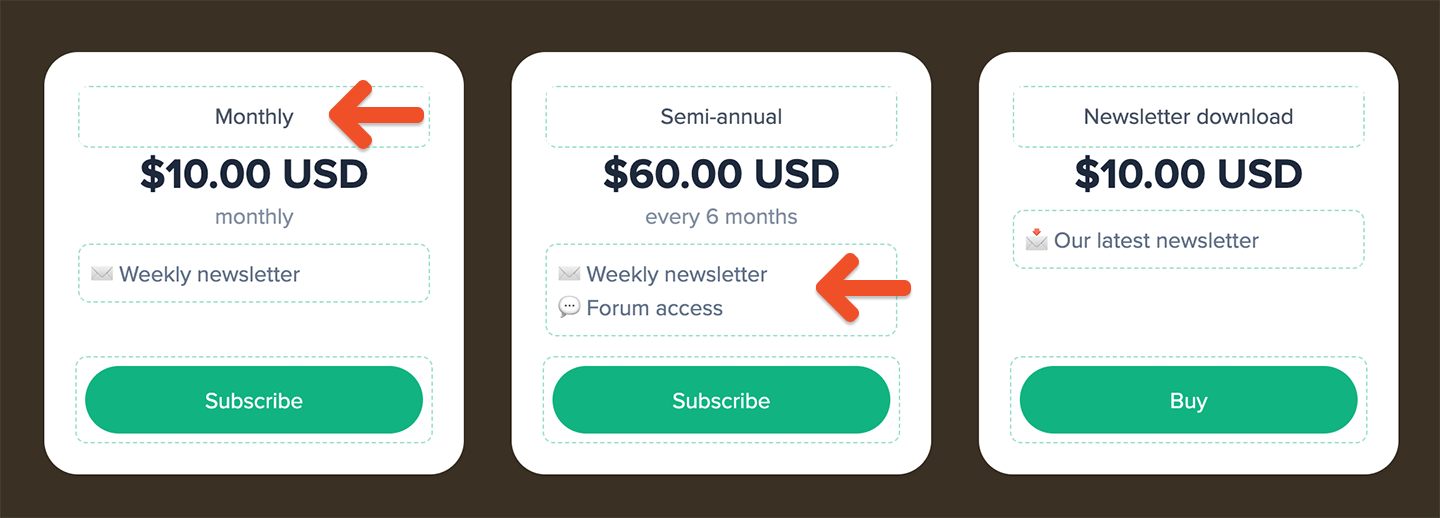
 For each item you can customize the display name, the description, and the button label. Click to select each element, and make your changes. For the description, use the rich text controls to add bold text, italics, strike-throughs, links, and both bulleted and numbered lists.
The description is a great place to list the benefits your members will receive for signing up, or to compare each plan offering against the others to help your visitors make the best purchase.
For each item you can customize the display name, the description, and the button label. Click to select each element, and make your changes. For the description, use the rich text controls to add bold text, italics, strike-throughs, links, and both bulleted and numbered lists.
The description is a great place to list the benefits your members will receive for signing up, or to compare each plan offering against the others to help your visitors make the best purchase.
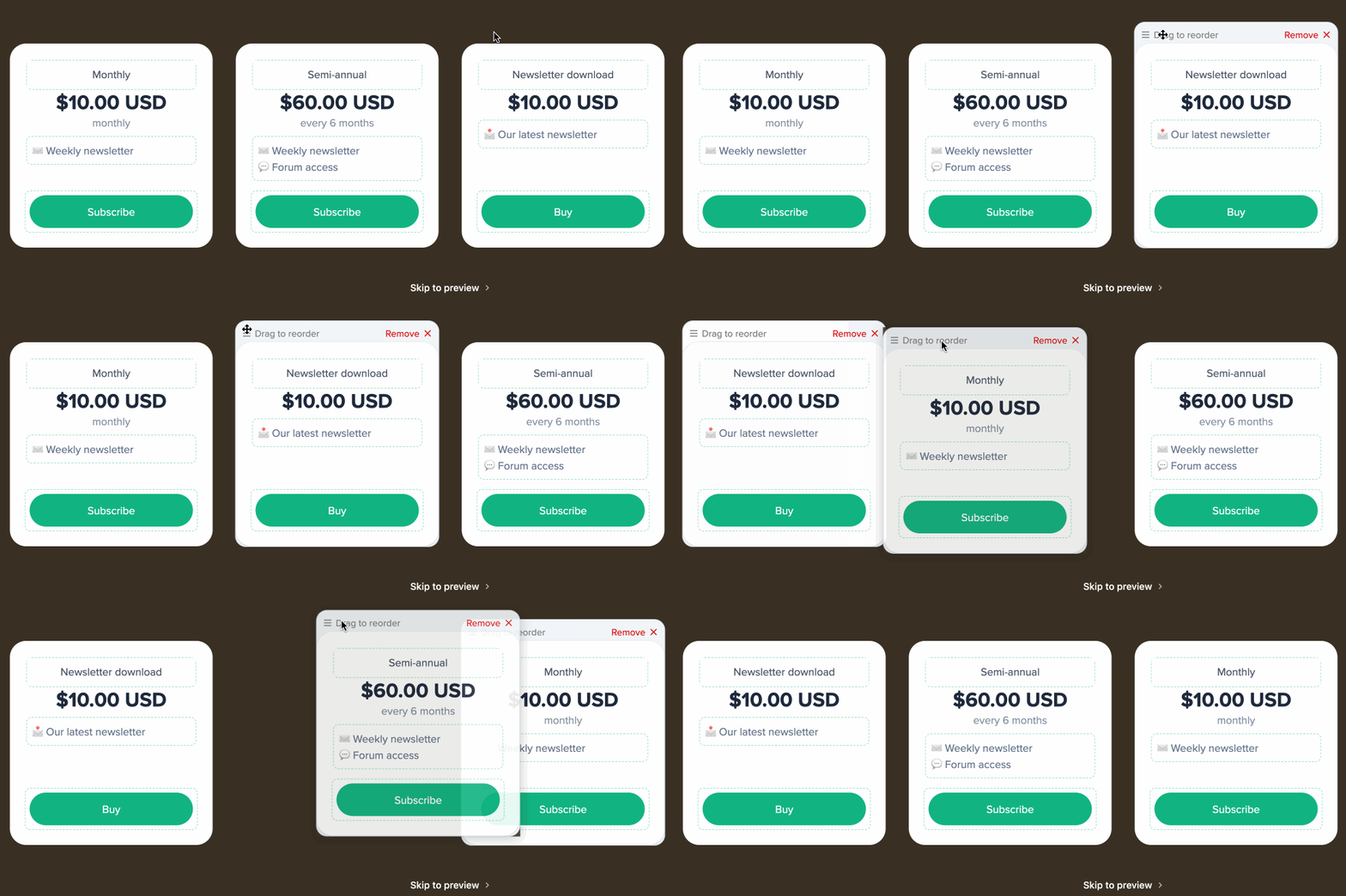
 To re-order the items on your page, hover over the item and then click and drag it by the bar that shows up above it.
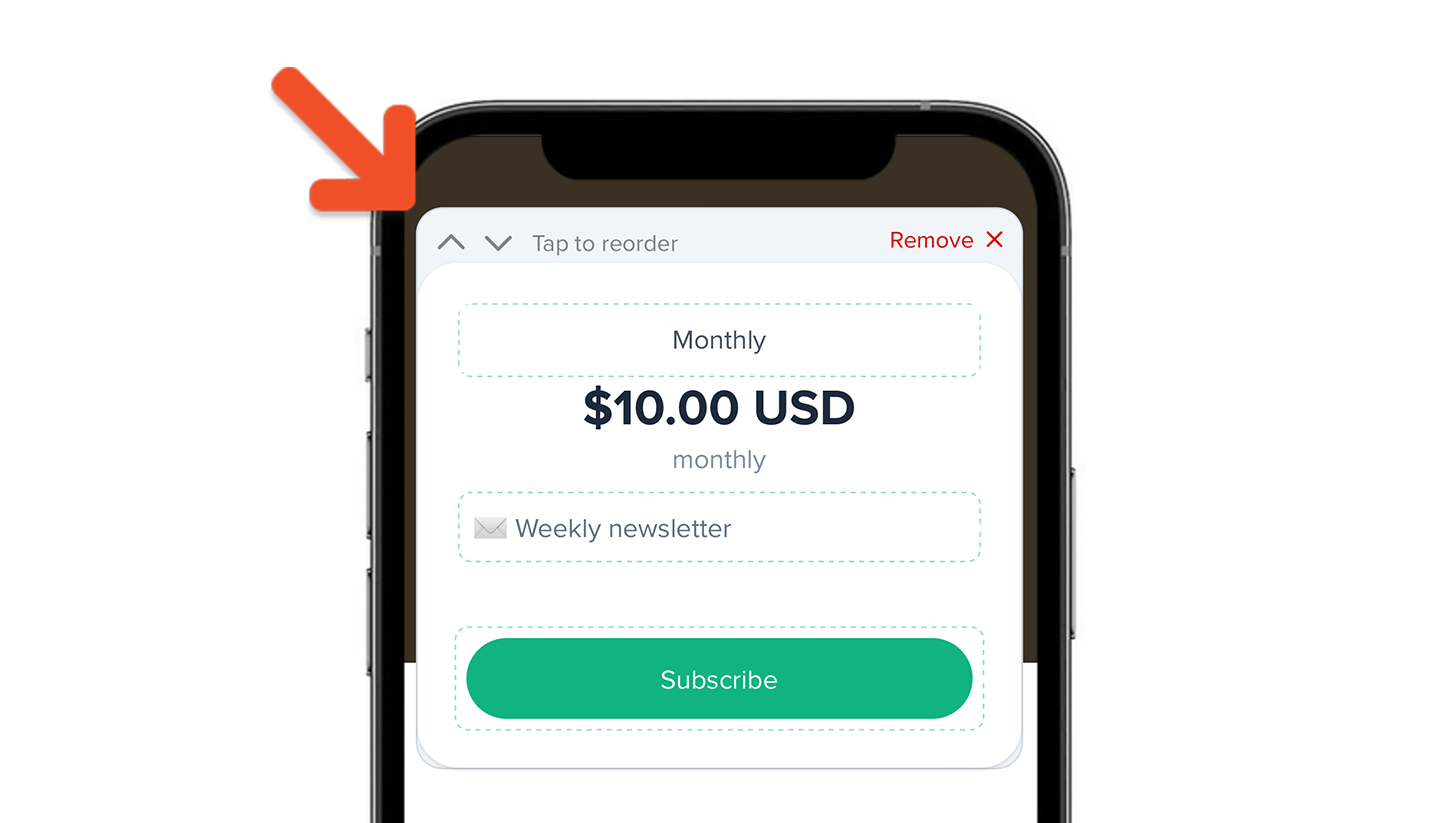
 If you're on a mobile touch-based device, click the up or down arrows to change the order of each item.
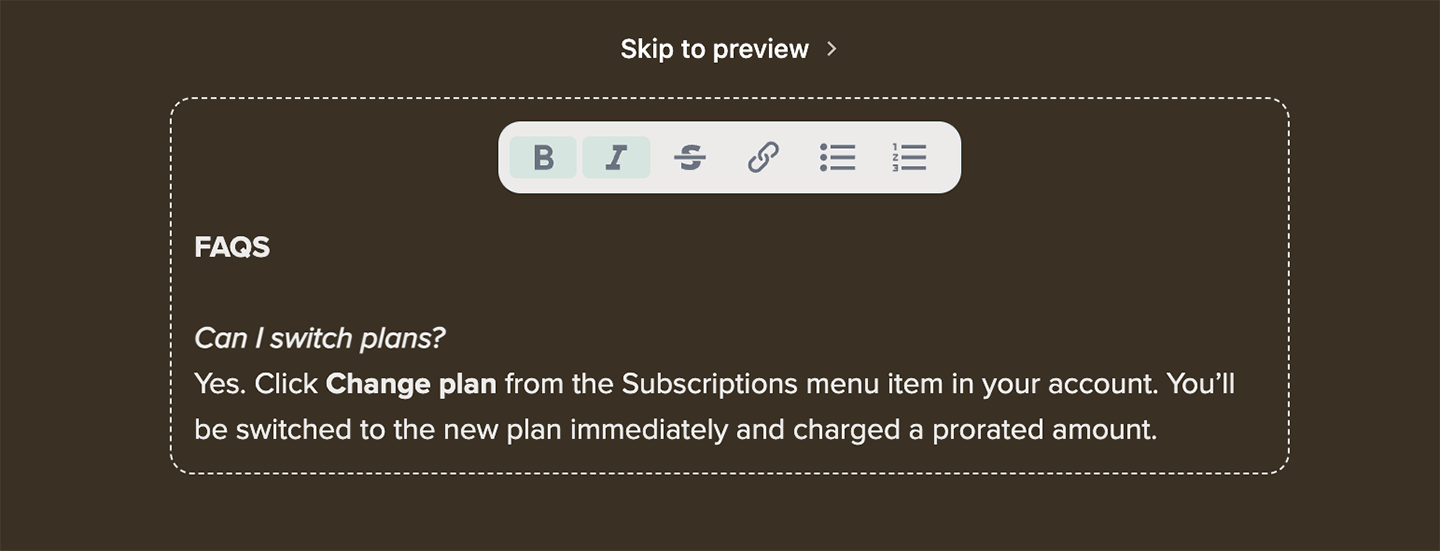
 Below your items, you can add any additional content that you'd like. This is a great place to include a few FAQs about your membership, member testimonials, or contact information.
 Every subscription page includes a prominent link for members to log into their account at any time.
Any social media links you've configured for your website will also show up in the footer of your subscription page. [Learn more about configuring social media links.](/website-builder/settings/member-website-settings/#add-social-media-links)
## Enable or disable your subscription page
You can toggle your subscription page on or off by going to the **Website** tab, and hovering over Subscribe to reveal and click the **gear** icon. Toggle on or off **Enable your subscribe page** in the modal, and then click **Save.**
Toggling the switch on or off will determine whether this page can be accessed at the URL `ACCOUNT-URL.memberful.com/join`.
Toggling the switch off will mean that nobody can view your subscription page. This lets you make any changes you'd like before making it publicly available again.
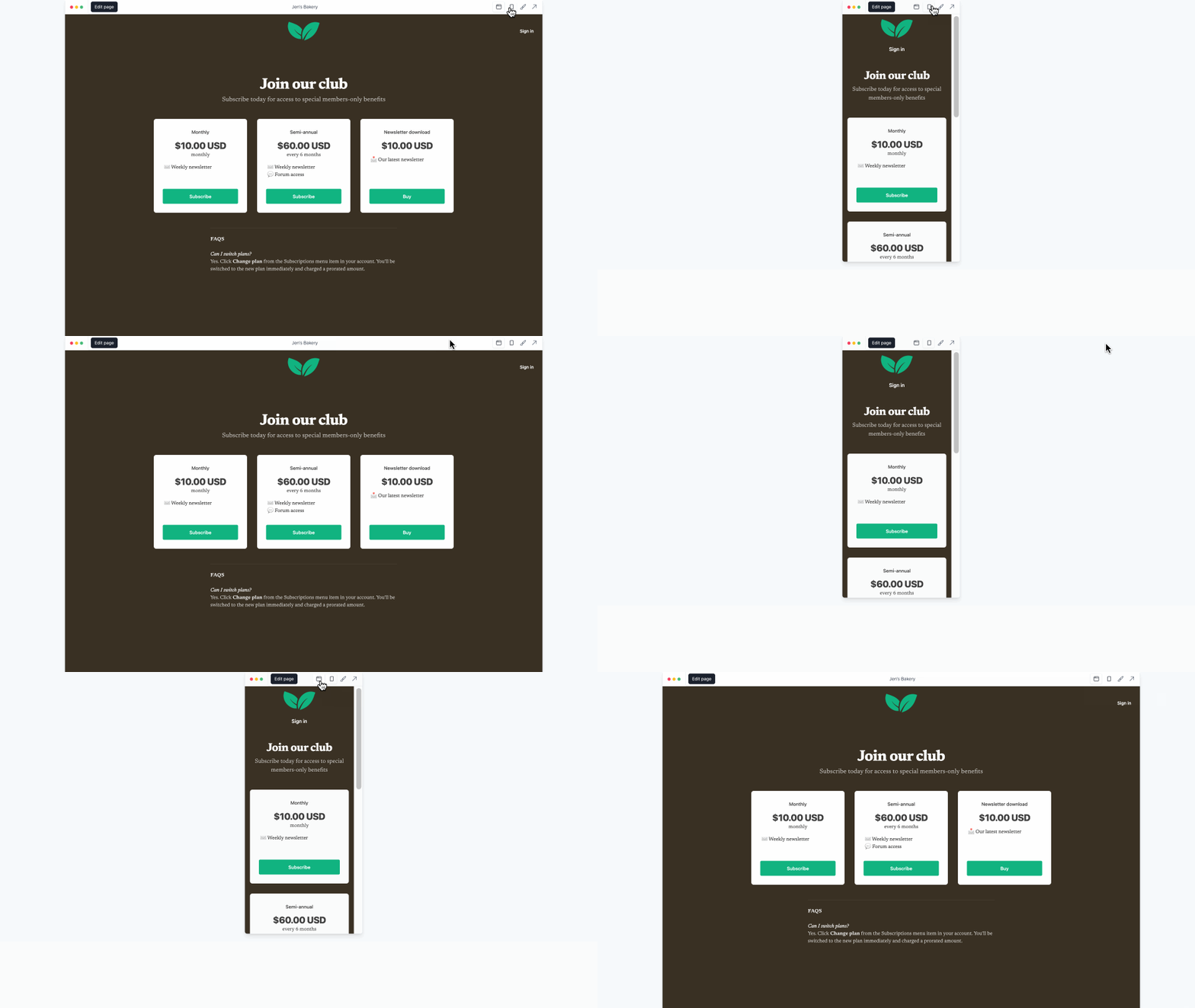
When toggled on, you have your own custom subscription page. You can return to *Website → Subscribe* anytime to see what your subscription page looks like on different devices.
Every subscription page includes a prominent link for members to log into their account at any time.
Any social media links you've configured for your website will also show up in the footer of your subscription page. [Learn more about configuring social media links.](/website-builder/settings/member-website-settings/#add-social-media-links)
## Enable or disable your subscription page
You can toggle your subscription page on or off by going to the **Website** tab, and hovering over Subscribe to reveal and click the **gear** icon. Toggle on or off **Enable your subscribe page** in the modal, and then click **Save.**
Toggling the switch on or off will determine whether this page can be accessed at the URL `ACCOUNT-URL.memberful.com/join`.
Toggling the switch off will mean that nobody can view your subscription page. This lets you make any changes you'd like before making it publicly available again.
When toggled on, you have your own custom subscription page. You can return to *Website → Subscribe* anytime to see what your subscription page looks like on different devices.
 ## Set as your welcome page
If you'd like to use your subscription page as the first page that new visitors see when they access your website, you can set it as your welcome page. To do this, go to the **Website** tab, and hover over Subscribe to reveal and click the **gear** icon. Toggle on **Make it your welcome page** in the modal, and then click **Save.**
## Set as your welcome page
If you'd like to use your subscription page as the first page that new visitors see when they access your website, you can set it as your welcome page. To do this, go to the **Website** tab, and hover over Subscribe to reveal and click the **gear** icon. Toggle on **Make it your welcome page** in the modal, and then click **Save.**
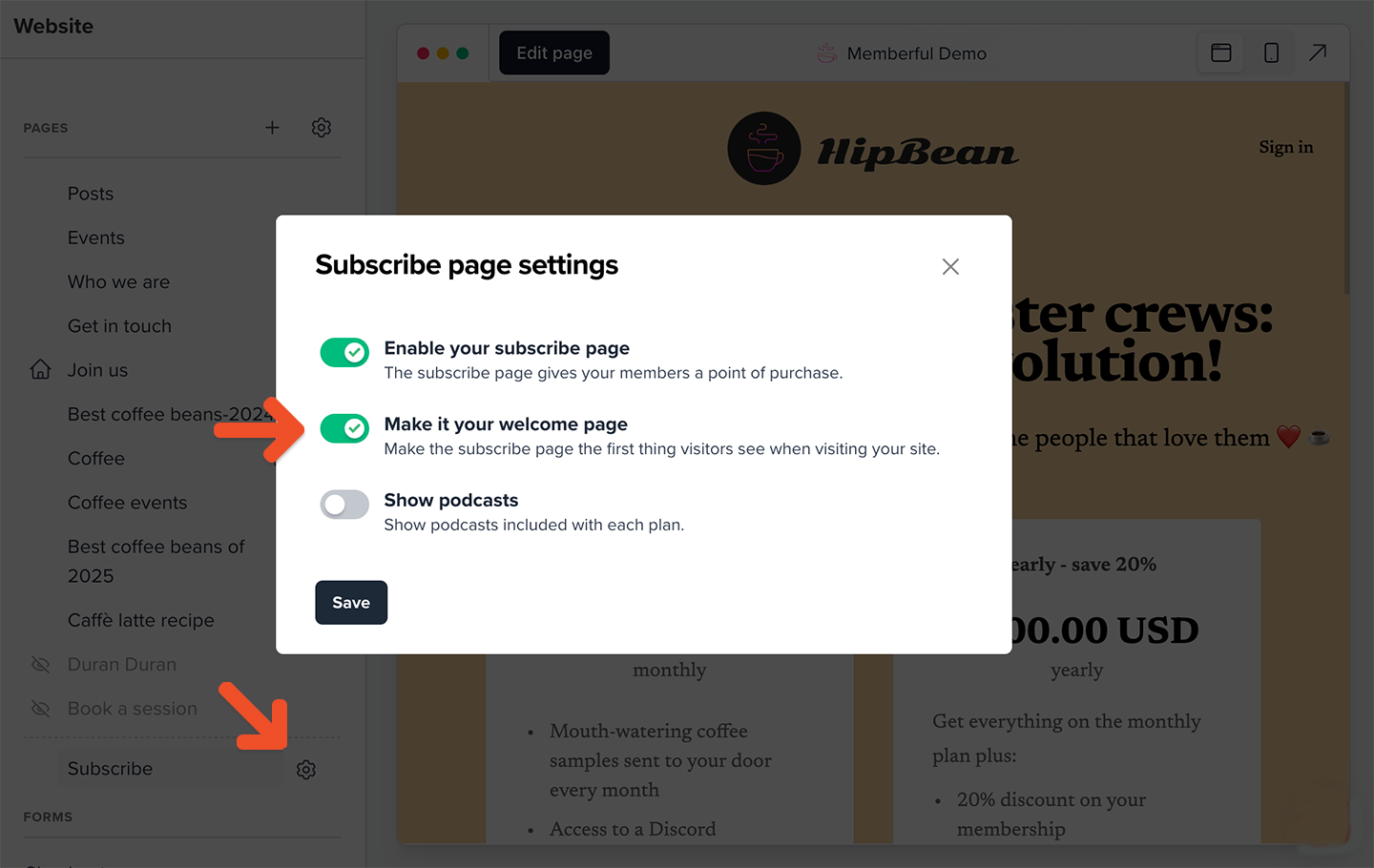 When you enable this, your subscription page will include a "Skip to preview" link at the bottom, which members can use to skip this page and go directly to your website.
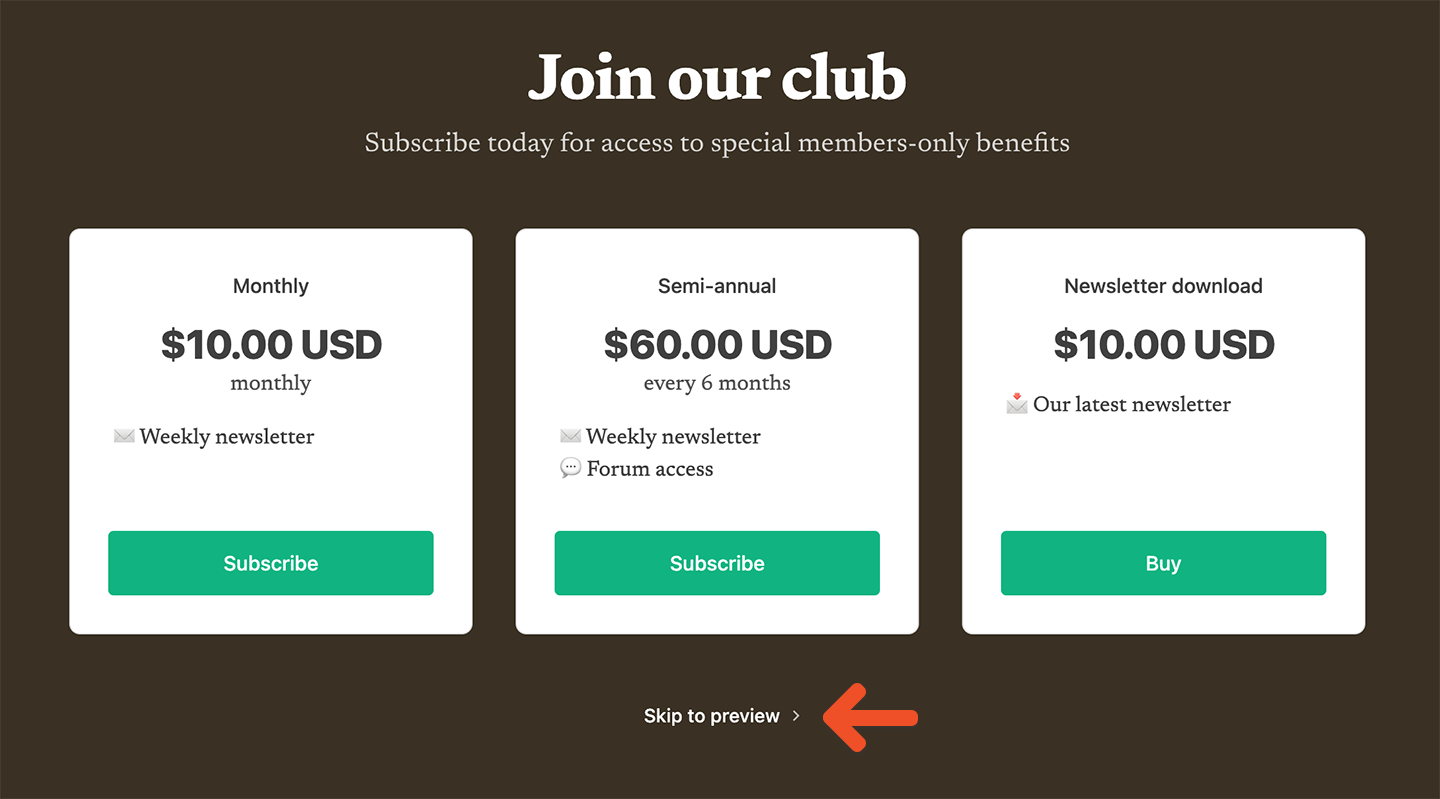 Memberful will remember this setting for 30 days. If the visitor returns to the site and they've previously skipped, they will be automatically redirected to the website.
## Show or hide podcasts on the Subscribe page
Your Subscribe page can display thumbnails of the podcasts that each plan includes. These thumbnails will be loaded automatically from your podcast RSS feed.
Memberful will remember this setting for 30 days. If the visitor returns to the site and they've previously skipped, they will be automatically redirected to the website.
## Show or hide podcasts on the Subscribe page
Your Subscribe page can display thumbnails of the podcasts that each plan includes. These thumbnails will be loaded automatically from your podcast RSS feed.
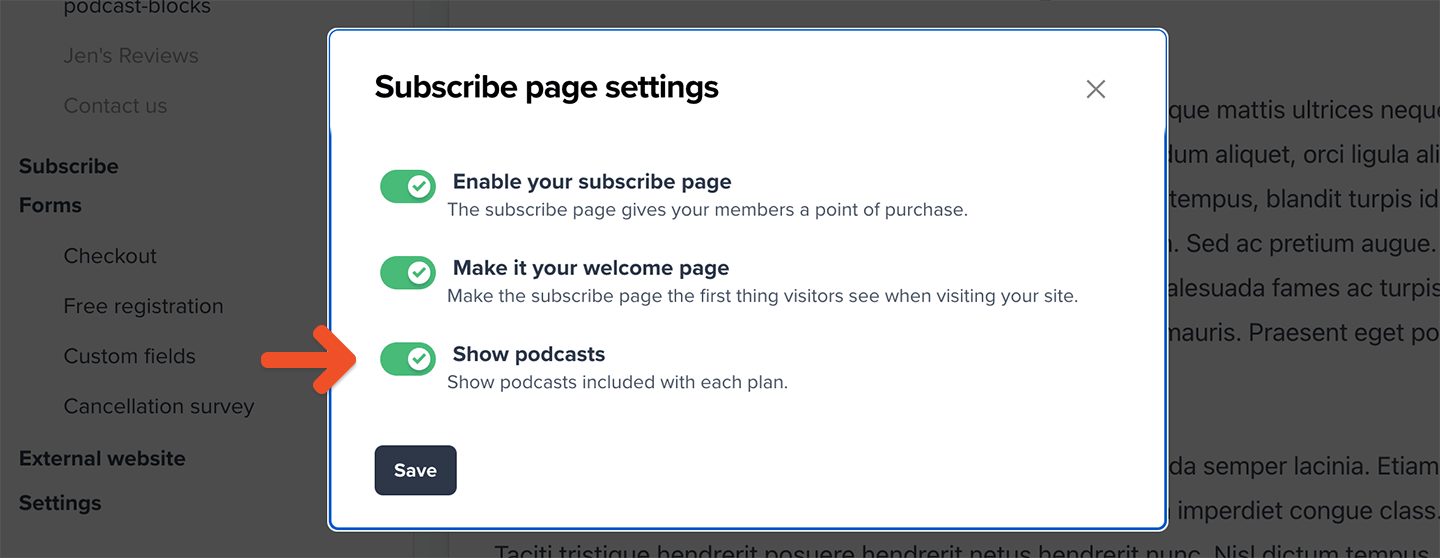
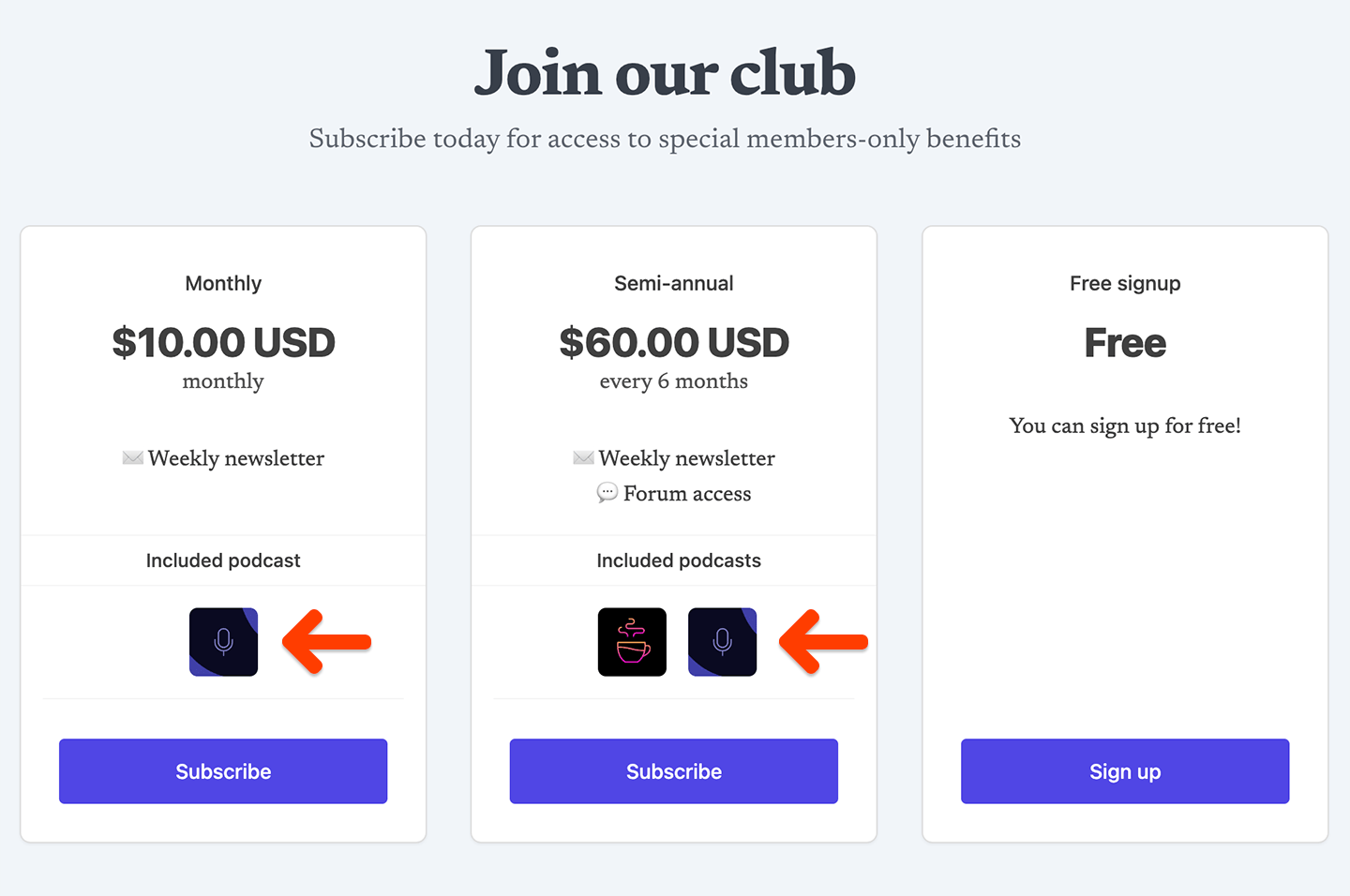 To do this, go to the **Website** tab, and hover over *Subscribe* to reveal and click the **gear** icon. Toggle on **Show podcasts** in the modal, and then click **Save.**