Related help docs:
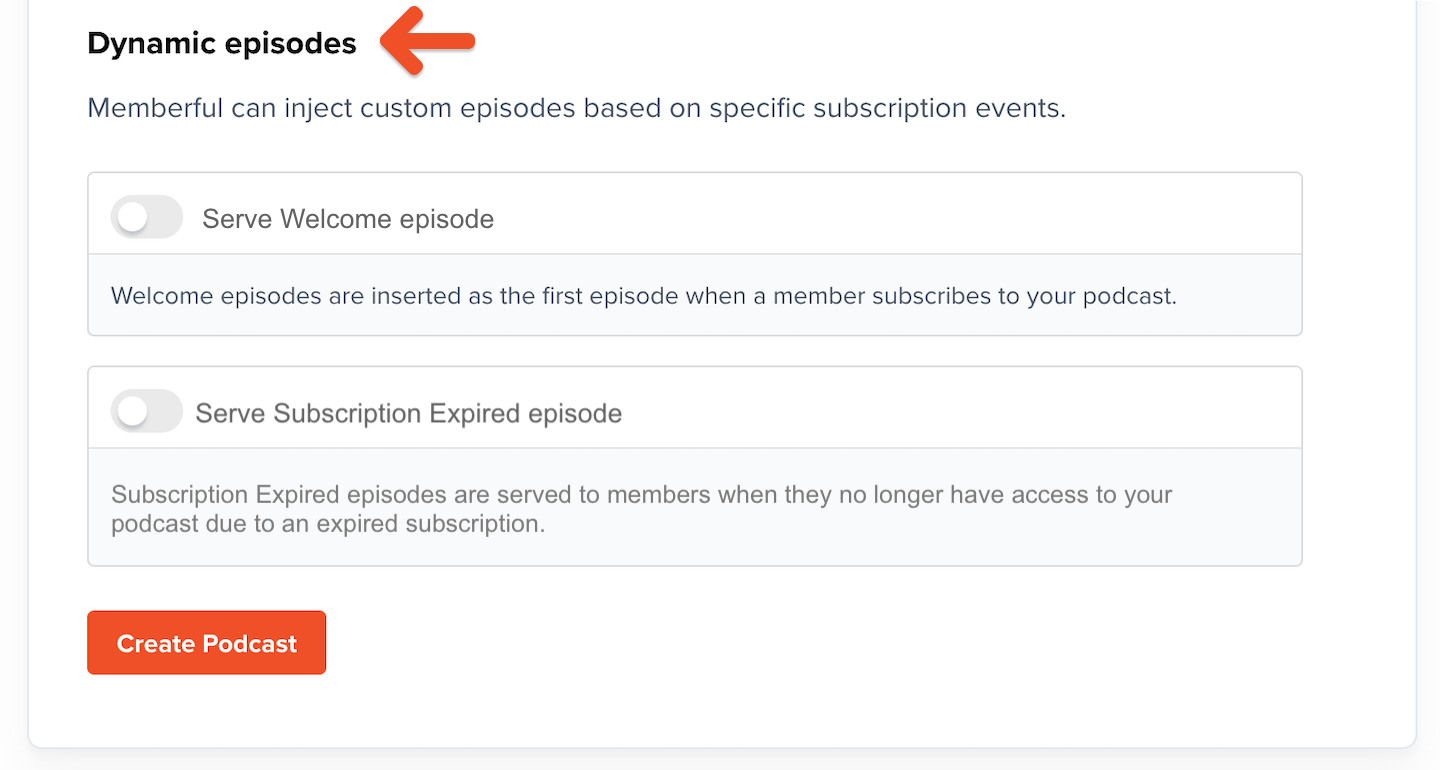 The welcome message allows you to onboard new members, while the expiration message helps explain why a feed may have stopped updating and how to take action to fix it.
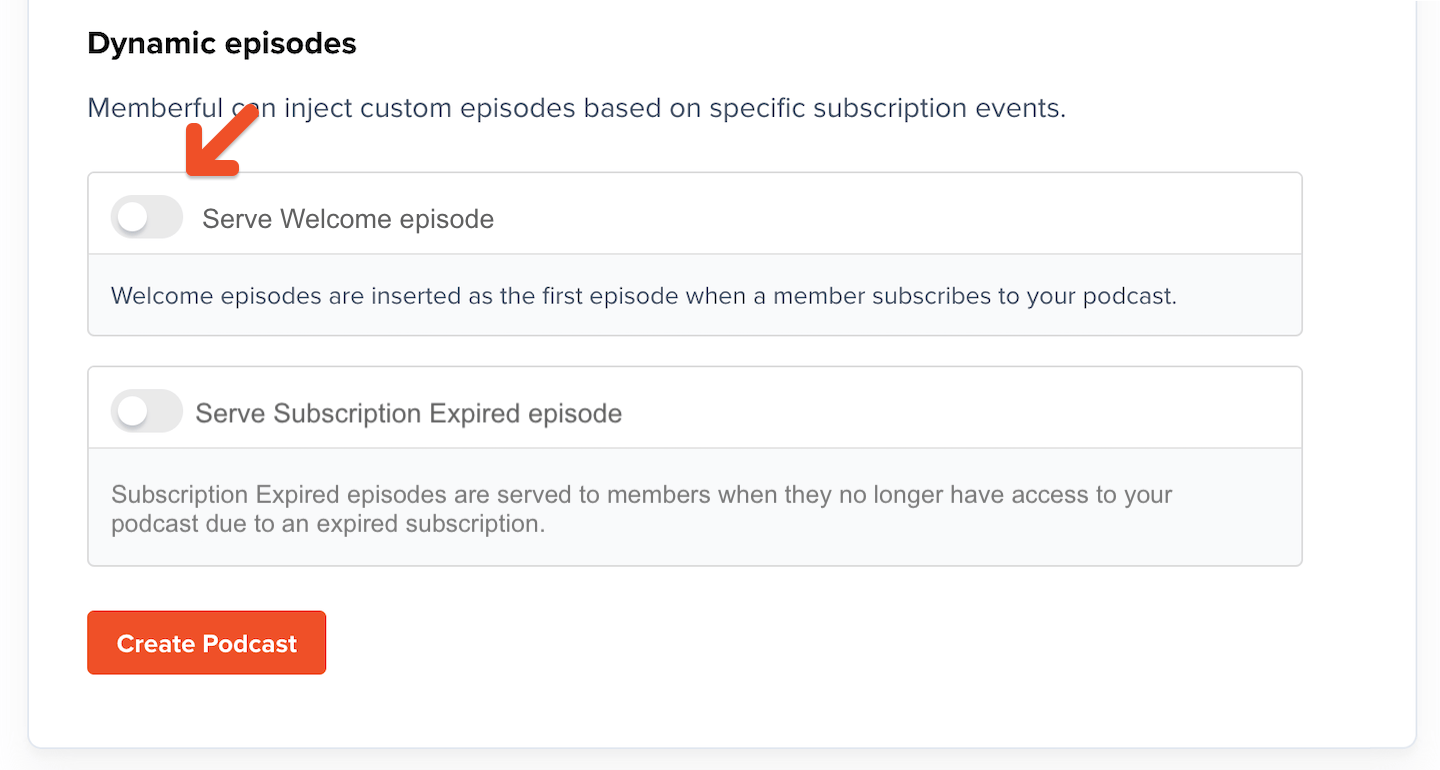
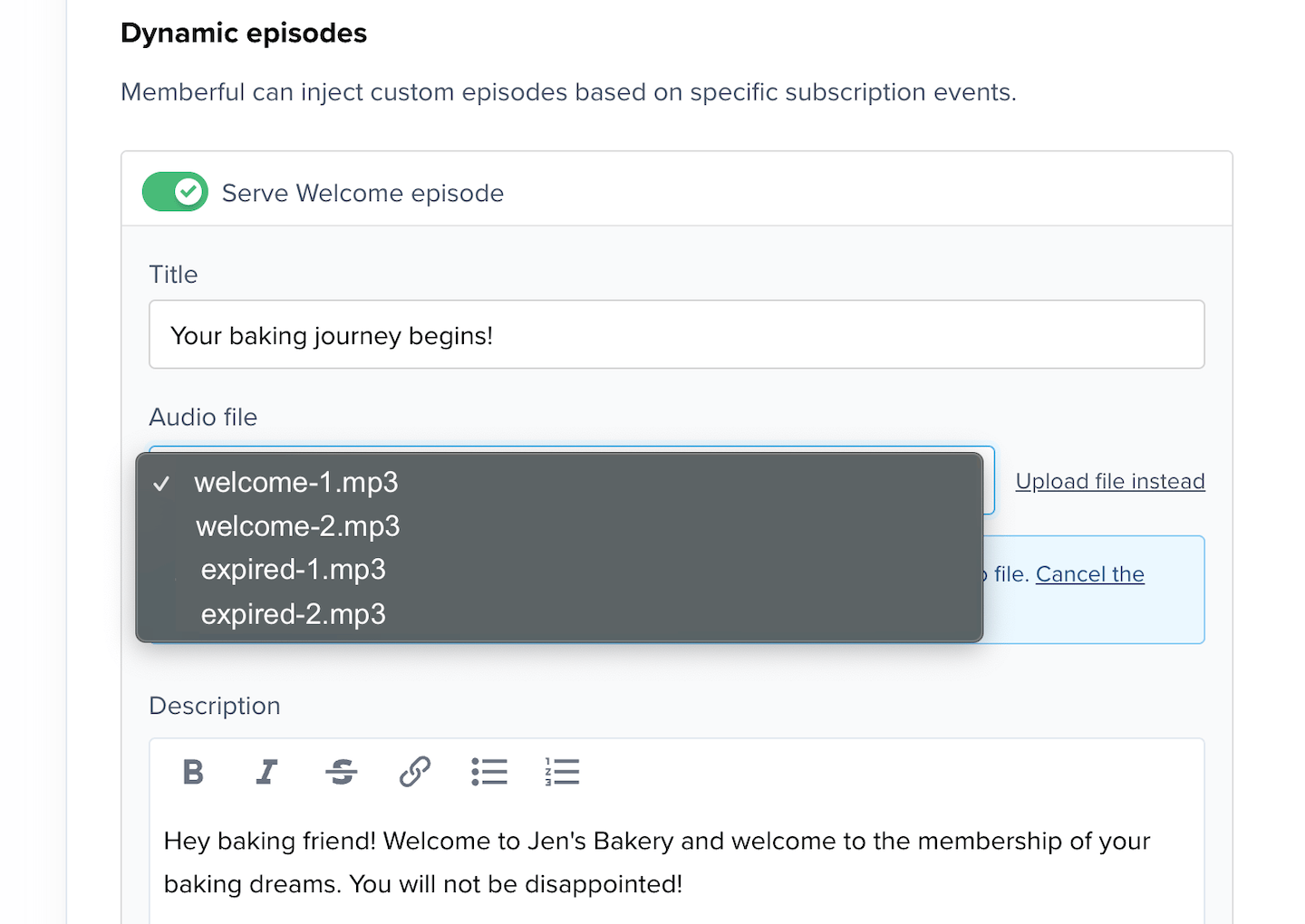
Toggle on *Serve Welcome episode* to title your welcome episode and write an episode description.
The welcome message allows you to onboard new members, while the expiration message helps explain why a feed may have stopped updating and how to take action to fix it.
Toggle on *Serve Welcome episode* to title your welcome episode and write an episode description.
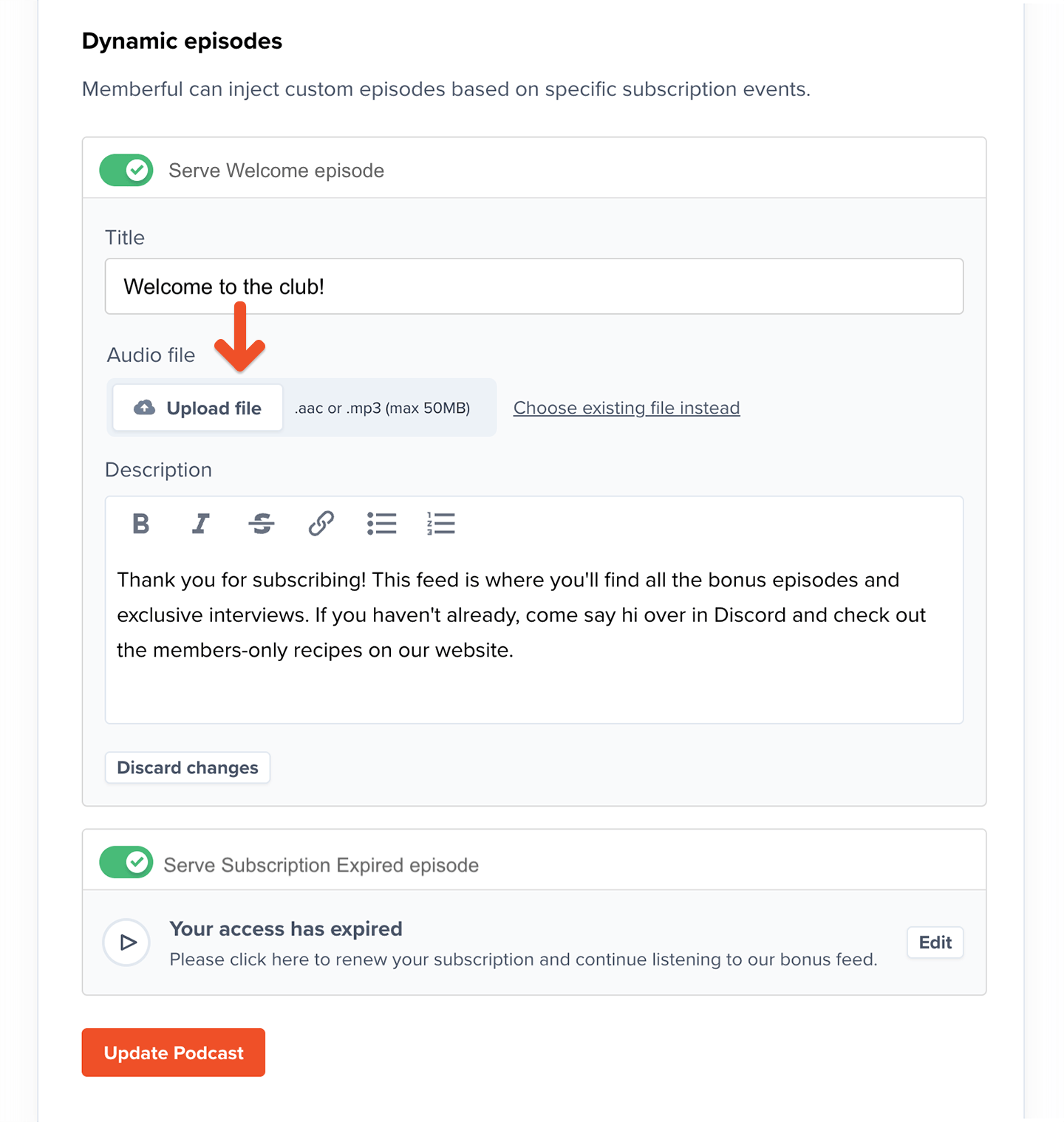
 Then upload an MP3 file or AAC file.
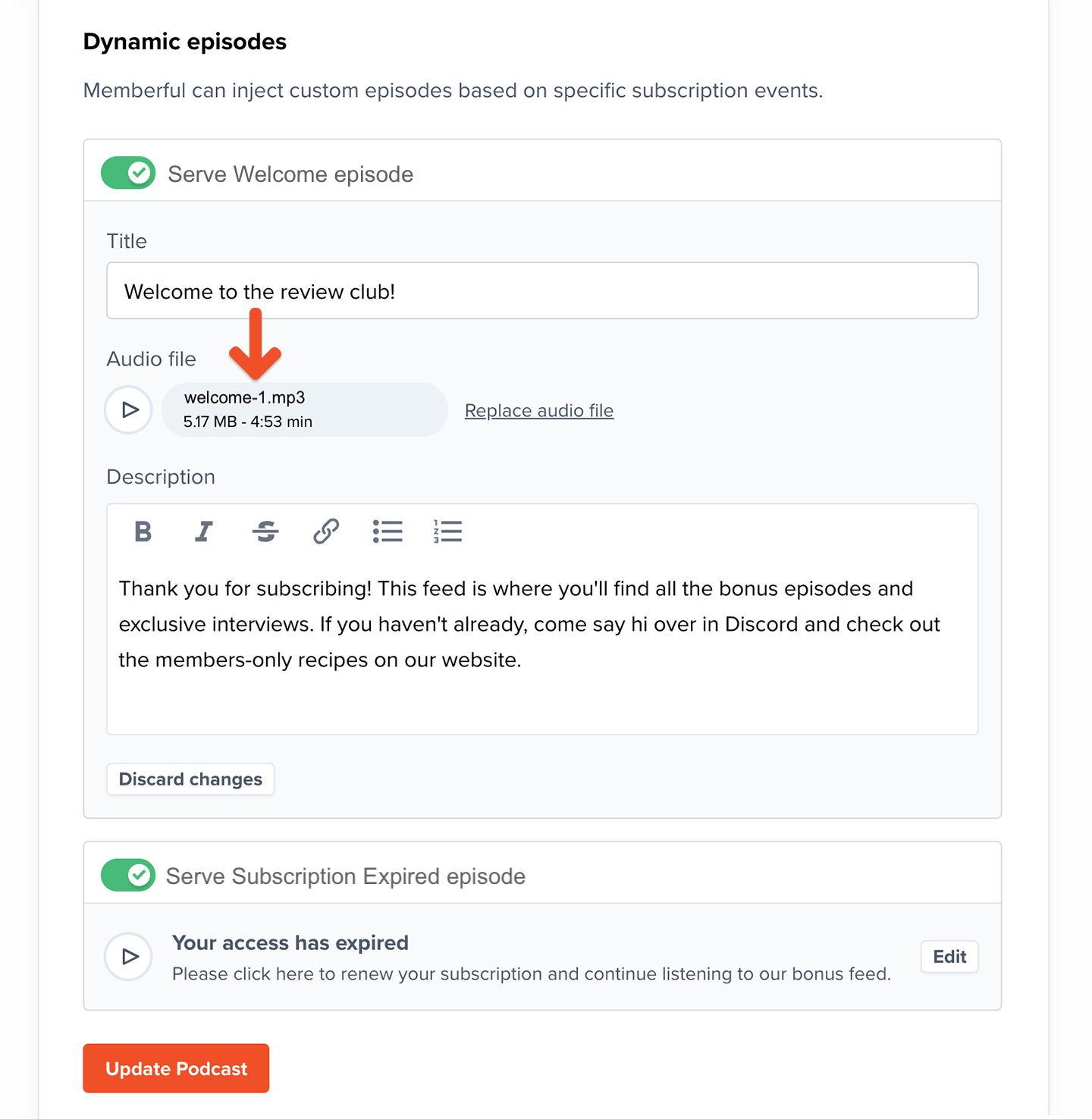
 Once uploaded, you can click the play button to preview your episode.
 Repeat the steps for the *Serve Subscription Expired* episode.
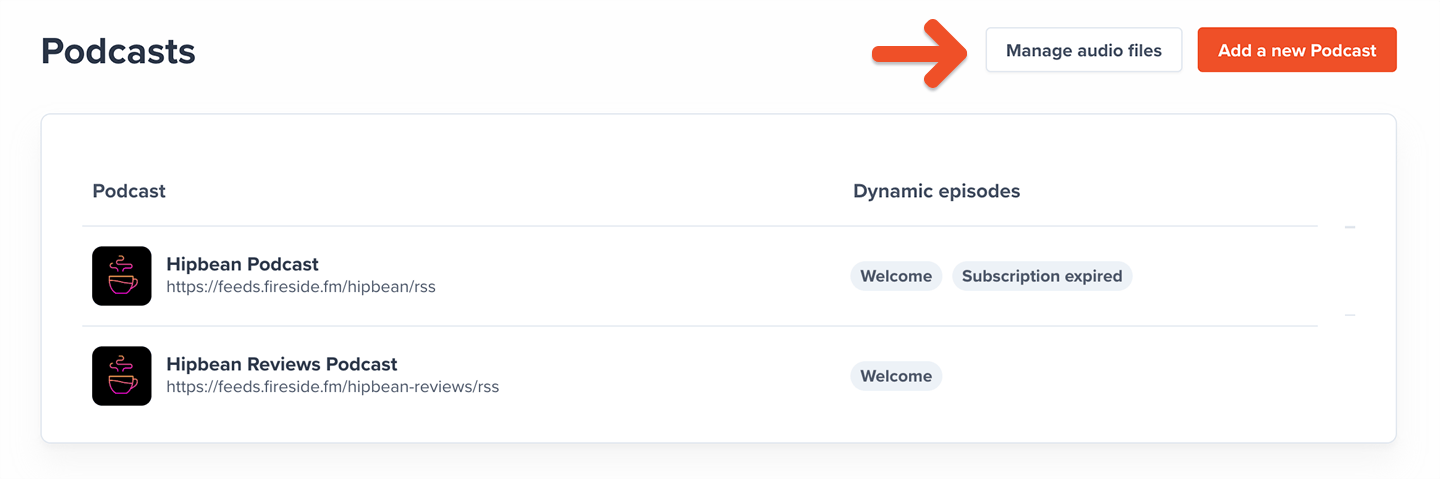 Click the link to access your episodes library where you can delete or update your files.
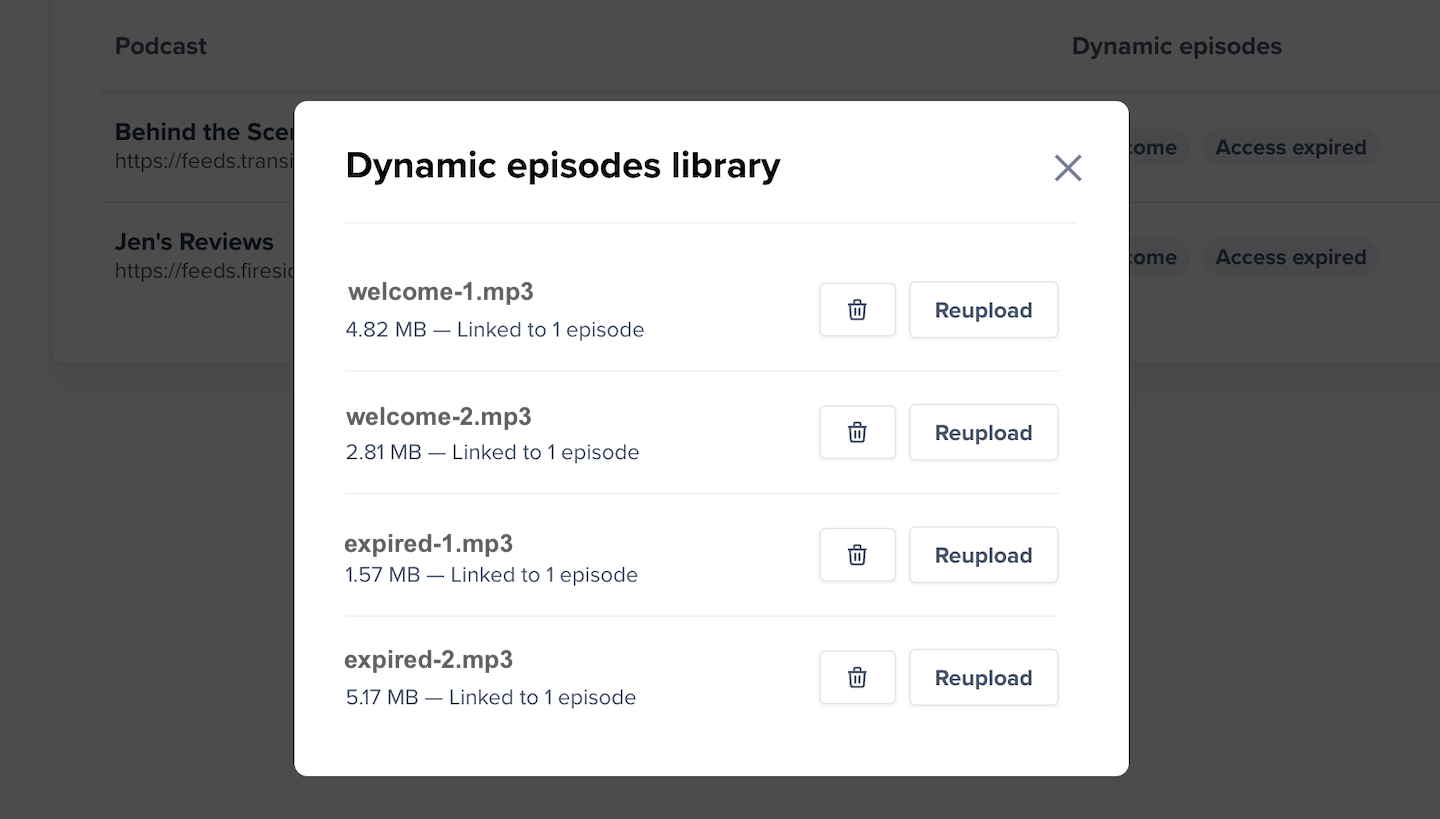 You can also access the library when you add or edit a podcast.
 ## Deliver episodes
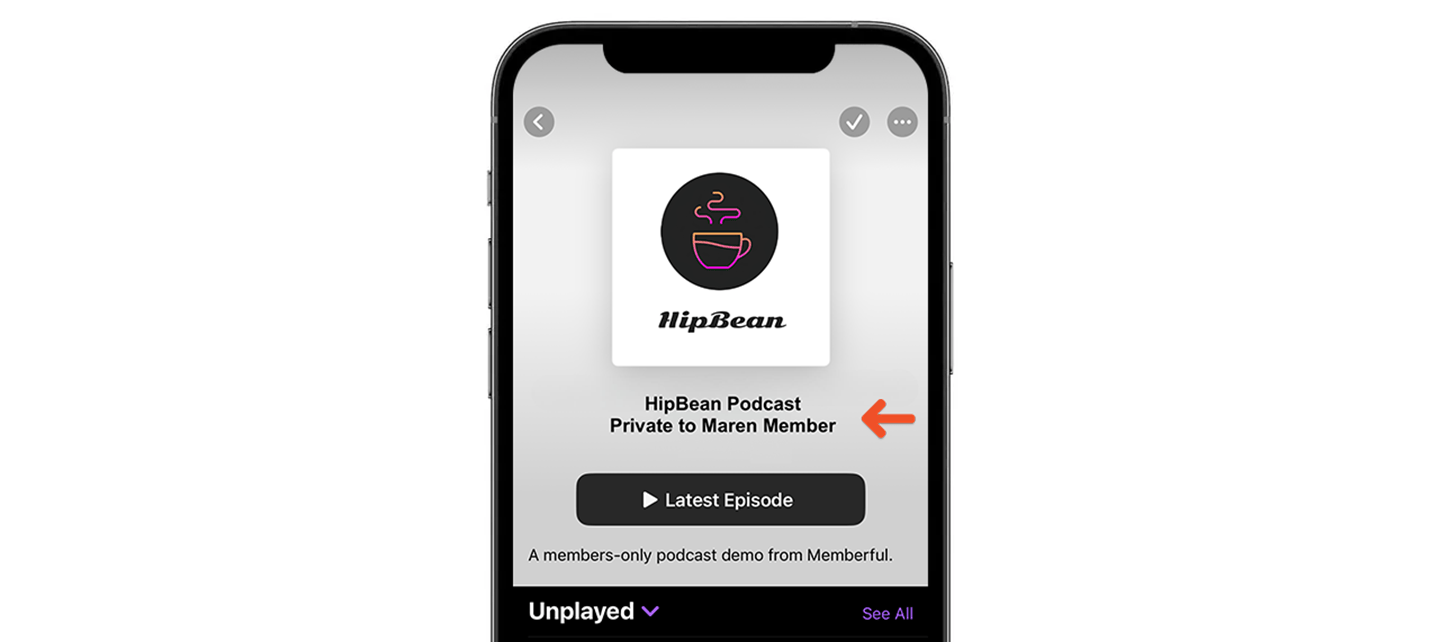
To give a sense of ownership and a soft deterrent to publicly sharing the feed, the member's name will be appended to the title of their private feed.
## Deliver episodes
To give a sense of ownership and a soft deterrent to publicly sharing the feed, the member's name will be appended to the title of their private feed.
 Then once episodes are published, we will include the dynamic episodes in the member RSS feeds based on certain subscription-related events (more below).
### Welcome episode
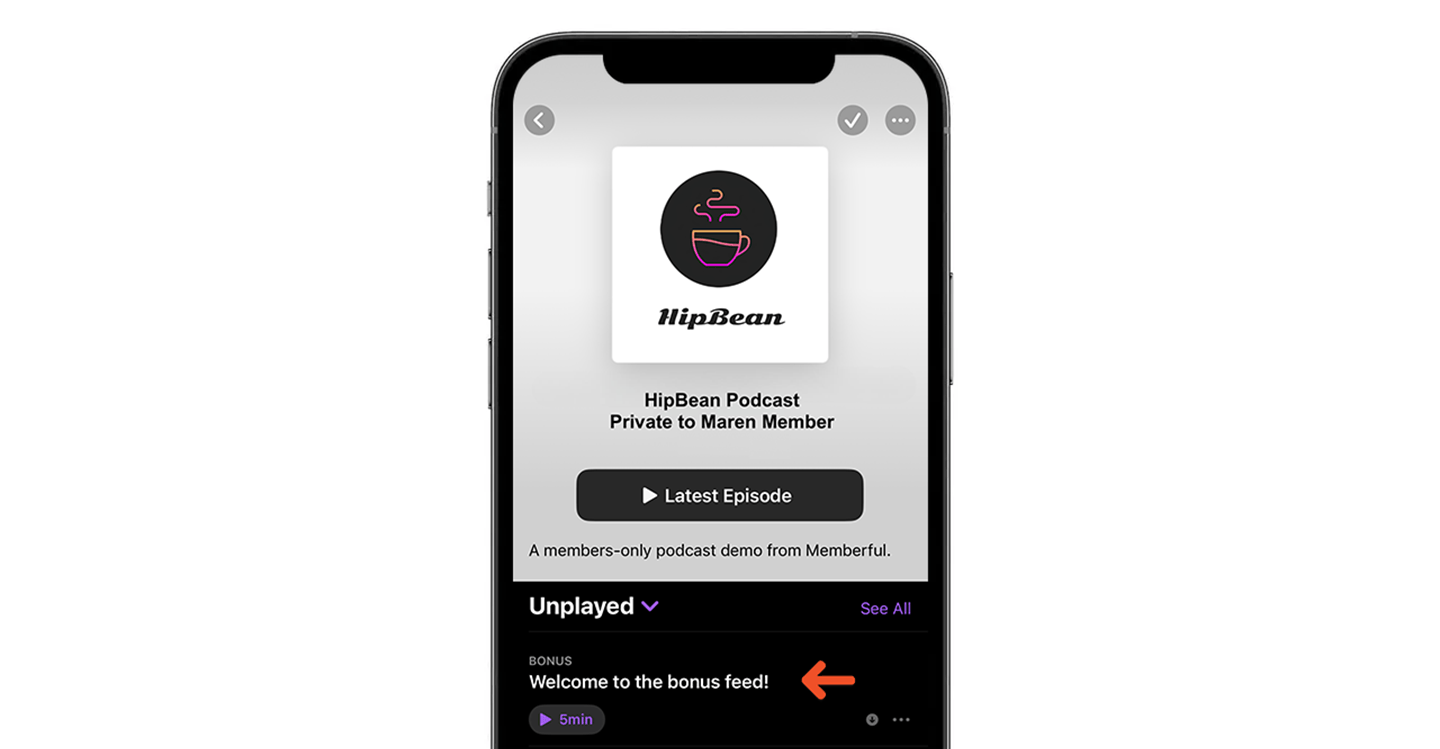
The welcome episode is delivered as soon as the member subscribes to the feed, and will be removed after 30 days. It's shown at the top of the feed, so it's not easily missed.
This episode can be used for many things, like explaining how a membership program works, announcing seasonal benefits for new members, and creating a deeper connection with the member.
Then once episodes are published, we will include the dynamic episodes in the member RSS feeds based on certain subscription-related events (more below).
### Welcome episode
The welcome episode is delivered as soon as the member subscribes to the feed, and will be removed after 30 days. It's shown at the top of the feed, so it's not easily missed.
This episode can be used for many things, like explaining how a membership program works, announcing seasonal benefits for new members, and creating a deeper connection with the member.
 ### Subscription expired episode
If you have published a subscription-expired episode, **the entire feed will be replaced by this episode until the subscription is reactivated.**
This episode can be used to explain why a member's feed stopped working and how to restore access. For some membership businesses, the podcast is the only channel of communication with members, so this is a valuable tool to reduce involuntary churn.
### Subscription expired episode
If you have published a subscription-expired episode, **the entire feed will be replaced by this episode until the subscription is reactivated.**
This episode can be used to explain why a member's feed stopped working and how to restore access. For some membership businesses, the podcast is the only channel of communication with members, so this is a valuable tool to reduce involuntary churn.
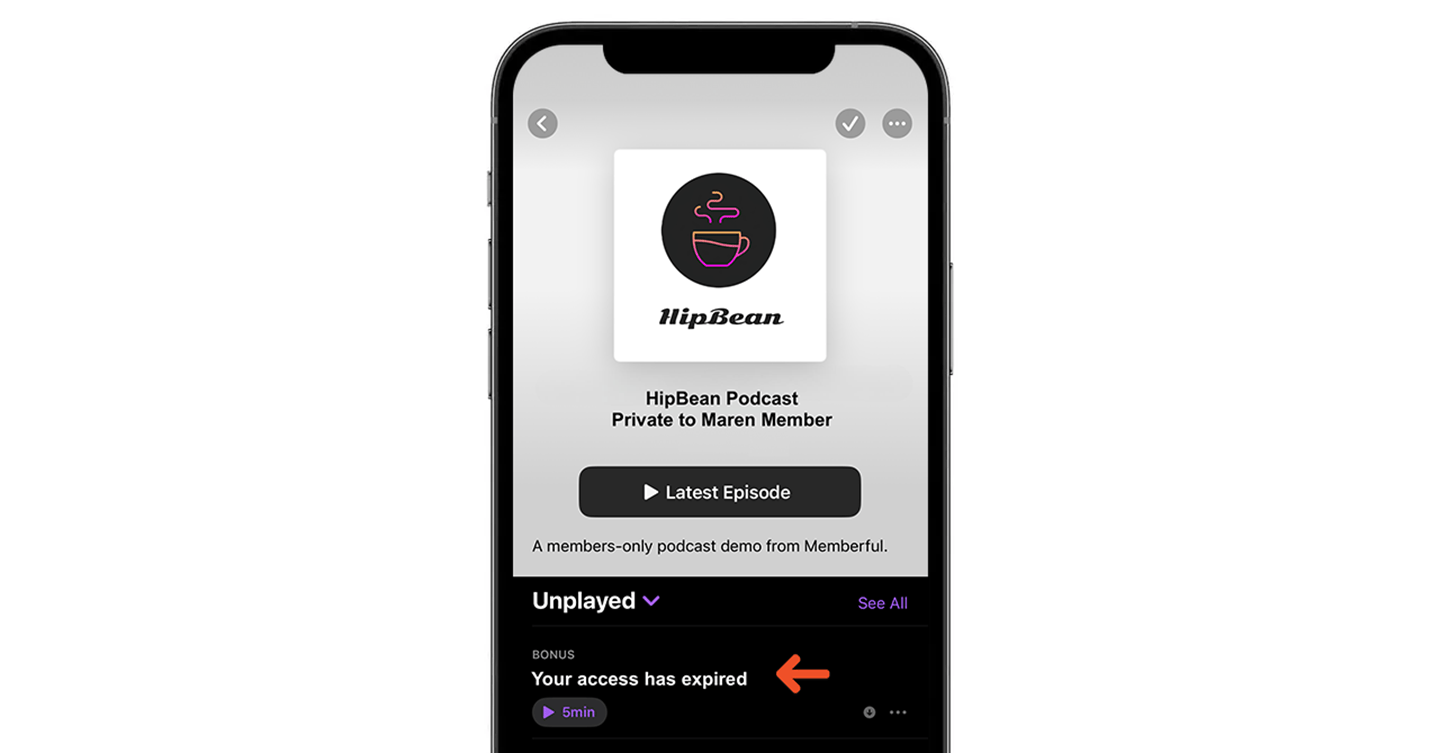 We only show this episode when a member had access to a private feed but lost it when their subscription expired. We will not show this episode if you delete a member's subscription or remove the benefit from your plan.
## How dynamic episodes behave across apps
Numerous podcast players exist, each with their own set of rules. Some of them will adhere to our protocol to stop showing dynamic episodes, while others will keep episodes if they have been downloaded, and others will keep them forever. Although we don't have control over these variations, all the main podcast apps except for Spotify (more below) will add and remove our dynamic episodes as described in this help article.
We only show this episode when a member had access to a private feed but lost it when their subscription expired. We will not show this episode if you delete a member's subscription or remove the benefit from your plan.
## How dynamic episodes behave across apps
Numerous podcast players exist, each with their own set of rules. Some of them will adhere to our protocol to stop showing dynamic episodes, while others will keep episodes if they have been downloaded, and others will keep them forever. Although we don't have control over these variations, all the main podcast apps except for Spotify (more below) will add and remove our dynamic episodes as described in this help article.