Related help docs:
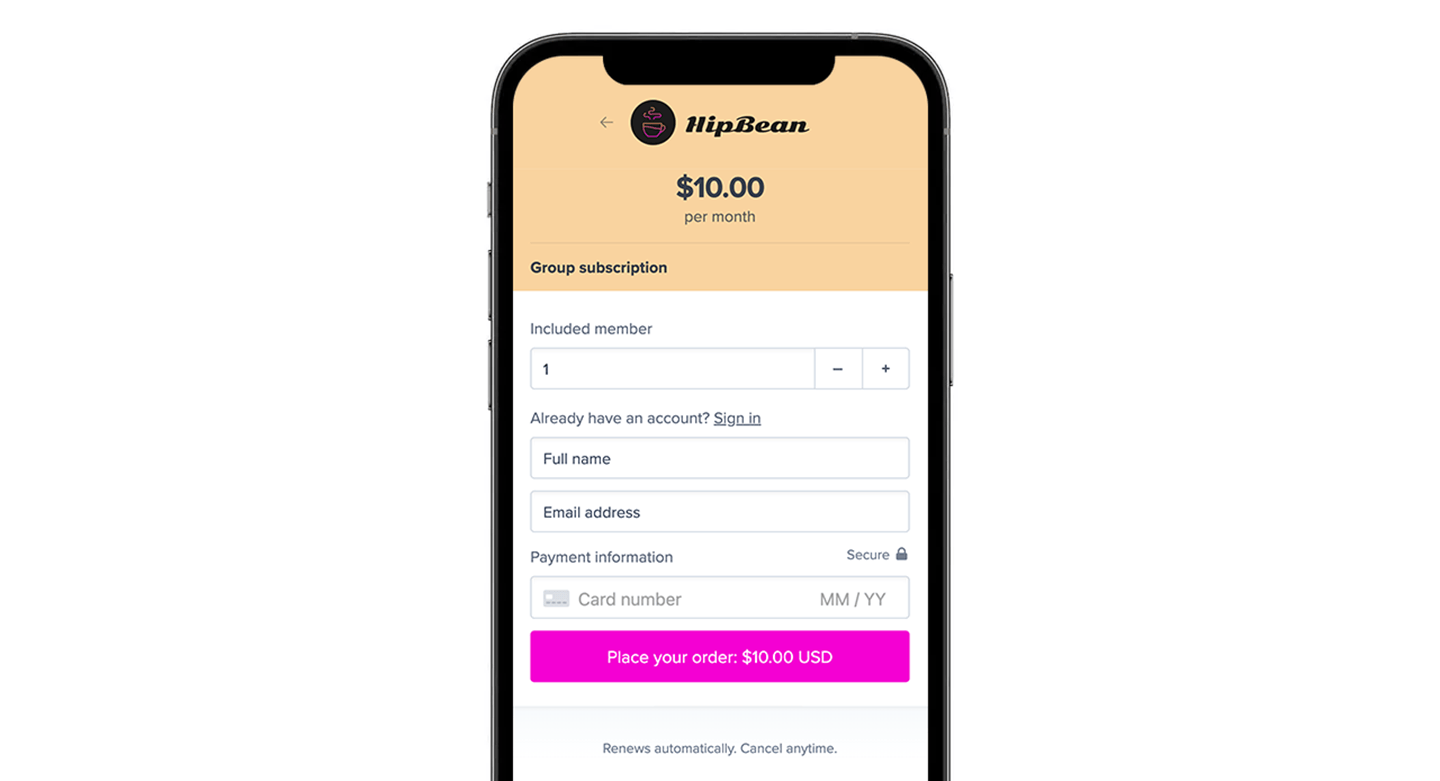
 Enter a plan name, then add a price and billing interval.
 This first price should include all seats that come with the group plan by default. For example, if the plan includes 10 seats and each seat costs \$10 per month, set the first price to \$100 monthly.
 In the Edit price panel, scroll down to group subscription and toggle on *Sell as a group subscription.*
 ## Configure included seats
When you enable group subscriptions, the Included seats section appears. Enter the number of member seats included with the initial purchase.
## Configure included seats
When you enable group subscriptions, the Included seats section appears. Enter the number of member seats included with the initial purchase.
 For example, if the base subscription should include access for 10 members, enter 10.
## Allow additional seat purchases
Toggle on *Allow additional seat purchases* if group managers should be able to buy more seats later under the same subscription.
For example, if the base subscription should include access for 10 members, enter 10.
## Allow additional seat purchases
Toggle on *Allow additional seat purchases* if group managers should be able to buy more seats later under the same subscription.
 Then configure these settings:
* **Seat price** for the amount charged for each additional seat
* **Max seats** for the maximum number of additional seats that can be purchased (optional)
* Leave blank to allow unlimited additional seat purchases.
Then configure these settings:
* **Seat price** for the amount charged for each additional seat
* **Max seats** for the maximum number of additional seats that can be purchased (optional)
* Leave blank to allow unlimited additional seat purchases.
 ## Save your changes
After updating the group subscription settings, click **Save price.**
## Save your changes
After updating the group subscription settings, click **Save price.**
 Once saved, the price in the Prices section will show the number of included seats. For example, a price may display as \$100 monthly (10 seats).
 ## Copy the purchase link
In the Prices section, click the **•••** menu next to the price, then select **Copy links.**
## Copy the purchase link
In the Prices section, click the **•••** menu next to the price, then select **Copy links.**
 You can also suggest the number of seats in the checkout link by adding a query string to the URL. For example:
```text theme={null}
https://ACCOUNT-URL.memberful.com/checkout?plan=2&members=10
```
Replace ACCOUNT-URL with your Memberful account subdomain. Replace 2 with your price ID.
If you want to add a purchase link to your site or learn more about the different link options, see [Add a link to buy a plan.](https://memberful.com/docs/plans/promote-and-sell/add-a-link-to-buy-a-plan)
## Enable welcome emails
Memberful can send separate welcome emails to group managers and group members, in addition to the generic welcome email.
In the Memberful dashboard, go to *Members → Templates* to review and customize those emails.
You can also suggest the number of seats in the checkout link by adding a query string to the URL. For example:
```text theme={null}
https://ACCOUNT-URL.memberful.com/checkout?plan=2&members=10
```
Replace ACCOUNT-URL with your Memberful account subdomain. Replace 2 with your price ID.
If you want to add a purchase link to your site or learn more about the different link options, see [Add a link to buy a plan.](https://memberful.com/docs/plans/promote-and-sell/add-a-link-to-buy-a-plan)
## Enable welcome emails
Memberful can send separate welcome emails to group managers and group members, in addition to the generic welcome email.
In the Memberful dashboard, go to *Members → Templates* to review and customize those emails.