Related help docs:
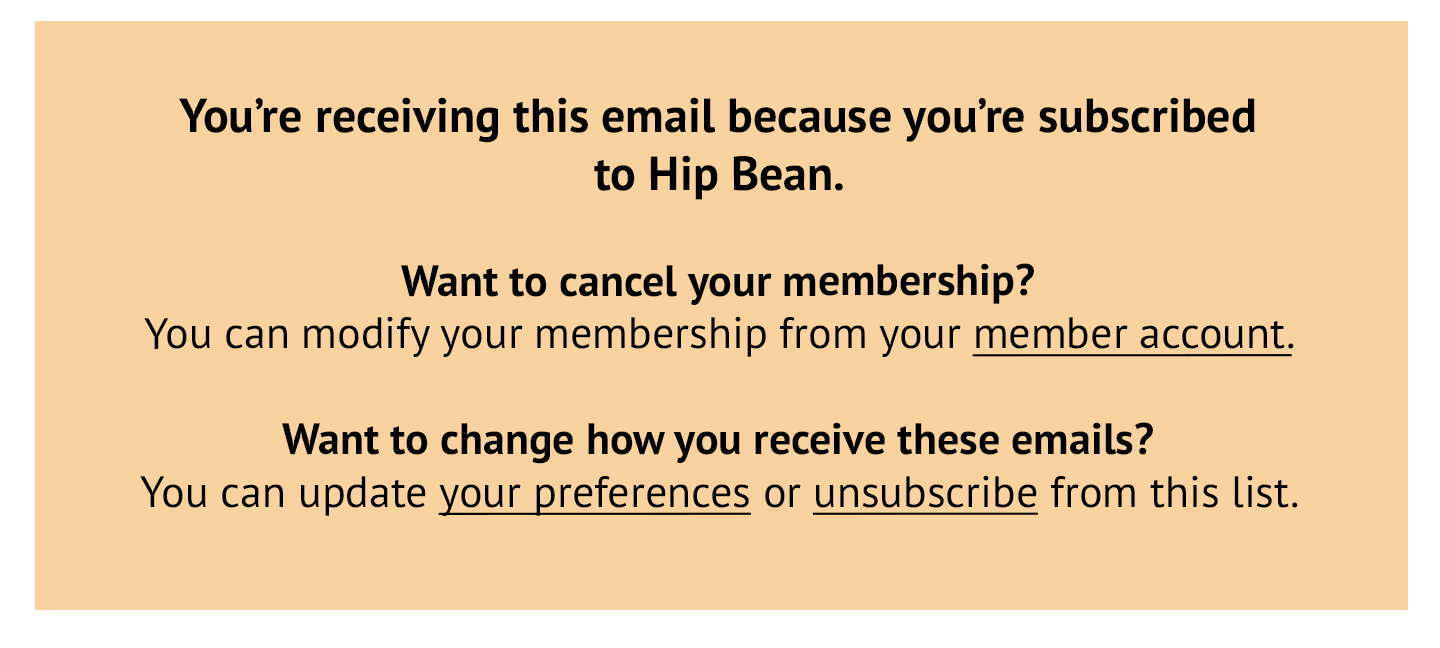 ## Get an unsubscribed member back on your list
If you have a paying member who previously unsubscribed from your list but wants to receive members-only emails again, follow the instructions below from your email newsletter provider.
### Campaign Monitor
If a member mistakenly clicks Campaign Monitor's unsubscribe link and you want them to receive emails again, [remove them from the suppression list](https://help.campaignmonitor.com/suppression-list#remove) and [reactivate the subscriber.](https://help.campaignmonitor.com/resubscribe-unsubscribed-email-address)
### Kit
If a member mistakenly clicks the Kit unsubscribe link and you want them to receive emails again, you'll need to contact the Kit support team to resubscribe them.
### Drip
If a paying member mistakenly clicks the Drip unsubscribe link and you want them to receive emails again, they'll need to [re-subscribe via a Drip form.](https://help.drip.com/hc/en-us/articles/4424702598285-Unsubscribe-Resubscribe)
### Klaviyo
If a member mistakenly clicks the Klaviyo unsubscribe link and you want them to receive emails again, [they'll need to fill out a Klaviyo signup form or subscribe page, or upload a CSV file with email consent.](https://help.klaviyo.com/hc/en-us/articles/115005078267)
### Mailchimp
If a member mistakenly clicks the Mailchimp unsubscribe link and you want them to receive emails again, they'll need to [re-subscribe via a Mailchimp form](https://mailchimp.com/help/resubscribe-a-contact/#Resubscribe_with_the_signup_form).
### MailerLite
If a member mistakenly clicks the MailerLite unsubscribe link and you want them to receive emails again, you'll need to [get documented permission to resubscribe them](https://www.mailerlite.com/help/everything-about-unsubscribed-recipients?_gl=1*1hwyybr*_up*MQ..*_gs*MQ..\&gclid=CjwKCAjwvr--BhB5EiwAd5YbXkXEH1uchOVYFF8gypYmvBG7wr6oKuWlYcOshBfAr2oOj2cZ3sPSkhoCk9sQAvD_BwE#new/reactivate).
### Sailthru
If a member mistakenly clicks the Sailthru unsubscribe link and you want them to receive emails again, they'll need to [re-subscribe via a Sailthru hosted page](https://getstarted.sailthru.com/audience/managing-users/allowing-users-to-opt-back-in/#Via_Hosted_Opt-In_Page).
## Get an unsubscribed member back on your list
If you have a paying member who previously unsubscribed from your list but wants to receive members-only emails again, follow the instructions below from your email newsletter provider.
### Campaign Monitor
If a member mistakenly clicks Campaign Monitor's unsubscribe link and you want them to receive emails again, [remove them from the suppression list](https://help.campaignmonitor.com/suppression-list#remove) and [reactivate the subscriber.](https://help.campaignmonitor.com/resubscribe-unsubscribed-email-address)
### Kit
If a member mistakenly clicks the Kit unsubscribe link and you want them to receive emails again, you'll need to contact the Kit support team to resubscribe them.
### Drip
If a paying member mistakenly clicks the Drip unsubscribe link and you want them to receive emails again, they'll need to [re-subscribe via a Drip form.](https://help.drip.com/hc/en-us/articles/4424702598285-Unsubscribe-Resubscribe)
### Klaviyo
If a member mistakenly clicks the Klaviyo unsubscribe link and you want them to receive emails again, [they'll need to fill out a Klaviyo signup form or subscribe page, or upload a CSV file with email consent.](https://help.klaviyo.com/hc/en-us/articles/115005078267)
### Mailchimp
If a member mistakenly clicks the Mailchimp unsubscribe link and you want them to receive emails again, they'll need to [re-subscribe via a Mailchimp form](https://mailchimp.com/help/resubscribe-a-contact/#Resubscribe_with_the_signup_form).
### MailerLite
If a member mistakenly clicks the MailerLite unsubscribe link and you want them to receive emails again, you'll need to [get documented permission to resubscribe them](https://www.mailerlite.com/help/everything-about-unsubscribed-recipients?_gl=1*1hwyybr*_up*MQ..*_gs*MQ..\&gclid=CjwKCAjwvr--BhB5EiwAd5YbXkXEH1uchOVYFF8gypYmvBG7wr6oKuWlYcOshBfAr2oOj2cZ3sPSkhoCk9sQAvD_BwE#new/reactivate).
### Sailthru
If a member mistakenly clicks the Sailthru unsubscribe link and you want them to receive emails again, they'll need to [re-subscribe via a Sailthru hosted page](https://getstarted.sailthru.com/audience/managing-users/allowing-users-to-opt-back-in/#Via_Hosted_Opt-In_Page).