Related help docs:
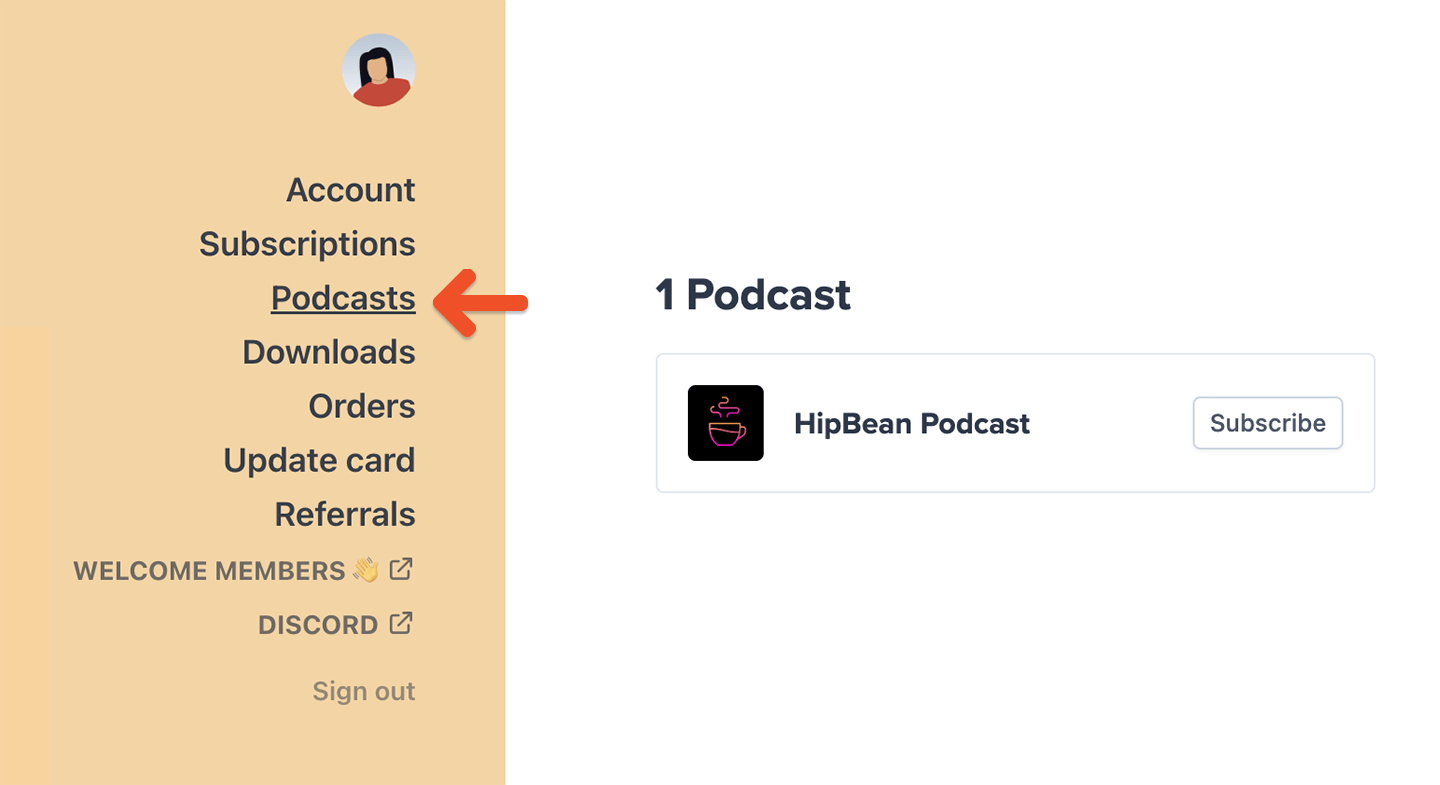 Clicking **Subscribe** will guide them to supported [podcast players.](/member-interface/extras/faq-for-your-member-page/#which-podcast-players-work-with-my-private-feed)
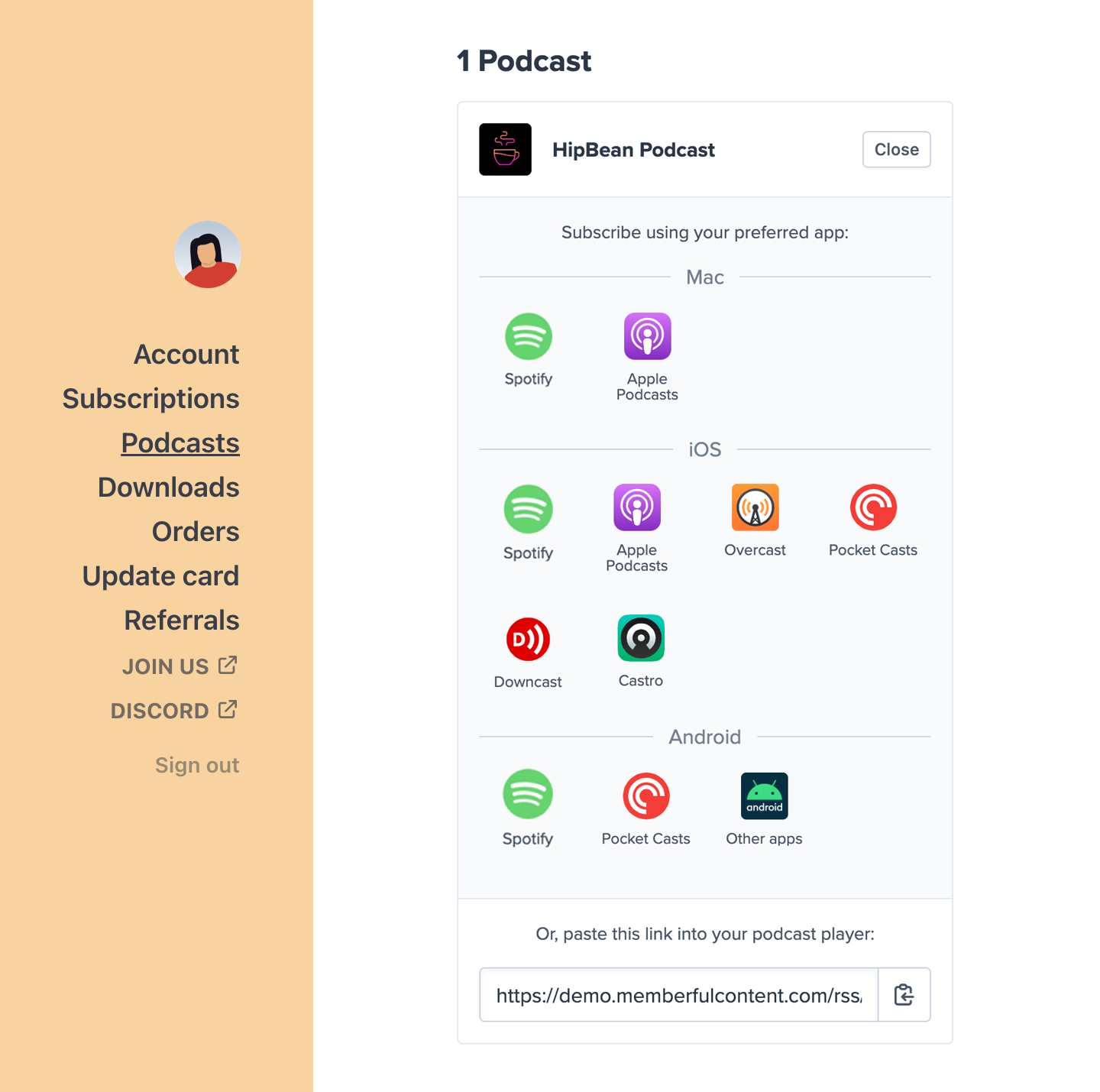 [Learn more about private podcasts.](/podcasting/setup/create-a-paid-podcast/#subscribe-to-a-podcast)
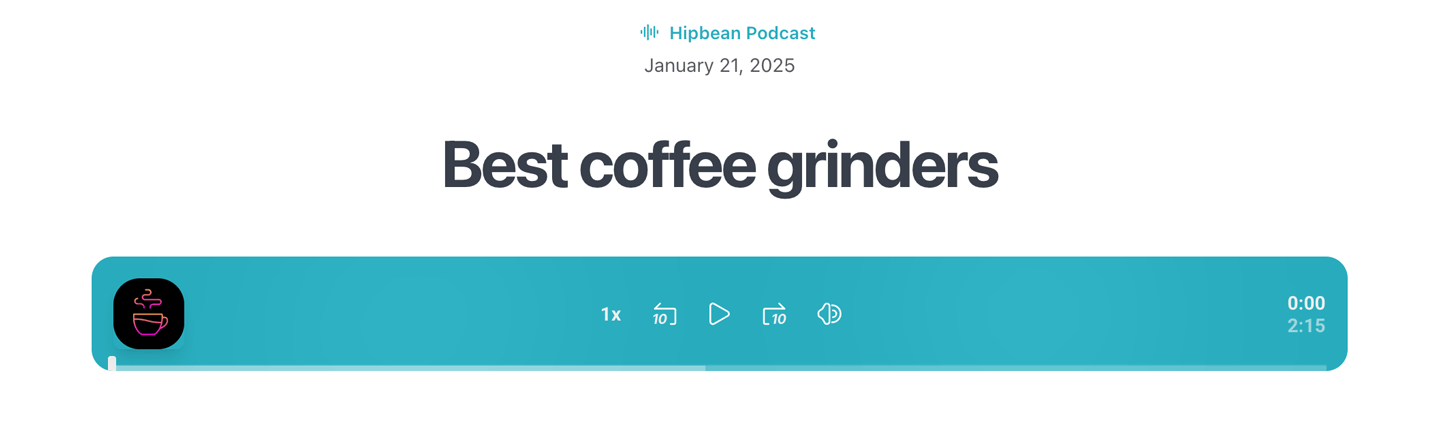 [Learn more about creating posts for your podcast episodes.](/podcasting/setup/create-a-paid-podcast/#create-draft-posts-for-new-episodes)
## Download members-only files
Members can access downloadable content—like MP3s, PDFs, and other files—directly from the Downloads tab in their account:
```text theme={null}
https://ACCOUNT-URL.memberful.com/account/downloads
```
Replace `ACCOUNT-URL` with your account URL subdomain, which can be found in your Memberful dashboard via *Website → Settings.*
[Learn more about creating posts for your podcast episodes.](/podcasting/setup/create-a-paid-podcast/#create-draft-posts-for-new-episodes)
## Download members-only files
Members can access downloadable content—like MP3s, PDFs, and other files—directly from the Downloads tab in their account:
```text theme={null}
https://ACCOUNT-URL.memberful.com/account/downloads
```
Replace `ACCOUNT-URL` with your account URL subdomain, which can be found in your Memberful dashboard via *Website → Settings.*
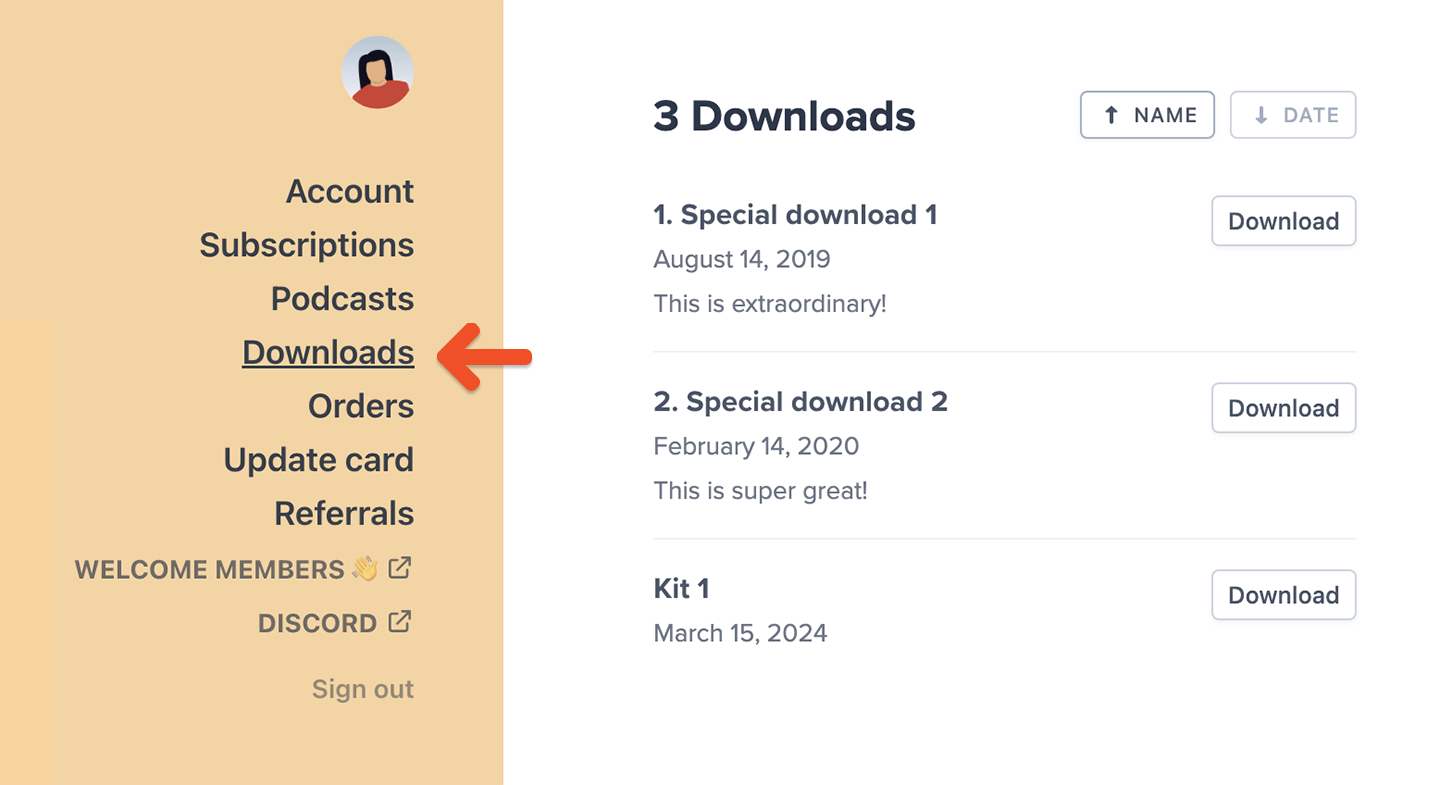 Members can also sort their files by Name or Date to quickly find what they need.
If a member buys a standalone download, they may be redirected to a [page chosen by the site owner after checkout.](https://memberful.com/docs/plans/plan-options/include-or-sell-downloads#sell-a-download) They can still access the file later from the Downloads tab in their account.
Here's how download links work:
* Clicking a file generates a temporary download link that expires after 10 minutes.
* This helps prevent unauthorized link sharing.
* If the link expires, members can click the download again (from your site or their account).
[Learn more about including downloads with membership plans.](/plans/plan-options/include-or-sell-downloads)
## Read posts on your member website
Members can access your Memberful-hosted website—including custom pages and members-only posts—via the Website menu item in their account.
The label for this menu item matches the navigation label you set for your homepage, which can be configured under *Website → Pages.*
Members can also sort their files by Name or Date to quickly find what they need.
If a member buys a standalone download, they may be redirected to a [page chosen by the site owner after checkout.](https://memberful.com/docs/plans/plan-options/include-or-sell-downloads#sell-a-download) They can still access the file later from the Downloads tab in their account.
Here's how download links work:
* Clicking a file generates a temporary download link that expires after 10 minutes.
* This helps prevent unauthorized link sharing.
* If the link expires, members can click the download again (from your site or their account).
[Learn more about including downloads with membership plans.](/plans/plan-options/include-or-sell-downloads)
## Read posts on your member website
Members can access your Memberful-hosted website—including custom pages and members-only posts—via the Website menu item in their account.
The label for this menu item matches the navigation label you set for your homepage, which can be configured under *Website → Pages.*
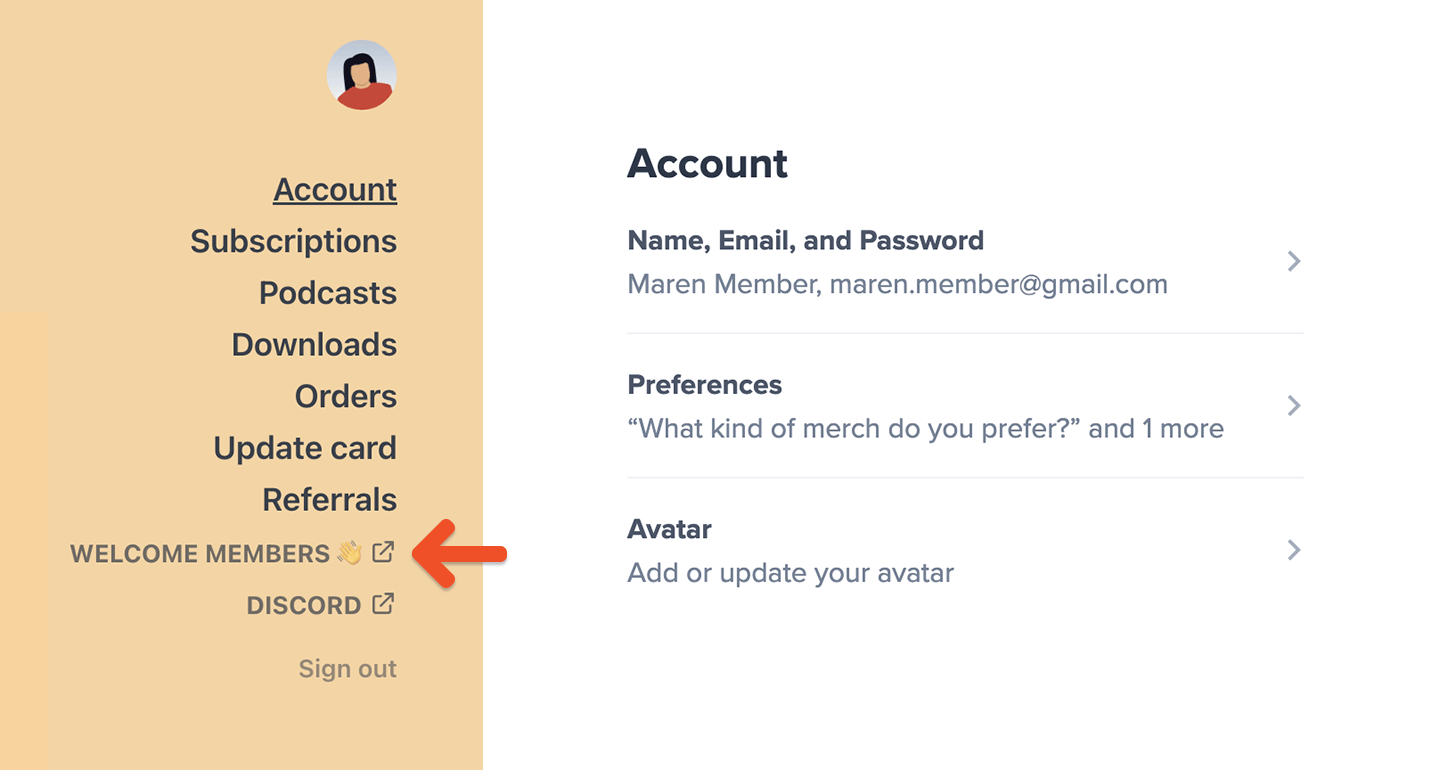 Members can also go directly to:
```text theme={null}
https://ACCOUNT-URL.memberful.com/posts
```
Replace `ACCOUNT-URL` with your account URL subdomain, which can be found in your Memberful dashboard via *Website → Settings.*
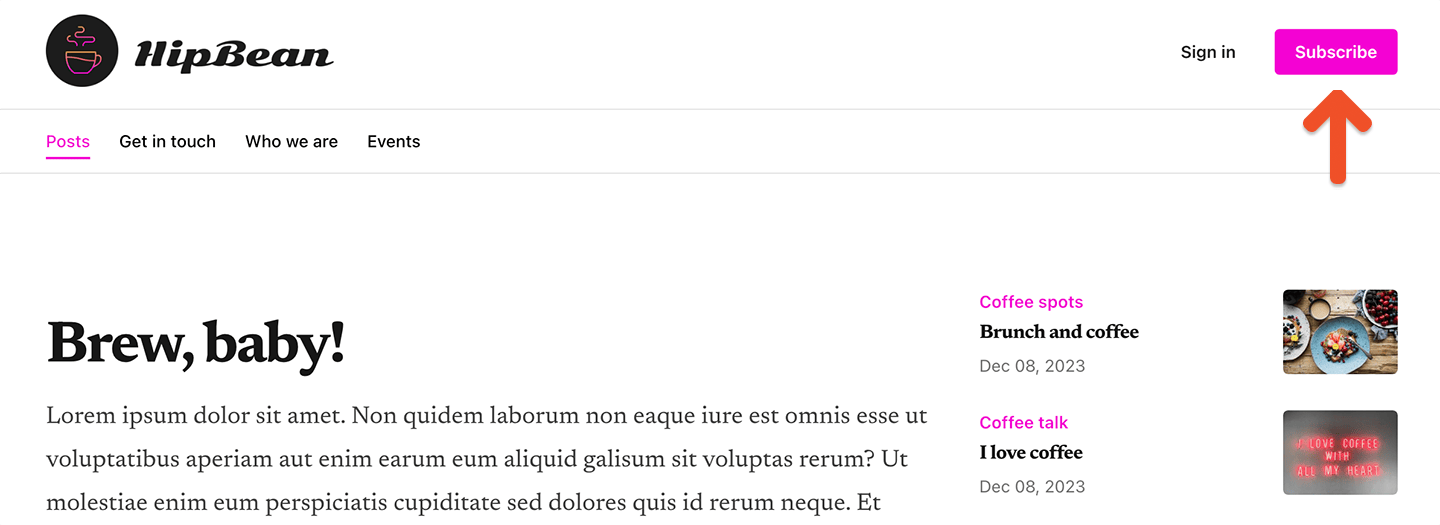
Visitors without access to your posts will see a **Subscribe** link in the navigation, along with options to sign in or manage their account.
Members can also go directly to:
```text theme={null}
https://ACCOUNT-URL.memberful.com/posts
```
Replace `ACCOUNT-URL` with your account URL subdomain, which can be found in your Memberful dashboard via *Website → Settings.*
Visitors without access to your posts will see a **Subscribe** link in the navigation, along with options to sign in or manage their account.
 ### Subscribe / Unsubscribe from post emails
Members can unsubscribe from emailed posts in two ways:
* By clicking the unsubscribe link at the bottom of any emailed post
* From the Memberful-hosted site (if you've published the post there)
### Subscribe / Unsubscribe from post emails
Members can unsubscribe from emailed posts in two ways:
* By clicking the unsubscribe link at the bottom of any emailed post
* From the Memberful-hosted site (if you've published the post there)
 After unsubscribing, they'll be redirected to their account where they can choose to resubscribe immediately:
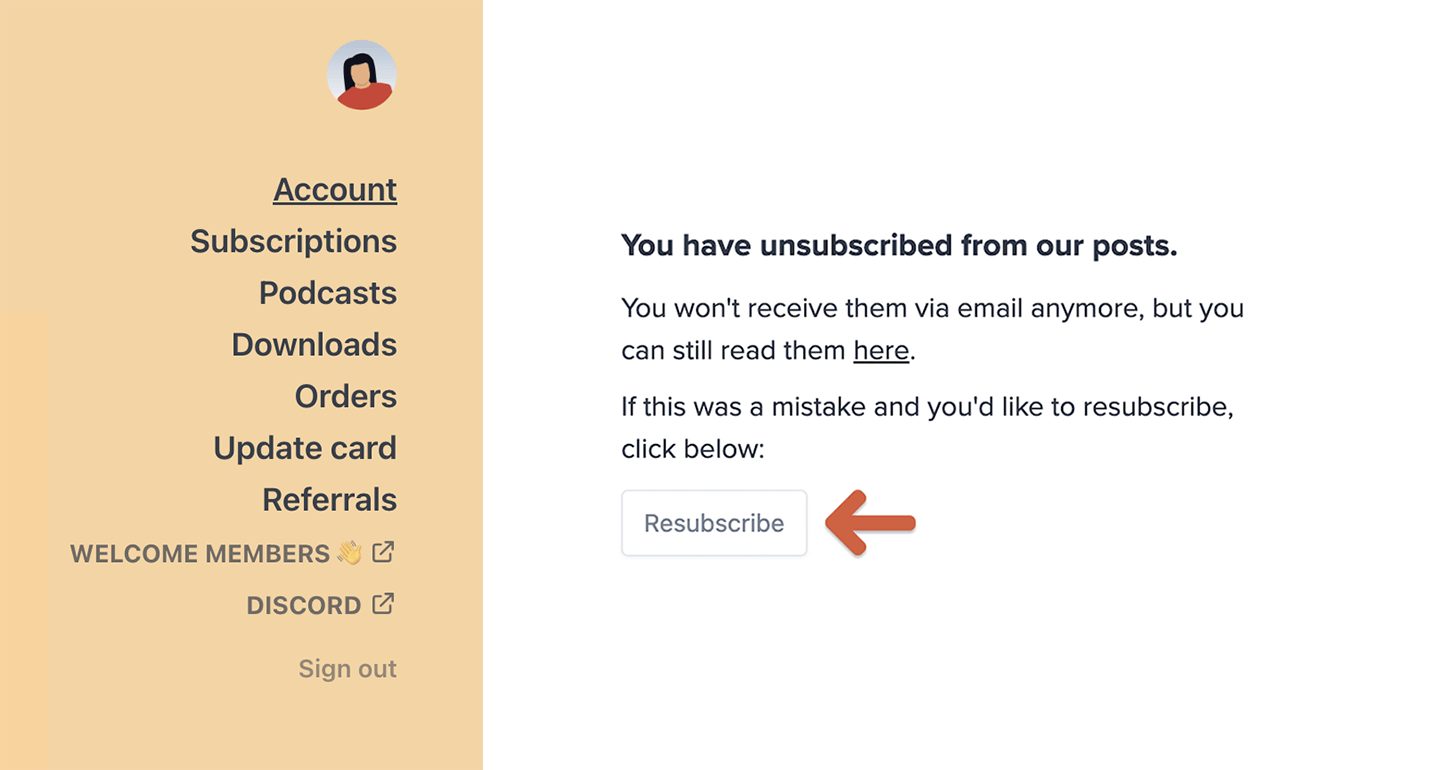 Members can also resubscribe later by visiting the posts index page and clicking the **Receive posts via email** link at the bottom.
 ## Join your Discord server
Members can join your Discord server directly from their account by clicking the Discord menu item.
## Join your Discord server
Members can join your Discord server directly from their account by clicking the Discord menu item.
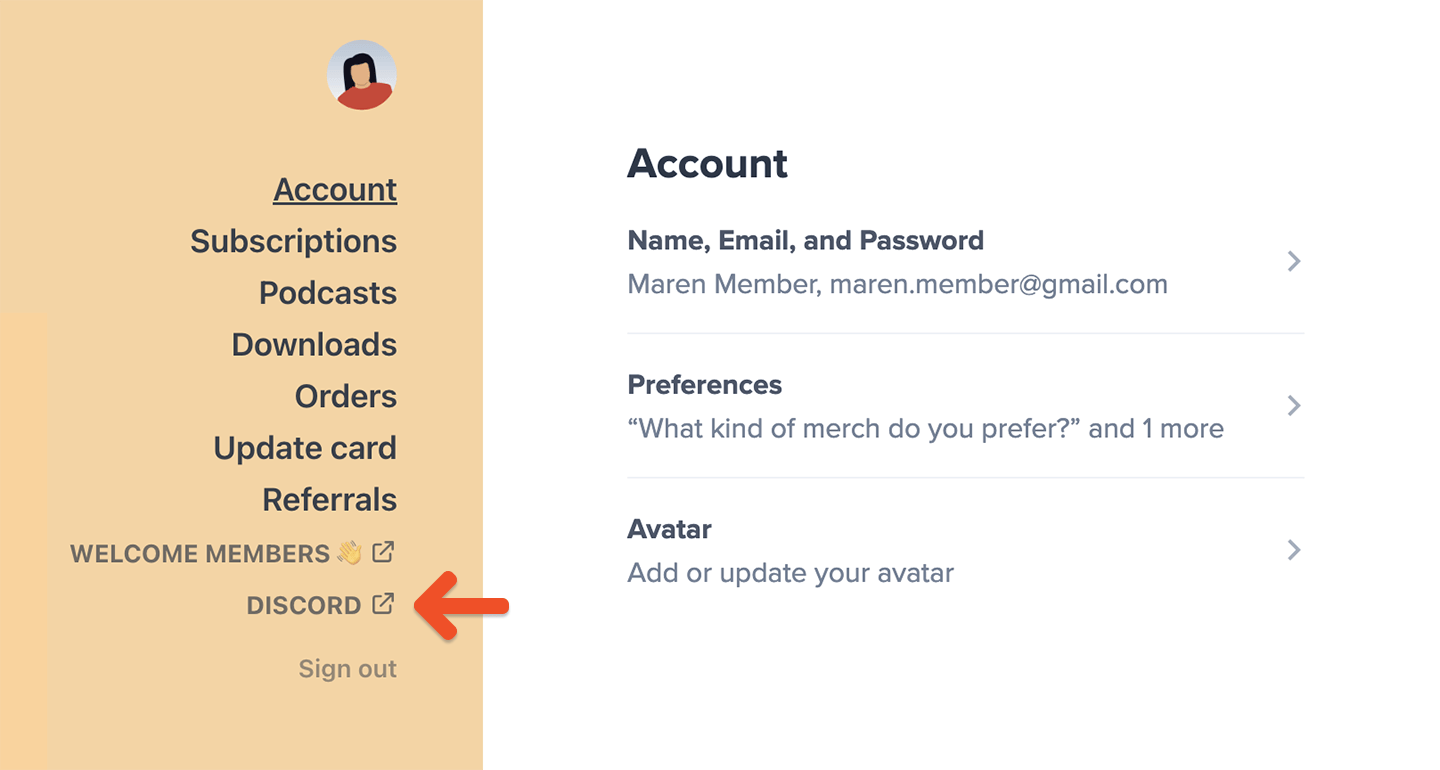 This menu item will appear automatically for members with access once you've integrated Discord with your Memberful account.
[Learn more about our Discord integration.](/community/discord/discord-integrate/)
## Log in to your Discourse community
Your members can log in to your Discourse community using the same email address they used when signing up for their Memberful membership. This process uses single sign-on (SSO) to provide a seamless experience across platforms.
To access the community on mobile, they can use the Discourse app. The first time they log in, they'll need to authenticate using Memberful's [passwordless login](/member-interface/account/access-their-account/) method.
This menu item will appear automatically for members with access once you've integrated Discord with your Memberful account.
[Learn more about our Discord integration.](/community/discord/discord-integrate/)
## Log in to your Discourse community
Your members can log in to your Discourse community using the same email address they used when signing up for their Memberful membership. This process uses single sign-on (SSO) to provide a seamless experience across platforms.
To access the community on mobile, they can use the Discourse app. The first time they log in, they'll need to authenticate using Memberful's [passwordless login](/member-interface/account/access-their-account/) method.
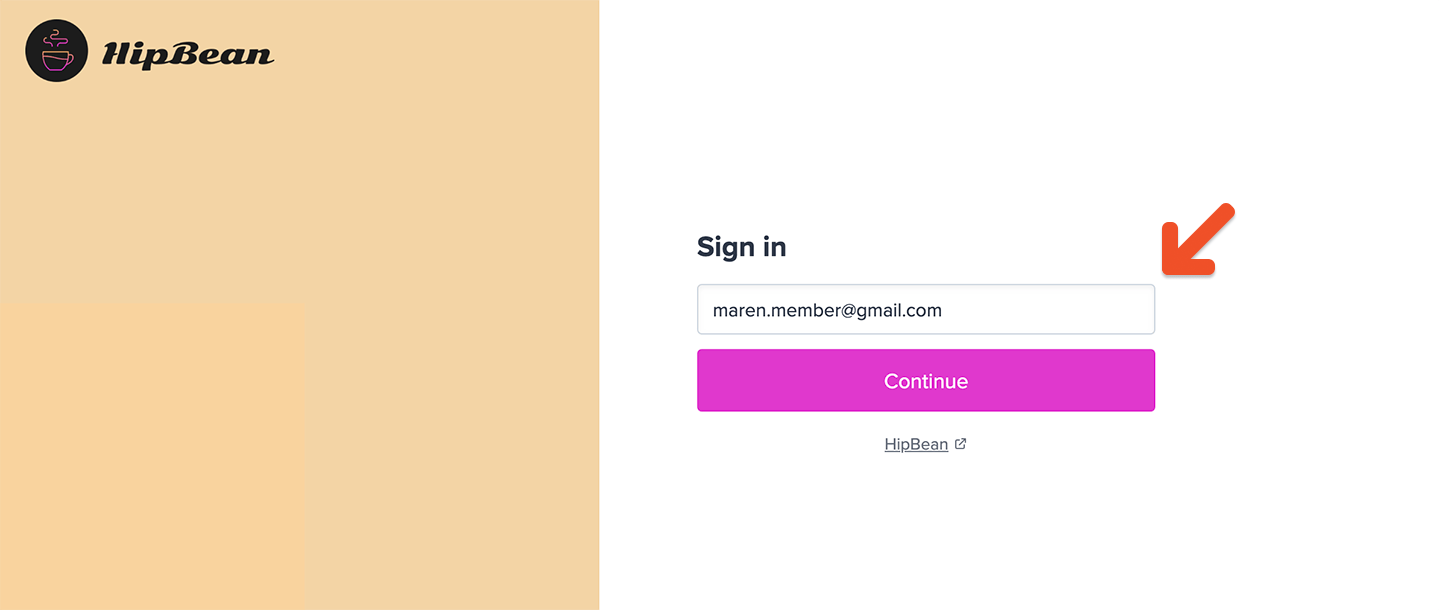 **Note for members using Gmail on iOS:**
Opening a login link directly from the Gmail app may cause issues. To work around this:
1. Enter member email address into the Memberful sign-in form to receive a login email.
2. Copy and paste the one-time code from the email into the form.
3. Authorize the app's access and complete the login.
[Learn more about our Discourse integration.](/community/other-integrations/discourse/)
**Note for members using Gmail on iOS:**
Opening a login link directly from the Gmail app may cause issues. To work around this:
1. Enter member email address into the Memberful sign-in form to receive a login email.
2. Copy and paste the one-time code from the email into the form.
3. Authorize the app's access and complete the login.
[Learn more about our Discourse integration.](/community/other-integrations/discourse/)