> ## Documentation Index
> Fetch the complete documentation index at: https://memberful.com/docs/llms.txt
> Use this file to discover all available pages before exploring further.
# How members update their personal information
> See how members update their personal information in their Memberful account, including name, email, password, and the address used for receipts and notices.
export const RelatedDocs = ({link1, link2, link3, link4, link5, link6, link7, link8, link9, link10, className = ""}) => {
const links = [link1, link2, link3, link4, link5, link6, link7, link8, link9, link10].filter(Boolean);
if (!links.length) return null;
return ;
};
In this help article, we'll cover how members can update their personal information and custom fields, download order receipts as PDFs, and update their payment details.
## Update their profile
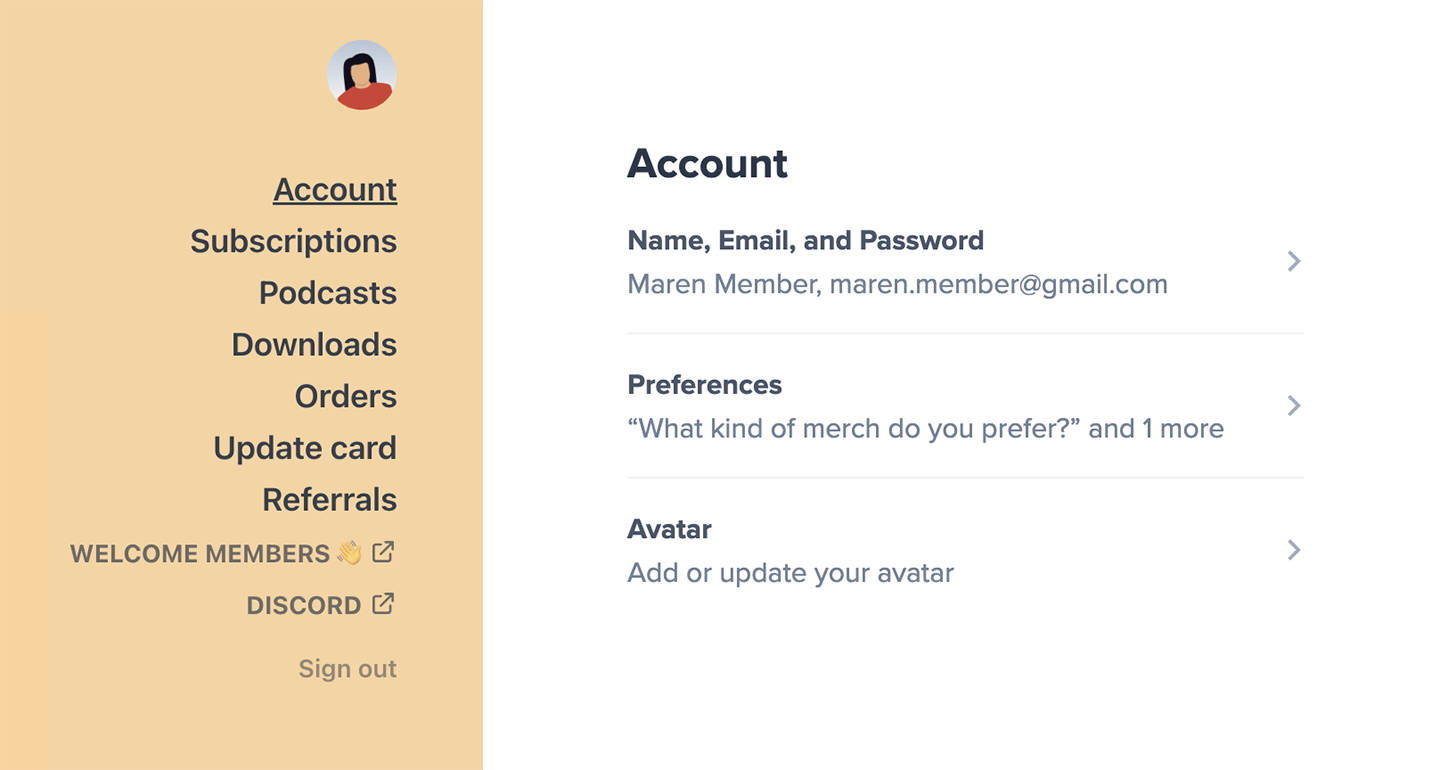
From the account menu item, a member can update their name, email, password, address (if required), and custom fields (if there are any). They can also add a photo to their profile using [Gravatar](https://en.gravatar.com/).
 ## Update their custom fields
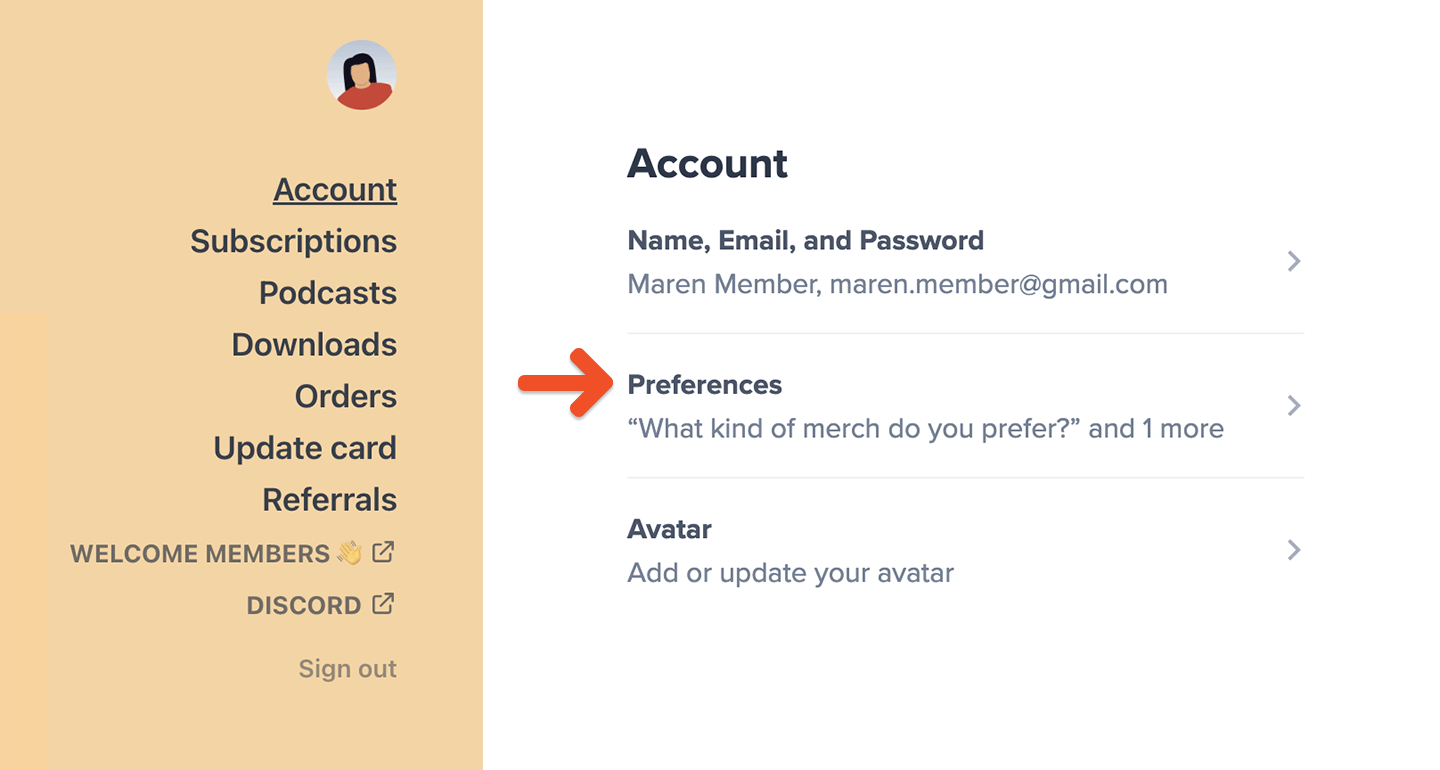
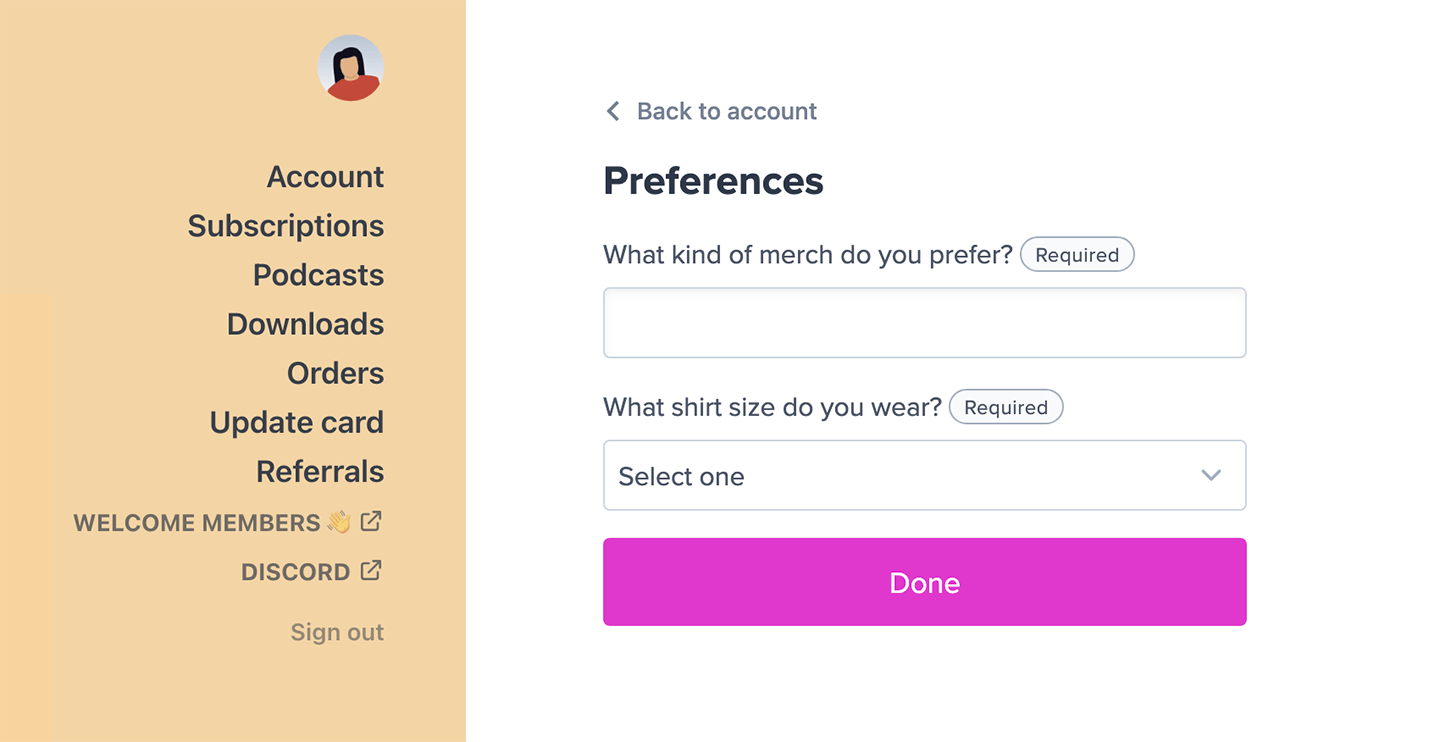
Members can update their custom field(s) from the Preferences section of their profile.
```text theme={null}
https://ACCOUNT-URL.memberful.com/account
```
## Update their custom fields
Members can update their custom field(s) from the Preferences section of their profile.
```text theme={null}
https://ACCOUNT-URL.memberful.com/account
```
 ## Download order receipts as PDFs
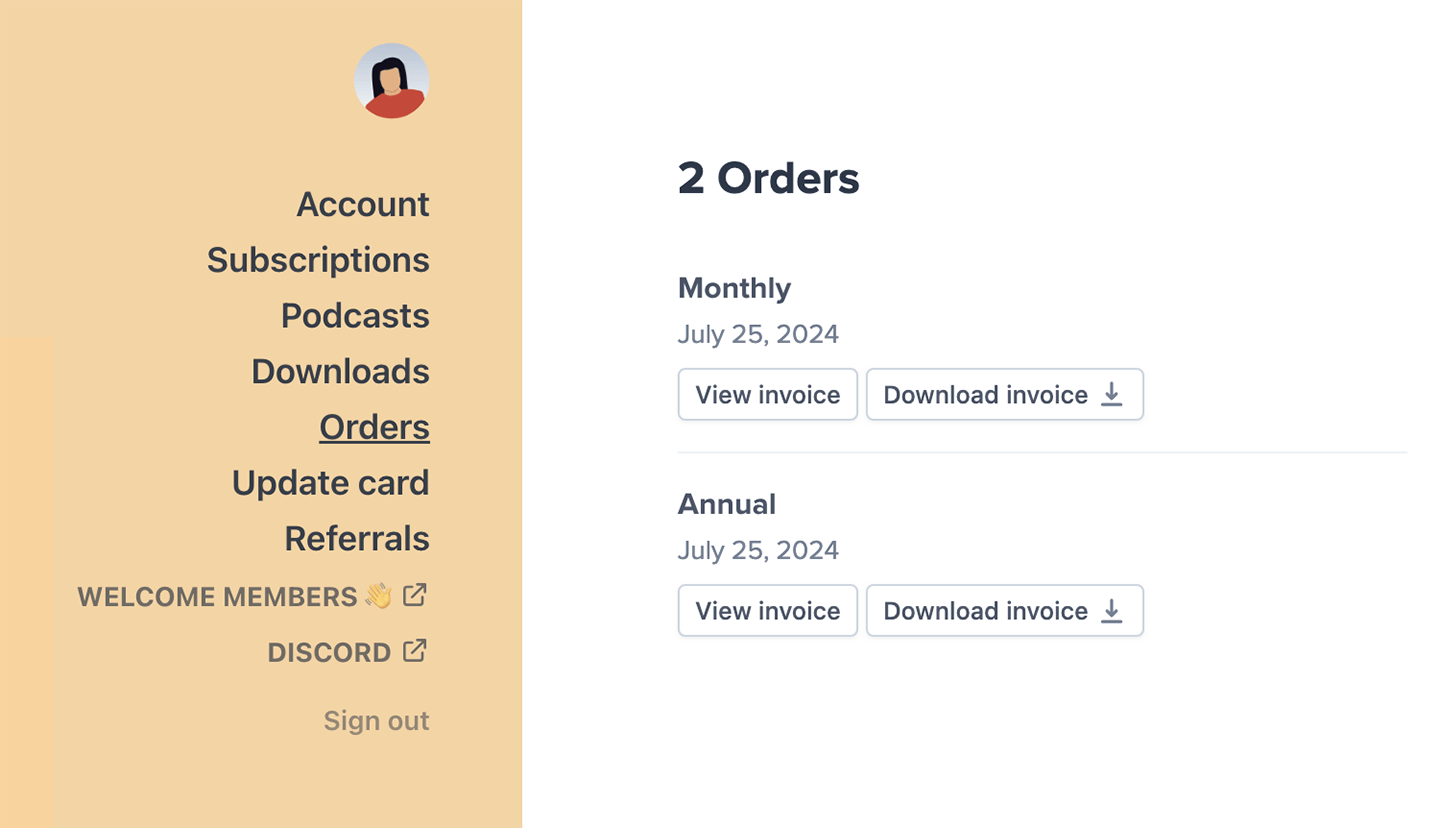
Members can access and download their order receipts (i.e. invoices) as PDFs from the Orders menu item in their account.
```text theme={null}
https://ACCOUNT-URL.memberful.com/account/orders
```
## Download order receipts as PDFs
Members can access and download their order receipts (i.e. invoices) as PDFs from the Orders menu item in their account.
```text theme={null}
https://ACCOUNT-URL.memberful.com/account/orders
```
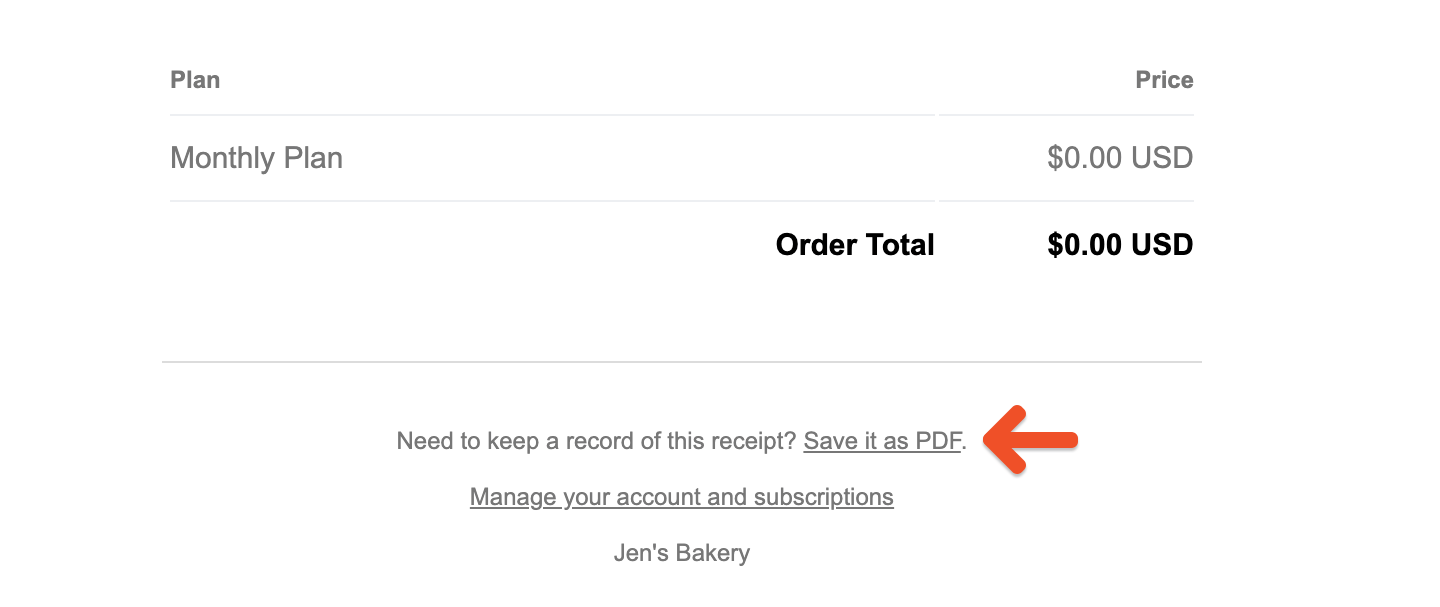
 Our order emails also include a link at the bottom to download the invoice as a PDF.
 ## Update payment details
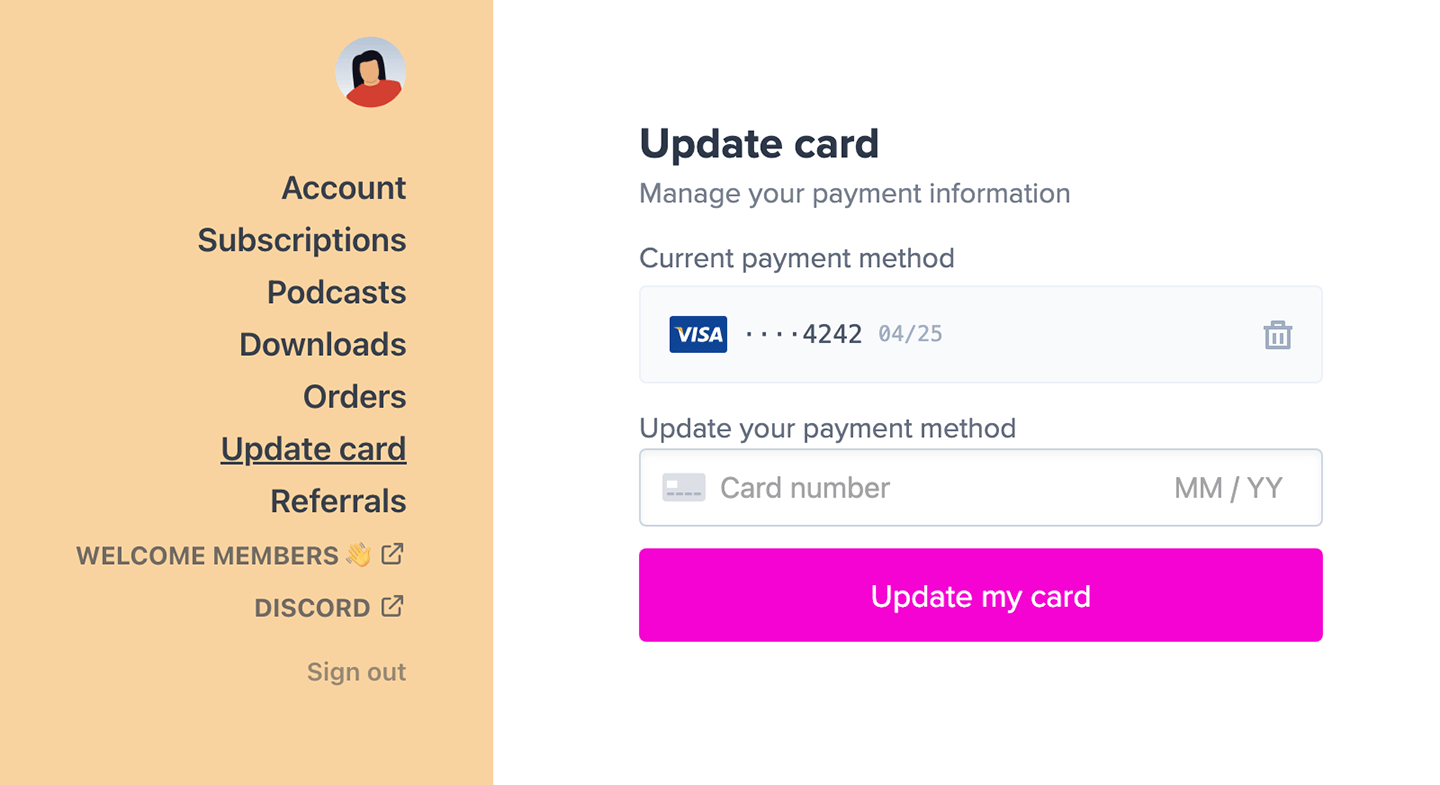
Members can view and update their payment details from the Update Card menu item in their account. If accessing their account from Safari, they can also switch their payment method to Apple Pay, or in Chrome to Google Pay.
```text theme={null}
https://ACCOUNT-URL.memberful.com/account/credit_card/edit
```
## Update payment details
Members can view and update their payment details from the Update Card menu item in their account. If accessing their account from Safari, they can also switch their payment method to Apple Pay, or in Chrome to Google Pay.
```text theme={null}
https://ACCOUNT-URL.memberful.com/account/credit_card/edit
```