Related help docs:
 ## Generate a code
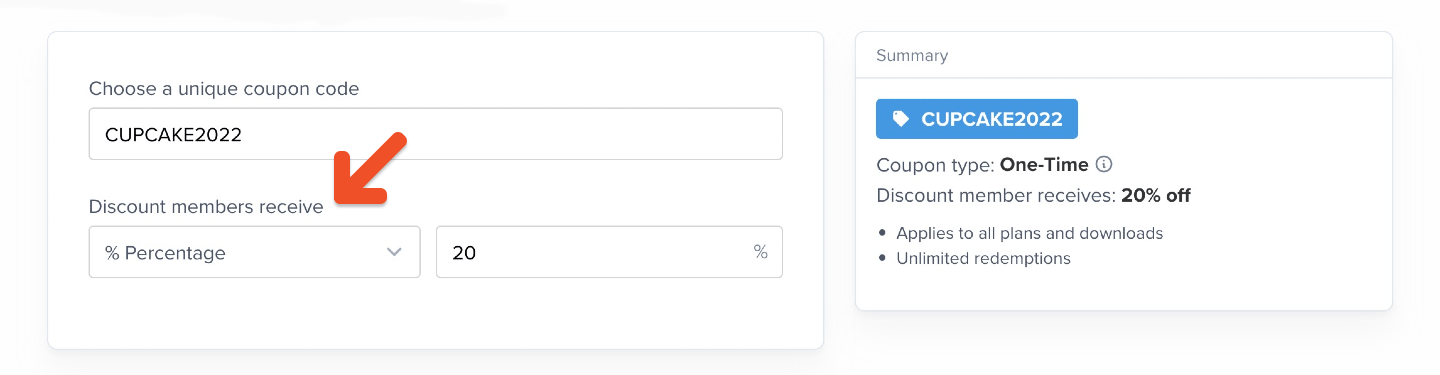
Generate a code using numbers and letters.
## Generate a code
Generate a code using numbers and letters.
 ## Enter a discount
Enter a discount percentage or dollar amount.
## Enter a discount
Enter a discount percentage or dollar amount.
 ## Select a coupon type
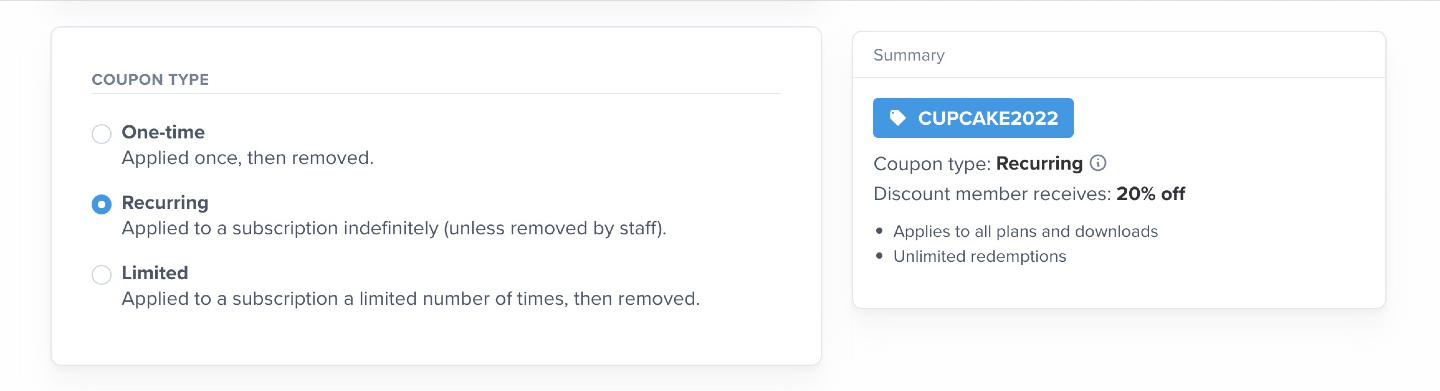
There are 3 types of coupon:
* **One-time:** Applied once, then removed (the member will pay full price for future renewals).
* **Recurring:** Applied to a subscription indefinitely (unless removed by staff).
* **Limited:** Applied to a subscription a limited number of times, then removed. (If applied at checkout, includes initial purchase and renewals.)
## Select a coupon type
There are 3 types of coupon:
* **One-time:** Applied once, then removed (the member will pay full price for future renewals).
* **Recurring:** Applied to a subscription indefinitely (unless removed by staff).
* **Limited:** Applied to a subscription a limited number of times, then removed. (If applied at checkout, includes initial purchase and renewals.)
 ## Choose redemption settings
### Select which plans and downloads the coupon can be applied to
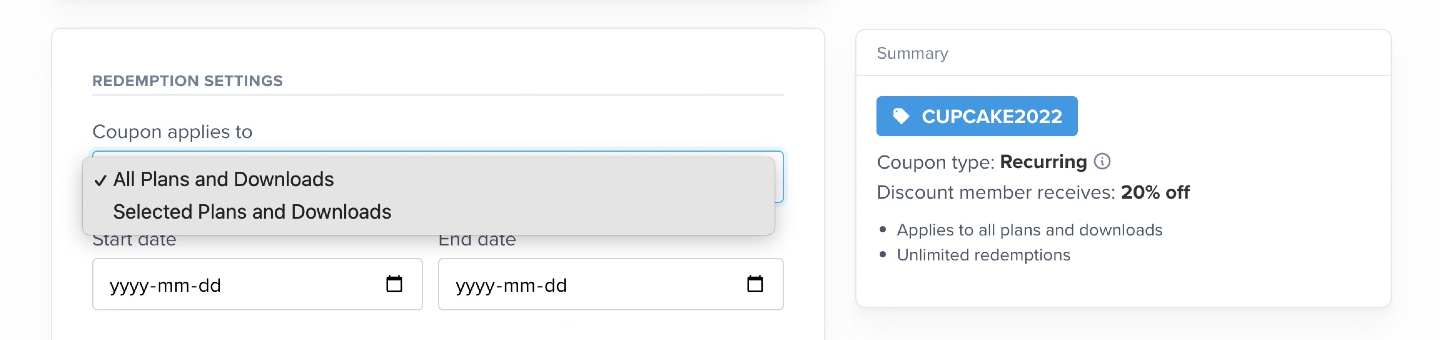
Choose whether the coupon can be applied to all plans and downloads or only select ones.
## Choose redemption settings
### Select which plans and downloads the coupon can be applied to
Choose whether the coupon can be applied to all plans and downloads or only select ones.
 ### Set a start date and end date for the coupon (optional)
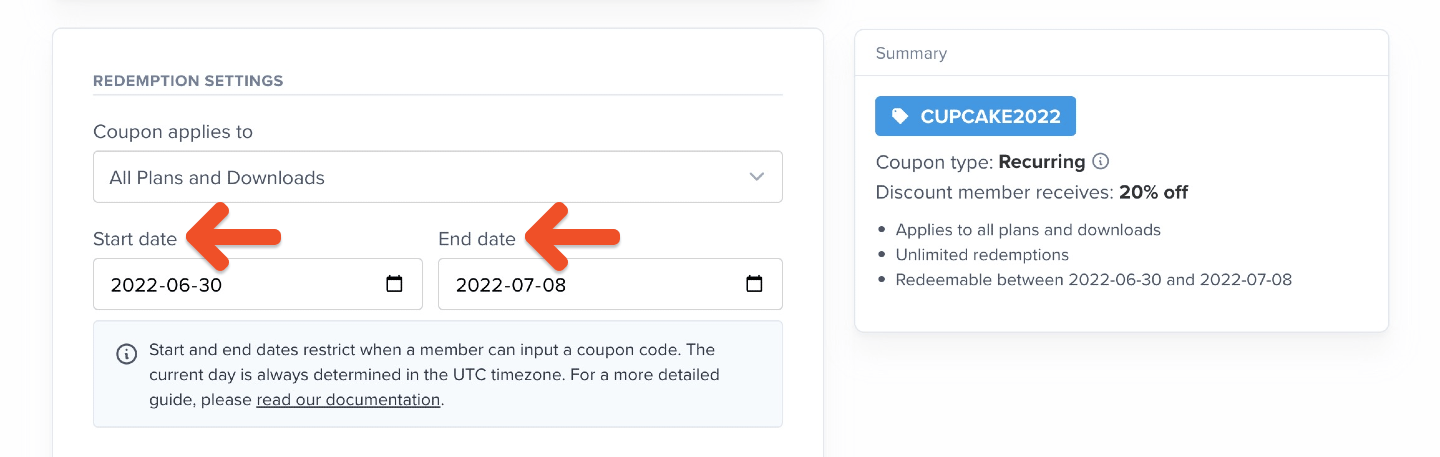
You can choose to activate your coupon code on a certain date in the future. To do so, pick a start date. You can also choose to have your coupon code end or "expire" on a certain date. To do so, pick an end date.
### Set a start date and end date for the coupon (optional)
You can choose to activate your coupon code on a certain date in the future. To do so, pick a start date. You can also choose to have your coupon code end or "expire" on a certain date. To do so, pick an end date.
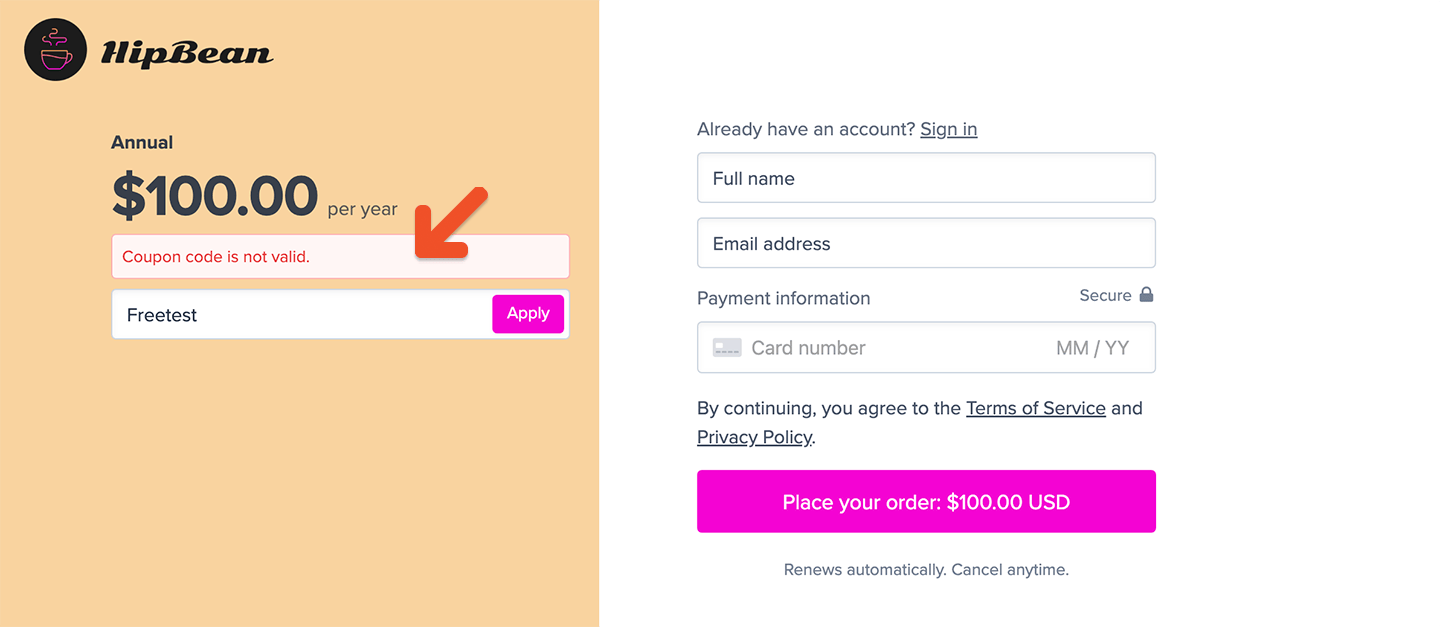
 Members who try to use a coupon before the start date or after the end date will see an error message: *Coupon code is not valid.*
 Start dates and end dates are inclusive, meaning that the coupon can also be applied *on* those dates, not only between those dates. Keep in mind that coupons applied to renewing subscriptions will remain in effect for future renewals even after the selected end date.
Note that the current day is always determined in the UTC timezone. Let's look at some examples. You create a coupon that will work from **Nov 5 to Nov 17 (UTC timezone):**
* Members in California, USA (**-7 UTC**) will be able to use the coupon from **Nov 4 at 5PM** to **Nov 16 at 5PM.**
* Members in New York, USA (**-4 UTC**) will be able to use the coupon from **Nov 4 at 8PM** to **Nov 16 at 8PM.**
* Members in Paris, France (**+2 UTC**) will be able to use the coupon from **Nov 5 at 2AM** to **Nov 17 at 2AM.**
* Members in Sydney, Australia (**+10 UTC**) will be able to use the coupon from **Nov 5 at 10AM** to **Nov 17 at 10AM.**
### Enter max redemptions (optional)
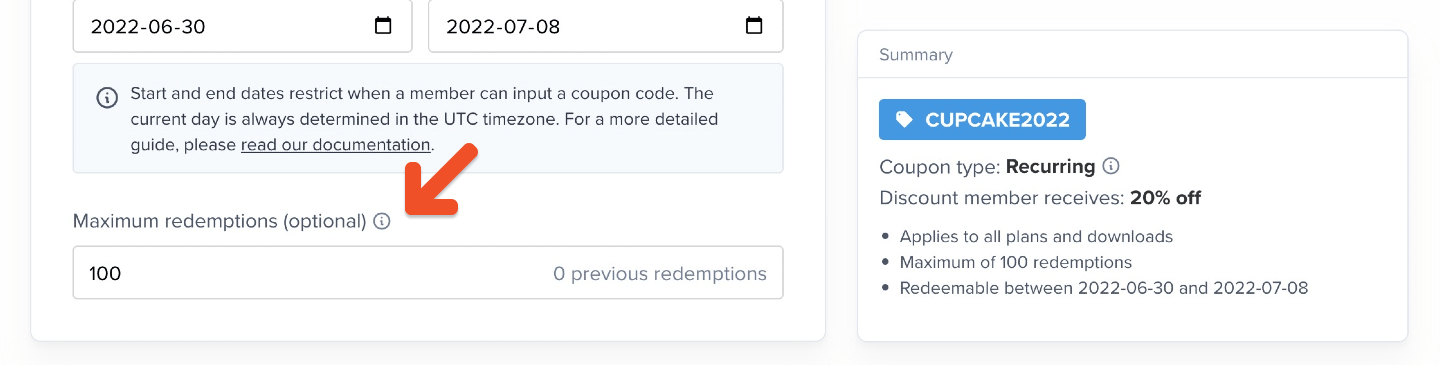
Enter the total number of times the coupon can be redeemed. For example, if you publicize a promotion where the first 100 people get a discount, enter 100.
Start dates and end dates are inclusive, meaning that the coupon can also be applied *on* those dates, not only between those dates. Keep in mind that coupons applied to renewing subscriptions will remain in effect for future renewals even after the selected end date.
Note that the current day is always determined in the UTC timezone. Let's look at some examples. You create a coupon that will work from **Nov 5 to Nov 17 (UTC timezone):**
* Members in California, USA (**-7 UTC**) will be able to use the coupon from **Nov 4 at 5PM** to **Nov 16 at 5PM.**
* Members in New York, USA (**-4 UTC**) will be able to use the coupon from **Nov 4 at 8PM** to **Nov 16 at 8PM.**
* Members in Paris, France (**+2 UTC**) will be able to use the coupon from **Nov 5 at 2AM** to **Nov 17 at 2AM.**
* Members in Sydney, Australia (**+10 UTC**) will be able to use the coupon from **Nov 5 at 10AM** to **Nov 17 at 10AM.**
### Enter max redemptions (optional)
Enter the total number of times the coupon can be redeemed. For example, if you publicize a promotion where the first 100 people get a discount, enter 100.
 ## Choose when the coupon can be used
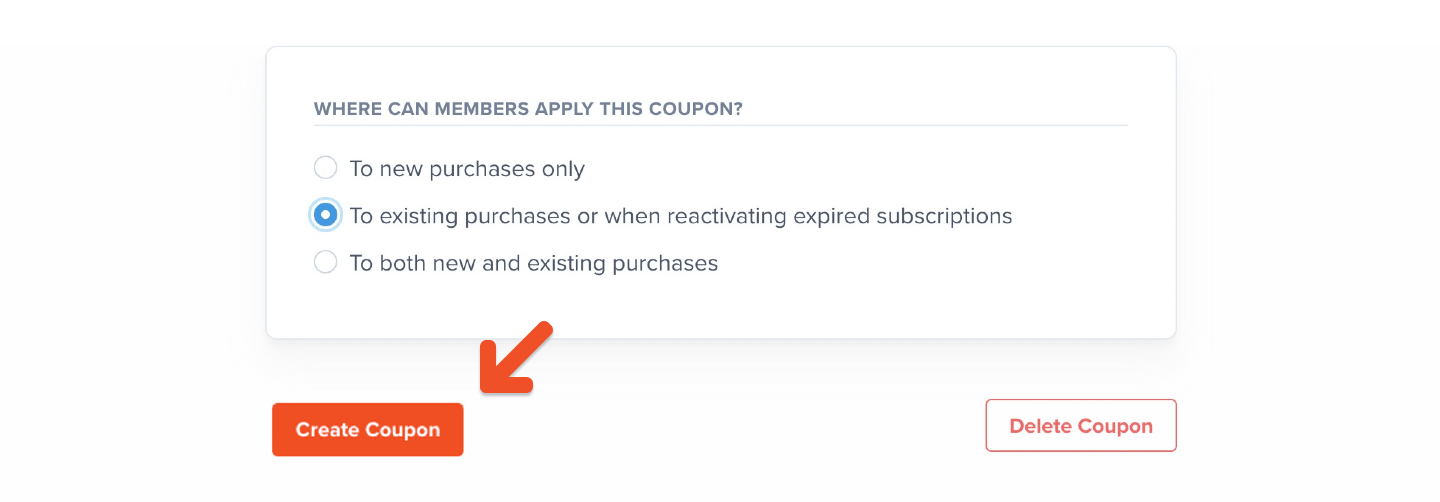
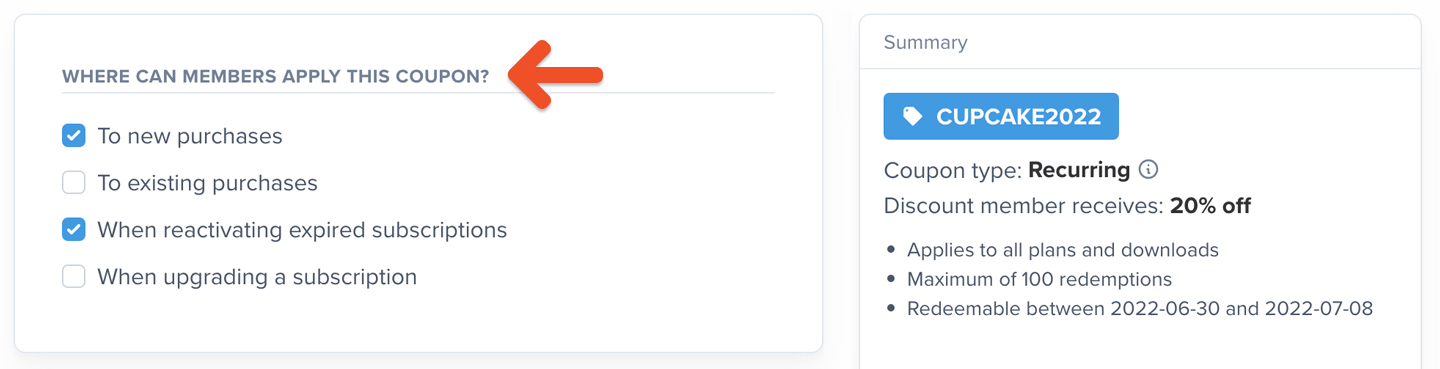
Depending on your goals, you may want the coupon to only be applicable to new purchases, existing purchases, when reactivating expired purchases, or when upgrading an active (or expired) subscription. Choose the settings that work best for your promotion.
## Choose when the coupon can be used
Depending on your goals, you may want the coupon to only be applicable to new purchases, existing purchases, when reactivating expired purchases, or when upgrading an active (or expired) subscription. Choose the settings that work best for your promotion.
 ## Require a credit card when the coupon covers the entire cost (optional)
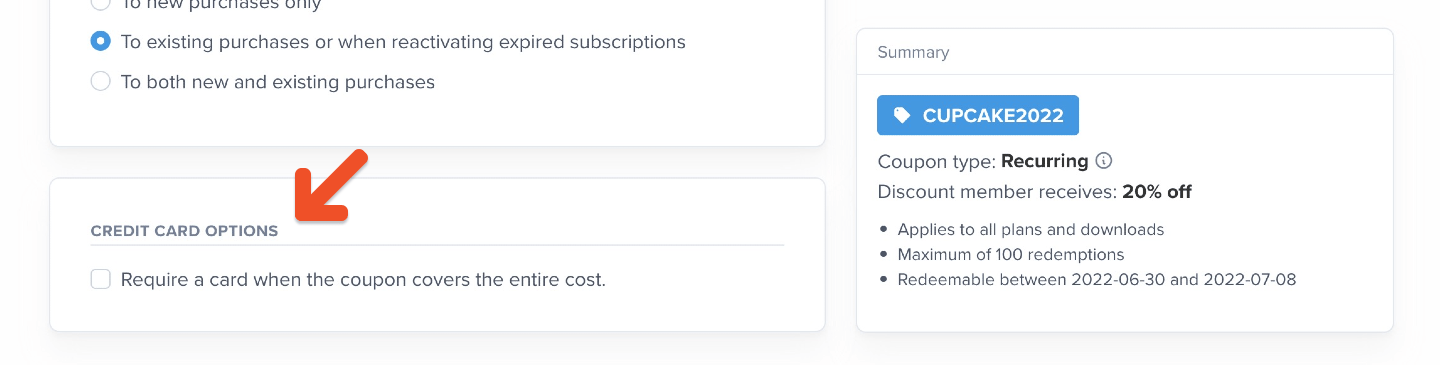
Even if your coupon deducts 100% of the cost, you can choose to require a credit card so that the member can be more easily charged once the coupon is no longer in use.
## Require a credit card when the coupon covers the entire cost (optional)
Even if your coupon deducts 100% of the cost, you can choose to require a credit card so that the member can be more easily charged once the coupon is no longer in use.
 ## Create coupon
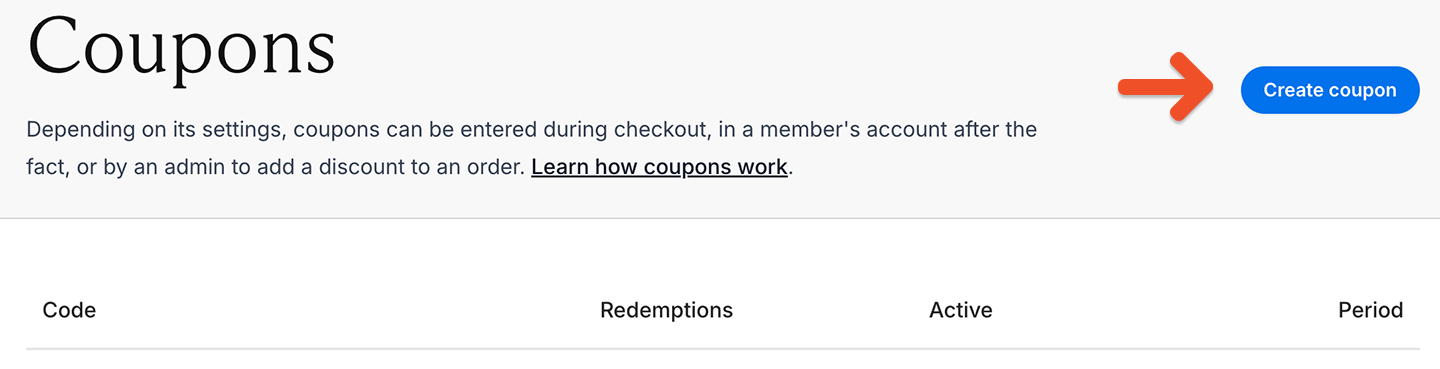
Click **Create coupon.**
## Create coupon
Click **Create coupon.**