> ## Documentation Index
> Fetch the complete documentation index at: https://memberful.com/docs/llms.txt
> Use this file to discover all available pages before exploring further.
# Configure redirect settings
> Configure Memberful redirect settings so actions like signing in or completing a purchase send members to a specific page on your site or member website.
export const RelatedDocs = ({link1, link2, link3, link4, link5, link6, link7, link8, link9, link10, className = ""}) => {
const links = [link1, link2, link3, link4, link5, link6, link7, link8, link9, link10].filter(Boolean);
if (!links.length) return null;
return ;
};
You can configure Memberful to redirect members to a URL of your choosing in these scenarios. For example, you can redirect members to a "thank you" page on your website after they complete an order, or send them directly to your "members' area" page after signing in.
In this help article, you'll learn how to set up different types of redirects, including plan-specific redirects, global redirects, and redirects for free registrations or benefits access.
## Set up plan-specific redirects
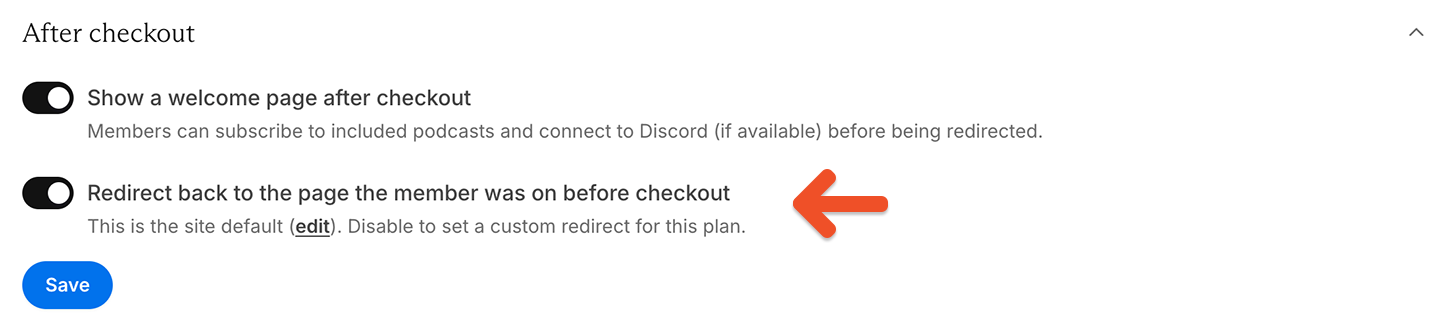
By default, members are redirected back to the page they were on when they made the purchase. If you'd like to redirect members to a different page after purchase, you can set a redirect URL specific to each plan.
1. Go to *Revenue → Plans → \[Select plan].*
2. From the **After checkout** section, disable the setting *Redirect back to the page the member was on before checkout*.
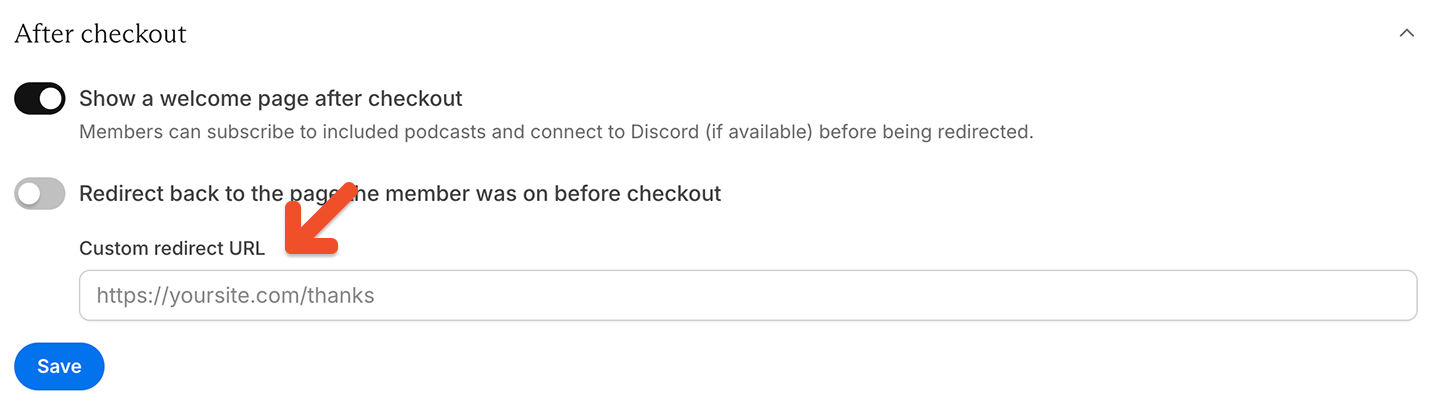
 3. Enter a custom redirect URL and save.
 ## Redirect to the benefits and content page
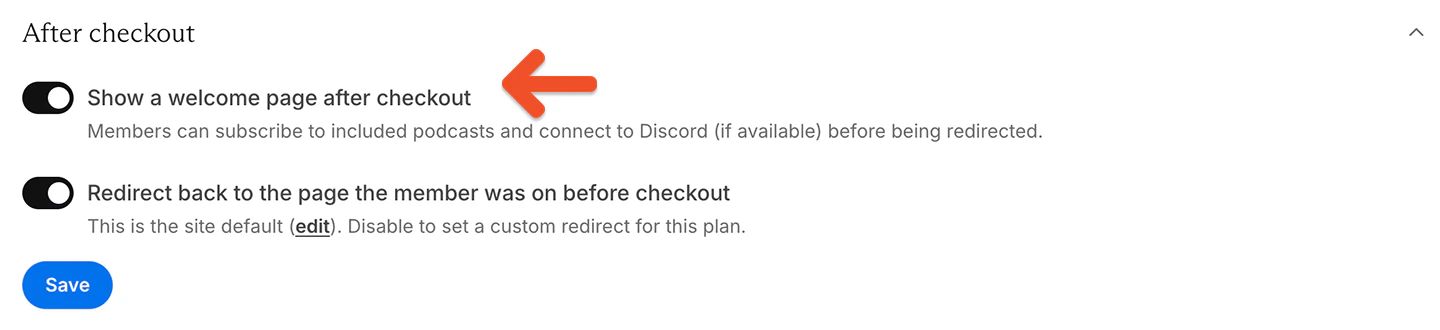
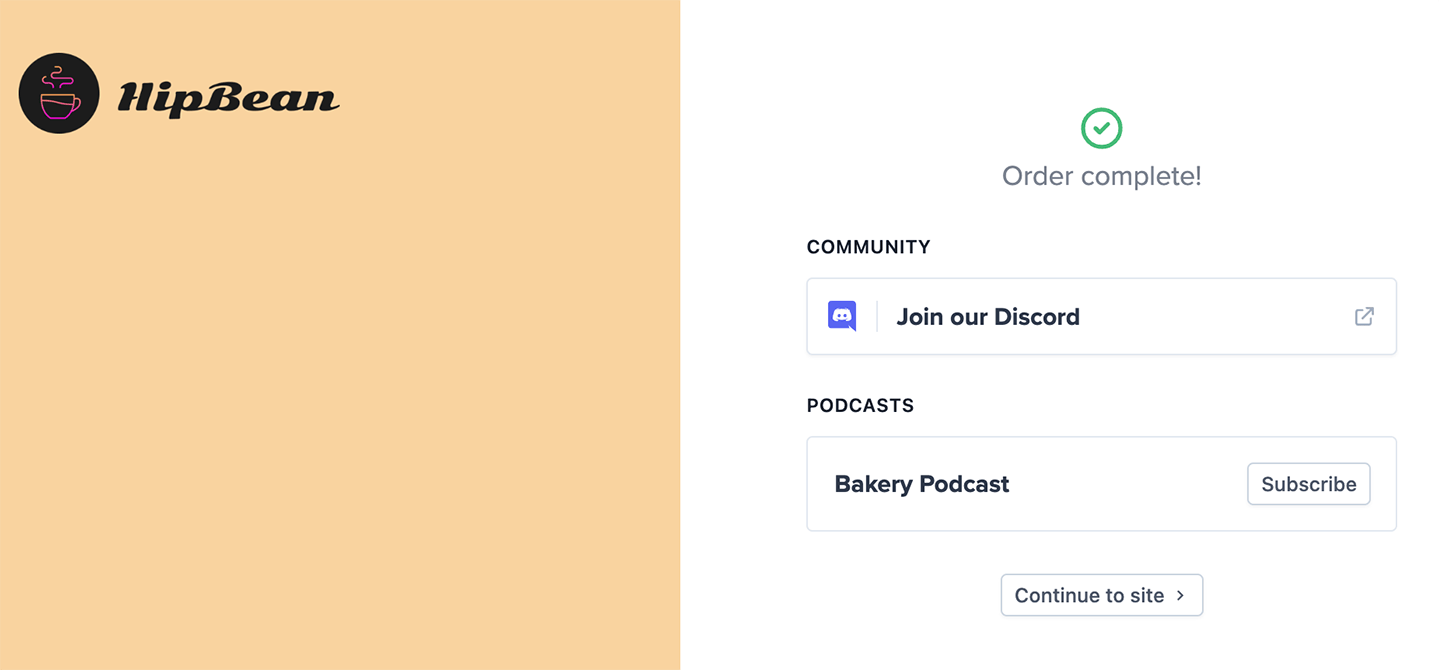
If you've included other benefits like access to a [private podcast](/podcasting/setup/create-a-paid-podcast/) or [Discord server](/community/discord/discord-integrate/) with your plan, you can display a page with buttons linking to those benefits after checkout.
## Redirect to the benefits and content page
If you've included other benefits like access to a [private podcast](/podcasting/setup/create-a-paid-podcast/) or [Discord server](/community/discord/discord-integrate/) with your plan, you can display a page with buttons linking to those benefits after checkout.
 ## Set up a redirect for free registration
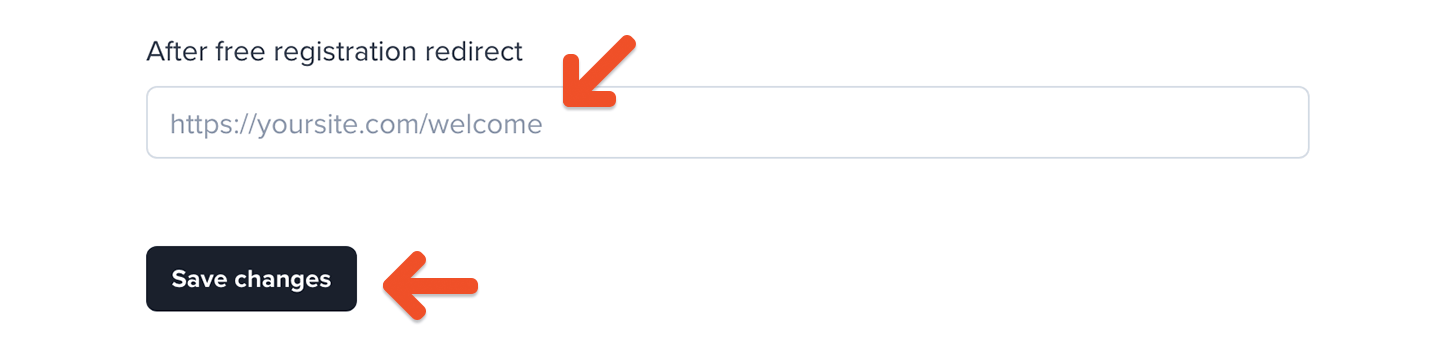
If you've enabled the [free registration setting](/member-management/payments-and-access/give-free-access/#enable-free-registration), you can specify a redirect after signup (such as a thank you page). Go to *Website → Domain and redirects → Custom redirects → After free registration redirect,* and enter your desired redirect URL.
## Set up a redirect for free registration
If you've enabled the [free registration setting](/member-management/payments-and-access/give-free-access/#enable-free-registration), you can specify a redirect after signup (such as a thank you page). Go to *Website → Domain and redirects → Custom redirects → After free registration redirect,* and enter your desired redirect URL.
 ## Set up global redirects
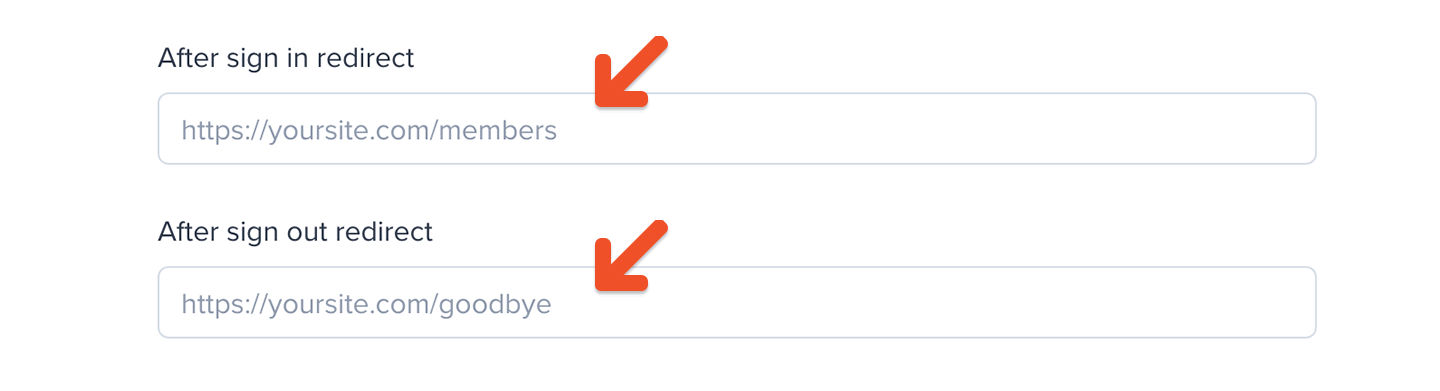
To set up custom redirect URLs for members signing in or out through Memberful, go to *Website → Domain and redirects → Custom redirects → After sign in / out redirect URL.* There, you can enter the URLs you'd like to use. For example, you might direct members to a personalized dashboard after they sign in.
## Set up global redirects
To set up custom redirect URLs for members signing in or out through Memberful, go to *Website → Domain and redirects → Custom redirects → After sign in / out redirect URL.* There, you can enter the URLs you'd like to use. For example, you might direct members to a personalized dashboard after they sign in.
 Note: The sign in redirect URL only works if you've [integrated Memberful with a WordPress website.](/wordpress-plugin/setup/member-account-links/)
To set a universal post-checkout redirect, go to *Website → Domain and redirects → Custom redirects → After checkout redirect,* and enter your desired URL.
Note: The sign in redirect URL only works if you've [integrated Memberful with a WordPress website.](/wordpress-plugin/setup/member-account-links/)
To set a universal post-checkout redirect, go to *Website → Domain and redirects → Custom redirects → After checkout redirect,* and enter your desired URL.
 Note: Any plan-specific redirect URLs will override this setting. [Learn more](/plans/individual-plans/create-a-plan/#configure-redirect-settings/)