Related help docs:
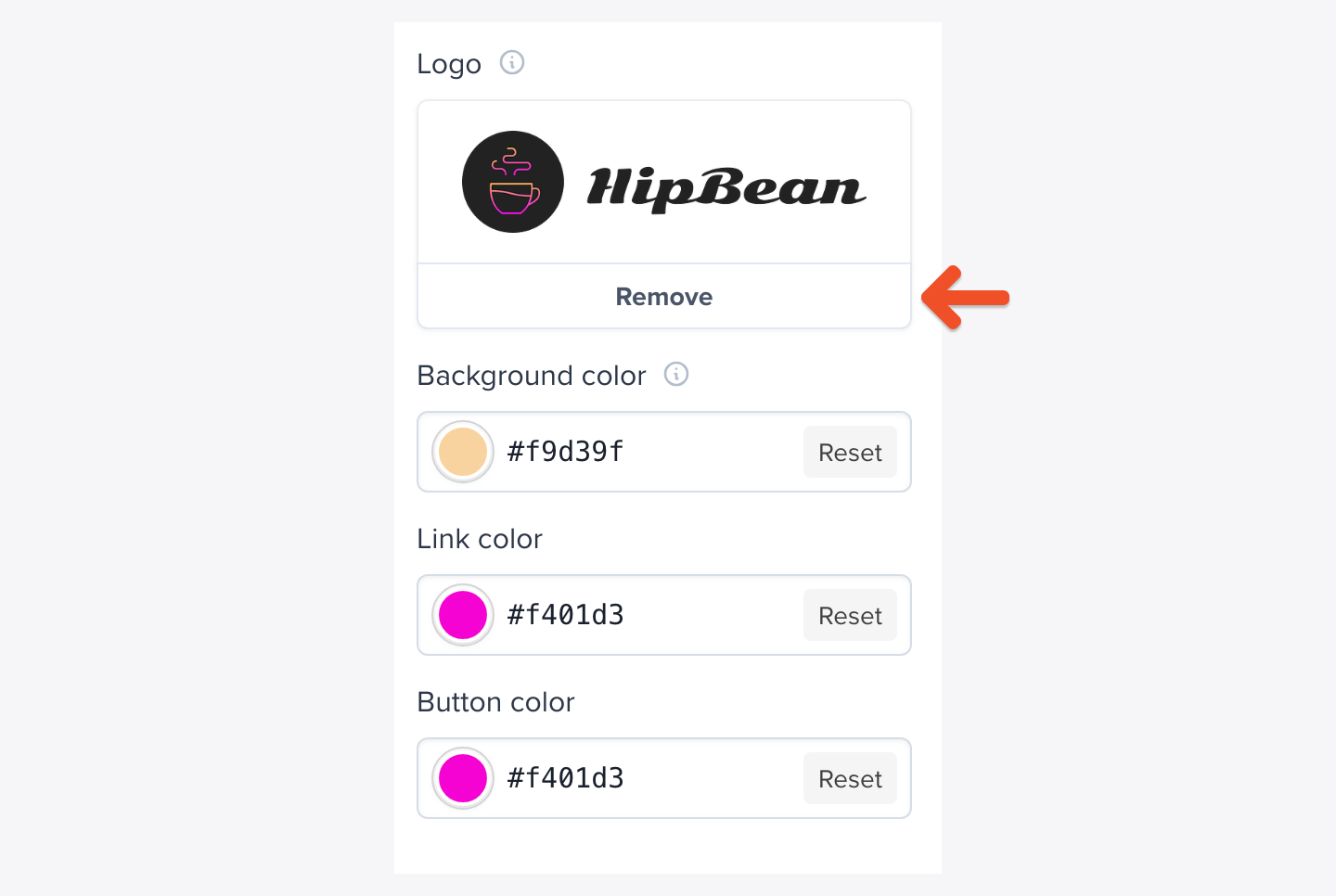
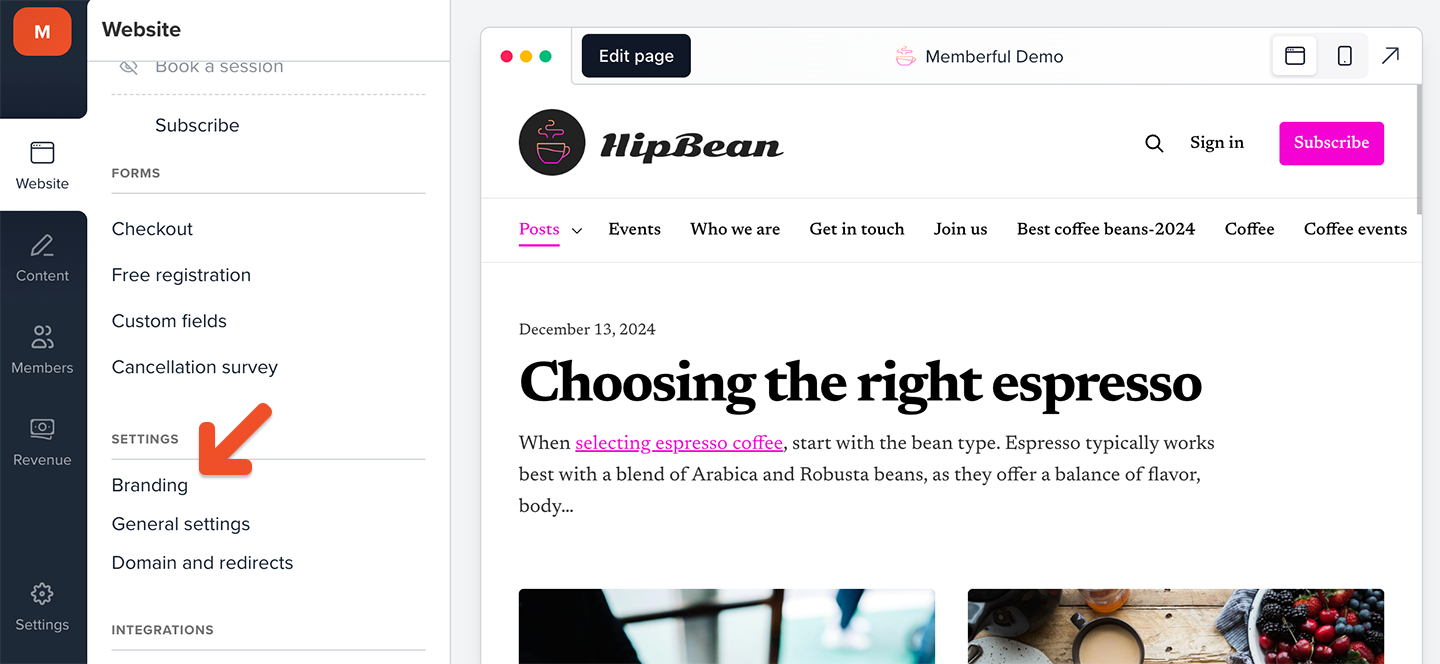 Click **Choose file** under *Logo* to upload from your computer, then click **Save** to apply the changes.
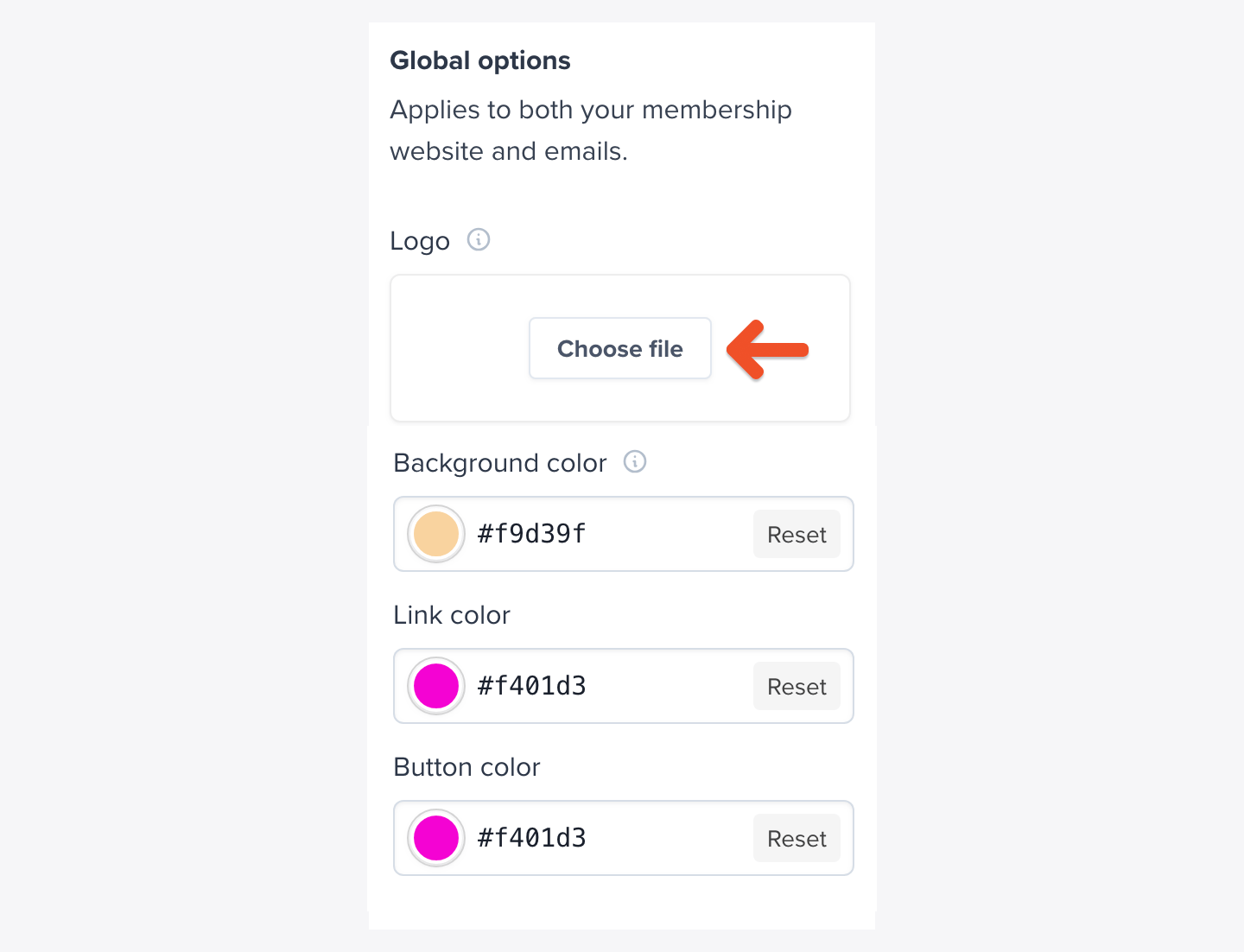 Logo images must be either a JPG or PNG file, no larger than 5MB. If you have a rectangular logo, we recommend that it be at least 560px wide. If you have a square or circular logo, we recommend that it be at least 180px x 180px.
 To remove an uploaded logo, click **Remove**, then click **Save** to apply the change.
 ## Upload a favicon image
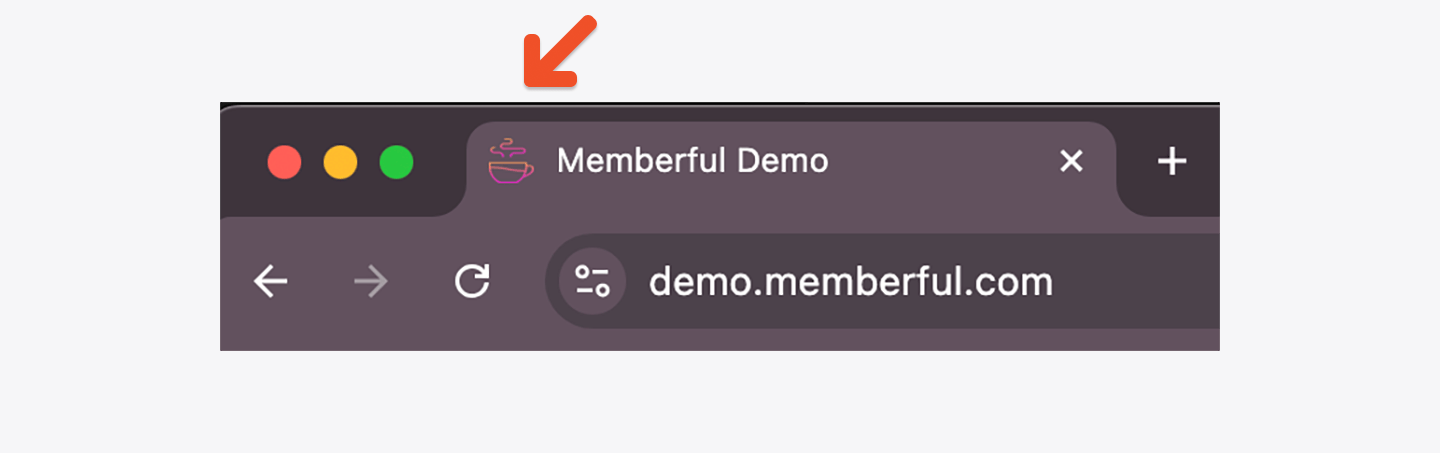
Memberful allows you to upload and display your logo as a favicon icon that shows up in the browser tab instead of Memberful's icon.
## Upload a favicon image
Memberful allows you to upload and display your logo as a favicon icon that shows up in the browser tab instead of Memberful's icon.
 Go to the **Website** tab in your Memberful dashboard, click **Branding**, then use *Base Options* to upload your favicon.
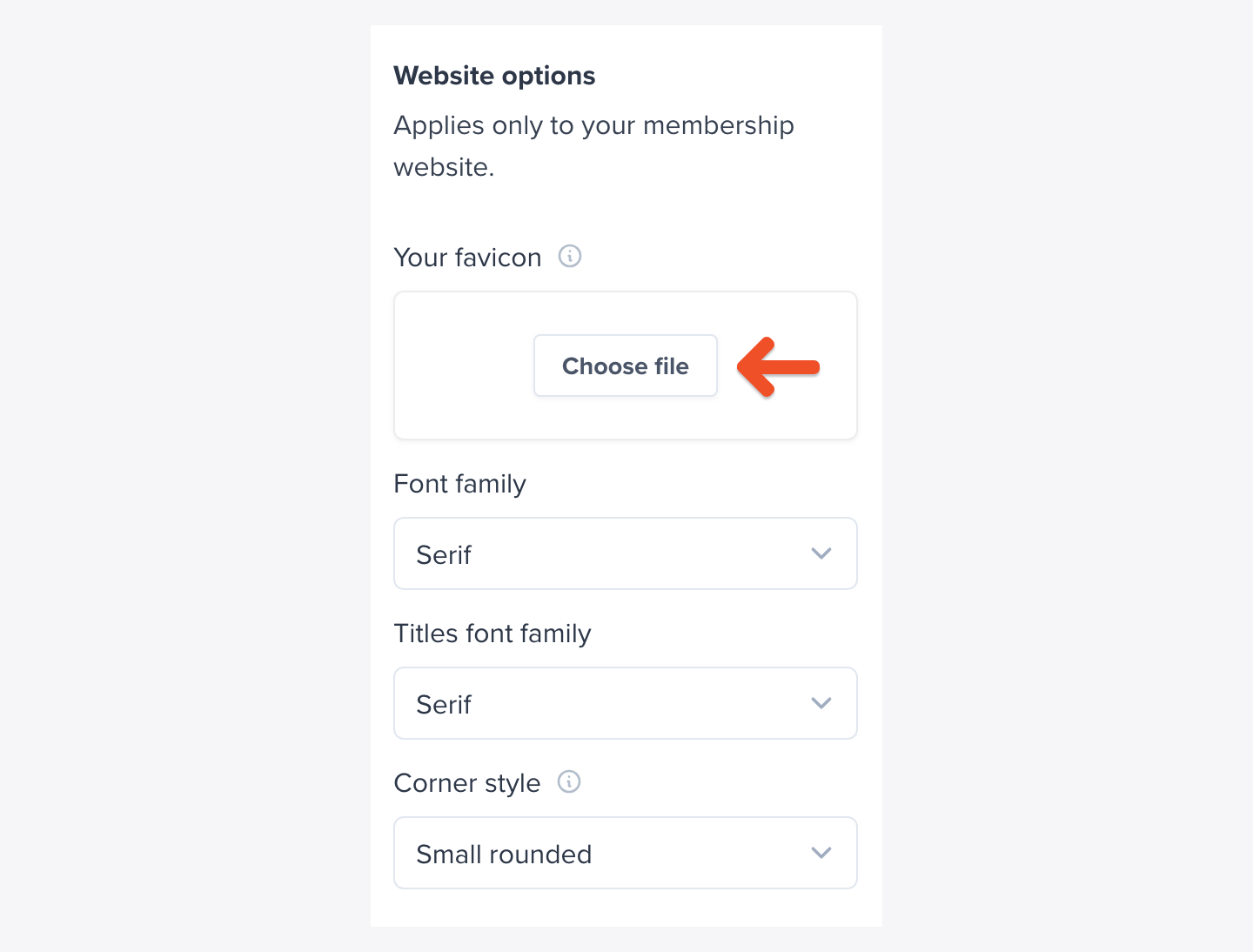
Click **Choose file** under *Your favicon* to upload from your computer, then click **Save** to apply the changes.
Go to the **Website** tab in your Memberful dashboard, click **Branding**, then use *Base Options* to upload your favicon.
Click **Choose file** under *Your favicon* to upload from your computer, then click **Save** to apply the changes.
 Favicon images must be either a JPG or PNG file, no larger than 5MB, and they must have a square aspect ratio. The image will be resized to 32px x 32px.
This only affects the browser's favicon, it won't change the Apple Touch Icon or the Android equivalent.
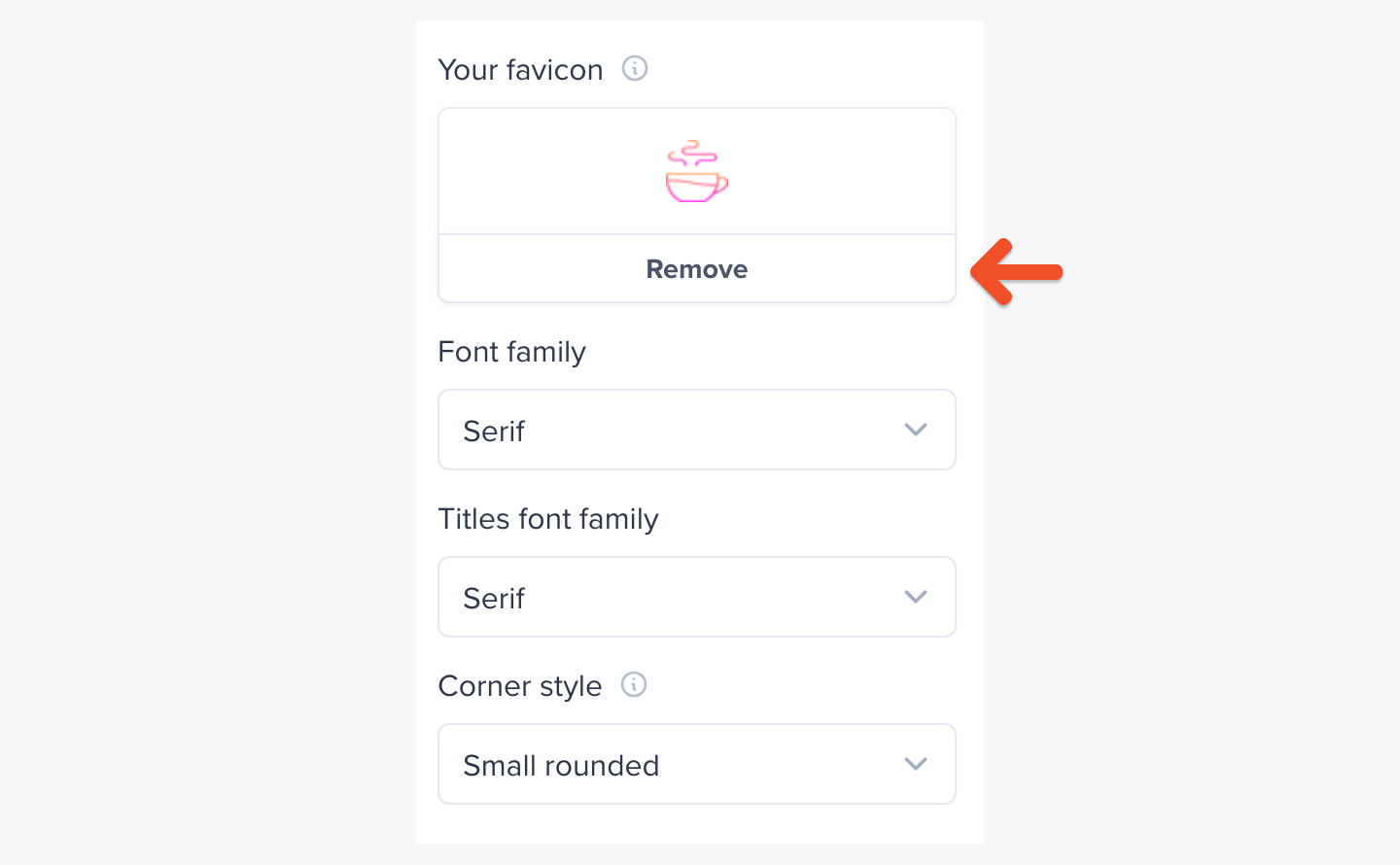
To remove a favicon that you've already uploaded, click **Remove** under *Your favicon* and click **Save** at the bottom of the page.
Favicon images must be either a JPG or PNG file, no larger than 5MB, and they must have a square aspect ratio. The image will be resized to 32px x 32px.
This only affects the browser's favicon, it won't change the Apple Touch Icon or the Android equivalent.
To remove a favicon that you've already uploaded, click **Remove** under *Your favicon* and click **Save** at the bottom of the page.
 Uploading a new favicon or removing the current one should take effect immediately in most browsers except Safari, which may cache them for a longer time.
## Choose a background color
Memberful lets you set a custom background color for your hosted member site.
This is the base color for important elements of your membership pages, including both the Subscribe and Checkout pages. If the footer and navigation colors for your hosted member site aren't set, this color will be applied.
Go to the **Website** tab, click **Branding**, then use *Base Options* to set or reset the background color.
Uploading a new favicon or removing the current one should take effect immediately in most browsers except Safari, which may cache them for a longer time.
## Choose a background color
Memberful lets you set a custom background color for your hosted member site.
This is the base color for important elements of your membership pages, including both the Subscribe and Checkout pages. If the footer and navigation colors for your hosted member site aren't set, this color will be applied.
Go to the **Website** tab, click **Branding**, then use *Base Options* to set or reset the background color.
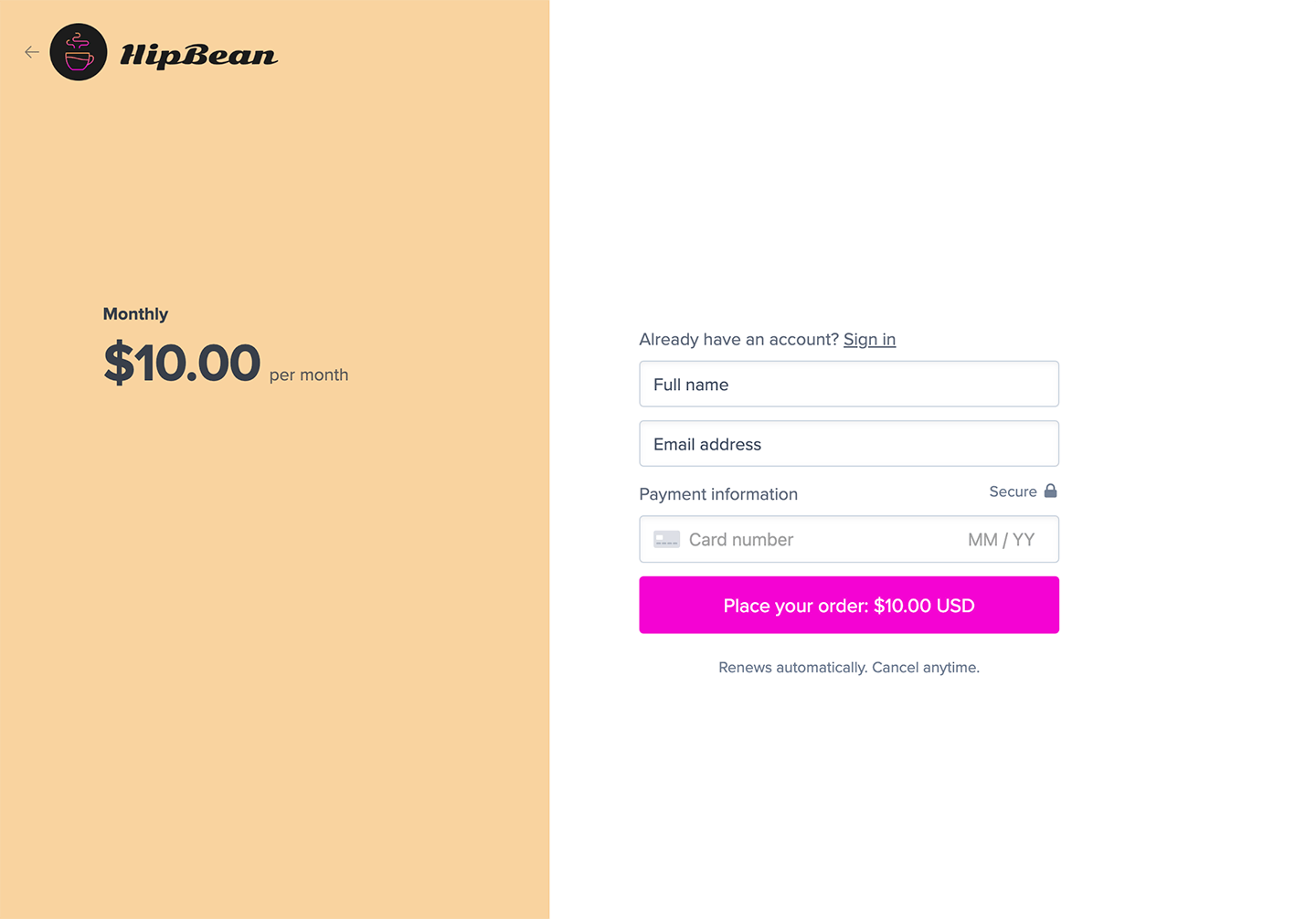 Enter a valid 6-digit hex code in the RGB fields, then click **Save** to apply the changes.
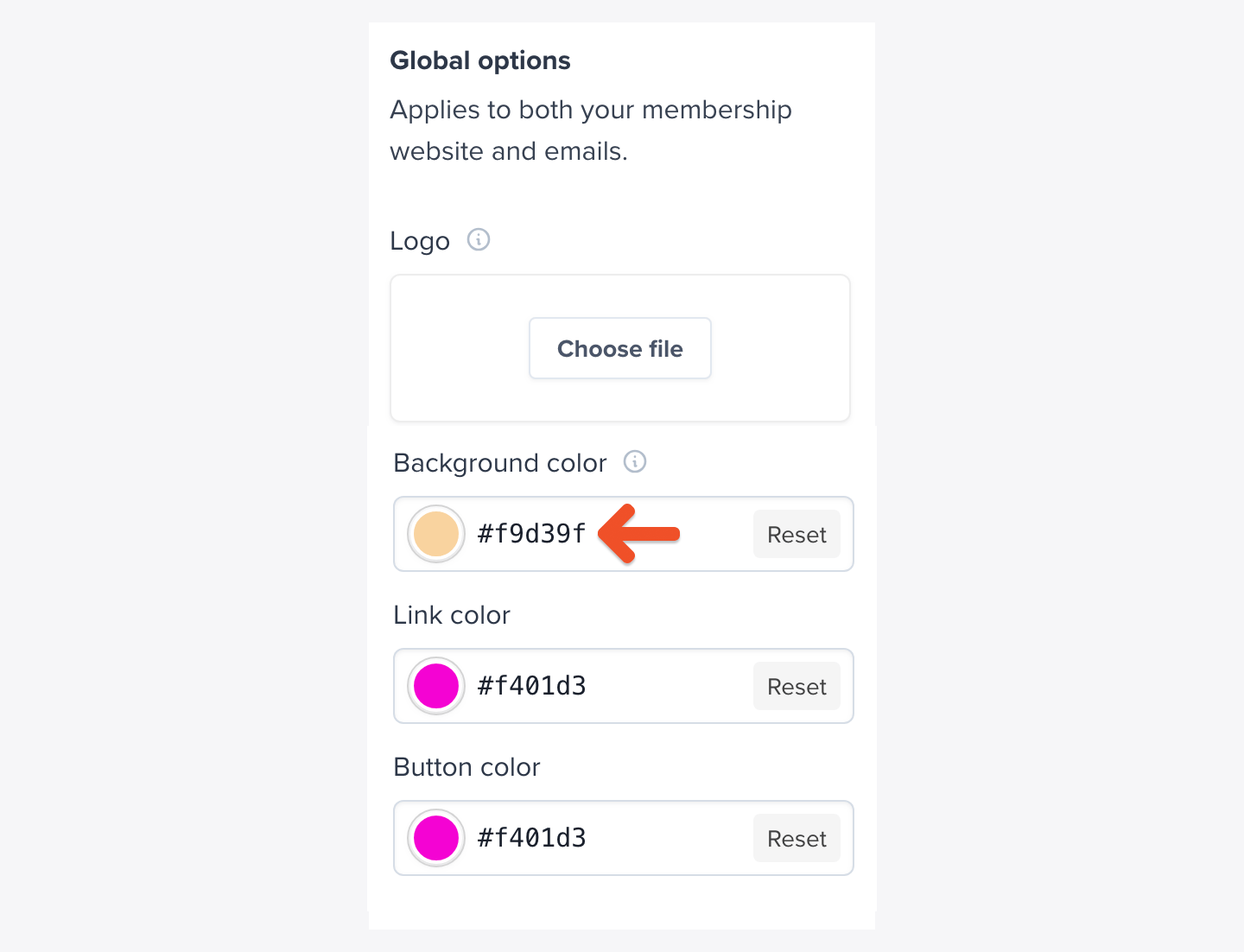 Alternatively, if your browser supports it, click the circular color swatch to launch the color picker. As you interact with the color picker (it looks a little bit different on a Mac vs. a PC), the corresponding hex value will show up in the text field.
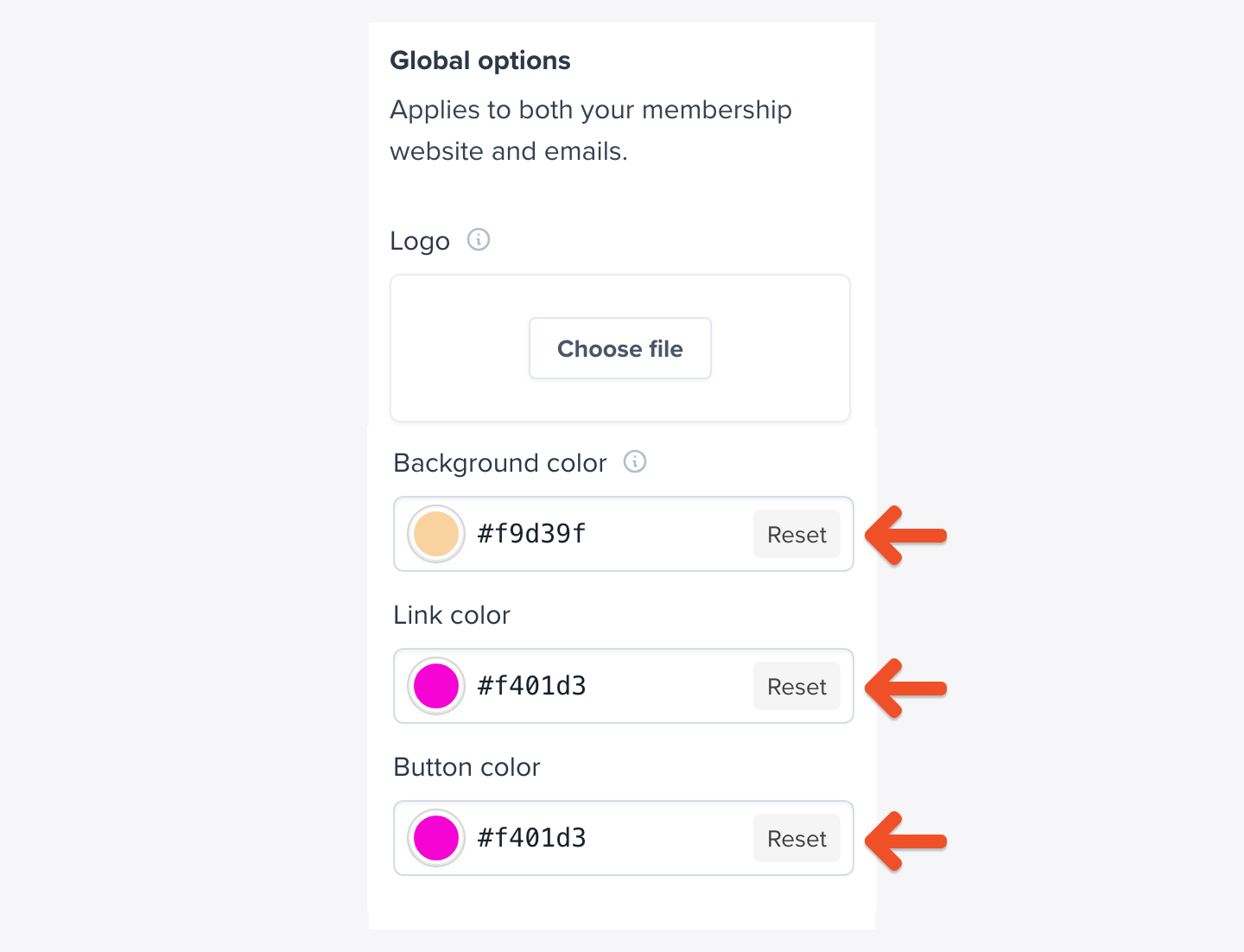
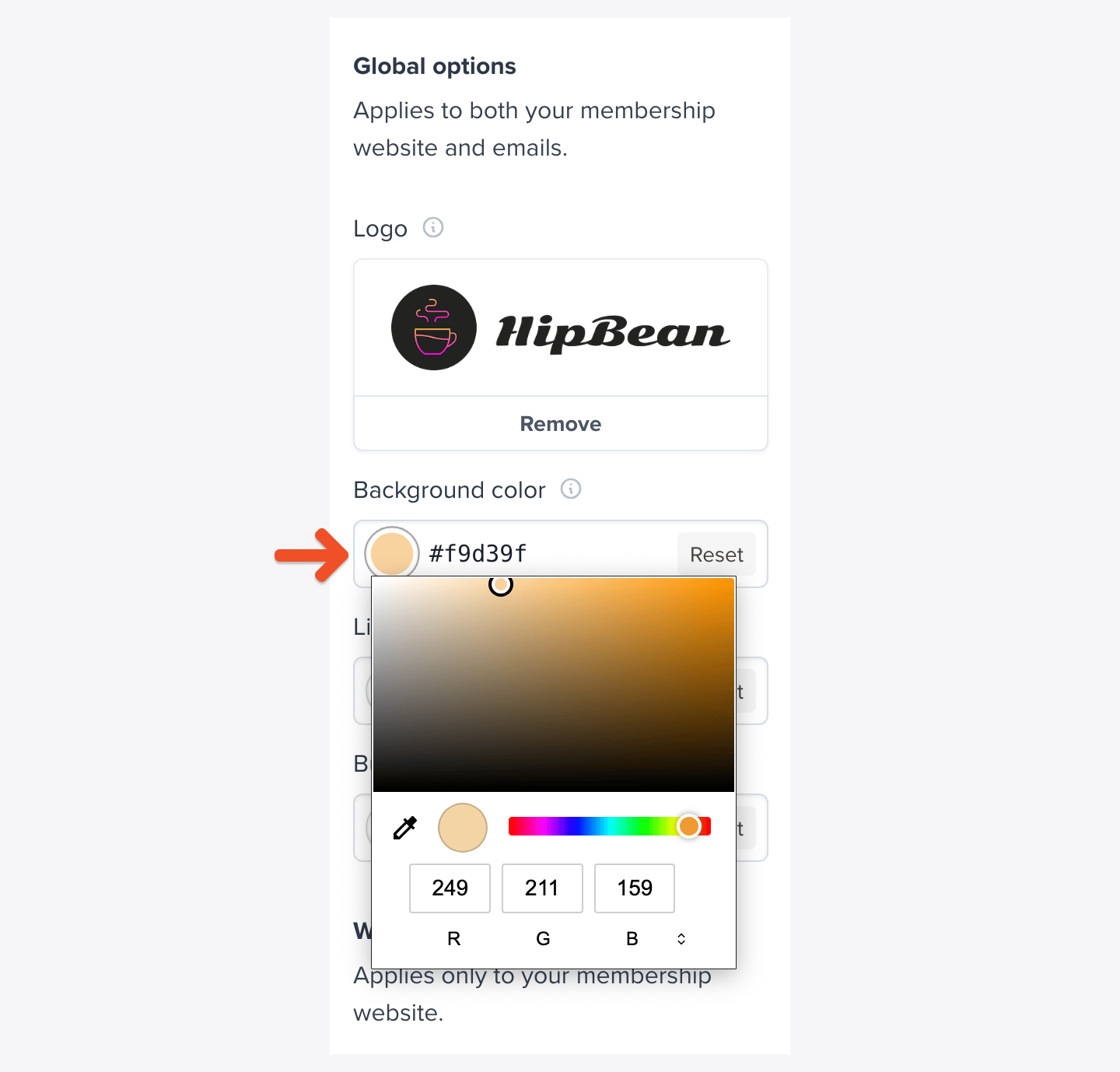 To use Memberful's default colors, click **Reset** next to the background color field.
 ## Choose a link color
You can set a custom color for all **links** across your hosted member site and emails.
## Choose a link color
You can set a custom color for all **links** across your hosted member site and emails.
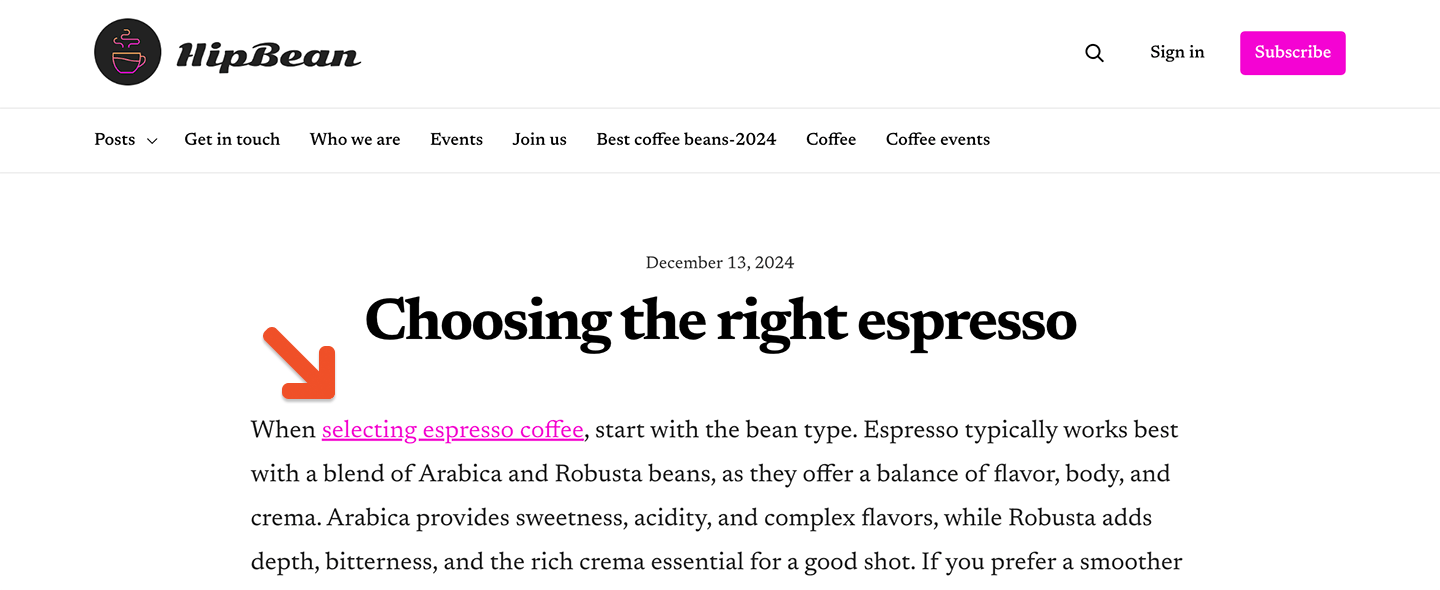 The process of choosing a link color works exactly the same way as for choosing a background color. Please see [Choose a background color](#choose-a-background-color) for detailed instructions.
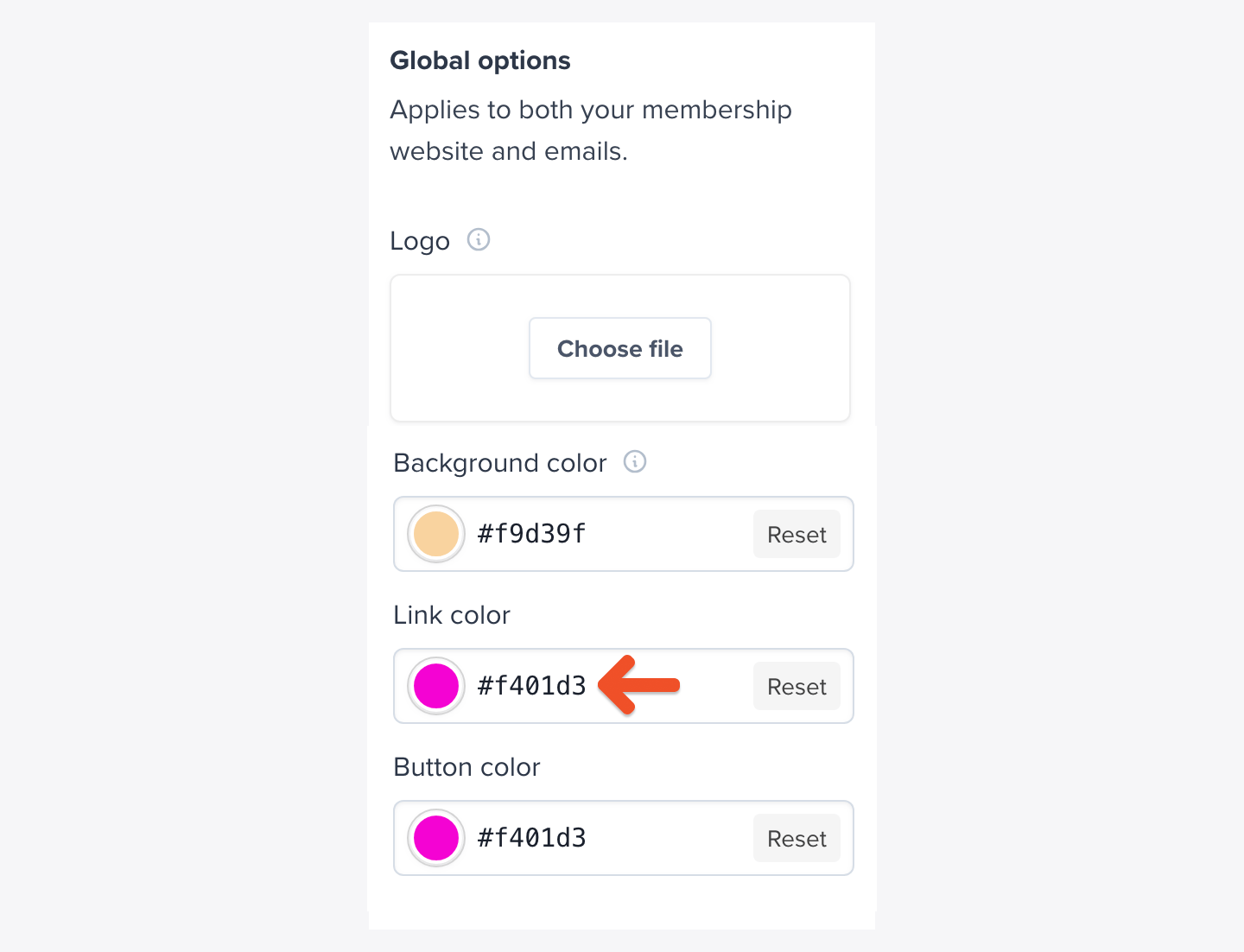 The color will be applied to links on our hosted member site and emails.
## Choose a button color
You can set a custom color for the main action buttons on your hosted member site and emails. This also applies to buttons like sign-in, place an order, update profile, and more.
The color will be applied to links on our hosted member site and emails.
## Choose a button color
You can set a custom color for the main action buttons on your hosted member site and emails. This also applies to buttons like sign-in, place an order, update profile, and more.
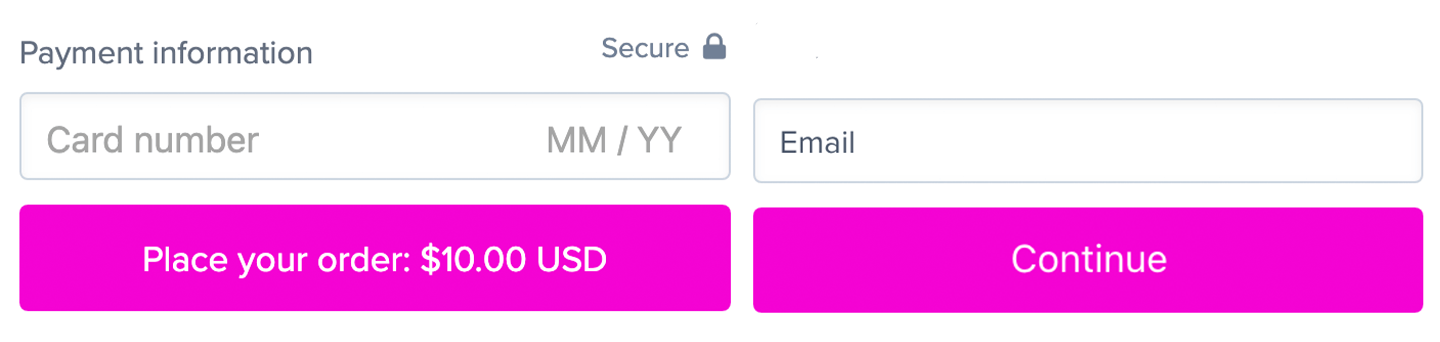 The process of choosing a button color works exactly the same way as choosing a background or link color. Please see [Choose a background color](#choose-a-background-color) for detailed instructions.