> ## Documentation Index
> Fetch the complete documentation index at: https://memberful.com/docs/llms.txt
> Use this file to discover all available pages before exploring further.
# Manage your account in test mode
> Memberful starts in test mode, which you can use for free. When you're ready to go live, you can add your payment method and connect with Stripe.
export const RelatedDocs = ({link1, link2, link3, link4, link5, link6, link7, link8, link9, link10, className = ""}) => {
const links = [link1, link2, link3, link4, link5, link6, link7, link8, link9, link10].filter(Boolean);
if (!links.length) return null;
return ;
};
In this help article, we'll explore how to add a payment method and connect your Stripe account to start accepting live payments.
## Add a payment method
When you're ready to accept real payments on your site, go to *Settings → Stripe.* You'll be prompted to add a payment method so we can charge you the monthly Memberful plan fee when you go live.
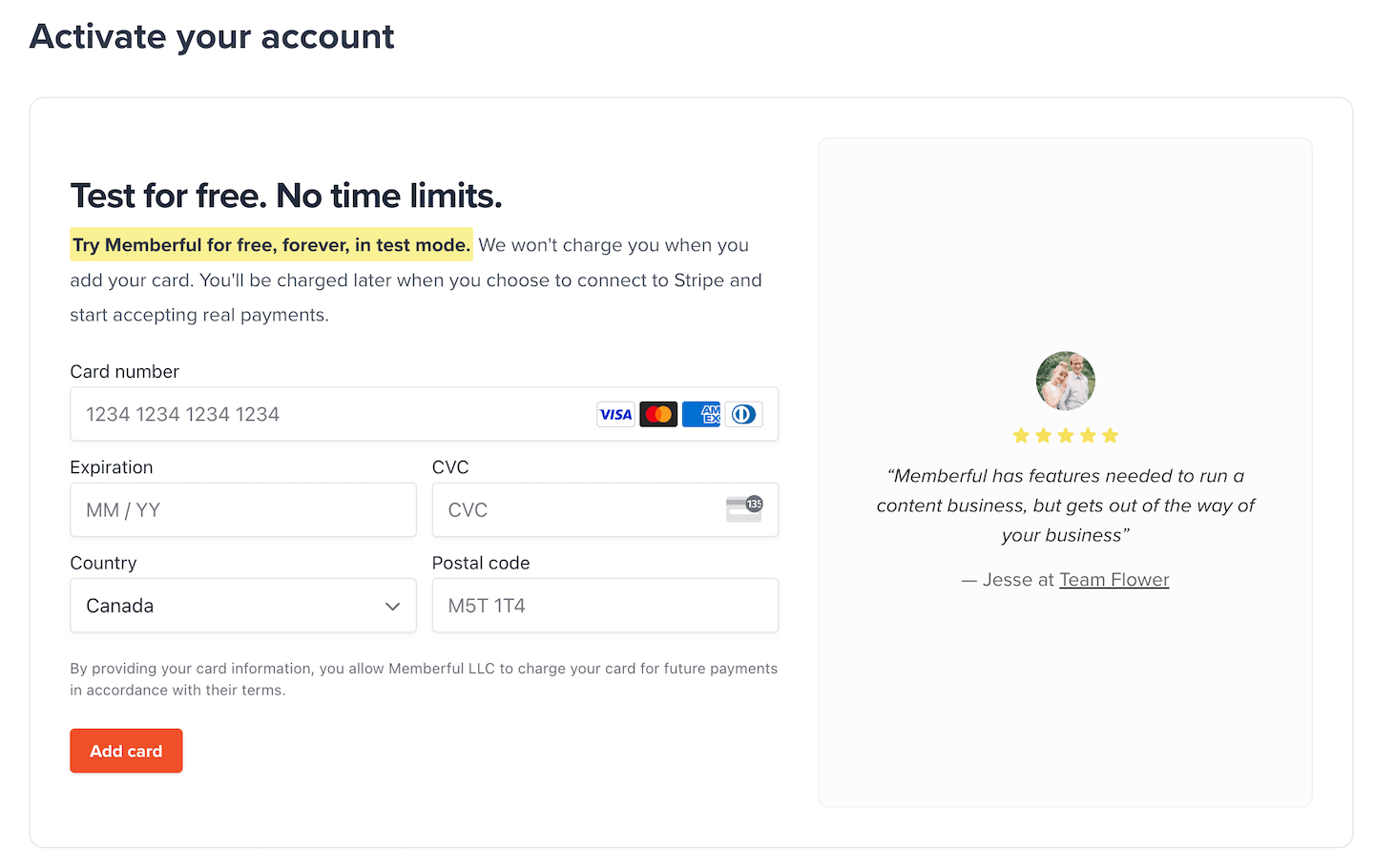 Once you go live, you can't return to test mode, so stay in test mode until you're fully ready to launch. Connecting to Stripe will also start your [Memberful monthly fees](https://memberful.com/pricing/).
## Connect your Stripe account
Once that's done, click **Connect with Stripe** and select your Stripe account.
Once you go live, you can't return to test mode, so stay in test mode until you're fully ready to launch. Connecting to Stripe will also start your [Memberful monthly fees](https://memberful.com/pricing/).
## Connect your Stripe account
Once that's done, click **Connect with Stripe** and select your Stripe account.
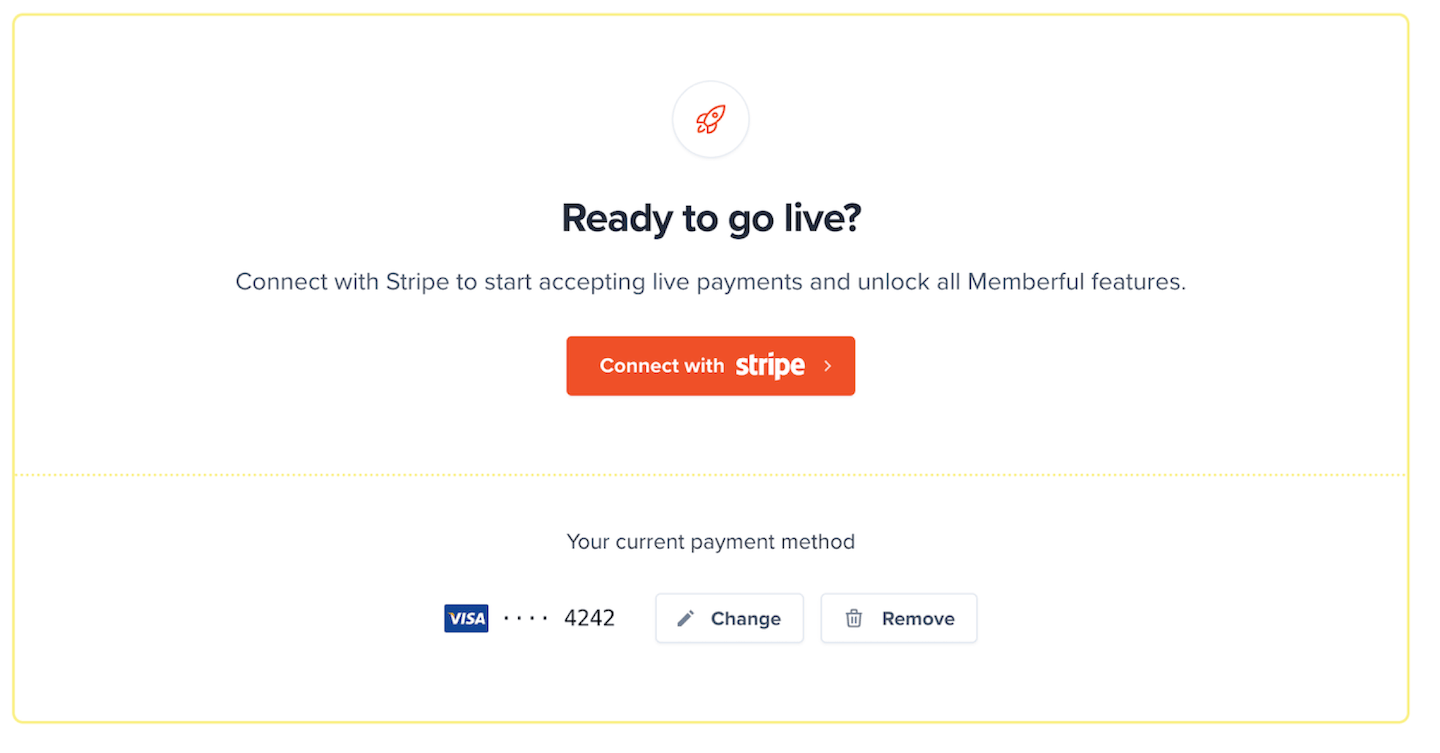 Once live, you CANNOT switch back to test mode. We will:
* Turn off test mode
* Turn on real payments
* Delete all test orders
* Delete all test members
* Lock your currency
* Charge your plan fee
If you don't have a Stripe account, you can sign up directly from Memberful. The form is short and simple.
## Start accepting live payments
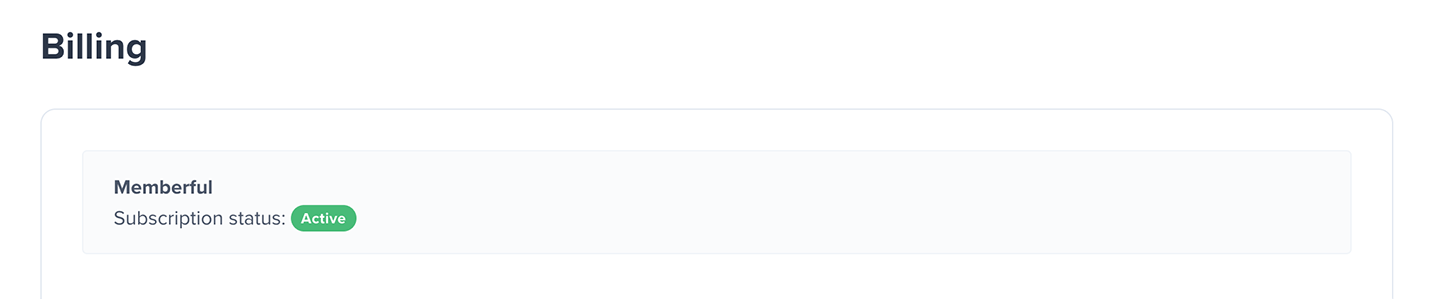
Now your Memberful monthly plan is active.
Once live, you CANNOT switch back to test mode. We will:
* Turn off test mode
* Turn on real payments
* Delete all test orders
* Delete all test members
* Lock your currency
* Charge your plan fee
If you don't have a Stripe account, you can sign up directly from Memberful. The form is short and simple.
## Start accepting live payments
Now your Memberful monthly plan is active.
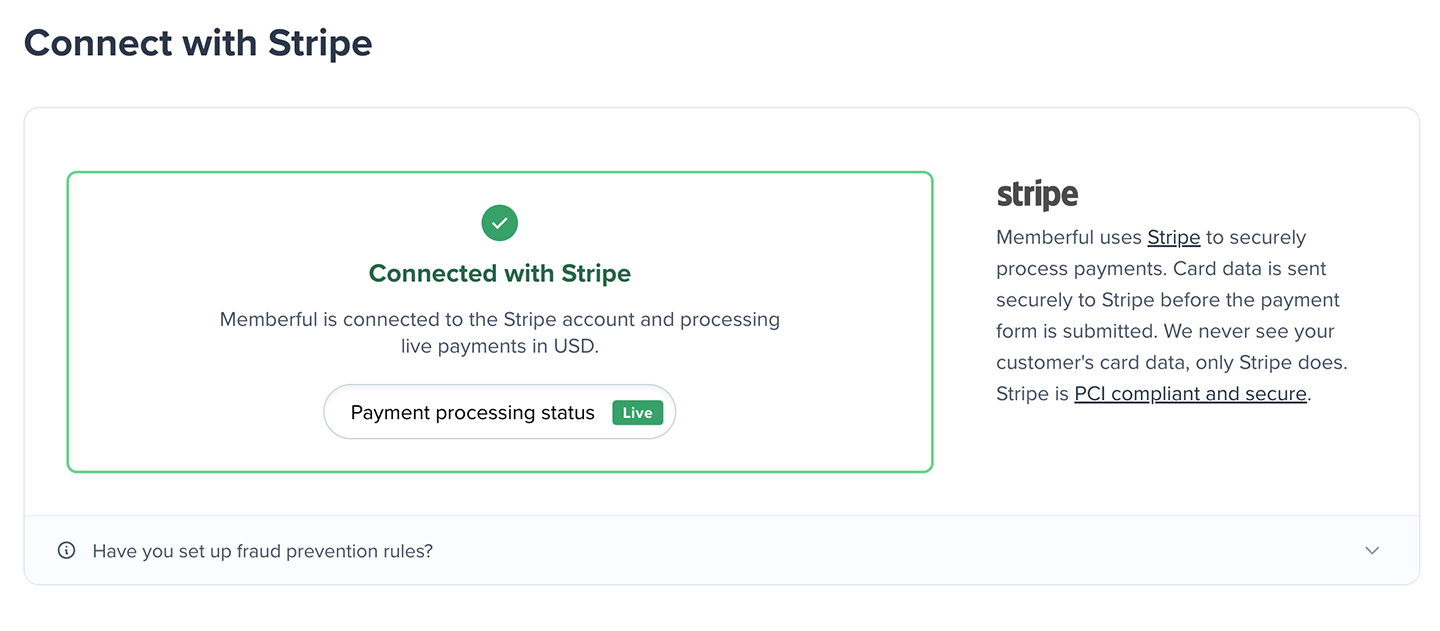
 And you're ready to start accepting live payments. 🚀