> ## Documentation Index
> Fetch the complete documentation index at: https://memberful.com/docs/llms.txt
> Use this file to discover all available pages before exploring further.
# Manage your account in live mode
> Manage your Memberful account in live mode. Update billing details, check your Stripe connection status, and review settings that affect real member payments.
export const RelatedDocs = ({link1, link2, link3, link4, link5, link6, link7, link8, link9, link10, className = ""}) => {
const links = [link1, link2, link3, link4, link5, link6, link7, link8, link9, link10].filter(Boolean);
if (!links.length) return null;
return ;
};
In this help article, we'll walk through how to update your billing details, manage your Stripe connection, and perform other back-office tasks from your Memberful dashboard.
## Reactivate your account
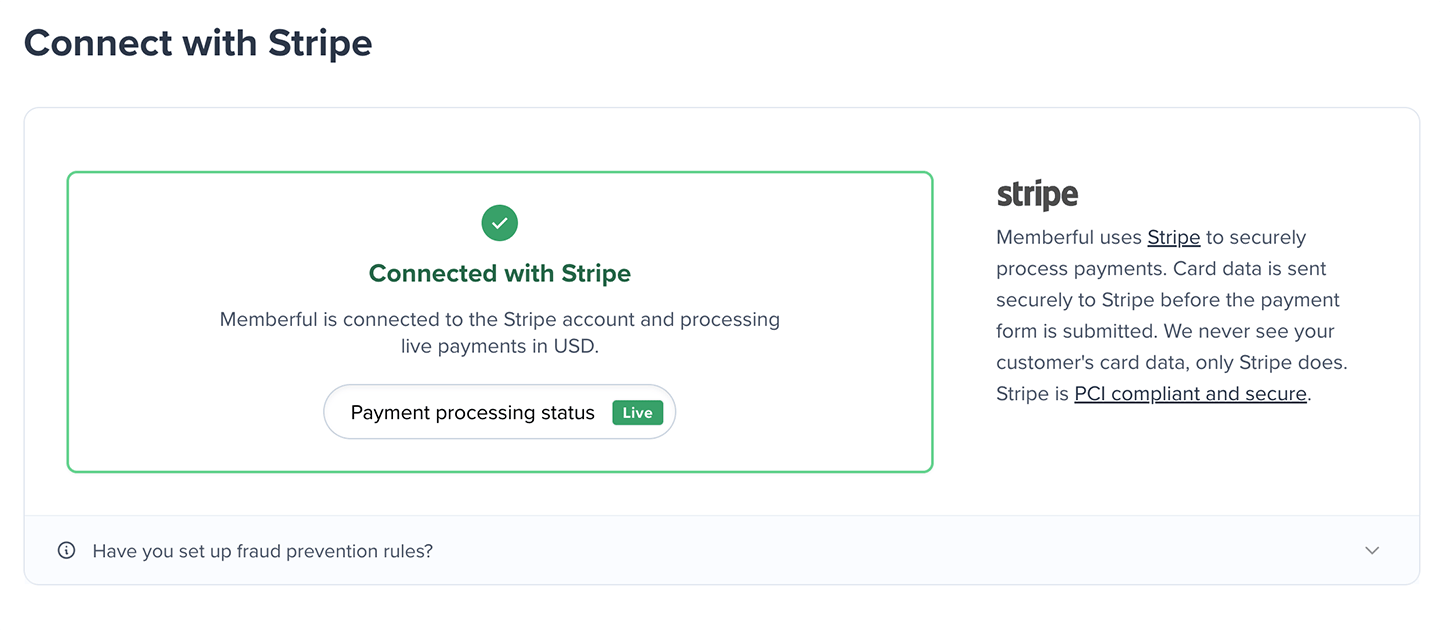
If your \$49 monthly plan payment fails, we'll retry several times during a short grace period. If payment still can't be processed:
* Transaction fees increase from 4.9% to 12.5%
* Emailing posts via Memberful will be disabled
To restore your account:
1. Go to *Settings → Billing.*
2. Update your payment method.
3. Click **Reactivate my account.**
 ## Update your credit card
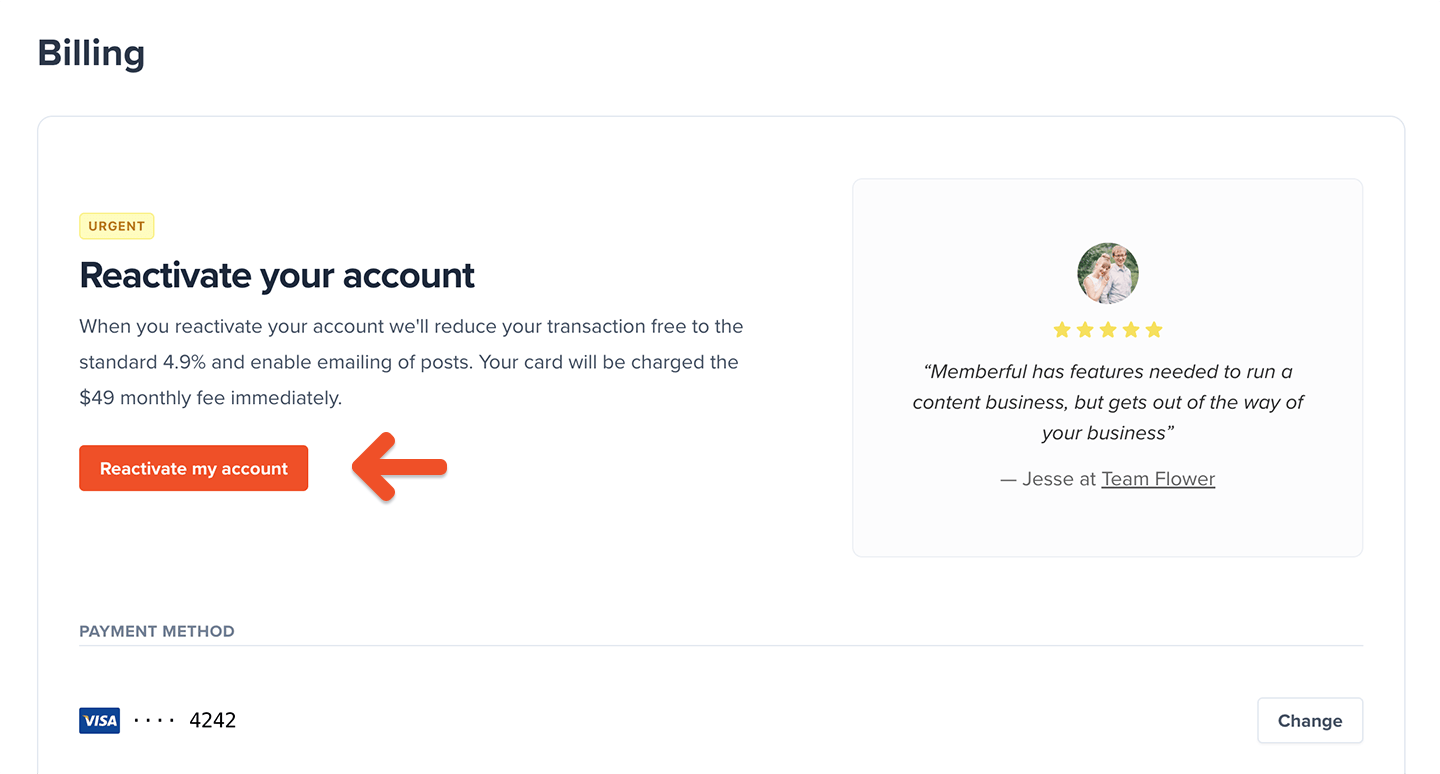
To change your payment method:
1. Go to *Settings → Billing.*
2. Click **Change.**
3. Enter your new card details and click **Save.**
## Update your credit card
To change your payment method:
1. Go to *Settings → Billing.*
2. Click **Change.**
3. Enter your new card details and click **Save.**
 ## Update your billing address
To add or update your billing address:
1. Go to *Settings → Billing.*
2. Click **Add address** or **Edit address.**
## Update your billing address
To add or update your billing address:
1. Go to *Settings → Billing.*
2. Click **Add address** or **Edit address.**
 ## View your Memberful receipts
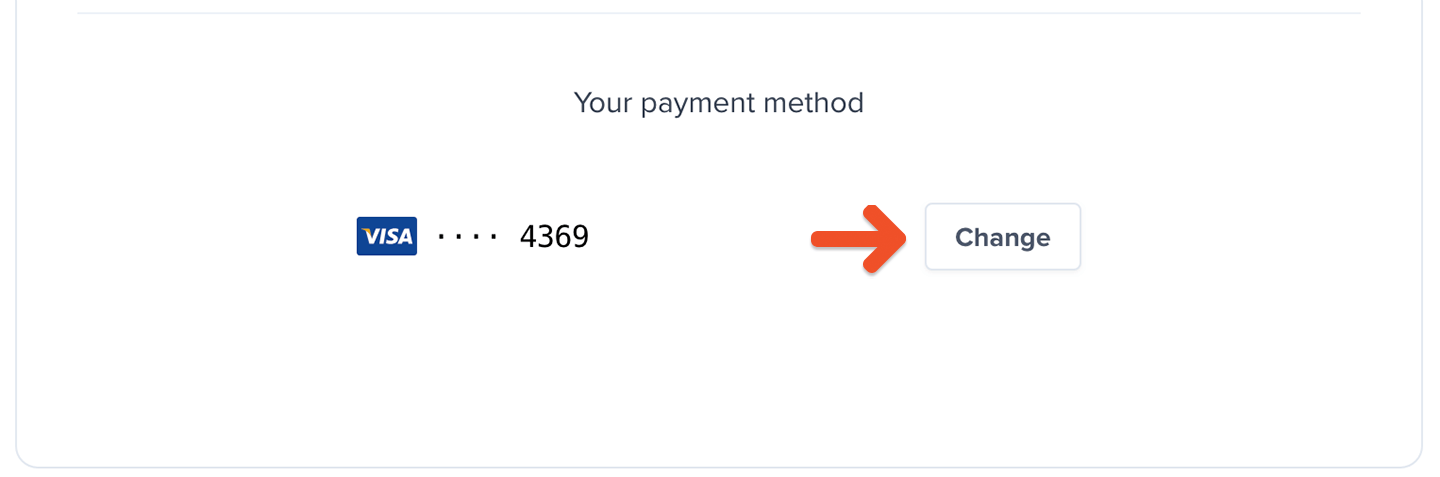
You can access a history of all past receipts:
1. Go to *Settings → Billing*
2. Scroll to the *Receipts* section.
## View your Memberful receipts
You can access a history of all past receipts:
1. Go to *Settings → Billing*
2. Scroll to the *Receipts* section.
 ## Check your connection to Stripe
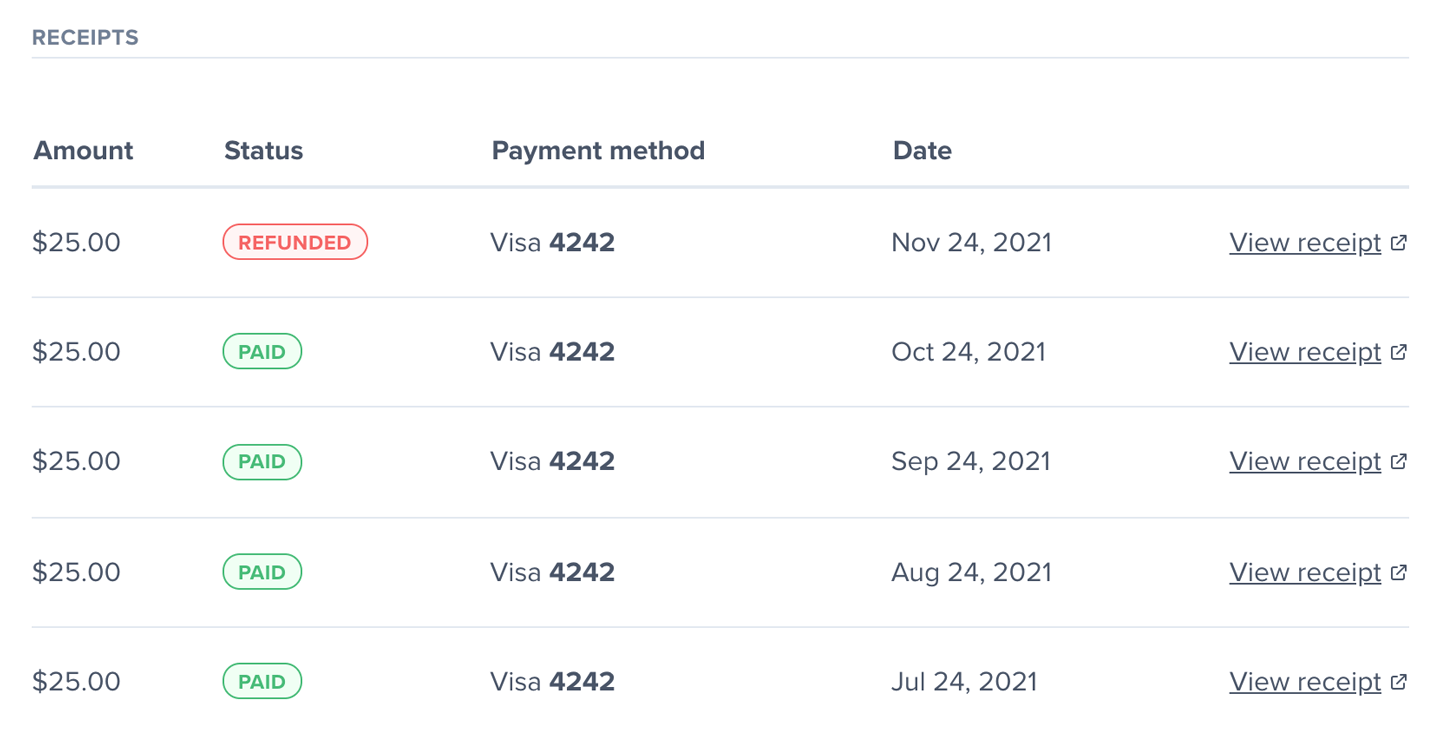
To view your Stripe connection status, go to *Settings → Stripe.*
## Check your connection to Stripe
To view your Stripe connection status, go to *Settings → Stripe.*