Related help docs:
 ## Change your account URL subdomain
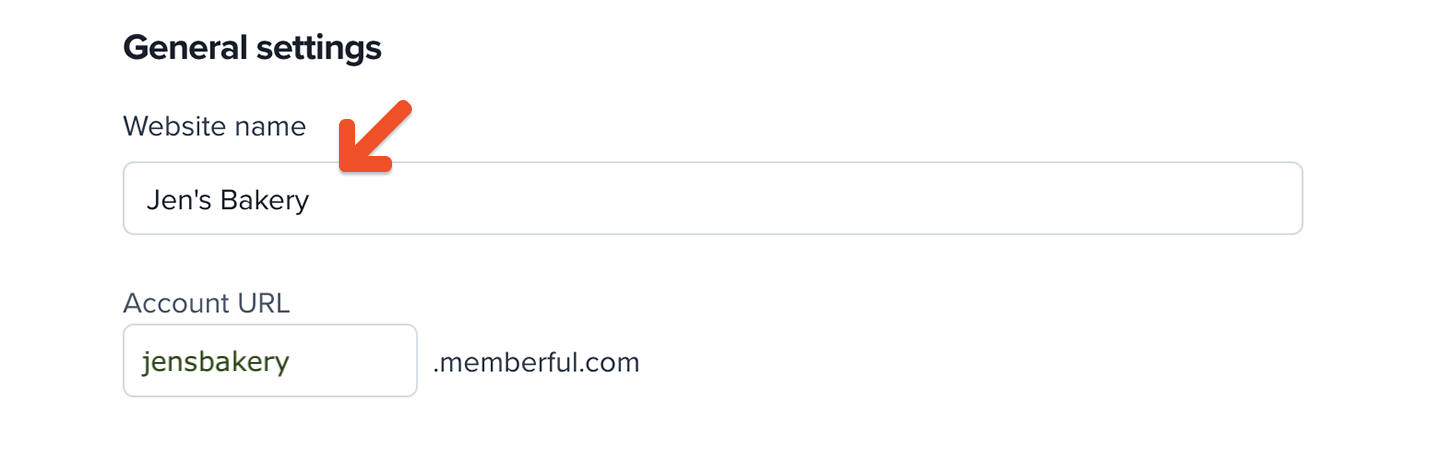
To update your account URL:
1. Go to *Website → General settings.*
2. Enter a new subdomain and save.
## Change your account URL subdomain
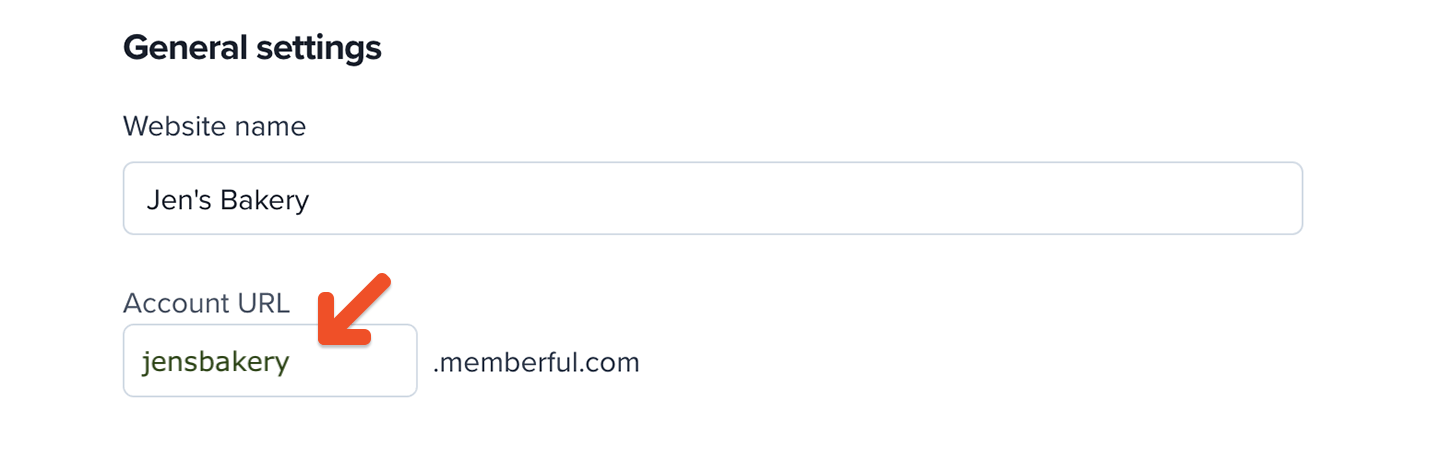
To update your account URL:
1. Go to *Website → General settings.*
2. Enter a new subdomain and save.
 Changing your account URL affects:
* [Plan purchase links](/plans/promote-and-sell/add-a-link-to-buy-a-plan/)
* [Member account management link](/member-interface/account/access-their-account/)
* [Subscribe page link](/website-builder/pages/subscribe-page/)
* [Member website link](/overview/setup-guides/hosted-member-site/)
* [Discord authorization link](/community/discord/discord-post-setup/#invite-existing-members)
* [Members' private podcast feeds](/overview/setup-guides/paid-podcast/#your-listeners-subscribe-to-a-podcast)
You'll need to update these links wherever you've shared them. Important: Podcast subscribers will need to resubscribe to their private feeds.
If you're using the Memberful WordPress plugin, [disconnect and reconnect the plugin](/wordpress-plugin/troubleshooting/disconnect-reconnect-plugin/) after changing your account URL to refresh links (e.g. those added via shortcodes).
You can also [set up a custom domain](/configuration/branding/set-up-a-custom-domain/) to use your own domain name instead of a Memberful subdomain.
## Change your website URL
This setting is only available for non-WordPress sites.
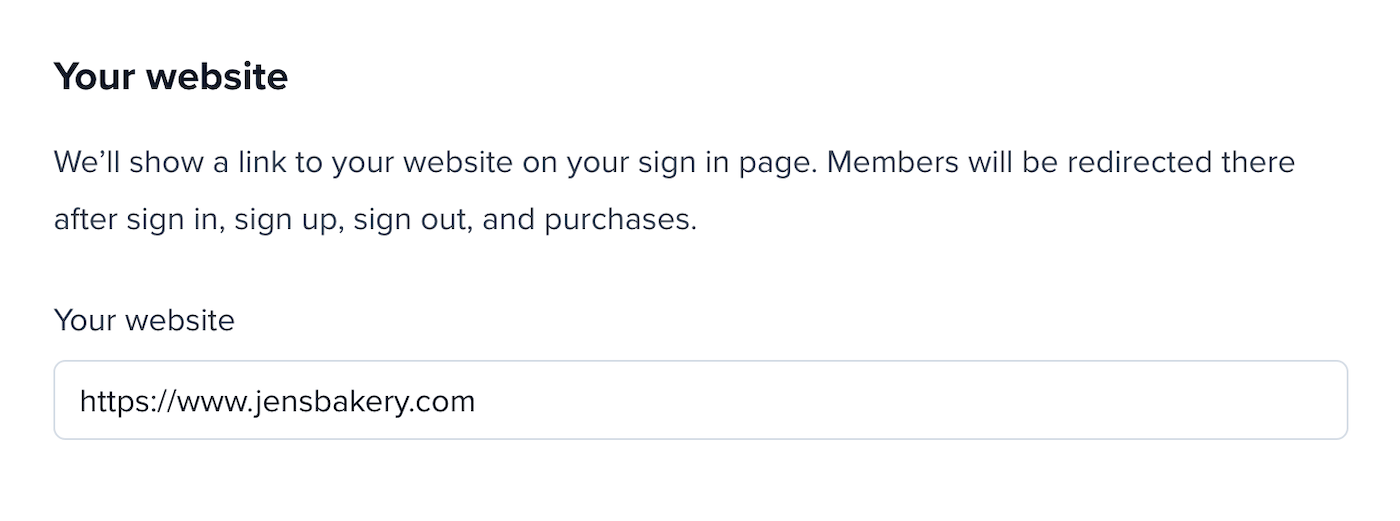
To update your external website URL:
1. Go to *Website → Domain and redirects.*
2. Enter your new URL and save.
For WordPress users: The website URL is automatically populated when you integrate the [Memberful WordPress plugin](/wordpress-plugin/setup/install-the-memberful-plugin/)—no manual update needed.
Changing your account URL affects:
* [Plan purchase links](/plans/promote-and-sell/add-a-link-to-buy-a-plan/)
* [Member account management link](/member-interface/account/access-their-account/)
* [Subscribe page link](/website-builder/pages/subscribe-page/)
* [Member website link](/overview/setup-guides/hosted-member-site/)
* [Discord authorization link](/community/discord/discord-post-setup/#invite-existing-members)
* [Members' private podcast feeds](/overview/setup-guides/paid-podcast/#your-listeners-subscribe-to-a-podcast)
You'll need to update these links wherever you've shared them. Important: Podcast subscribers will need to resubscribe to their private feeds.
If you're using the Memberful WordPress plugin, [disconnect and reconnect the plugin](/wordpress-plugin/troubleshooting/disconnect-reconnect-plugin/) after changing your account URL to refresh links (e.g. those added via shortcodes).
You can also [set up a custom domain](/configuration/branding/set-up-a-custom-domain/) to use your own domain name instead of a Memberful subdomain.
## Change your website URL
This setting is only available for non-WordPress sites.
To update your external website URL:
1. Go to *Website → Domain and redirects.*
2. Enter your new URL and save.
For WordPress users: The website URL is automatically populated when you integrate the [Memberful WordPress plugin](/wordpress-plugin/setup/install-the-memberful-plugin/)—no manual update needed.